Sponsored

Starlink on sale. But is it the latest and greatest, or a clearance?

swampcrawler

Active member
First Name
charlie
Joined
Aug 17, 2025
Threads
2
Messages
38
Reaction score
55
Location
miami
Vehicles
3, S, CT
Country flag
Westmarine has starlink (“standard kit”)on sale for $175, they say 50% off.

https://www.westmarine.com/starlink-standard-kit-20988945.html

Is this a good deal? Or are they try to unload last years’ version as the new one comes out?

I don’t know enough about starlink models and pricing, but $175 down and $5 a month, doesn’t seem like a bad deal for backup emergency internet…

what say the voices that know? Should I buy? Or should I wait?
Sponsored

 

hemiarch

Well-known member
First Name
Ace
Joined
Jan 22, 2025
Threads
116
Messages
8,380
Reaction score
9,637
Location
Arizona
Vehicles
2024 foundation AWD, 2024 model x
Occupation
Trauma Surgeon
Country flag
First, I’ll preface by saying I’m not one of the voices that know.
My vote would be for a Starlink mini. Particularly as a backup device, the utility of a small gadget that can run on almost any type of power and be thrown in a backpack or operated with minimal effort from the truck cabin is higher in my opinion.
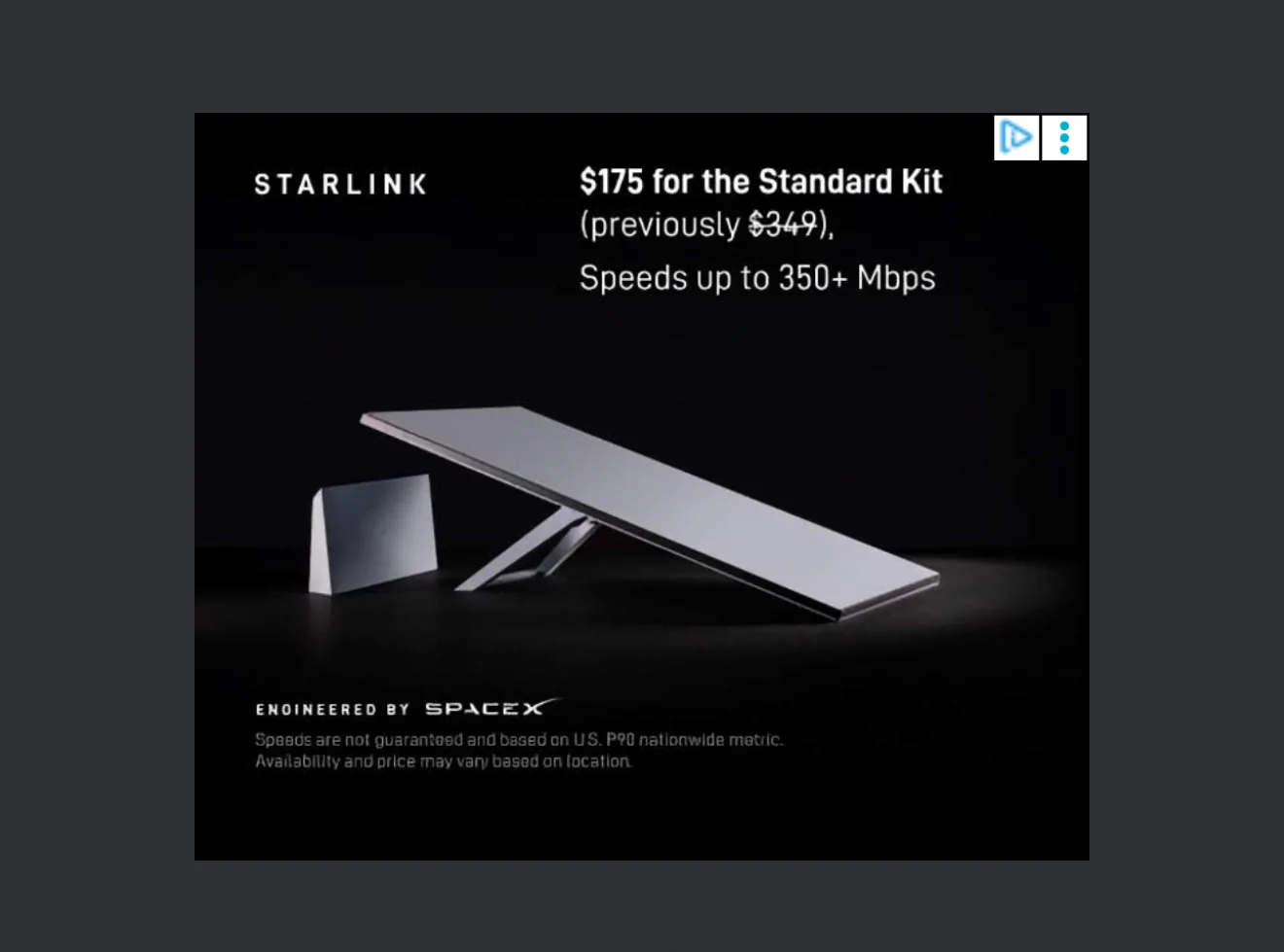
Also, according to an internet banner immediately above my post, it doesn’t appear to just be west marine but Starlink themselves selling for $175.

Tesla Cybertruck Starlink on sale. But is it the latest and greatest, or a clearance? IMG_5420
 
Last edited:

CyberT

Well-known member
Joined
May 18, 2020
Threads
23
Messages
674
Reaction score
1,418
Location
Orange County, CA
Vehicles
2024 Cybertruck AWD and 2018 Model 3 LR RWD
Occupation
Service Technician
Country flag
First off, order directly through Starlink. This way you can get a free month of service by using a referral code.
Their current Starlink Standard is the 3rd generation Residential system with speeds up to 400mbps. I currently use this kit in my home in the Philippines, and I have another Starlink Mini that I use in my truck and camping.

I've also installed over 30 Starlink systems for my clients, with most as backup internet or "failover" to their primary internet.

There is a lot to learn, and just like Tesla, it's a fun rabbit hole. However, in short, Standard Residential is what you would order for your home Internet. It's simple to set up, use the Starlink app to find the best location that is free from obstacles, run the wire into your home, and plug into the supplied router. You can purchase additional Starlink routers to expand the wireless coverage in your home via an Ethernet connection or wireless mesh.

The Starlink Mini is slightly slower in its download performance, with typical speeds of 150 Mbps down. However, the trade-off is its small form factor and built-in router. It's ideal for their Roam service that allows you to use it anywhere in the world and up to 100mph.

Send me a DM if you would like to learn more and I'd be happy to help!

I don't have conditions for any help I provide. I am happy to help the community, but as I mentioned before, if you want to order Starlink, then use a referral link to get a free month of service. Here is mine, in case you don't personally know someone who has it. https://www.starlink.com/residential?referral=RC-3557991-22334-68
 

resellpanda88

Well-known member
Joined
Jan 9, 2025
Threads
0
Messages
321
Reaction score
179
Location
NY
Vehicles
Cyber Truck
Country flag
First off, order directly through Starlink. This way you can get a free month of service by using a referral code.
Their current Starlink Standard is the 3rd generation Residential system with speeds up to 400mbps. I currently use this kit in my home in the Philippines, and I have another Starlink Mini that I use in my truck and camping.

I've also installed over 30 Starlink systems for my clients, with most as backup internet or "failover" to their primary internet.

There is a lot to learn, and just like Tesla, it's a fun rabbit hole. However, in short, Standard Residential is what you would order for your home Internet. It's simple to set up, use the Starlink app to find the best location that is free from obstacles, run the wire into your home, and plug into the supplied router. You can purchase additional Starlink routers to expand the wireless coverage in your home via an Ethernet connection or wireless mesh.

The Starlink Mini is slightly slower in its download performance, with typical speeds of 150 Mbps down. However, the trade-off is its small form factor and built-in router. It's ideal for their Roam service that allows you to use it anywhere in the world and up to 100mph.

Send me a DM if you would like to learn more and I'd be happy to help!

I don't have conditions for any help I provide. I am happy to help the community, but as I mentioned before, if you want to order Starlink, then use a referral link to get a free month of service. Here is mine, in case you don't personally know someone who has it. https://www.starlink.com/residential?referral=RC-3557991-22334-68
Can starlink replace my home's Internet?
 

jf64k

Well-known member
Joined
Dec 12, 2023
Threads
34
Messages
1,232
Reaction score
1,989
Location
Los Angeles
Vehicles
2020 MYLR (Lola), 2024 FS AWD (Deckard 263-54)
Country flag
Can starlink replace my home's Internet?
It's my only home internet in North San Diego County.

It was ridiculously easy to set up and I see 200-320 speeds. I purchased/installed July 2025.

Video calls, streaming, etc all work great.


kpanda17

Well-known member
Joined
Jun 8, 2023
Threads
25
Messages
993
Reaction score
1,014
Location
USA
Vehicles
Tesla Model 3RWD, Tesla Model MYP
Country flag
Can starlink replace my home's Internet?
Absolutely
I’ve replaced my 1Gig FTTX with starlink
My performance has been 498mbps down
Up for file moves, voice and video has not been an issue typically seeing 30mbps
 

CyberT

Well-known member
Joined
May 18, 2020
Threads
23
Messages
674
Reaction score
1,418
Location
Orange County, CA
Vehicles
2024 Cybertruck AWD and 2018 Model 3 LR RWD
Occupation
Service Technician
Country flag
Can starlink replace my home's Internet?
In many cases, it can and will.
I mentioned that I primarily install STARLINK as a backup internet for my clients since they live in urban and suburban locations that already have gigabit, low-latency Internet Service providers.
Today’s smart homes are truly dependent on reliable internet, and even rare outages, whether it be from maintenance or power outages, will cause inconveniences.

I tend to recommend STARLINK as a backup (paying for two Internet services) IF you have reliable gigabit and low-latency internet available and want to be covered if your primary Internet goes out. Generally, the other ISPs will be more affordable, faster, and have less latency. BUT, if you don't have access to other fast ISPs, OR maybe you want to give your current ISP the middle finger, then you should consider STARLINK.

I almost always add a Ubiquiti network to my clients' homes to provide excellent coverage throughout their homes and to facilitate remote support. Today's next-generation routers from Ubiquiti have dual WANs and can be configured as a failover if you are paying for two Internet services, so when the primary Internet is interrupted or goes down, the secondary network takes over in a fraction of a second, so quick that you wouldn't even know the primary Internet was down. Think of it as a "powerwall" in that the power stays on even during outages.

That being said, it’s a game-changer for my home in the Philippines. As many will attest here, Starlink is very capable of delivering a reliable and fast primary internet connection.
Sponsored


Top