Sponsored

conorearly

Member
First Name
Conor
Joined
Sep 8, 2023
Threads
2
Messages
10
Reaction score
32
Location
Kalamazoo, MI
Vehicles
Model 3
Occupation
Nurse Anesthetist
Country flag
Just returned from two weeks in Michigan’s Upper Peninsula, and the Starlink Mini was our hero. Cell service vanishes north of the Mackinac Bridge, but this dish delivered flawless connectivity everywhere - while driving or stationary.

The Challenge:

Our Airbnb had sluggish dish-based internet (20Mbps down / 3-4Mbps up). With kids wanting to stream/game and our reliance on maps, we needed a real solution.

The Setup:

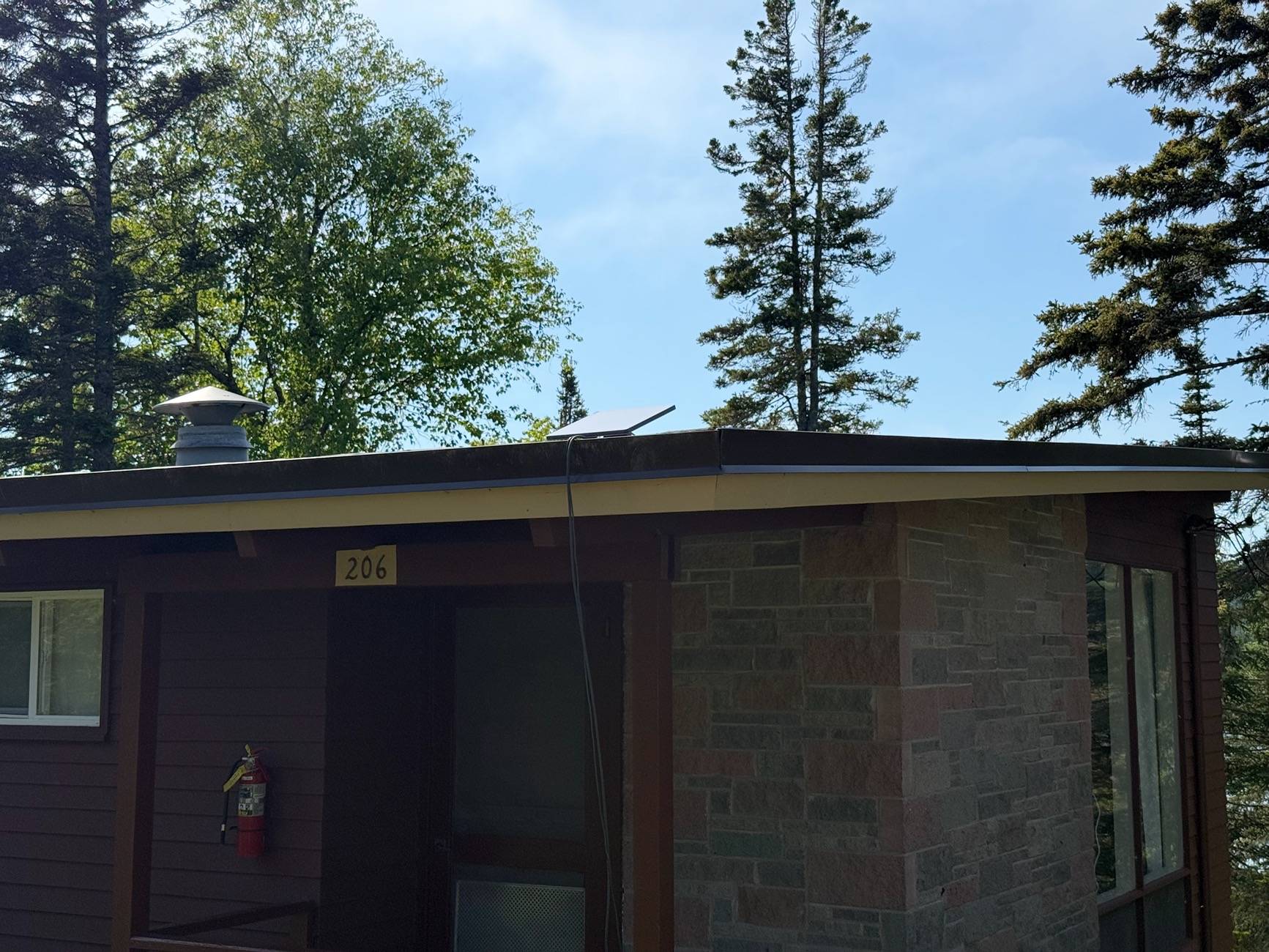
1. Pulled the Mini off its ConTronX car magnet mount
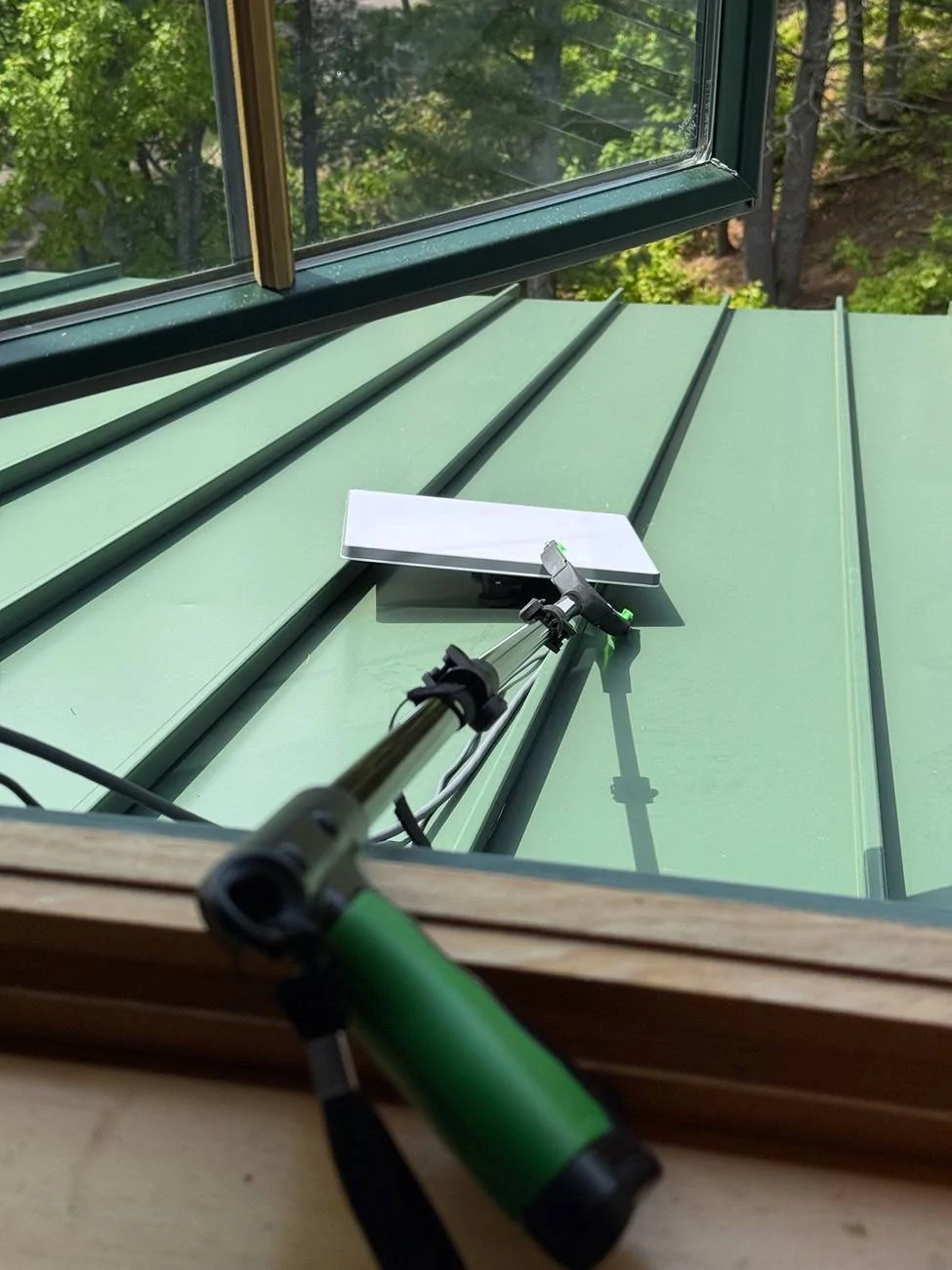
2. Used a 4-foot gripper tool (essential!) to position it optimally without a ladder
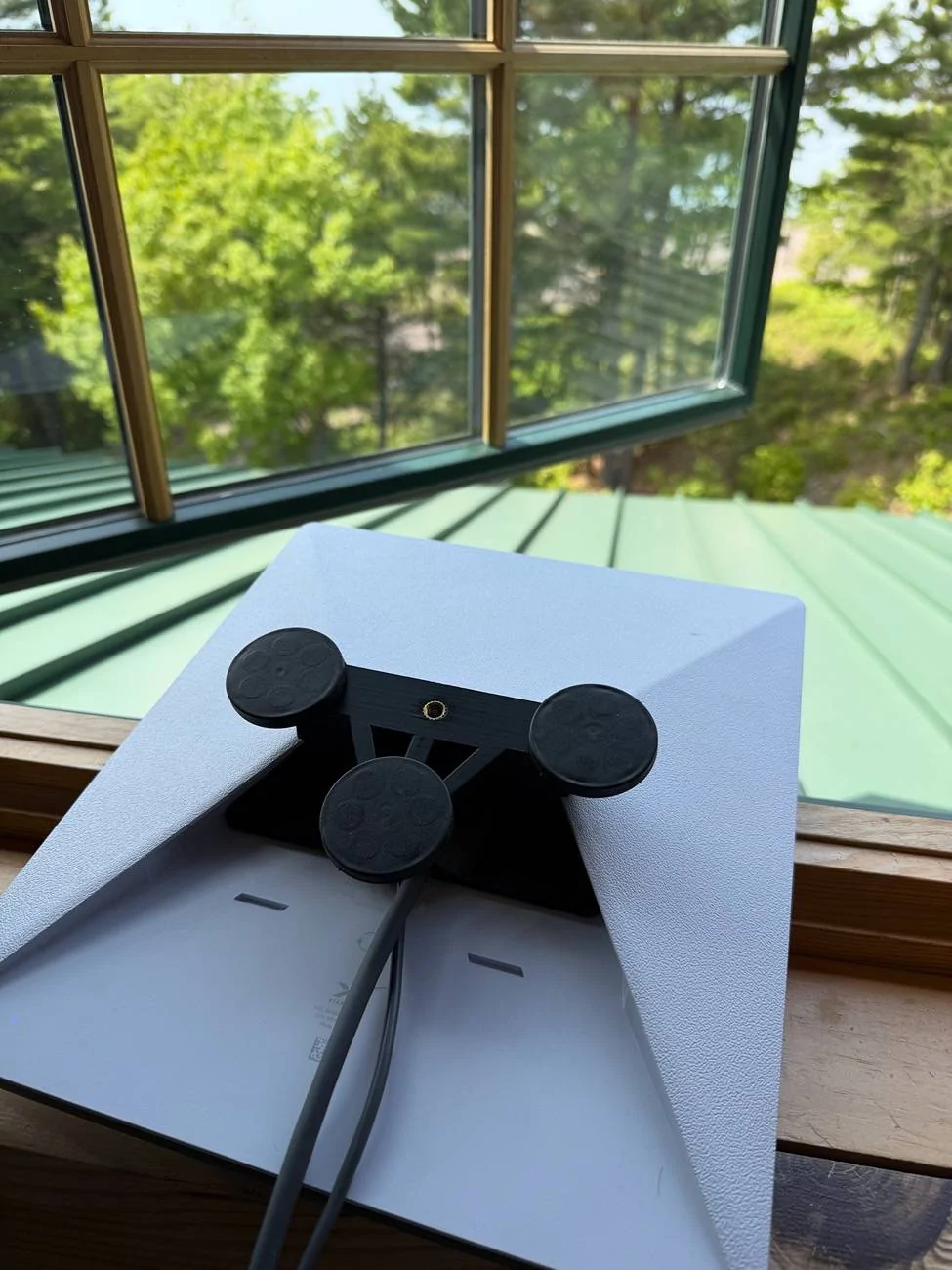
3. Mounted it indoors with a spare magnet base
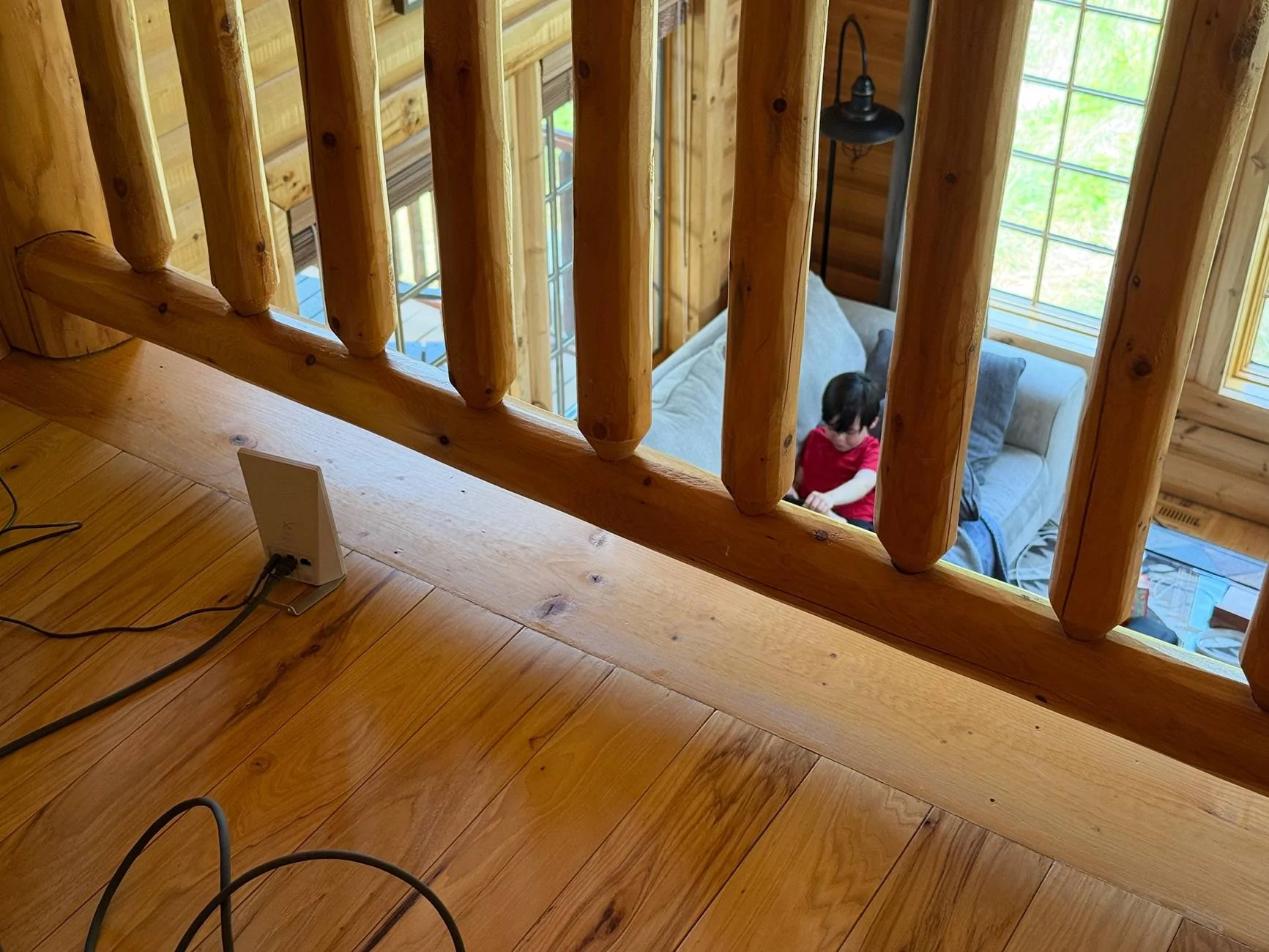
4. Hooked up two Mini routers for whole-house coverage

The Results:

- 150Mbps+ down / 20Mbps up throughout the rental
- Survived multiple Lake Superior thunderstorms without dropping signal
- Gave the family cable-like speeds for streaming/gaming after beach days
- Even worked on the 3.5-hour ferry to Isle Royale National Park (zero cell service)

Why It Shined:

- Car-to-cabin transition in seconds
- Rugged and storm-tested reliability
- The gripper tool made placement safe and simple
- Kept everyone connected in truly remote areas
-CT was by far the most comfortable vehicle we’ve used for our summer road trip!
-I used FSD for about 90% of the driving and it worked awesome! Made the 10+ hour drive north so much more relaxing


If you venture beyond cell towers, this setup is a lifesaver. Never traveling without it again.

Tesla Cybertruck Cybertruck and Starlink Mini: Our UP Vacation Game-Changer IMG_3066


Tesla Cybertruck Cybertruck and Starlink Mini: Our UP Vacation Game-Changer IMG_3347


Tesla Cybertruck Cybertruck and Starlink Mini: Our UP Vacation Game-Changer IMG_3349


Tesla Cybertruck Cybertruck and Starlink Mini: Our UP Vacation Game-Changer IMG_3530


Tesla Cybertruck Cybertruck and Starlink Mini: Our UP Vacation Game-Changer IMG_3344
Sponsored


Nice2CTu

Well-known member
Joined
Jun 15, 2024
Threads
2
Messages
110
Reaction score
154
Location
Florida
Vehicles
Cybertruck Beast
Country flag
Once again reading comprehension fails you.
You're going to love the Casita. I have a freedom deluxe. You should get about 120-175, depending on the location of the next charger and how daring you are lol. I made 175 miles of two full charges with rightly 10% left. Right now, I'm camping on a beach on Long Island with no service and the CT is powering the entire camper.
At $84 for the bare adapter and $140 with the soft shackle, the price is rather high compared to heavier alternatives, but this is a low volume specialty product. The price includes free ground shipping.
Just returned from two weeks in Michigan’s Upper Peninsula, and the Starlink Mini was our hero. Cell service vanishes north of the Mackinac Bridge, but this dish delivered flawless connectivity everywhere - while driving or stationary.

The Challenge:

Our Airbnb had sluggish dish-based internet (20Mbps down / 3-4Mbps up). With kids wanting to stream/game and our reliance on maps, we needed a real solution.

The Setup:

1. Pulled the Mini off its ConTronX car magnet mount
2. Used a 4-foot gripper tool (essential!) to position it optimally without a ladder
3. Mounted it indoors with a spare magnet base
4. Hooked up two Mini routers for whole-house coverage

The Results:

- 150Mbps+ down / 20Mbps up throughout the rental
- Survived multiple Lake Superior thunderstorms without dropping signal
- Gave the family cable-like speeds for streaming/gaming after beach days
- Even worked on the 3.5-hour ferry to Isle Royale National Park (zero cell service)

Why It Shined:

- Car-to-cabin transition in seconds
- Rugged and storm-tested reliability
- The gripper tool made placement safe and simple
- Kept everyone connected in truly remote areas
-CT was by far the most comfortable vehicle we’ve used for our summer road trip!
-I used FSD for about 90% of the driving and it worked awesome! Made the 10+ hour drive north so much more relaxing


If you venture beyond cell towers, this setup is a lifesaver. Never traveling without it again.

IMG_3066.jpeg


IMG_3347.jpeg


IMG_3349.jpeg


IMG_3530.jpeg


IMG_3344.jpeg
Awesome, do you have url links to the mini routers and 4-foot gripper?


JimBuck333

Well-known member
First Name
Jim
Joined
Jul 18, 2024
Threads
0
Messages
74
Reaction score
102
Location
New York
Vehicles
Model Y, Cybertruck being processed
Occupation
Engineer
Country flag
Just returned from two weeks in Michigan’s Upper Peninsula, and the Starlink Mini was our hero. Cell service vanishes north of the Mackinac Bridge, but this dish delivered flawless connectivity everywhere - while driving or stationary.

The Challenge:

Our Airbnb had sluggish dish-based internet (20Mbps down / 3-4Mbps up). With kids wanting to stream/game and our reliance on maps, we needed a real solution.

The Setup:

1. Pulled the Mini off its ConTronX car magnet mount
2. Used a 4-foot gripper tool (essential!) to position it optimally without a ladder
3. Mounted it indoors with a spare magnet base
4. Hooked up two Mini routers for whole-house coverage

The Results:

- 150Mbps+ down / 20Mbps up throughout the rental
- Survived multiple Lake Superior thunderstorms without dropping signal
- Gave the family cable-like speeds for streaming/gaming after beach days
- Even worked on the 3.5-hour ferry to Isle Royale National Park (zero cell service)

Why It Shined:

- Car-to-cabin transition in seconds
- Rugged and storm-tested reliability
- The gripper tool made placement safe and simple
- Kept everyone connected in truly remote areas
-CT was by far the most comfortable vehicle we’ve used for our summer road trip!
-I used FSD for about 90% of the driving and it worked awesome! Made the 10+ hour drive north so much more relaxing


If you venture beyond cell towers, this setup is a lifesaver. Never traveling without it again.
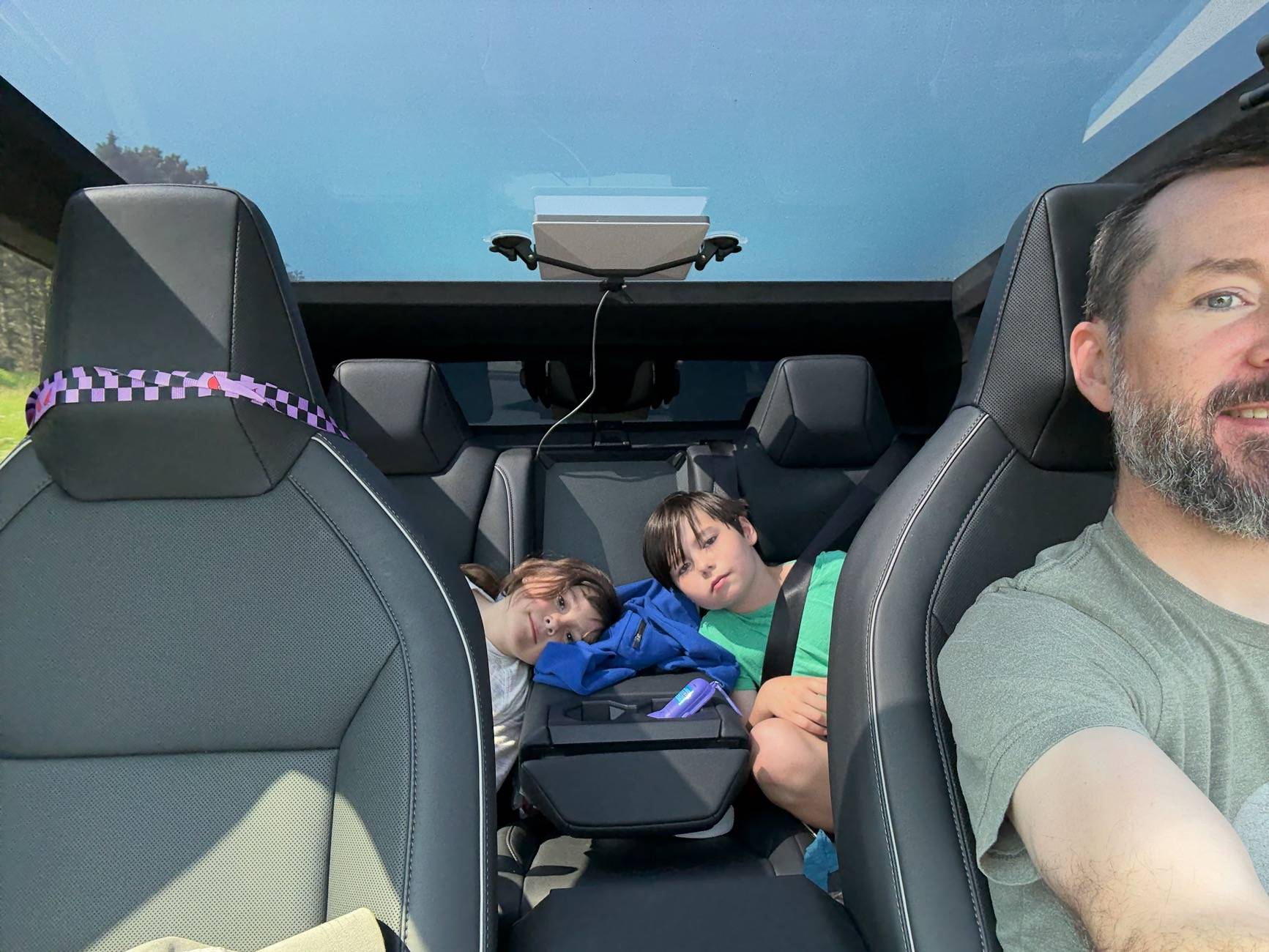
IMG_3066.jpeg


IMG_3347.jpeg


IMG_3349.jpeg


IMG_3530.jpeg


IMG_3344.jpeg
Very worthwhile and fully-informative post!
 

deek

Well-known member
First Name
Glenn
Joined
Aug 28, 2024
Threads
9
Messages
79
Reaction score
141
Location
Texas
Vehicles
Cyberbeast
Occupation
Management
Country flag
Just returned from two weeks in Michigan’s Upper Peninsula, and the Starlink Mini was our hero. Cell service vanishes north of the Mackinac Bridge, but this dish delivered flawless connectivity everywhere - while driving or stationary.

The Challenge:

Our Airbnb had sluggish dish-based internet (20Mbps down / 3-4Mbps up). With kids wanting to stream/game and our reliance on maps, we needed a real solution.

The Setup:

1. Pulled the Mini off its ConTronX car magnet mount
2. Used a 4-foot gripper tool (essential!) to position it optimally without a ladder
3. Mounted it indoors with a spare magnet base
4. Hooked up two Mini routers for whole-house coverage
You need a Jackery 100.

I strongly agree the Starlink mini is a game-changer. We used ours on a 4k mile road trip, where my wife had multi-hour training calls while we were driving and it worked well the entire time. We also have ours on inside suction cup mounts. I don't recall it ever noticeably dropping while driving.

My limitation with the mini has been powering it. I thought USB power would be fine when I first bought it; but it is not reliable. The mini would come up for a few minutes, then choke. I tried both Starlink and after-market USB cables. The Starlink cable will not even start, and lights up the error light when first powered on. My aftermarket cable would at least try, but inevitably the mini would reboot after a few minutes.

So I pcked up a PD thinking that would be an easy solution to maintain power during startup I first bought an Anker, then another Anker, then an INIU. All advertised "pass-through charging". What they don't tell you is that pass-through only works when the input wattage is higher than the output wattage. That is a problem for the mini at startup, as the wattage draw is high at startup, more than the truck's USB port can throw at it. The wattage drops significantly after startup..

Finally, based on a post about the Jackery, I ordered the 100..and it works.

It is good to have my rear AC outlet again. Also with the mini on USB power the mini stays up while charging the truck when the AC outlets are turned off.
Sponsored


Top