
- First Name
- Tesstudio
- Joined
- Oct 13, 2024
- Threads
- 243
- Messages
- 694
- Reaction score
- 196
- Location
- USA
- Website
- www.tesstudio.com
- Vehicles
- Cybertruck

- Thread starter
- #1
Quick facts first: these puddle/projector lights produce a sharp logo projection, are made to be durable for everyday use, and they support custom cut-file inserts (Cricut-friendly) so you can change the projected design. That means you get factory-style branding or your own creative logos without complicated mods.
Practical details: the projector creates a bright, focused image on asphalt or concrete — ideal for dim environments. The unit’s form factor lets it sit in the door pocket/door cavity area with minimal trimming on most installs, and wiring is straightforward for anyone comfortable with basic car-accessory installs. For owners who commute at night, this improves visibility of the step area and reduces trips/slips.
Customization tips: prepare your SVG/Cricut cut file at high contrast (solid fills work best), then install the custom slide in the projector lens area — test once in darkness to confirm alignment and clarity. Pro tip: trial with a plain white cut shape before moving to complex multi-part logos to speed alignment.
A.
 B.
C.
B.
C.
A Link:https://www.tesstudio.com/products/...ht-tesstudio®-cricut-friendly-cybertruck-logo
B Link:https://www.tesstudio.com/products/...oor-lamps-tesstudio®-cyberbeast-inspired-logo
C Link:https://www.tesstudio.com/products/...cybertruck-welcome-puddle-lights-tesstudio®-1
Practical details: the projector creates a bright, focused image on asphalt or concrete — ideal for dim environments. The unit’s form factor lets it sit in the door pocket/door cavity area with minimal trimming on most installs, and wiring is straightforward for anyone comfortable with basic car-accessory installs. For owners who commute at night, this improves visibility of the step area and reduces trips/slips.
Customization tips: prepare your SVG/Cricut cut file at high contrast (solid fills work best), then install the custom slide in the projector lens area — test once in darkness to confirm alignment and clarity. Pro tip: trial with a plain white cut shape before moving to complex multi-part logos to speed alignment.
A.
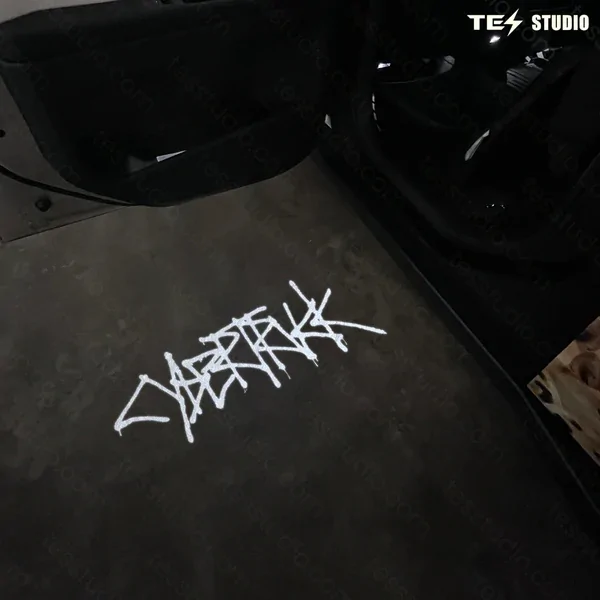
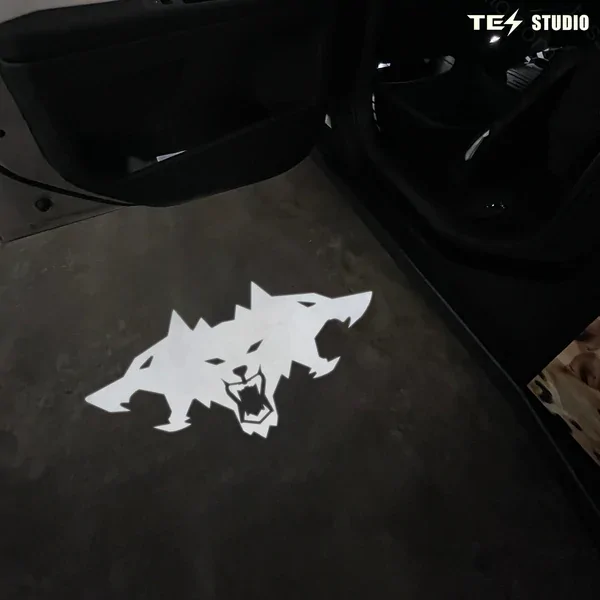
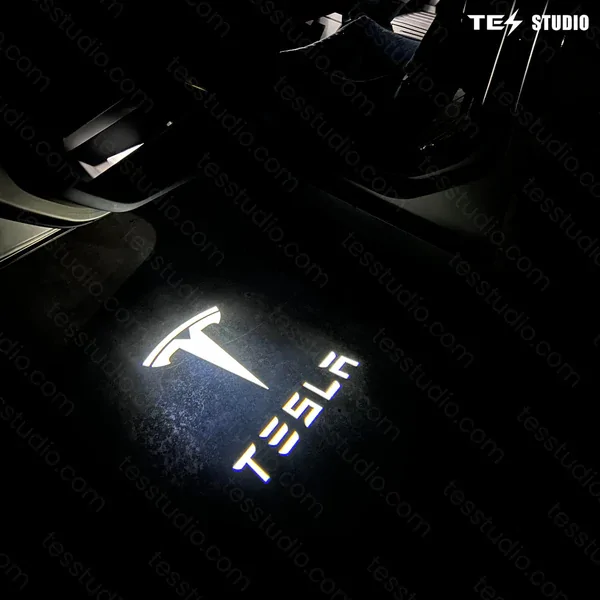
A Link:https://www.tesstudio.com/products/...ht-tesstudio®-cricut-friendly-cybertruck-logo
B Link:https://www.tesstudio.com/products/...oor-lamps-tesstudio®-cyberbeast-inspired-logo
C Link:https://www.tesstudio.com/products/...cybertruck-welcome-puddle-lights-tesstudio®-1
Sponsored


