GardensCT
Well-known member
- Joined
- Jul 5, 2024
- Threads
- 12
- Messages
- 148
- Reaction score
- 110
- Location
- SoFL
- Vehicles
- 2024 CyberBeast

- Thread starter
- #1
I received this product at no cost in exchange for my honest review below.
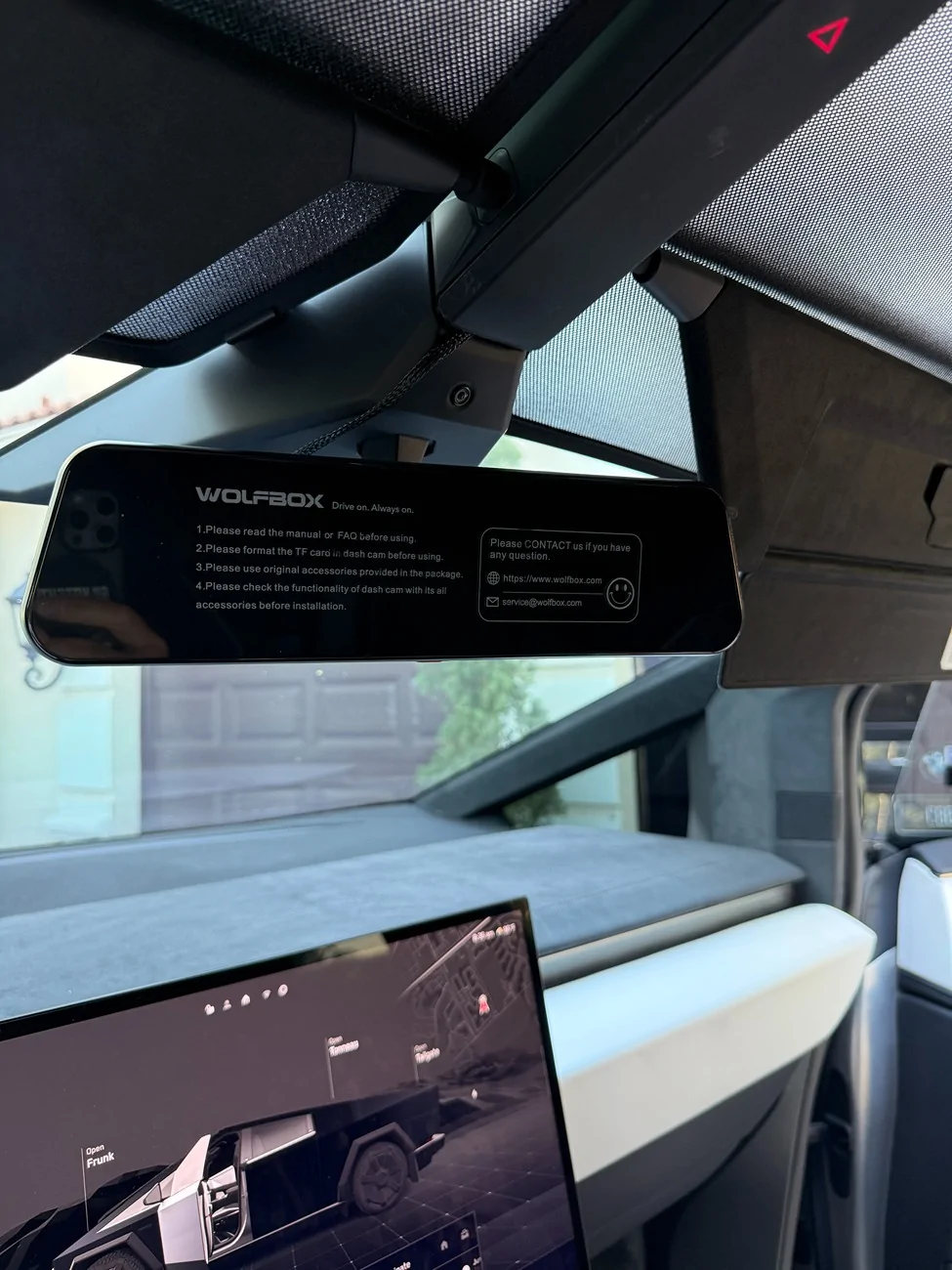
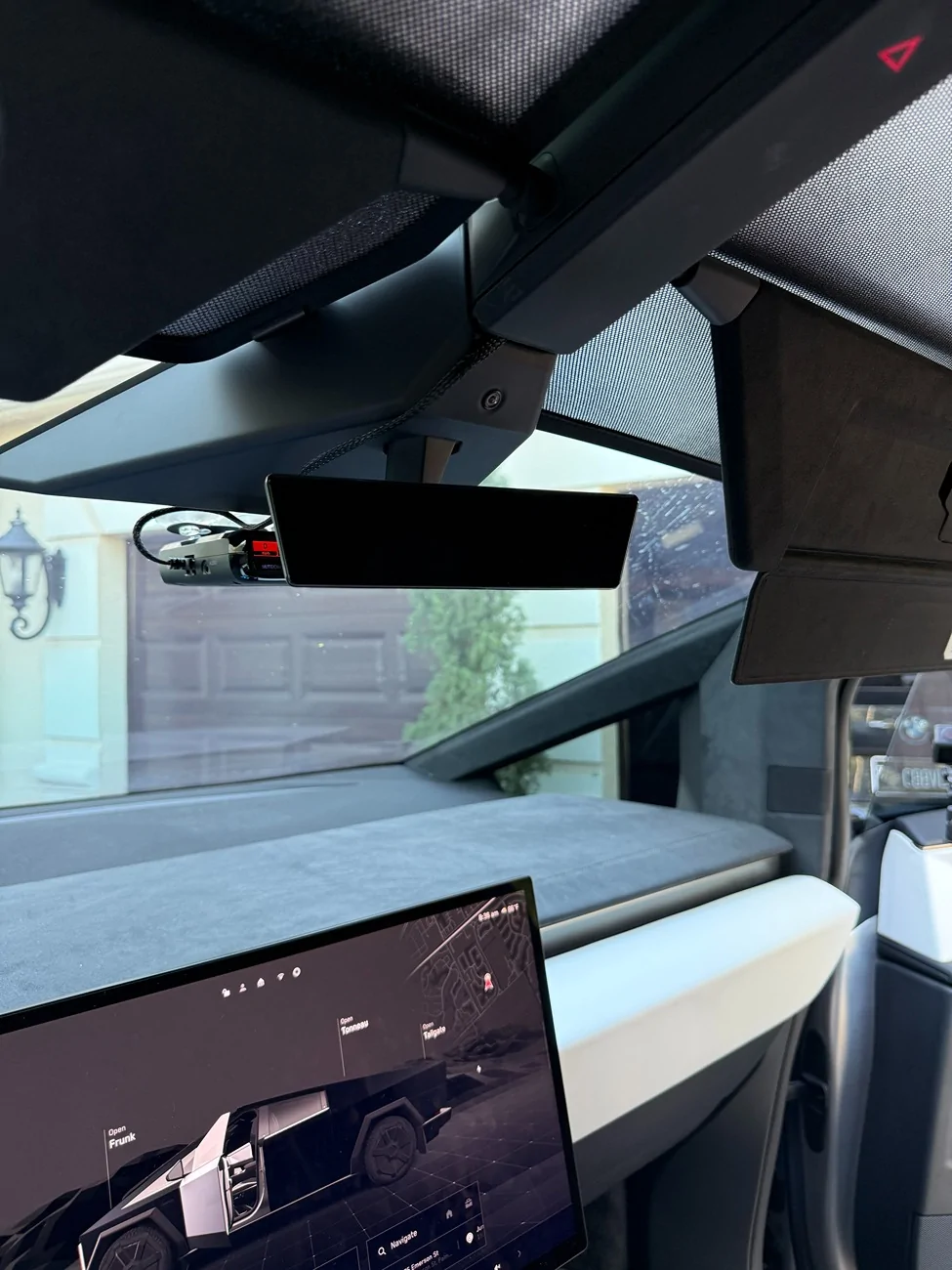
Opening the box I was initially quite impressed. Shipping was really fast and they included a lot of items, all individually packaged. It might be silly, but the quality of the packaging was higher-end so I could tell they cared. I opened each of the packages and soon realized that this was going to very much be a "figure it out" install and not a Cybertruck specific process. The kit and included materials were all generic meant for your typical 12V vehicle. The kit came with no installation instructions aside from connect power, connect camera. I didn't think I was going to be able to use it for 2 reasons - the OEM mount for the mirror is not compatible with our vehicles and the multiple power cables they sent were all for 12V vehicles. I contacted support and while responsive and very willing to help, I don't think they understood the Cybertruck nuance and how atypical this install was. Eventually, they pointed me to their OBD2 power cable, which was the simplest way to get power to the screen. They also sent this free of charge and that was the piece I needed to finish the install. The other issue was the screen mount. I ended up using the straps, but they fit loose since the OEM mirror is so small that the Wolfbox tends to bounce and shake a bit while driving. It is usable however.
Moving on, I used a couple of YouTube guides to install the power and camera cables. Power cable was pretty straightforward. The length was perfect and it was easy to run with not much guidance. The camera cable was bit trickier but also not too bad. The length of the cable I thought was going to be an issue (it's way too long), but I was able to wrap it under the side panels above the doors.
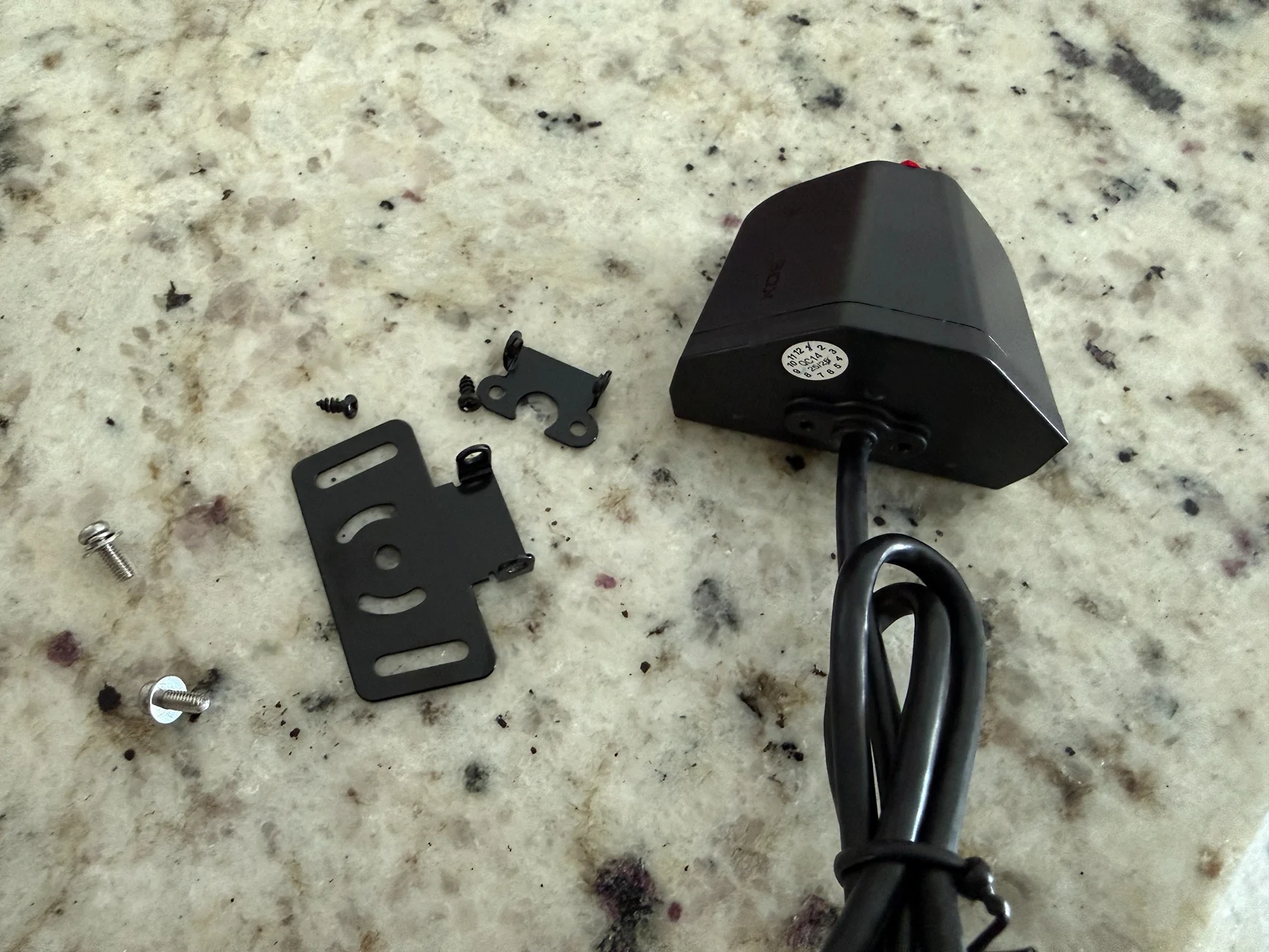
I removed the camera mount and used VHB to fix the camera directly on the panel above the tonneau cover where everyone else puts it. I put mine a bit lower on the panel so I could see in the truck bed, which led to about 5-6" of wire that are driving me nuts (see pics). I will figure out a way to hide it, I already have a few ideas.
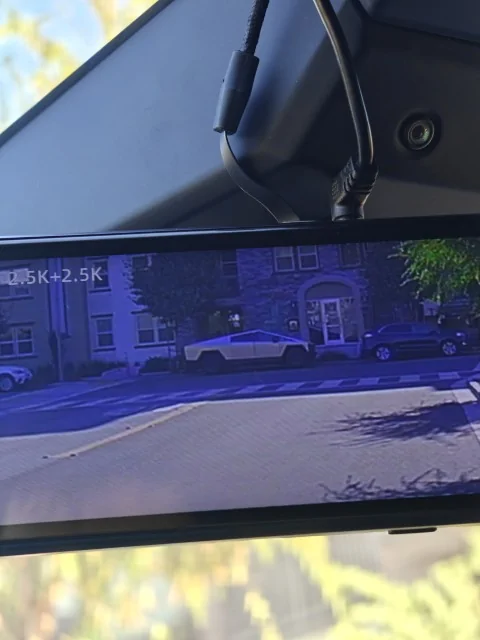
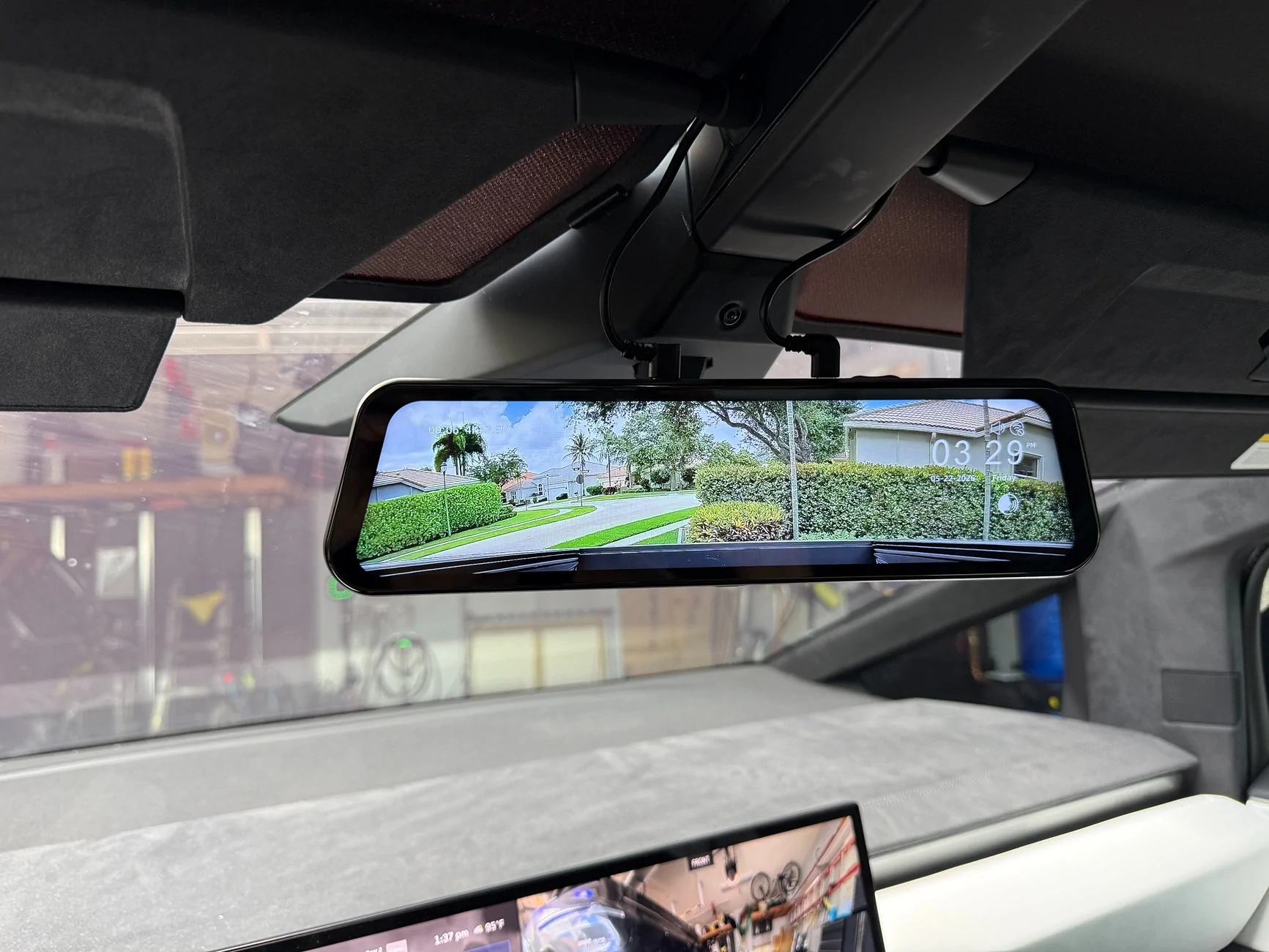
The screen itself is massive, quite a bit bigger than I would have purchased on my own. Quality is great however. Clear picture (often better than the OEM one) day and night and a very responsive menu. I didn't bother to install the GPS since I really just wanted the rearview camera. I'll attach a few pictures below.
Aside from the install, my only complaints are 1) it doesn't turn off automatically since I think the OBD2 port gets power all the time, so I have to remember to turn it off if I'm going to be somewhere for a long time. 2) The FOV of the camera is exactly like the OEM one, which is way too wide to be able to judge the distance of a vehicle behind you. I may try to use a replacement camera if I can find one on Amazon that's closer to 80-90 degrees.


Opening the box I was initially quite impressed. Shipping was really fast and they included a lot of items, all individually packaged. It might be silly, but the quality of the packaging was higher-end so I could tell they cared. I opened each of the packages and soon realized that this was going to very much be a "figure it out" install and not a Cybertruck specific process. The kit and included materials were all generic meant for your typical 12V vehicle. The kit came with no installation instructions aside from connect power, connect camera. I didn't think I was going to be able to use it for 2 reasons - the OEM mount for the mirror is not compatible with our vehicles and the multiple power cables they sent were all for 12V vehicles. I contacted support and while responsive and very willing to help, I don't think they understood the Cybertruck nuance and how atypical this install was. Eventually, they pointed me to their OBD2 power cable, which was the simplest way to get power to the screen. They also sent this free of charge and that was the piece I needed to finish the install. The other issue was the screen mount. I ended up using the straps, but they fit loose since the OEM mirror is so small that the Wolfbox tends to bounce and shake a bit while driving. It is usable however.
Moving on, I used a couple of YouTube guides to install the power and camera cables. Power cable was pretty straightforward. The length was perfect and it was easy to run with not much guidance. The camera cable was bit trickier but also not too bad. The length of the cable I thought was going to be an issue (it's way too long), but I was able to wrap it under the side panels above the doors.
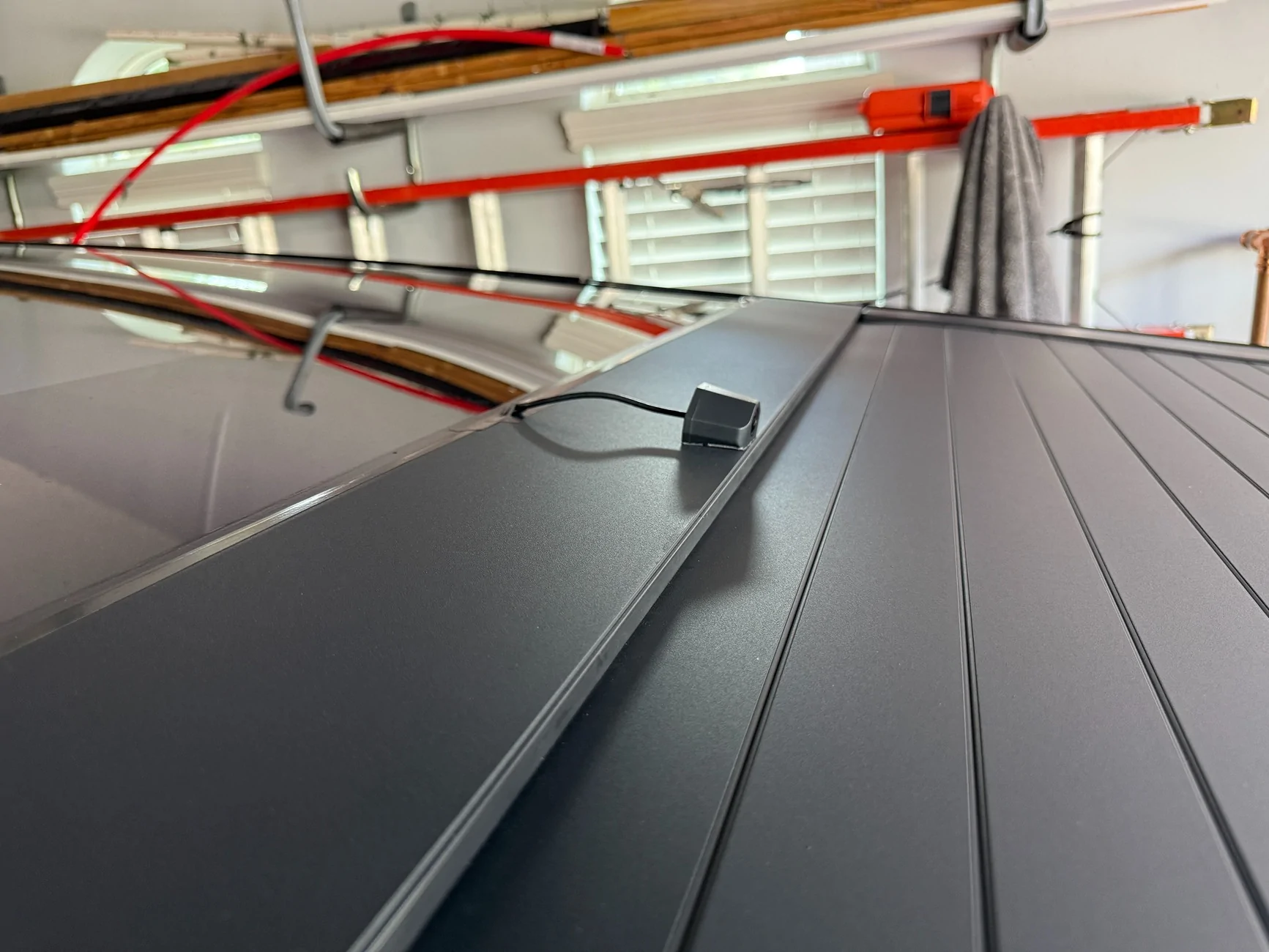
I removed the camera mount and used VHB to fix the camera directly on the panel above the tonneau cover where everyone else puts it. I put mine a bit lower on the panel so I could see in the truck bed, which led to about 5-6" of wire that are driving me nuts (see pics). I will figure out a way to hide it, I already have a few ideas.
The screen itself is massive, quite a bit bigger than I would have purchased on my own. Quality is great however. Clear picture (often better than the OEM one) day and night and a very responsive menu. I didn't bother to install the GPS since I really just wanted the rearview camera. I'll attach a few pictures below.
Aside from the install, my only complaints are 1) it doesn't turn off automatically since I think the OBD2 port gets power all the time, so I have to remember to turn it off if I'm going to be somewhere for a long time. 2) The FOV of the camera is exactly like the OEM one, which is way too wide to be able to judge the distance of a vehicle behind you. I may try to use a replacement camera if I can find one on Amazon that's closer to 80-90 degrees.
Sponsored
Last edited: