getsometom
Well-known member
- First Name
- Tom
- Joined
- Mar 31, 2024
- Threads
- 58
- Messages
- 1,593
- Reaction score
- 2,255
- Location
- Texas
- Vehicles
- Cybertruck

- Thread starter
- #1
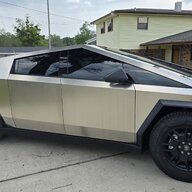
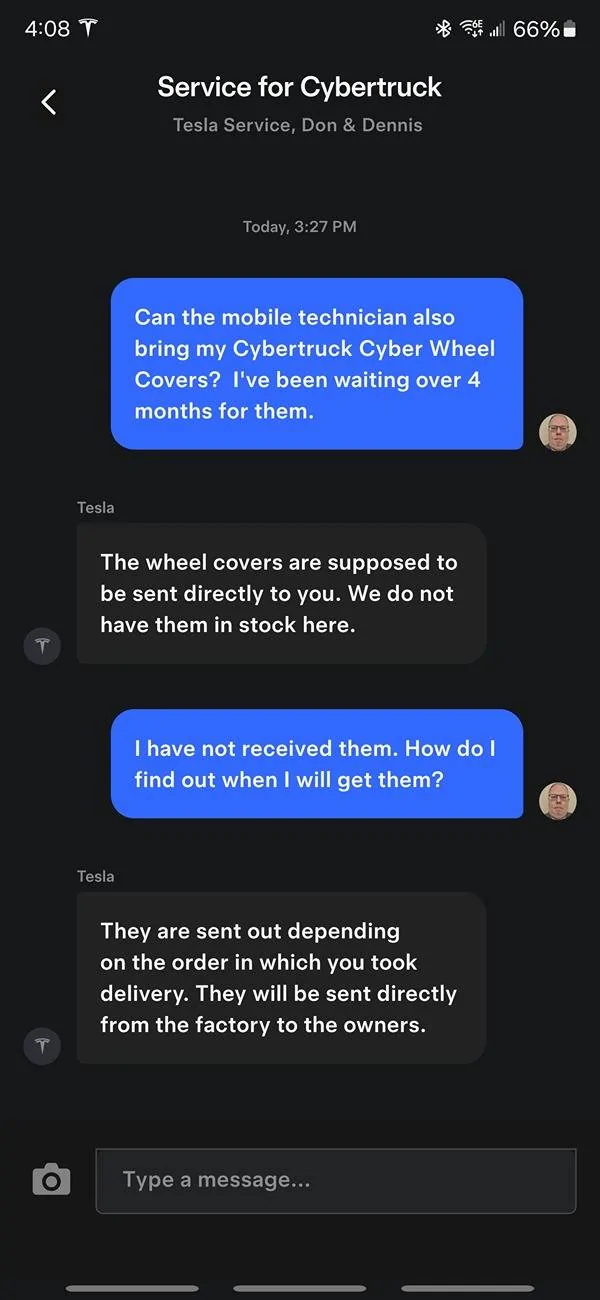
I picked up the set of all-terrain aero wheel covers from the local service center. I also requested them not to be installed after seeing many being incorrectly aligned and some people reporting scratches. Here are the step-by-step installation instructions on how I put them on.
TLDR: if you want to watch a video instead, here's Tesla's installation instructions which I did not know about until after installing mine.
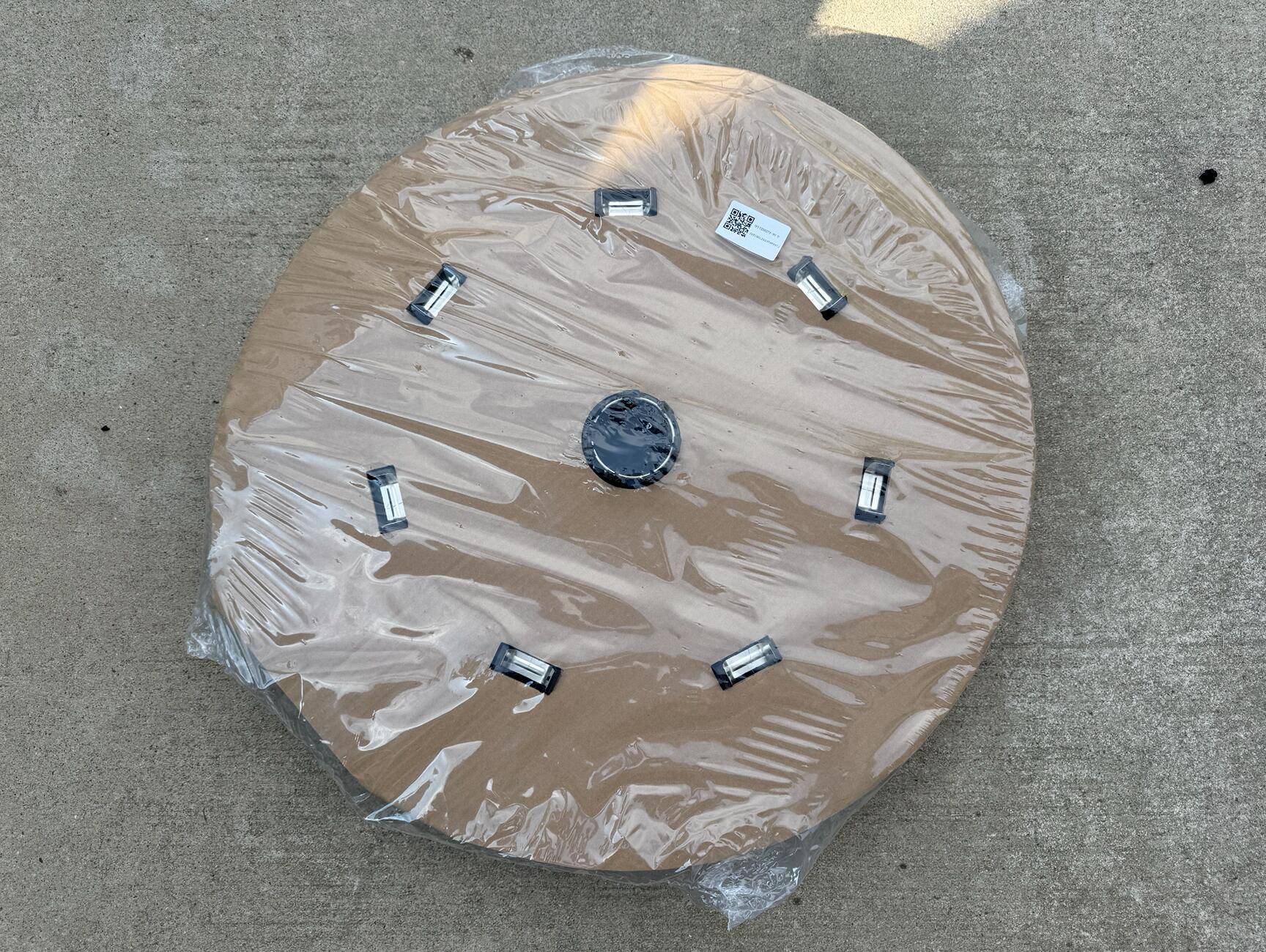
Step 1: Remove covers from the packaging
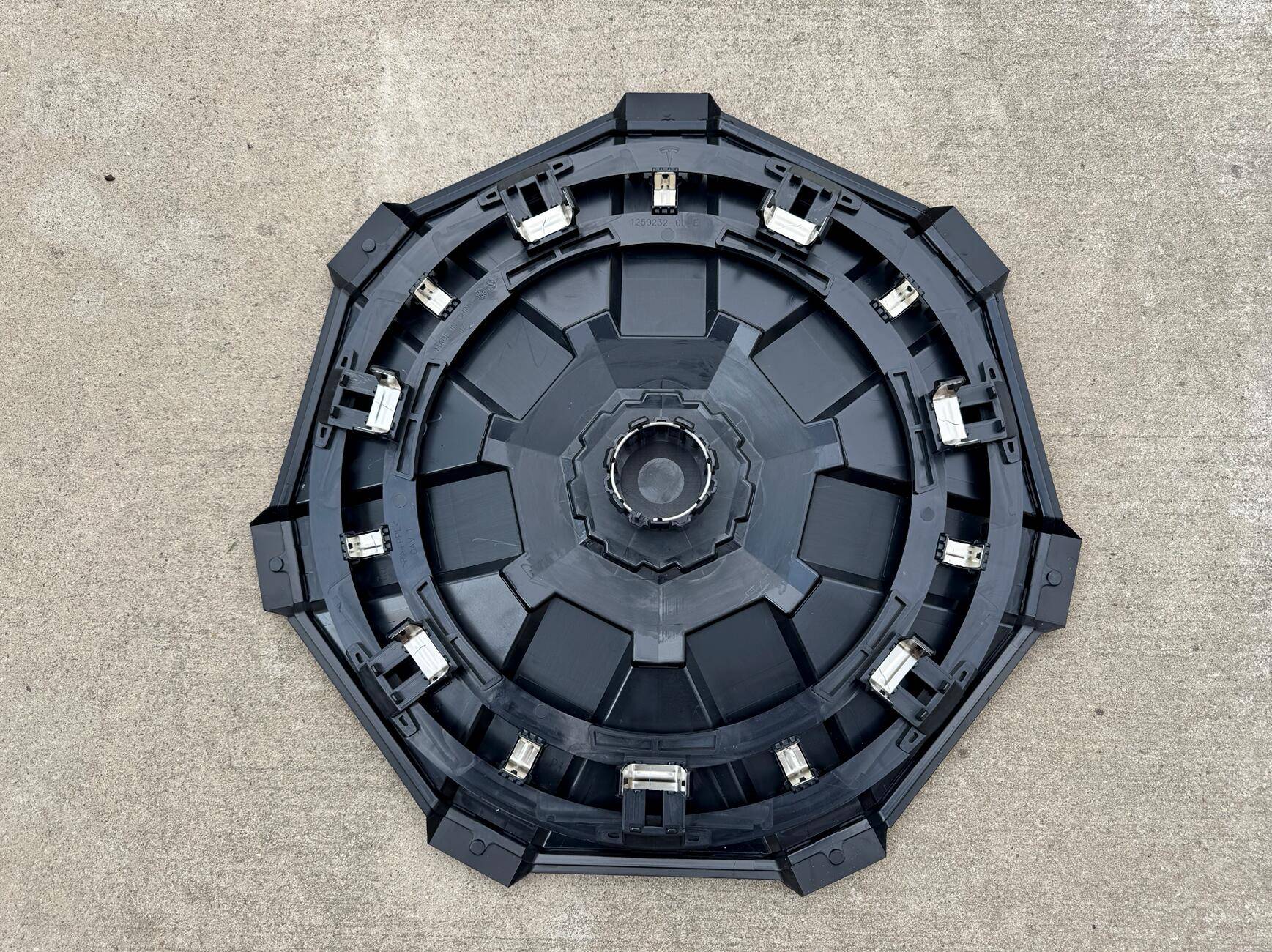
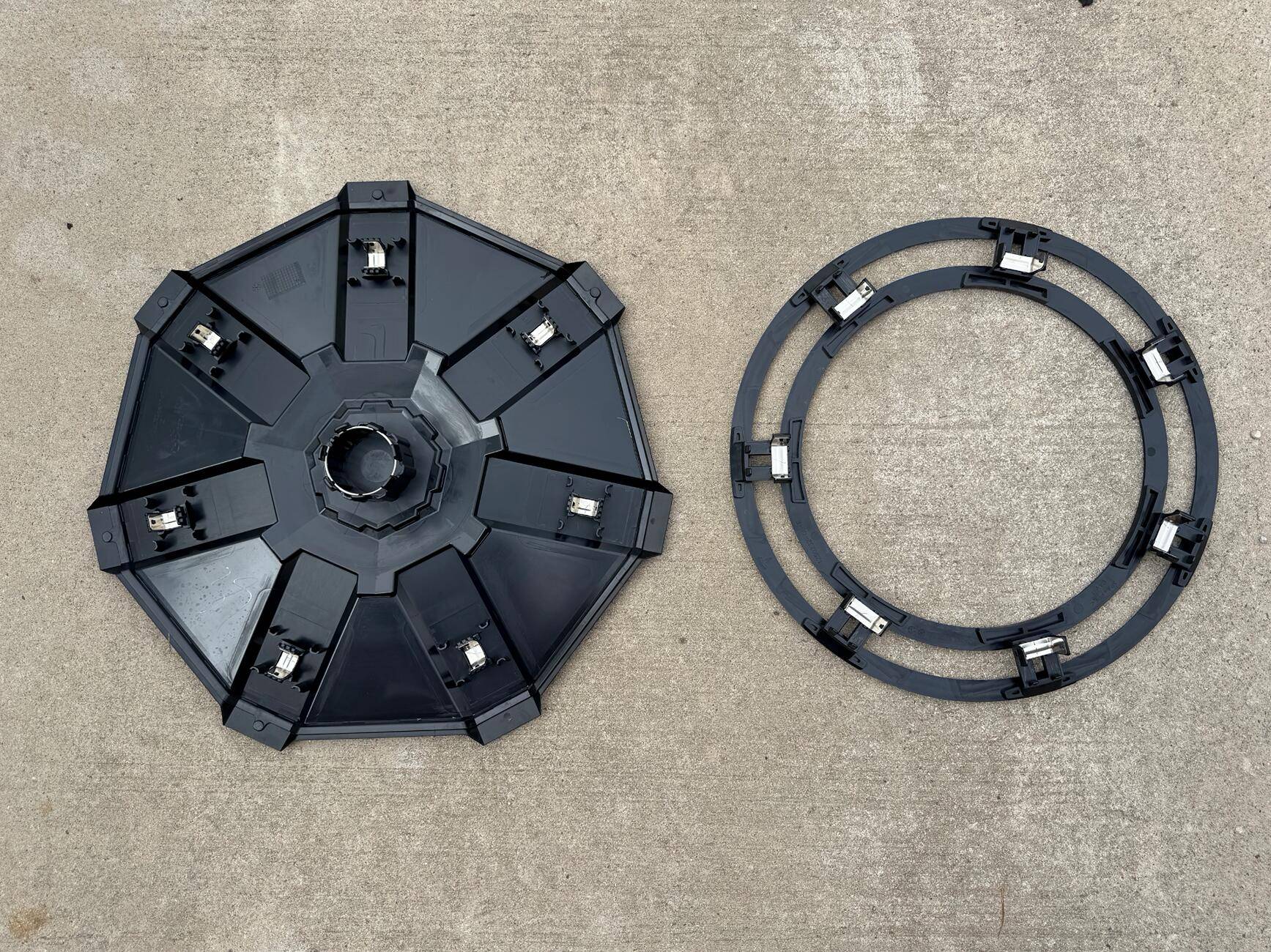
Step 2: Separate the mounting ring from each cover
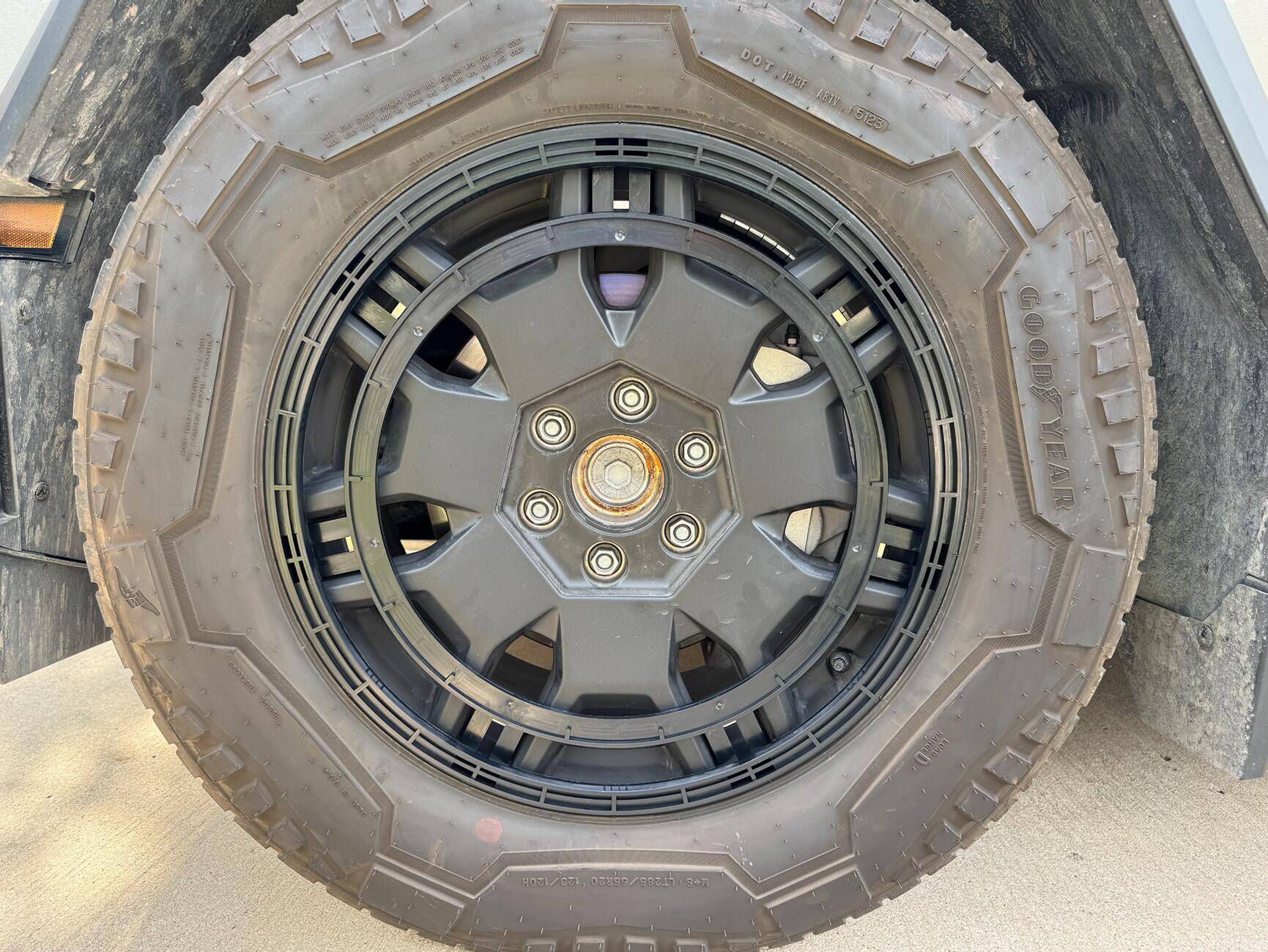
Step 3: Align the mounting ring's 7 clips with the all-terrain wheel's mounting locations and lightly press down each clip into the wheel. Once all 7 clips are pressed in, apply more pressure to each clip to ensure installation (I used my hand but you can also use a rubber mallet)
Step 4: Align the outer cover's spokes with the all-terrain tire's 7 notches and apply pressure to each clip location on the spokes. Once each of the clips on the spokes are clipped in, apply pressure to the center cap of the cover to ensure installation. There will be a visible gap between the wheel cover and the tire, this is normal.
Removal: Grab the wheel cover with a hand on each side and pull away from the tire. The cover will most likely come off separately from the mounting ring. You can then pull off the mounting ring to fully remove each wheel cover.


If you're curious about where to get the Cyberbeast emblems for the wheel covers, they can be found here
https://makerspacedude.etsy.com/listing/1819158743/cyberbeast-wheel-cover-3d-emblem-gloss
TLDR: if you want to watch a video instead, here's Tesla's installation instructions which I did not know about until after installing mine.
Step 1: Remove covers from the packaging
Step 2: Separate the mounting ring from each cover
Step 3: Align the mounting ring's 7 clips with the all-terrain wheel's mounting locations and lightly press down each clip into the wheel. Once all 7 clips are pressed in, apply more pressure to each clip to ensure installation (I used my hand but you can also use a rubber mallet)
Step 4: Align the outer cover's spokes with the all-terrain tire's 7 notches and apply pressure to each clip location on the spokes. Once each of the clips on the spokes are clipped in, apply pressure to the center cap of the cover to ensure installation. There will be a visible gap between the wheel cover and the tire, this is normal.
Removal: Grab the wheel cover with a hand on each side and pull away from the tire. The cover will most likely come off separately from the mounting ring. You can then pull off the mounting ring to fully remove each wheel cover.
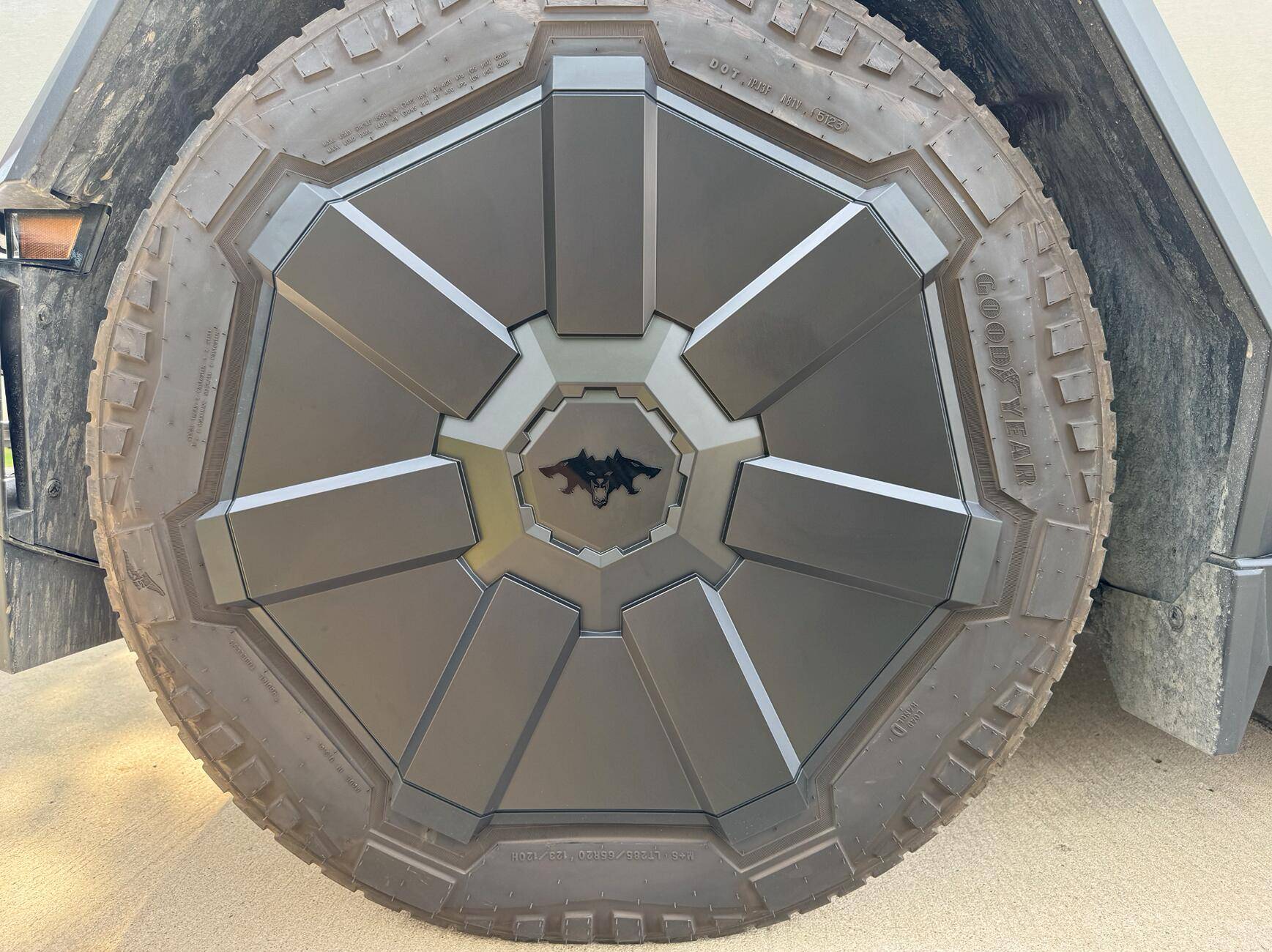
If you're curious about where to get the Cyberbeast emblems for the wheel covers, they can be found here
https://makerspacedude.etsy.com/listing/1819158743/cyberbeast-wheel-cover-3d-emblem-gloss
Sponsored
Last edited: