

MICyber
Well-known member
- Joined
- Jun 29, 2024
- Threads
- 10
- Messages
- 325
- Reaction score
- 360
- Location
- Michigan
- Vehicles
- 2024 Cybertruck AWD Foundation

I think you have to name the partition as follows:
TESLADRIVE
Then folders:
TeslaCam
Music
https://www.amazon.com/dp/B0CN3F9Y1Z
Gives me easy access to the hub.
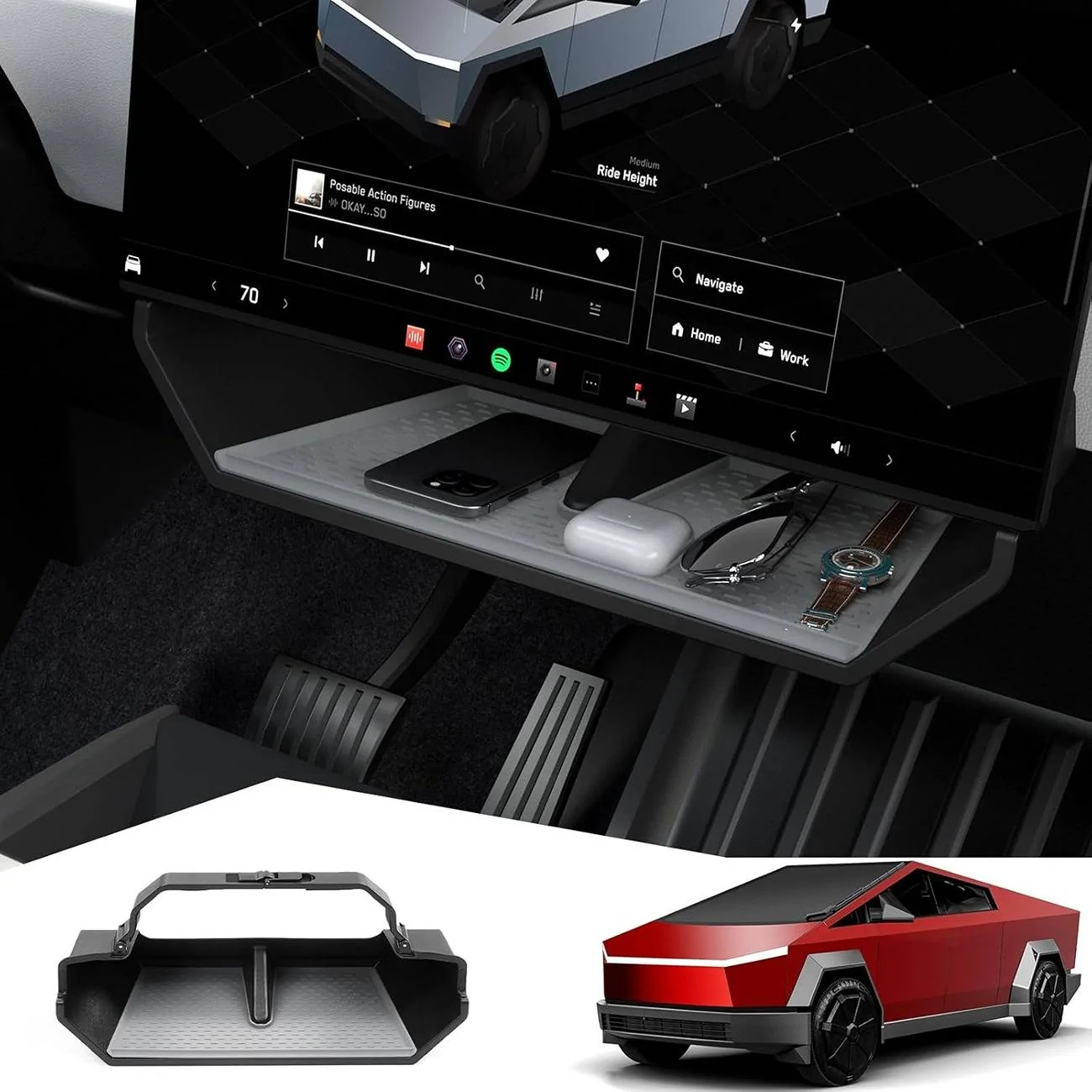
https://www.amazon.com/dp/B0DHC4YL1M

TESLADRIVE
Then folders:
TeslaCam
Music
I purchased this hub from amazon which has an additional USB-C port that only does charging. The cord is also 2' long so I ran it out of the glove box and taped it under my center storage under the screen. The cord is just long enough and tucks under the white dash trim. Plus it stays out of the way of glove box operation.I’ll add $0.02 cents to this. So like https://abstractocean.com/products/usb-hub-for-sentry-glovebox is one option. You can get a larger SSD drive and partition it. Least on a mac I had to use MacOS Journaled to break up the partitions then format to FAT32. If all that sounds like a pain the hub would let you have a stick for TESLACAM, then you can keep Music, LightShow, BoomBox etc with the ability to plug-n-play those easier vs pulling the drive, plugging it into a computer etc.
I’ve had cases too where I’ve had to re-format in car as it would complain the disk needed to be formatted again and I hated losing all the custom files.
Also if you keep USB Music on there for low to no cell phone areas this makes it easier imo.
https://www.amazon.com/dp/B0CN3F9Y1Z
Gives me easy access to the hub.
https://www.amazon.com/dp/B0DHC4YL1M
Sponsored


