chicagoef
Member
- First Name
- E
- Joined
- May 27, 2026
- Threads
- 1
- Messages
- 6
- Reaction score
- 24
- Location
- Geneva, IL
- Vehicles
- 2021 MYLR, 2024 EV9, 2015 Nissan Leaf

RN1271979XX
Ordered 2/26/26
Chicago
Ordered 2/26/26
Chicago
Sponsored
RealIm checking app multiple times a day for Vin

SSSSHHHHHH! Don't tell Elon!Wait a minute, so Tesla is going to be on schedule?

 .
.  Swiping away… definitely not emotionally invested.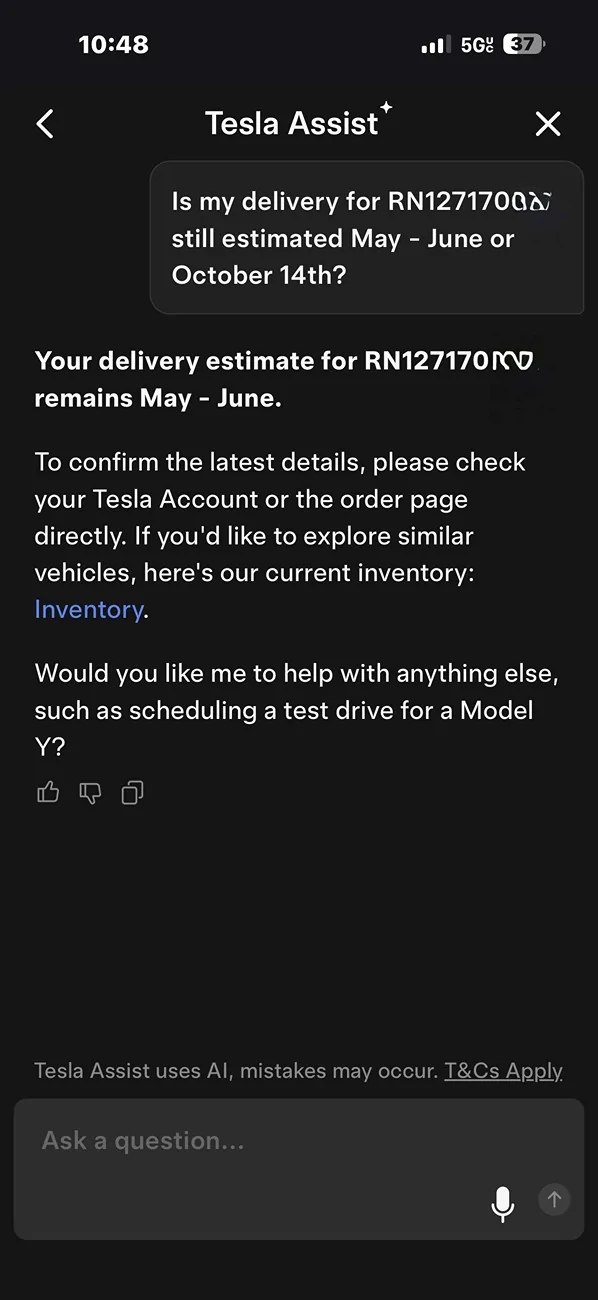
It's a summer miracle.Wait a minute, so Tesla is going to be on schedule?


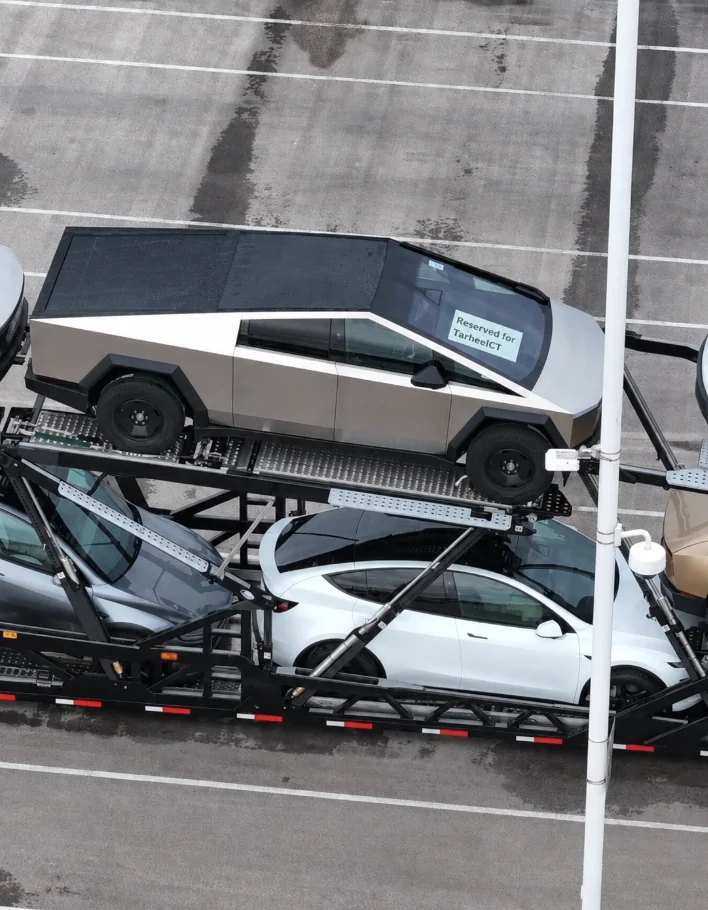
@TarheelCT - I was able to zoom in and clear the picture a bit... Lol
WINNA WINNA!!!! I have to say im checking multiple times a day.
Ha I remember doing this the first go round. Good times.
Even trying this.
The "Source Code" Trick (If You're Impatient)
Sometimes Tesla assigns a VIN internally to your account a day or two before it pushes live to the mobile app interface. If you want to check manually:
If a VIN has been staged for your account behind the scenes, it will occasionally show up in that raw text string before the app UI refreshes.
- Log into your Tesla account via a desktop web browser.
Electrek
- Go to the dashboard page where your Cybertruck order details are listed.
- Right-click anywhere on the page and select View Page Source (or press Ctrl + U on Windows / Cmd + Option + U on Mac).
- Press Ctrl + F (or Cmd + F) and search for the term "7G2" or "vin".
Thanks, added you to the list. Is that RN# from a previous reservation?RN1138882XX
Ordered on 2/23
California