Sponsored

Idea for a HomeLink adapter

sjarriel

Active member
First Name
Scott
Joined
May 10, 2024
Threads
2
Messages
44
Reaction score
61
Location
Houston, TX
Vehicles
Dual motor CyberTruck (Foundation Series)
Occupation
Retired
Country flag
Has anyone seen a center console insert that would support a HomeLink module that could be powered from one of the USB ports? I'm still looking for a solution that doesn't require clipping something onto the visor, or (in my case) leaving a remote in one of the cup holders.
Sponsored


 

JUSTICEQD

Well-known member
First Name
Benjamin
Joined
Oct 2, 2024
Threads
10
Messages
266
Reaction score
470
Location
Johns Creek, GA
Vehicles
Cybertruck Cyberbeast, Model Y
Occupation
Doer of IT stuff
Country flag
Seems overcomplicated. Why not just get double-sided tape or Velcro on the underside console (back of phone charger area) if you don't want to see it? You wouldn't know it's there and just reach fingers under to press the button on the remote.
 

freddms

Active member
First Name
fred
Joined
Mar 12, 2025
Threads
0
Messages
40
Reaction score
67
Location
marion ia
Vehicles
cybertruck
Occupation
retired
Country flag
I have MyQ which is built into the Tesla software - it does require a subscription but all the kids can access our house and us theirs (we have 5 kids so remotes are just not an option). Tesla family too so chargers everywhere. Each home shows up on a list with associated doors.

If you don't have supported garage door openers, you can get the Smart Garage Door Opener for $30. We have this at one house and it works fine (other than having to replace the open/close sensor that goes on the garage door every year).

Sidenote: Stay away from their cameras and other devices - they are total junk.
 

AO-Pete

Well-known member
Site Sponsor
First Name
Pete
Joined
May 6, 2024
Threads
17
Messages
441
Reaction score
615
Location
Dallas/Fort Worth
Website
abstractocean.com
Vehicles
2024 CT, 2024 Model 3 Highland, 2022 R1T
Occupation
Founder & CEO
Country flag
Concur on the other stuff being total junk, it's a shame the app rams them down your throat all the time. For a paid app, I don't need or want ads. I finally installed the HomeLink module in my Juniper yesterday. Mostly because we have a MyQ-enabled gate. But the app won't control gates, only garage doors.
 

CyberT

Well-known member
Joined
May 18, 2020
Threads
23
Messages
674
Reaction score
1,419
Location
Orange County, CA
Vehicles
2024 Cybertruck AWD and 2018 Model 3 LR RWD
Occupation
Service Technician
Country flag
I can't use MyQ for my garage anymore since I migrated the garage door opener to Alarm.com. (can't open the garage door with two different apps).


dpoll995

Well-known member
Joined
Mar 15, 2025
Threads
5
Messages
213
Reaction score
373
Location
USA
Vehicles
cybertruck
Better off getting myQ like others say. Even if you don’t have a myQ opener, the myQ smart controller is $30 bucks. Then you get access to it from your phone app and a paid subscription from your Tesla. The bonus is you can’t use it in multiple teslas for only one subscription. My advice is to do the free trial, then on one of the last few days of the trail they will email you usually offering a discount. I got a 5 year plan for about $150. Been well worth it. I use the auto open so when I get home it opens the door for me. I don’t use the auto close feature though, I have read about potential problems with that. No big deal just hit the close button when I’m clear of the door. Having to hit the close button also makes me remember to verify the door has closed anyway. I have it to use on my cybertruck and my wife’s model y. I could buy the home link for hers, about $300 then I would still have to keep a stupid remote somewhere in my cybertruck. So the myQ is a win win and cheaper. My opener was already a myQ opener so I had the app already on my phone so it was super easy and convenient to add it to the Teslas. Here is a video of the myQ smart controller if your door is not myQ already. It pretty much just acts like a traditional remote that is connected to WiFi and mounted in your garage, then your Tesla will communicate with said remote…


SteelyMcSteelFace

Well-known member
First Name
D
Joined
Apr 23, 2024
Threads
0
Messages
86
Reaction score
246
Location
Irvine, CA
Vehicles
Cybertruck, Model Y
Country flag
It's annoying that CT can't get a Homelink module. I try to avoid subscriptions as much as possible, so MyQ is out.

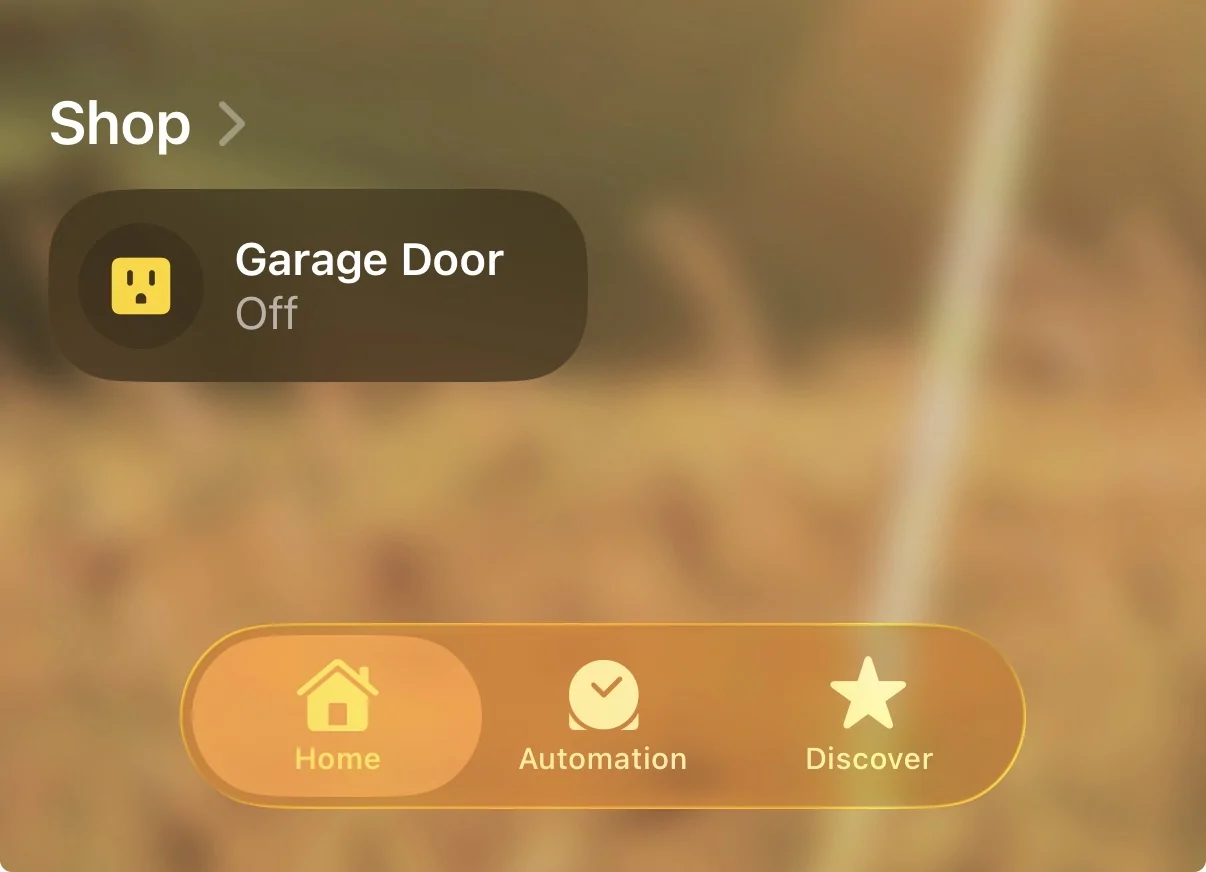
My solution is a bit involved when done from scratch but if you already have some home automation set up it's not bad. OpenGarage ($45) is a device that wires directly into your garage door opener and makes your garage door controllable over wifi. From there I integrated it into Home Assistant (free, open-source). At this point I can open the Home Assistant app on my phone and press a button on the dashboard to control the garage door, and see its open/close state. My phone is permanently VPN'd into my home network so I don't need to have wifi signal in order to use Home Assistant.

For extra credit you can then bridge it to Apple Home / Google Home to get voice control, and/or set up Home Assistant actions so that you can open and close the garage door from your watch.

No subscription fees and works when the internet is down. But you do need to have a home server.
 

AO-Pete

Well-known member
Site Sponsor
First Name
Pete
Joined
May 6, 2024
Threads
17
Messages
441
Reaction score
615
Location
Dallas/Fort Worth
Website
abstractocean.com
Vehicles
2024 CT, 2024 Model 3 Highland, 2022 R1T
Occupation
Founder & CEO
Country flag
From there I integrated it into Home Assistant (free, open-source).
Funny you should mention that. I bought a fancy projection clock a couple of weeks ago, and I really wanted to get a particular version of the weather on there. The only way to do that was using Home Assistant, so I'm just getting into that rabbit hole right now. It looks really useful for a whole bunch of things.

I've been messing with home automation for many many years from X10 through HomeSeer, but now everything pretty much runs through Alexa, but it's not great. In my spare time, of which I have none, I'm looking forward to messing with Home Assistant.
 
First Name
JP
Joined
Nov 13, 2025
Threads
0
Messages
9
Reaction score
27
Location
Chicago Burbs
Vehicles
CyberBeast - VIN in 38,000's
Country flag
First place to start is if you have a "newer" garage door opener. I lot have built in wifi these days. If so, for instance, I have a genie and they have this app "Aladdin" which allows me to control my garage door from my phone or just say to Siri "open garage door" if I'm lazy lol.
I then took it a step further and went on my iPhone and used the shortcuts app and set it up so that when my phone either leaves or arrives home, the garage door gets triggered through the Aladdin app and automatically opens my garage door when I arrived or leave. Works like a charm actually and didn't cost me a thing. Throwing that out there
Also, on my old house I had an old non wifi garage door and did what others suggested in here and got the myQ puck for the garage door and that also worked really well


OP
OP

sjarriel

Active member
First Name
Scott
Joined
May 10, 2024
Threads
2
Messages
44
Reaction score
61
Location
Houston, TX
Vehicles
Dual motor CyberTruck (Foundation Series)
Occupation
Retired
Country flag
Since my truck lives outside of the garage and all I want to control is the driveway gate, the MyQ solution is of no help to me. I am just looking for a way to have a HomeLink device with buttons at my fingertips in the truck.
 

mitch9

Well-known member
First Name
Mitch
Joined
Apr 19, 2021
Threads
2
Messages
213
Reaction score
371
Location
Boston, MA
Vehicles
2025 Dual Motor Cybertruck
Occupation
Engineer
Country flag
I bought TailWind, but haven't installed it yet. I have MyQ, but refuse to pay for another subscription.. Yes, I know it has the garage GeoFenced, and it opens the garage door when aproaching it from the Cybertruck. So does the TailWind, and no subscription, you just need their $20 Sensor paired to your phone for the GeoFencing to work for opening and closing. I will leave the MyQ, but only for a backup from the app.

Bonus is the TailWind communicates digitally to most openers, so you don't need to add sensors, it uses the garage doors sensors.. They also have a model that does 3 garage doors, but not digital ones, the older analog. Their tech support is top notch, as well as presales I had a chat with the owner who was a big help.

TailWind:
https://gotailwind.com/collections/all

They also have a smart fit guide, put your garage door mfr and model, it tells you waht you need:
https://static.gotailwind.com/smartfit/index.html#/
 

pricedm

Well-known member
First Name
Adam
Joined
Feb 17, 2022
Threads
2
Messages
929
Reaction score
1,841
Location
Denver, Colorado, USA
Vehicles
2026 Tesla Model Y LR. 2025 Cybertruck AWD. 2023 MY and 2018 M3: retired
Occupation
IT
Country flag
It's annoying that CT can't get a Homelink module. I try to avoid subscriptions as much as possible, so MyQ is out.
1. Buy MyQ hardware for $30.
2. Use free MyQ phone app to manually control your garage door.

or...buy a Model S3XY and use it to control your garage door. I'm about 50/50 using MyQ and 2026 Model Y to control the garage door when driving my Cybertruck
 

DJAlan2000

Well-known member
First Name
Alan
Joined
Jul 9, 2024
Threads
4
Messages
504
Reaction score
397
Location
Oxnard, CA
Vehicles
Tesla Model Y-LR and our CyberTruck FS
Country flag
We use a WYZE garage door camera system (controls the garage door using a camera inside the garage so you also get a 'security camera' for your garage too!) and then we use Google Home to control it... by voice... Just say "Hey Google, open the garage door" and it asks for your PIN... Give it and the garage door opens! All voice controlled... Kinda nice...
Sponsored


Top