
JeffDaniel
Member
- First Name
- Jeff
- Joined
- Aug 16, 2023
- Threads
- 3
- Messages
- 21
- Reaction score
- 41
- Location
- West Little Rock, Arkansas
- Website
- www.patreon.com
- Vehicles
- 2024 Foundation Cyberbeast
- Occupation
- Video Production

- Thread starter
- #1
The short version
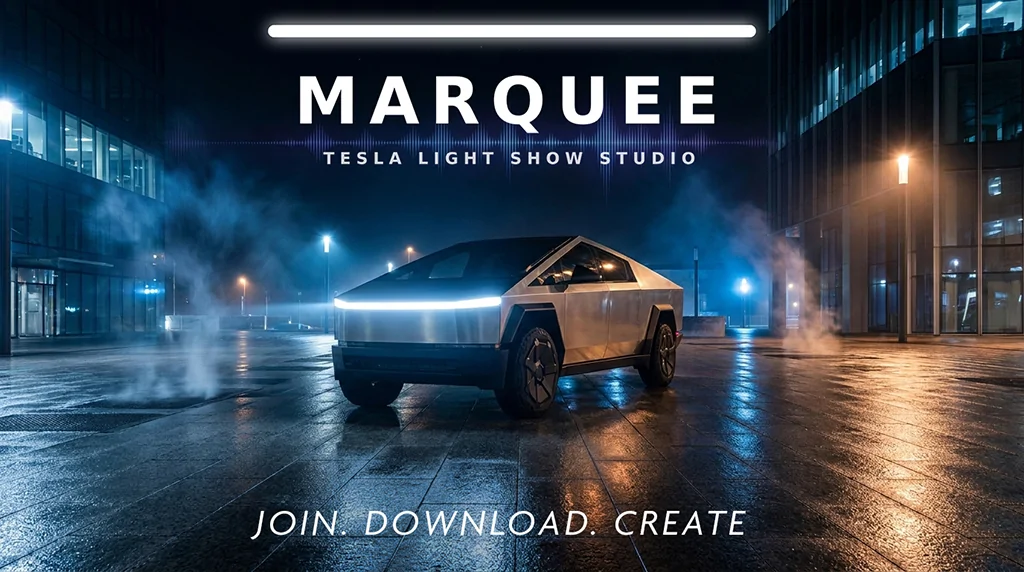
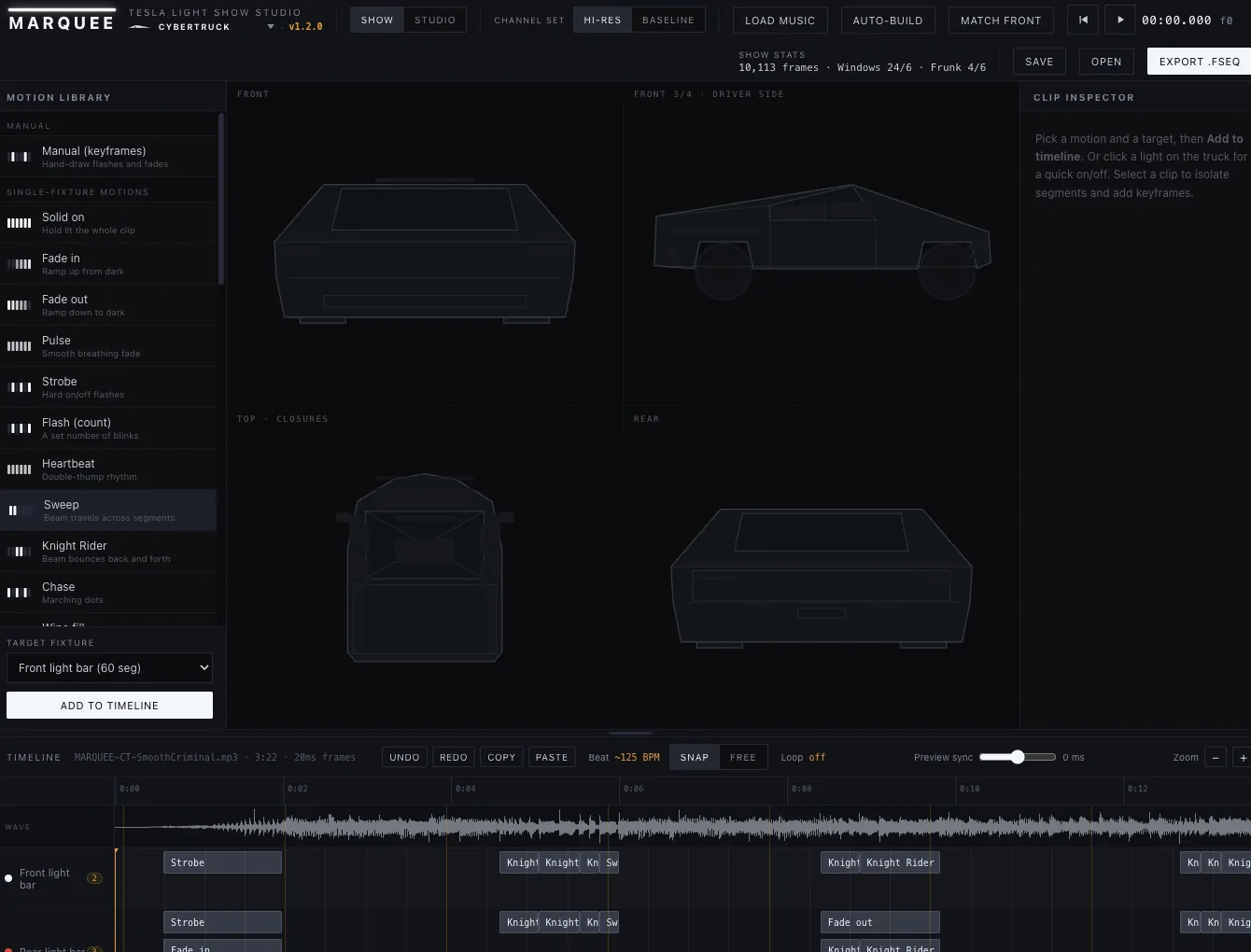
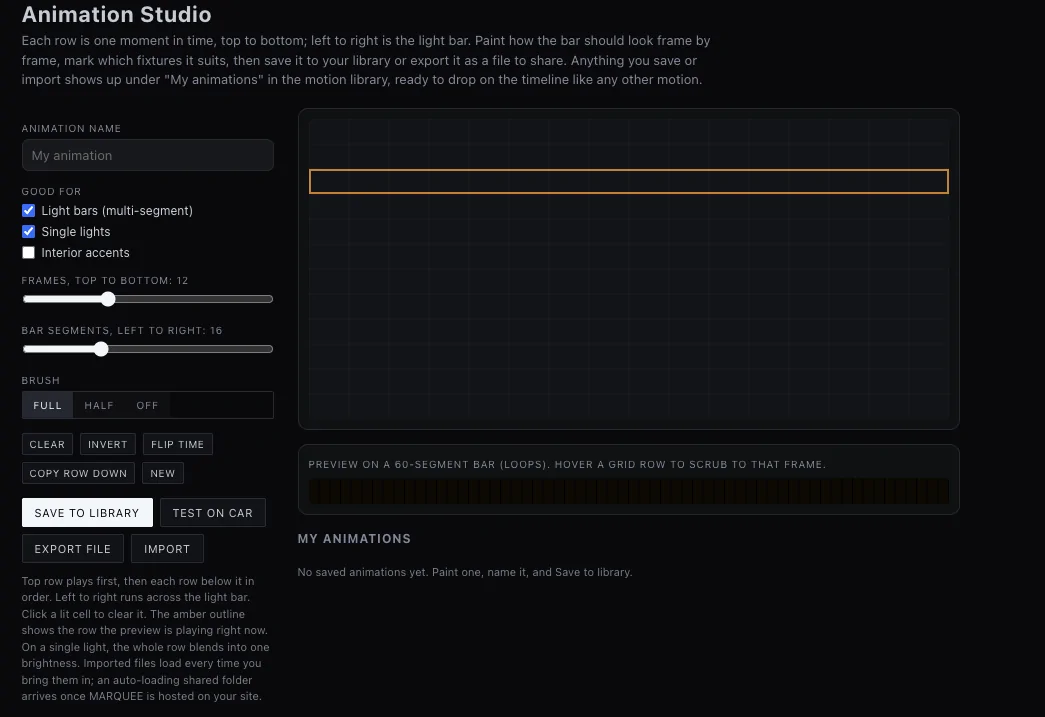
If you have ever wanted to make your own Tesla light show and bounced off how complicated it is to get started, MARQUEE is for you. It runs in your web browser, it shows you your actual car as you build, and it hands you a finished show file that just works on the vehicle. No install, no channel mapping, no guessing.
That is it. If that already sounds like what you wanted, skip to the bottom. If you are comparing it to xLights, read on, because that is a fair question and it deserves a real answer.
First, some respect for xLights
xLights is a serious piece of software, and it is free. It was built for large holiday light displays, the kind with tens of thousands of pixels on a house, and it is extraordinarily powerful at that job. People have adapted it to make Tesla light shows, and some of the best shows out there were sequenced in it. If you run a big permanent display, or you want total low level control over every channel, xLights is a fantastic tool and I am not going to pretend otherwise.
But that power comes from being general purpose, and general purpose has a cost. That cost is where MARQUEE comes in.
Where MARQUEE is different
It only does one thing. MARQUEE is built for Tesla light shows and nothing else. Every screen, every control, every default is shaped around the car. You are never translating a Christmas display concept into a Tesla. You are just building a Tesla show.
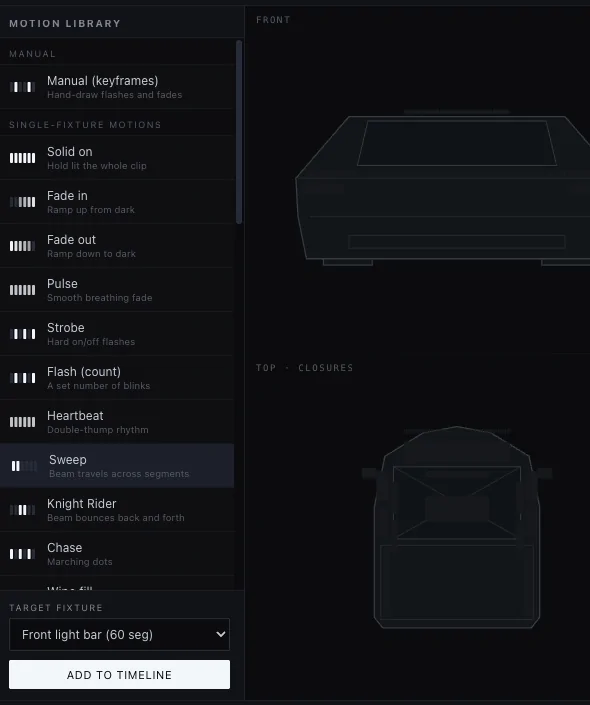
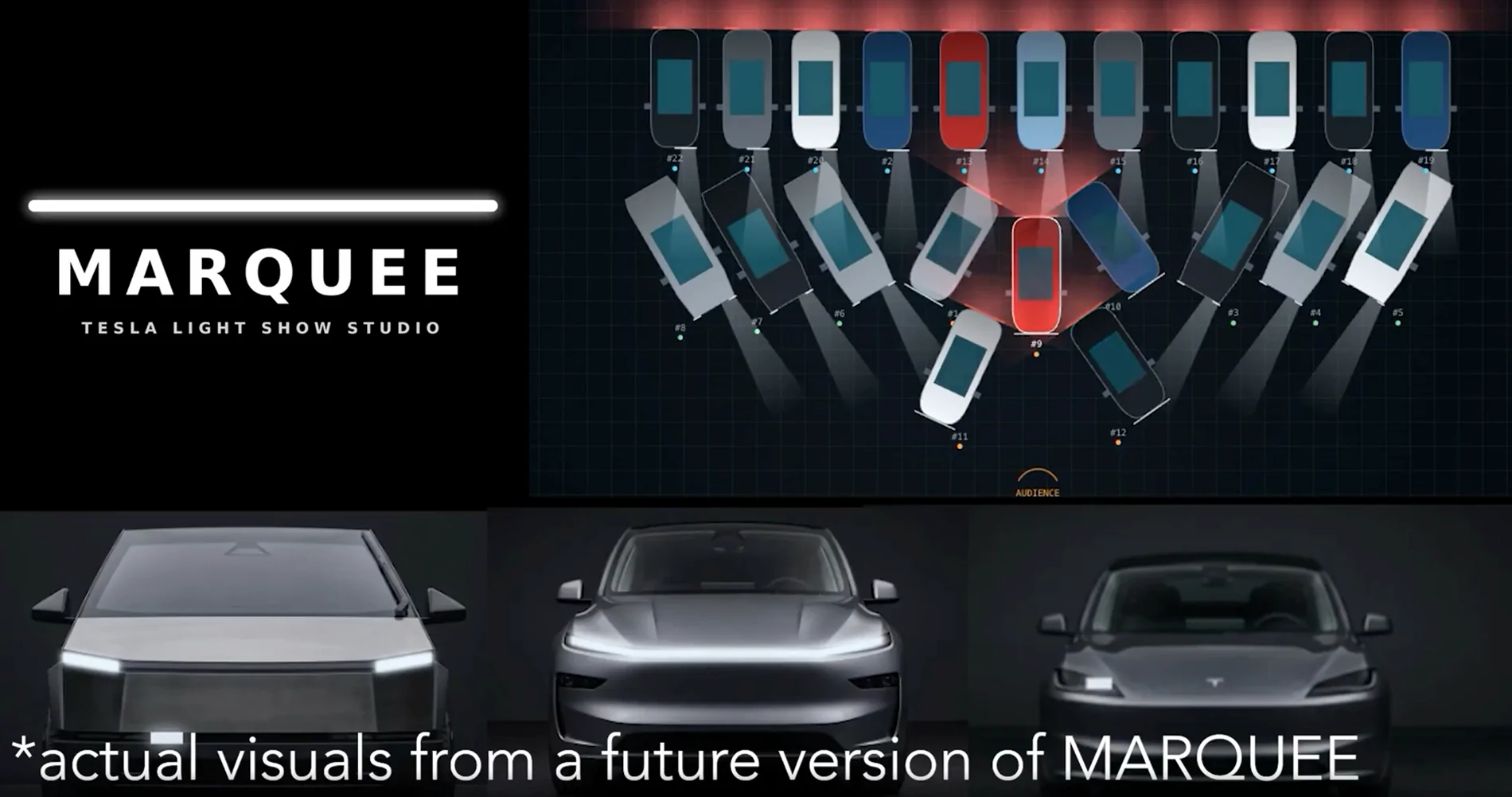
You see your real car while you build. Pick your vehicle, Cybertruck, Model Y, or the S, 3, X, and Y cars, and MARQUEE shows you that vehicle with its real lights. When you place a move, you watch it happen on the light bar, the headlights, the doors. You are designing against a picture of your car, not an abstract grid of channels you have to map in your head.
Nothing to install. MARQUEE is a single file that opens in your browser and runs offline. There is no setup, no updates to chase, no operating system to worry about. Open it and go. If you can open a web page, you can run MARQUEE.
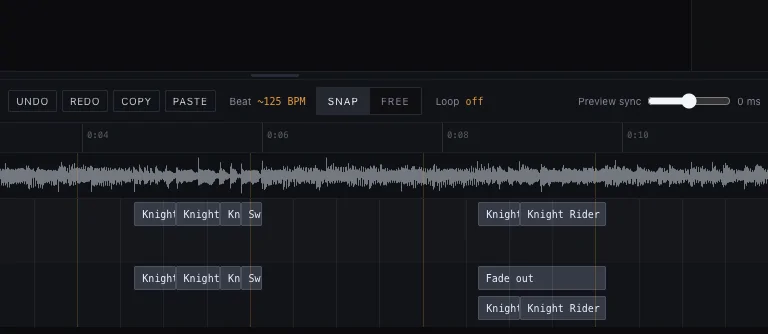
The music actually stays in sync. MARQUEE plays your song and your lights from one shared clock, so what you preview is what you get, every single time. There is a beat finder (coming in an upcoming version) that lays a grid under your song, a way to nudge that grid onto the downbeat by hand, and a lock so you cannot knock it loose by accident. Snapping and the beat tools all follow that grid.
It handles the gotchas for you. A Tesla show has rules. The audio has to be 44.1 kHz. The show file has to be uncompressed. The channels have to be exactly right. Get one wrong and the car plays nothing, or plays it dark, with no error to tell you why. MARQUEE checks all of this for you and tells you in plain English when something needs fixing, and the USB kit it exports is ready to drop on a drive.
Rehearsal (coming in an upcoming). This is the part nothing else does. A real club show is several Teslas, one song, each car playing its own file, all started together. Until now you could not see that show until the cars were physically lined up in a parking lot. MARQUEE gives you a top down lot, drawn to scale, where you drop in up to a hundred cars, hand each one a show file, arrange them into a line or a V or an arc facing your audience, and press play. The whole formation performs on screen. You can rehearse the entire event from your couch, save the layout, and share it with the group so everyone knows where to park and what to run.
When xLights is the better call
I want to be straight with you. If you already know xLights and love it, keep using it. If you run a large permanent light display and the Tesla is a side project, xLights is the right home for all of it. And if free is the only number that works for you, xLights is free and it is genuinely good. MARQUEE is not trying to replace it for those folks.
MARQUEE is for the person who wants a great show on their Tesla without turning it into a hobby project on its own. It is for the club member who wants to help stage a group show without becoming the one person who understands the software. It is for anyone who opened xLights, felt the wall, and closed it.
What it costs
MARQUEE is a few dollars a month on Patreon. That gets you the full app and every update while you are a member, and if you ever step away, the last version you downloaded is yours to keep. That is the whole deal. No ads, no upsells, no accounts to manage. Your work stays on your machine.
What Creates A Better Show?
Here's the honest answer. You can get the same exact results on either. The kicker is, how long it takes to get those results. Does it take weeks or does it take days or hours? Marquee isn't an AI that magically creates a light show for you. It's an intelligent tool that allows you to create the show you want, faster, easier, without wanting to throw your laptop.
What Can You Make With Marquee?
I sat down and built this one in a single day, start to finish, and I'm really happy with how it came together. A few more hours of work and it'd be perfect. But the challenge was to build in less than a day. Check out the video above to see it in action.
This show is free for everyone, subscribers and paid Patreons alike. Grab it, run it on your Cybertruck, and enjoy.
More is coming. I'm adding shows for other models later this week, so keep an eye on this page.
Here's the thing though. I built "Smooth Criminal Remix" in a day because I have the tool that makes it possible: MARQUEE, my Tesla Light Show Studio. If you've ever wanted to build your own show instead of waiting on someone else to drop one, now is the time. For $2.99 a month, you get the full app and every update while you're a member. No experience needed, no complicated software to learn. Open it, see your actual car on screen, and start creating.
Become a paid Patreon today and start building your own show. I'd love to see what you come up with.
And if you make something, whether it's with MARQUEE or anything else, share your video. Post it here, tag me, whatever works. I want to see your cars light up too.
Let's fill this feed with shows.


Download Your Free Light Show, from MARQUEE
Sponsored