Sponsored

Grizzl-E 80A Charger

Crissa

Well-known member
First Name
Crissa
Joined
Jul 8, 2020
Threads
138
Messages
19,571
Reaction score
31,475
Location
Santa Cruz
Vehicles
2014 Zero S, 2013 Mazda 3
Country flag
Not sure why you feel the need to answer this guy if you’re just going to be condescending. Keep that out of this forum.
What was condescending about that answer?

Please diagram the sentence.

Another forum member informed me that the shrugging emoji for 'I dunno' was where he was from 'don't ask me I give up' which I had never heard of. We learn alot about communication since we're all from different places.

-Cridsa
Sponsored
 

AlmostHuman

Well-known member
Joined
May 1, 2024
Threads
7
Messages
985
Reaction score
1,349
Location
Earth
Vehicles
Model X, Cybertruck
Occupation
Human
Country flag
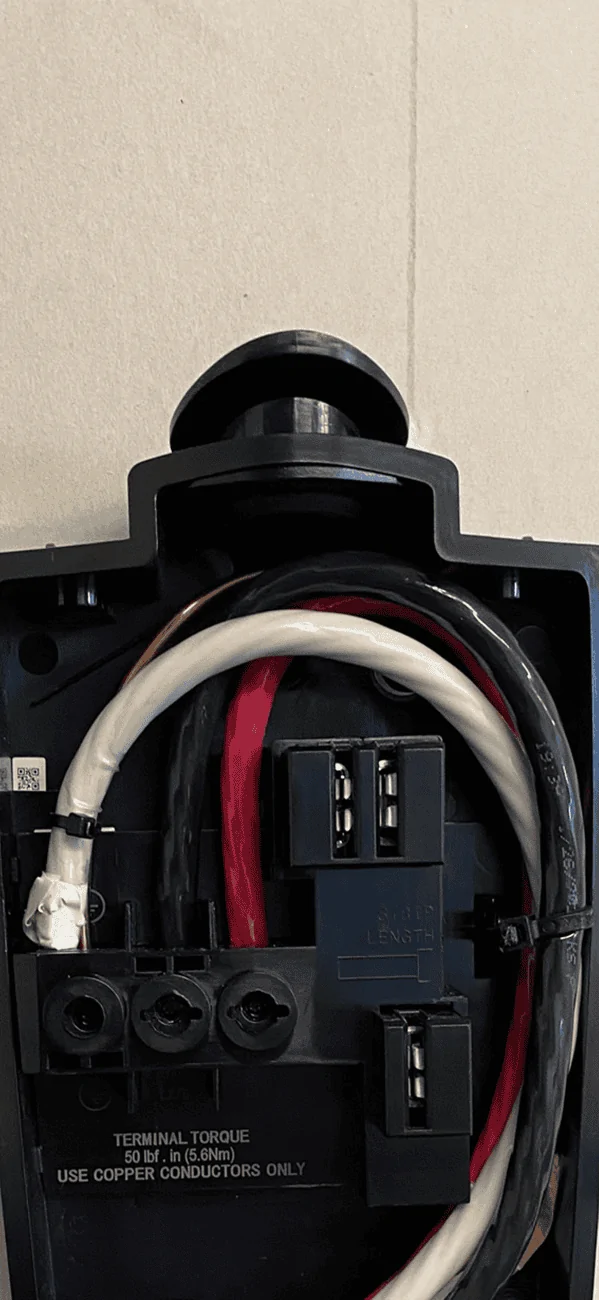
I installed both of my Gen 3 Wall Connectors. It is not crazy. My advice is to run a 3 wire with a ground. This will allow you to convert it to something like a NEMA 14-50 in the future if your needs/desires change. You can simply tape or cap off the extra (white) wire on both ends.

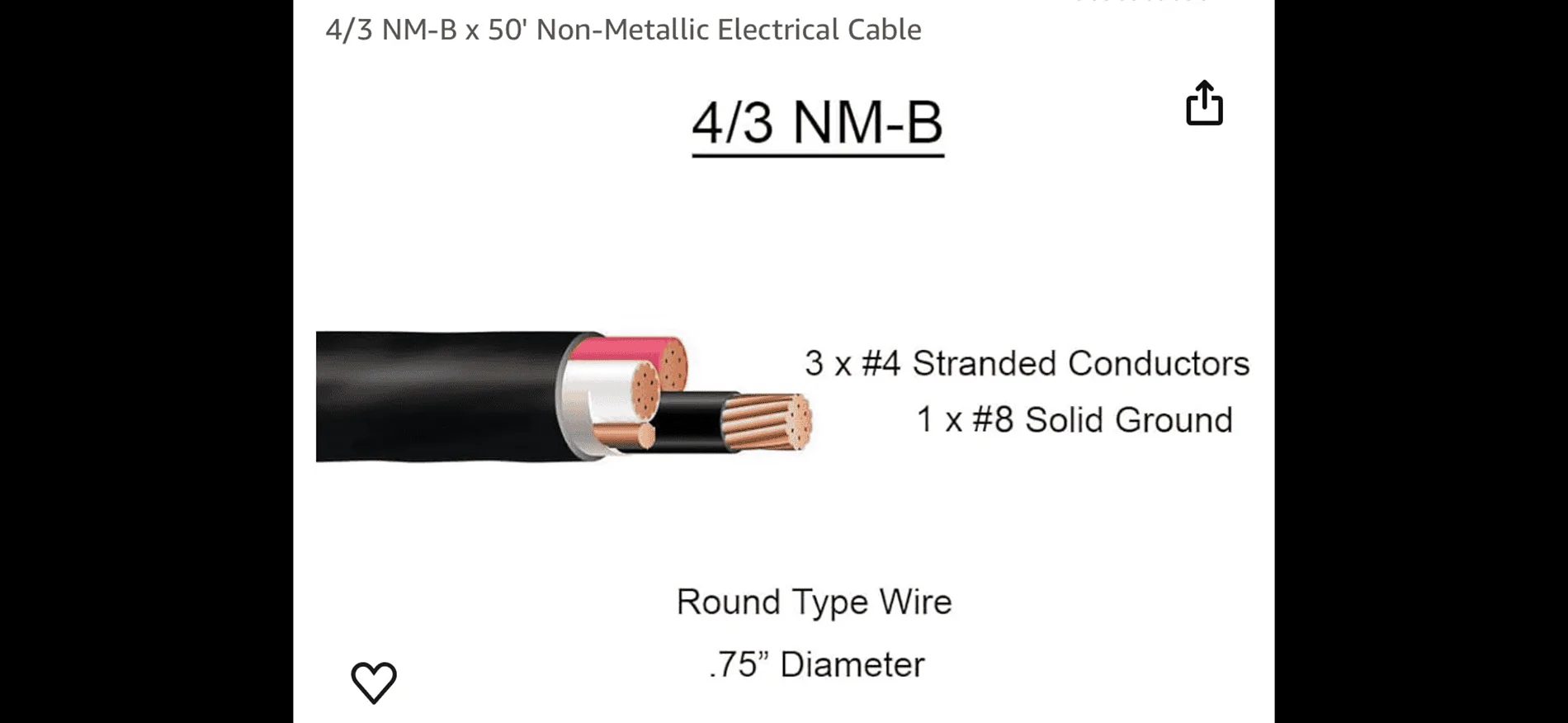
I ran some 3 x #4 with 1 x #8 ground. That is more than you need me for the Tesla Wall Connector but gives you room for other options later. I will say it is thick and difficult to work with. You will use some four letter words while working with it.

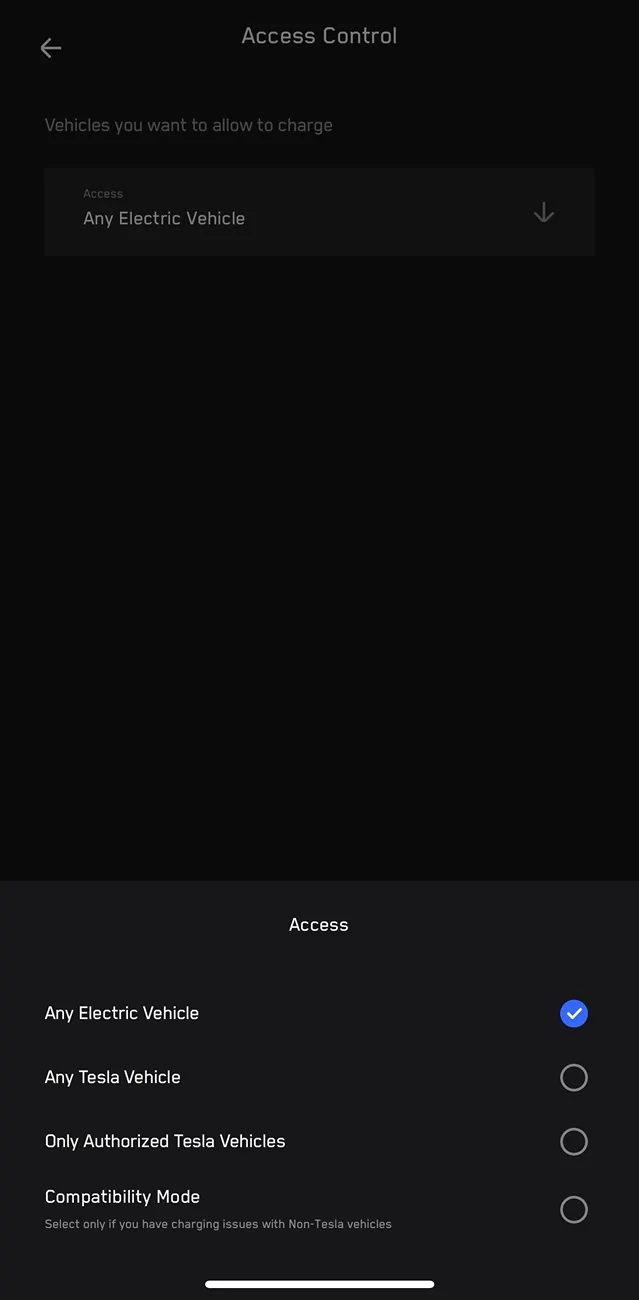
You don’t need anything special to configure it. You connect to the Wall Connector wifi and then you connect it to your wifi. You can then add it to the Tesla app as well. You can then do things like control what kind of vehicles can change at it.


Tesla Cybertruck Grizzl-E 80A Charger 1719901534757-v


Tesla Cybertruck Grizzl-E 80A Charger IMG_8964


Tesla Cybertruck Grizzl-E 80A Charger IMG_8965
 
Last edited:

jf64k

Well-known member
Joined
Dec 12, 2023
Threads
34
Messages
1,230
Reaction score
1,989
Location
Los Angeles
Vehicles
2020 MYLR (Lola), 2024 FS AWD (Deckard 263-54)
Country flag
So you were able to log into the Tesla One app to configure it? How did you get an authorized account?
FWIW: I've installed/provisioned two Gen 3 (one Wall Connector, one Universal Wall Connector) myself without issue. They are connected to wi-fi and show up in the app.

You can log into the Tesla One app with your Tesla credentials. Just pick "Outside Partner" after launch.
 

AlmostHuman

Well-known member
Joined
May 1, 2024
Threads
7
Messages
985
Reaction score
1,349
Location
Earth
Vehicles
Model X, Cybertruck
Occupation
Human
Country flag
I don’t have to use the Tesla One app at all. The Wall Connector has a web interface as well that you can mess with settings.
Sponsored


Top