Sponsored

PSA - New Service Procedure for installing OEM Lightbar on Cybertruck

AbblePC

Well-known member
First Name
Jeffrey
Joined
Mar 12, 2024
Threads
0
Messages
220
Reaction score
197
Location
State College PA
Vehicles
16MS90D - 23MYP - 22MYP - 21MYLR - 23MXPlaid - 24CB AT Tires/White Int
Occupation
IT Managed Service Provider
Country flag
I had mine installed in Mechanicsburg PA / Carlisle service center.
The service guys there are top notch and polite as ever.
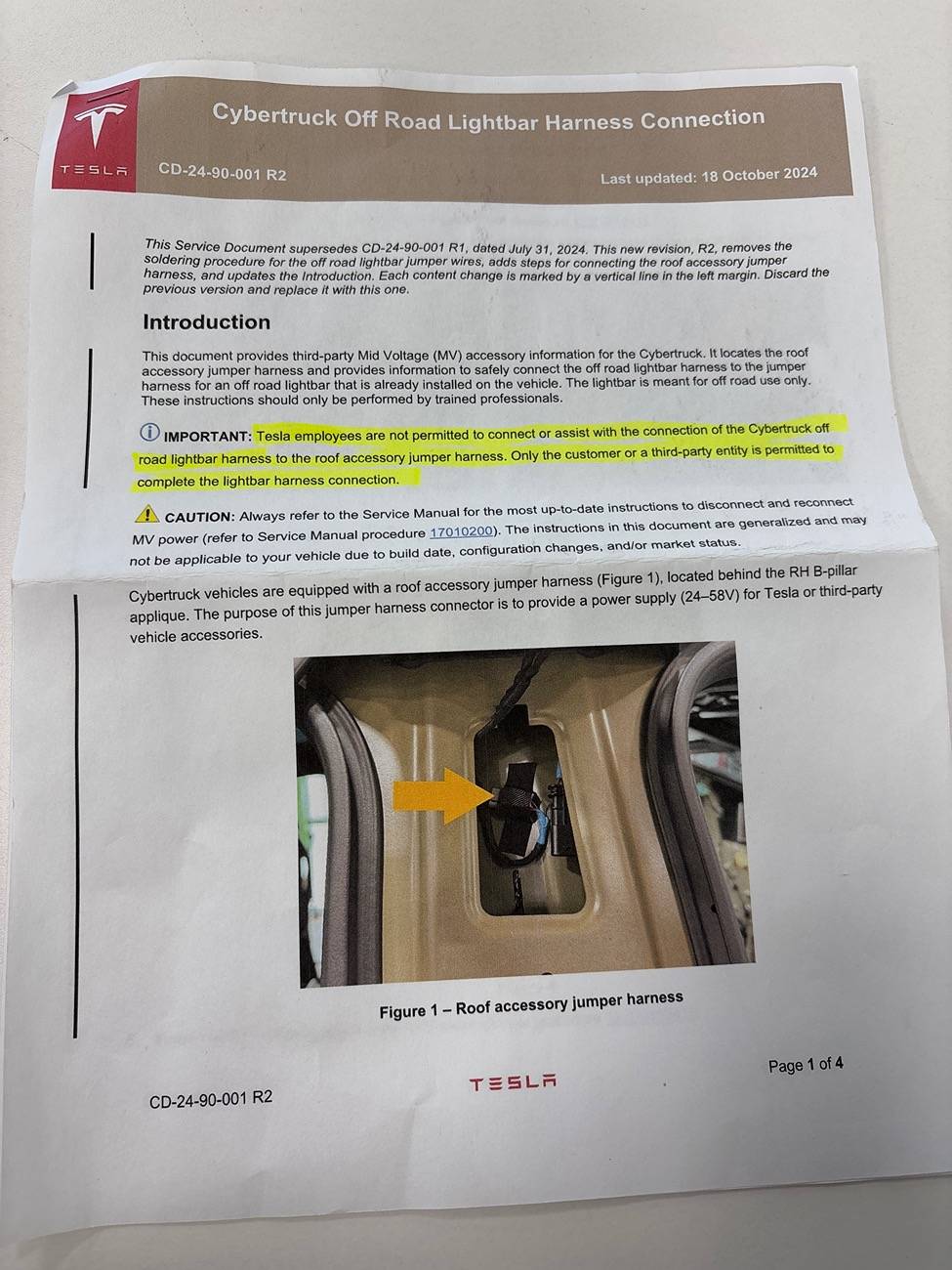
When I set my appointment for the lightbar Installation (the first one they had ever done at this location) it was prior stated and shown in many YouTube videos and service documentation that the soldering within the roof glass area was done by the customer as a final installation step in order to “activate” the lightbar for operation. This was done by passing the heat shrink tubes and zip ties etc as part of a customer kit to the customer to solder & finalize this step at a later time.
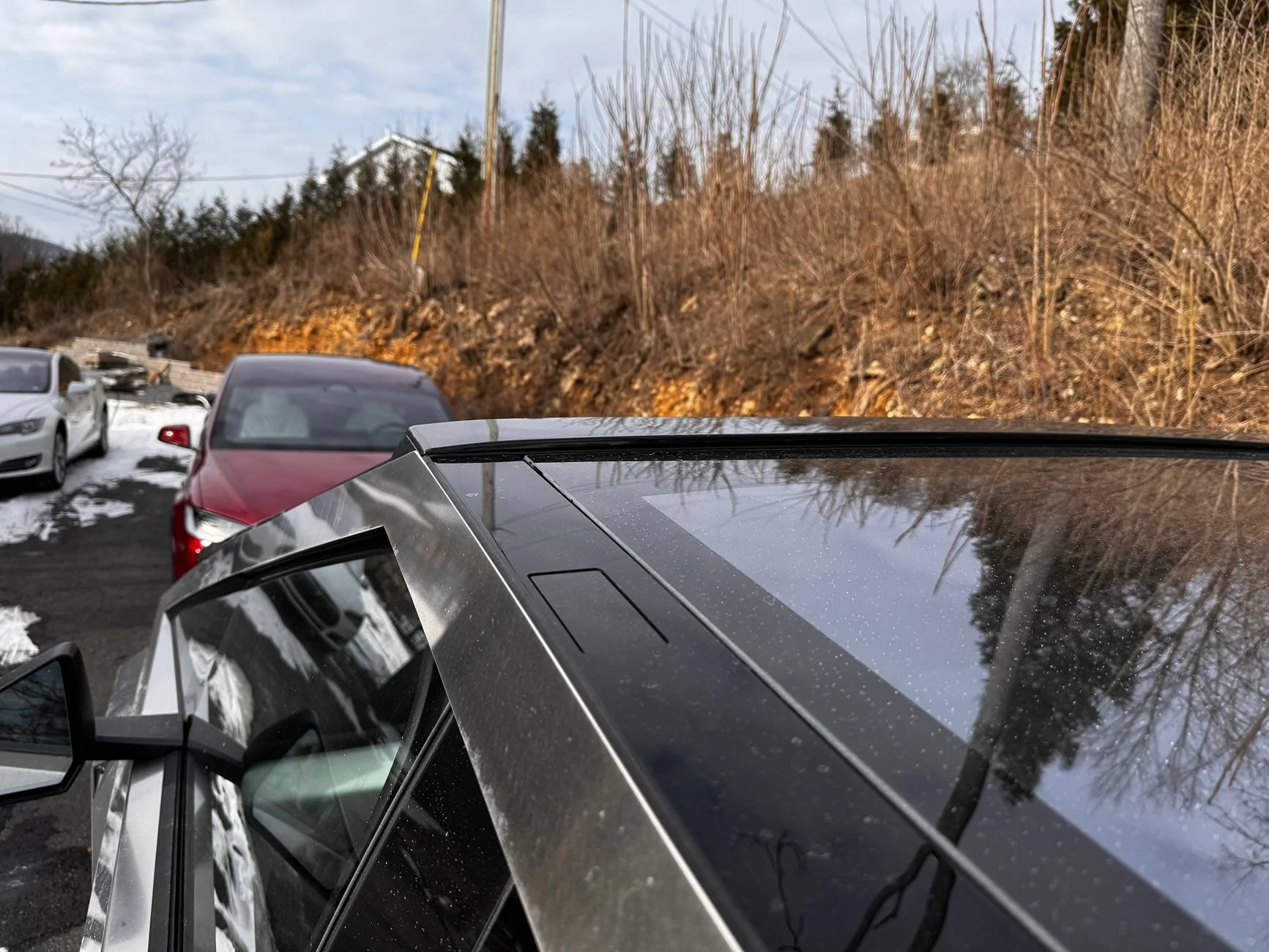
However as the OP stated and as in my case as well, there is now a new R2 procedure where the delivery/service center does the soldering in the roof power outlet connection area, this harness also carries down to the RH B pillar location and the service center is to then remove the RH B pillar and disconnect that connector within the b pillar, which thereby disconnects the roof accessory power.
The customer then has to make that connection by plugging the harness behind the RH B pillar once home and also remove the lightbar light blocking security tape.
This also depends on the state it’s being installed in, I am guessing in other states they can actually complete the entire install, but for most others it has to be this way now based on the updated R2 service bulletins.
My guess is also that these procedures were modified as there were probably too many issues with customers not having soldering experience (not my problem as I am an electronics tech with decades of soldering and using heat shrink) and perhaps also not understanding basic electronic harness connections B+ grounds etc.

When I arrived home, I thought I had to perform the B pillar connection and removed the RH B pillar cover with the 10mm bolt only to find it was already connected!
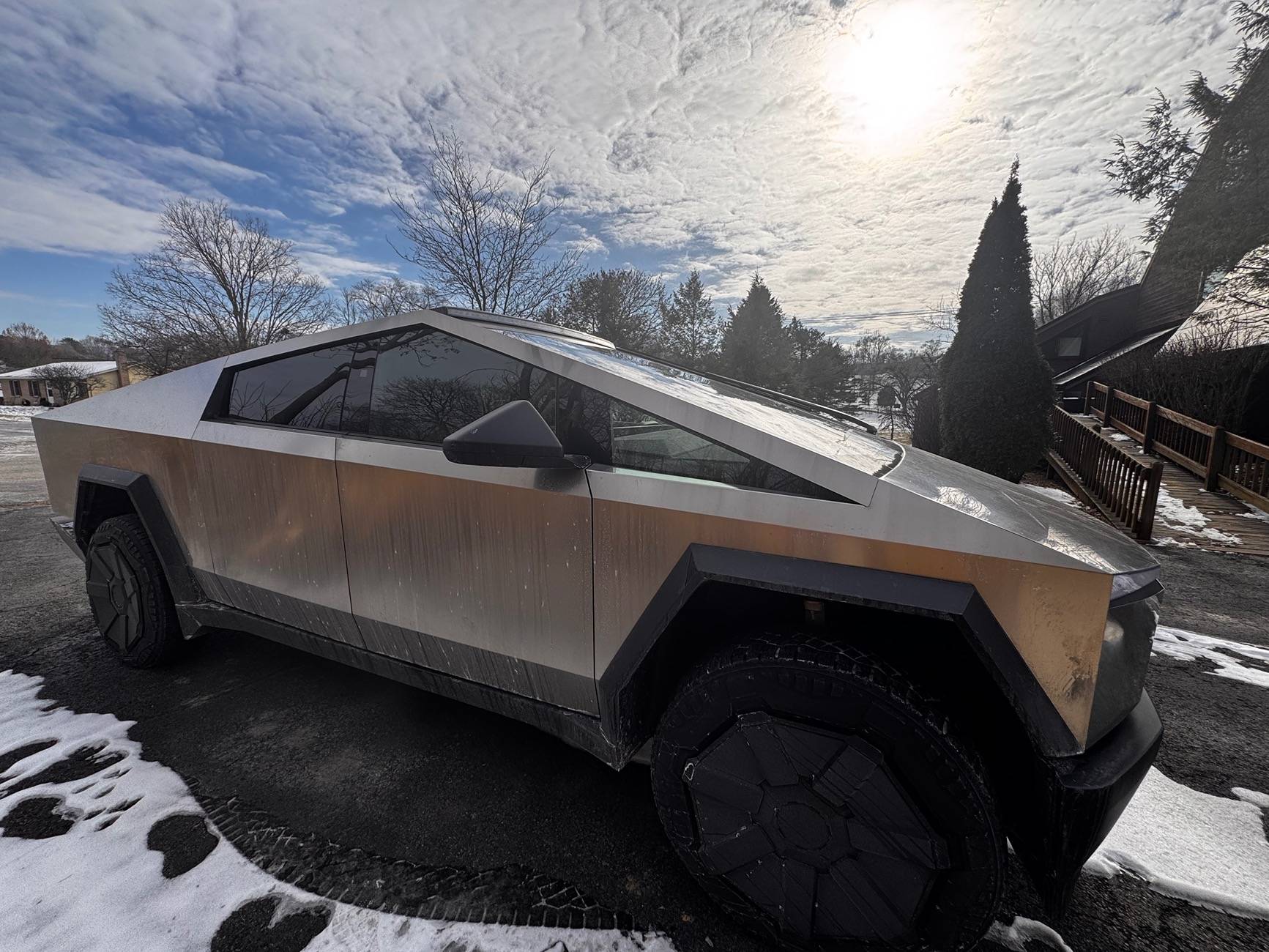
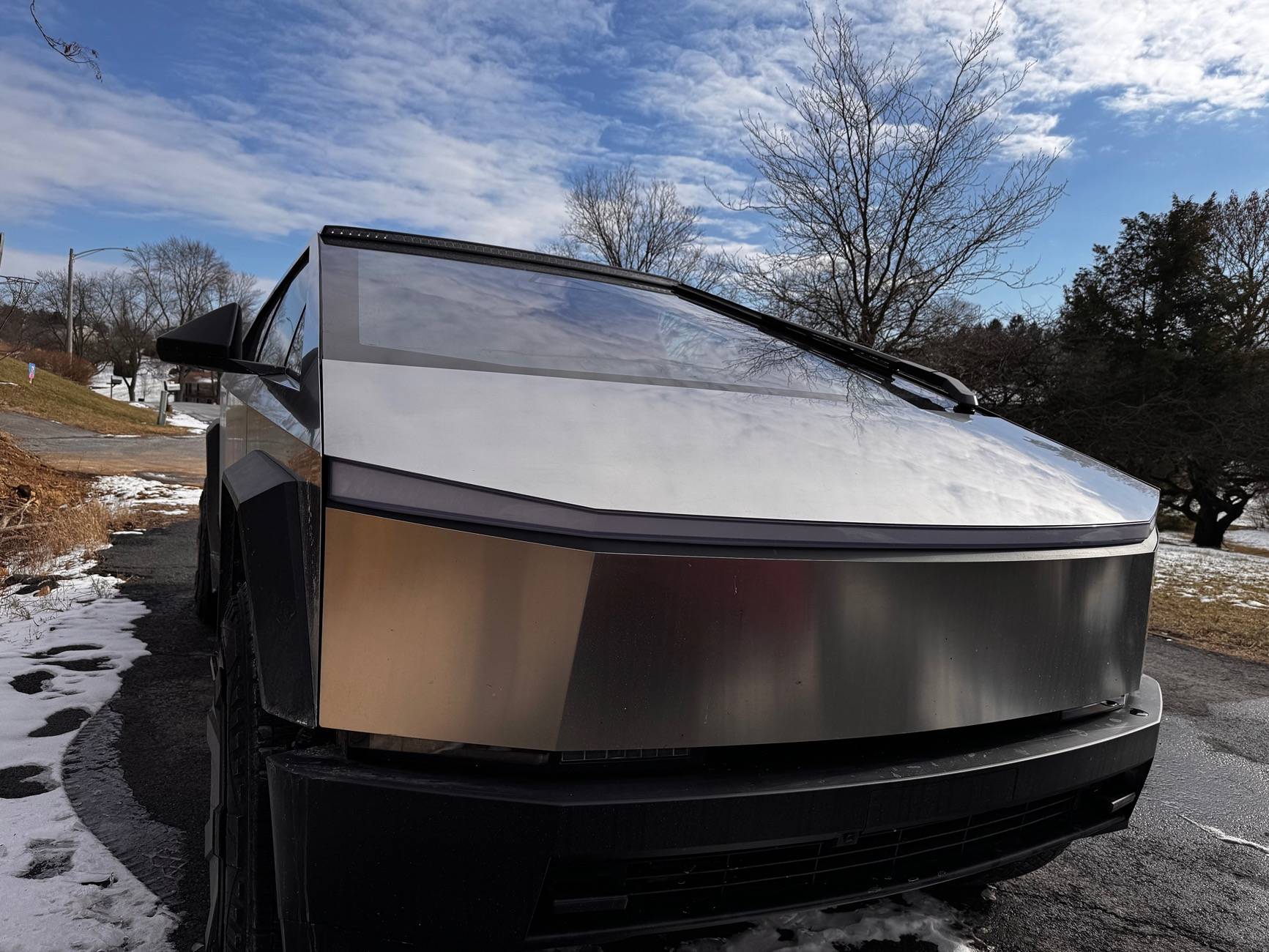
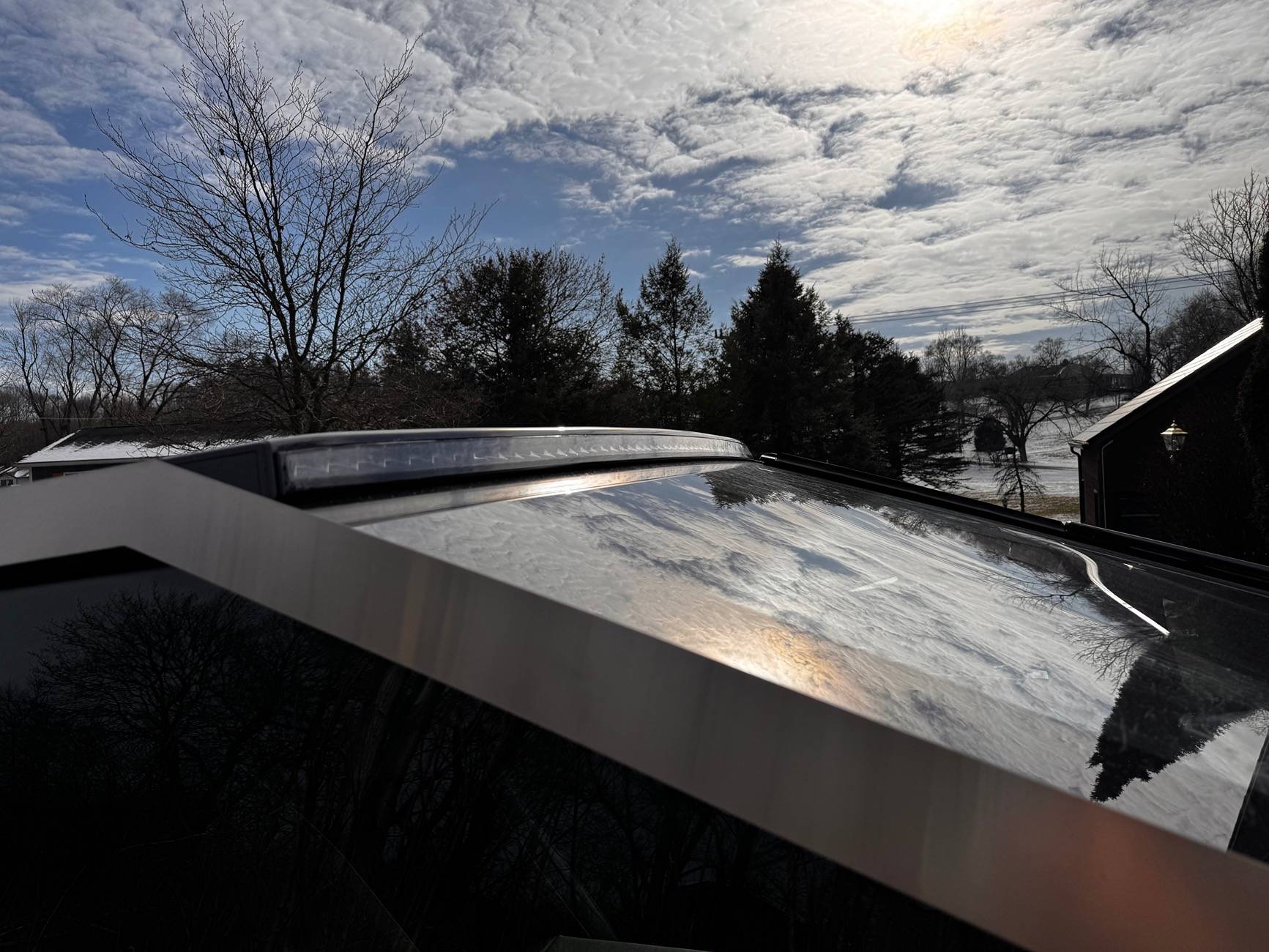
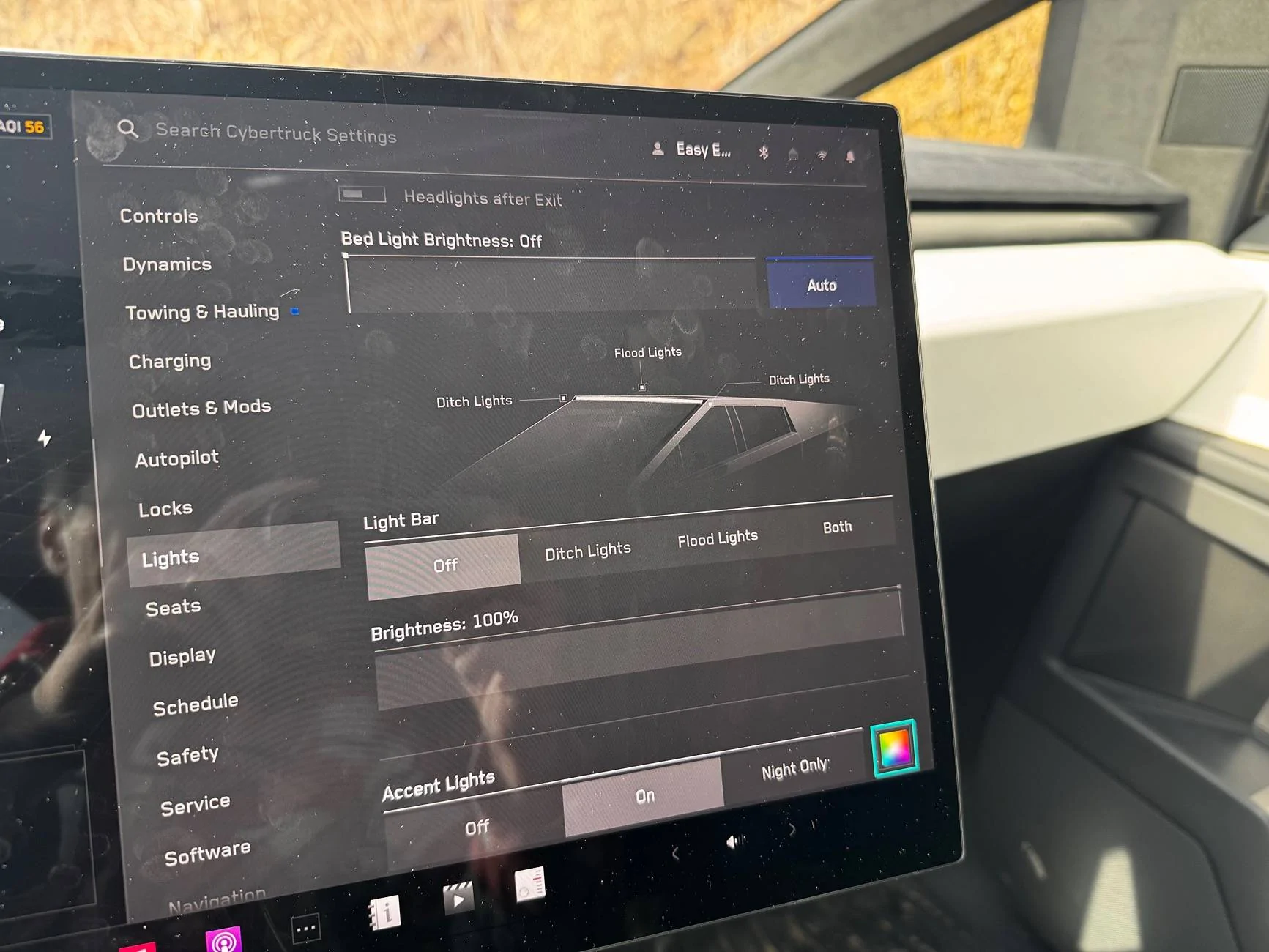
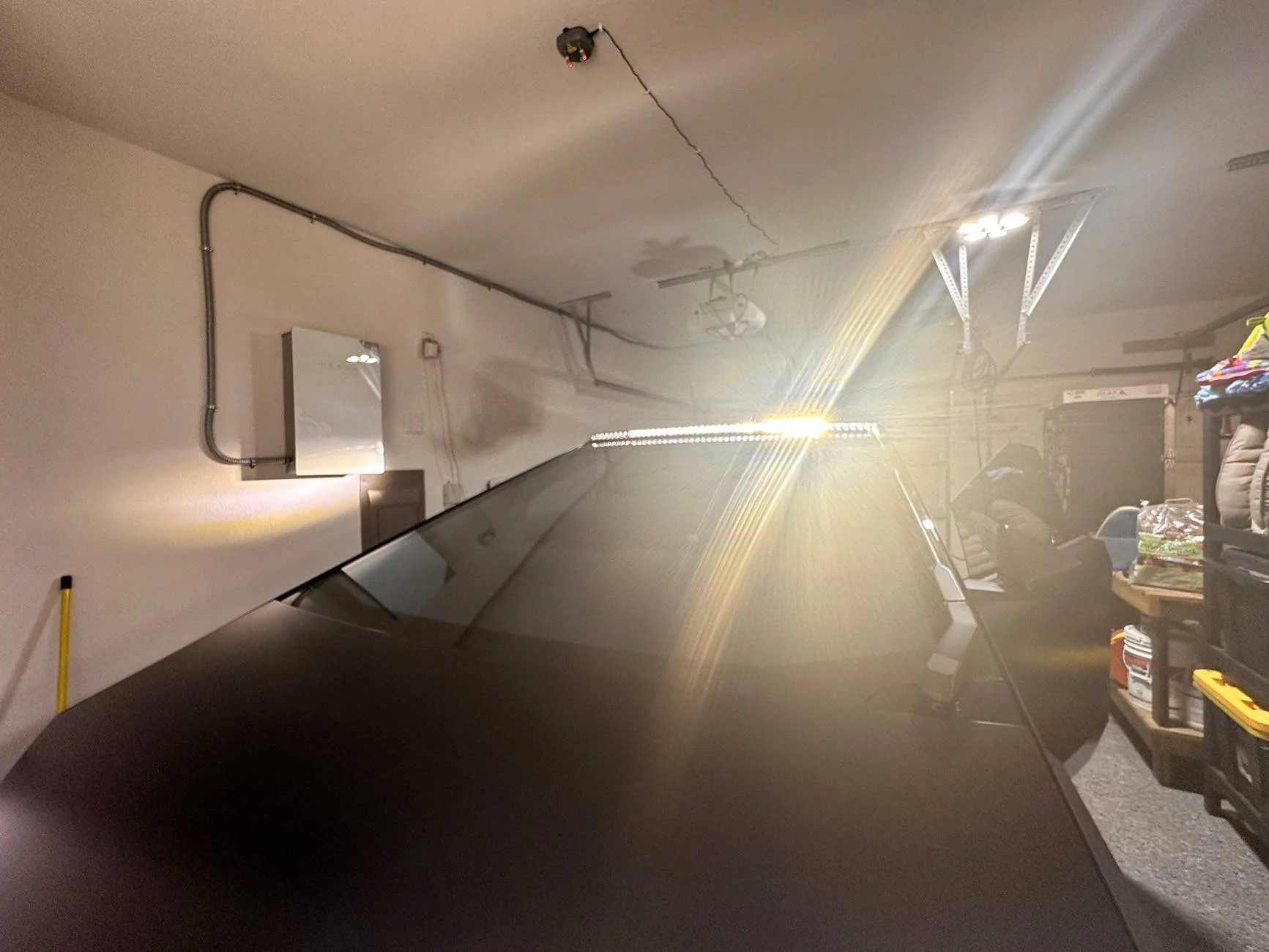
I reassembled the cover and removed the tape from the lightbar and enabled the roof outlets in the gui, mine is now fully functioning for off-roading only in PA.

I have used it in my driveway for snow removal and also off road on a back logging road just to test the ditch lights etc, which can all be individually set as Off - Ditch Lights - Flood Lights - Both as All on or just flood under the light settings in the menu.
There is no current shortcut using scroll wheel or otherwise, other than the menu selection in menu as well as brightness levels.
EDIT: I tried posting this afternoon and photos would not attach.. had to wait until this evening and now voila it all the sudden works. SO Random

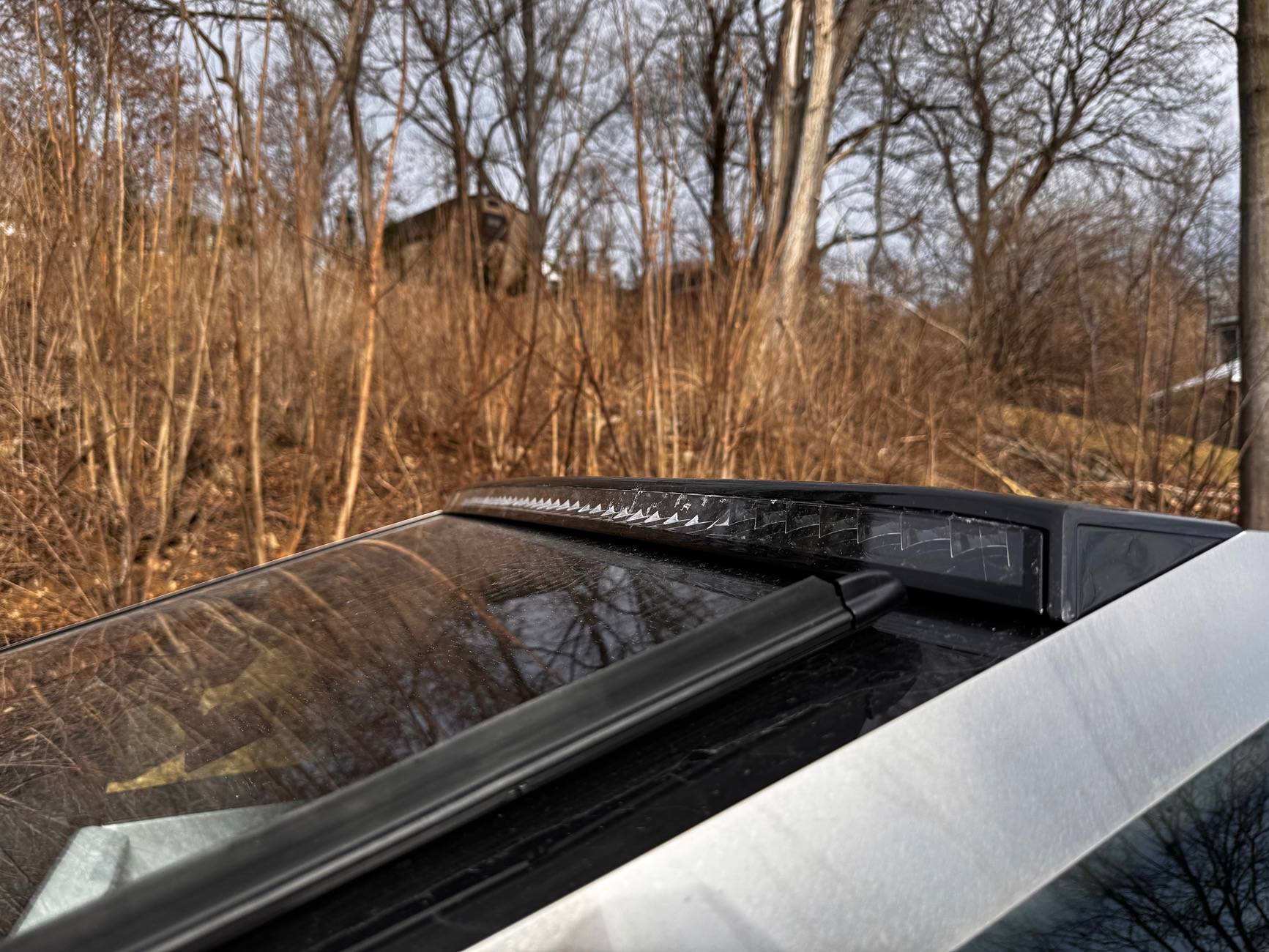
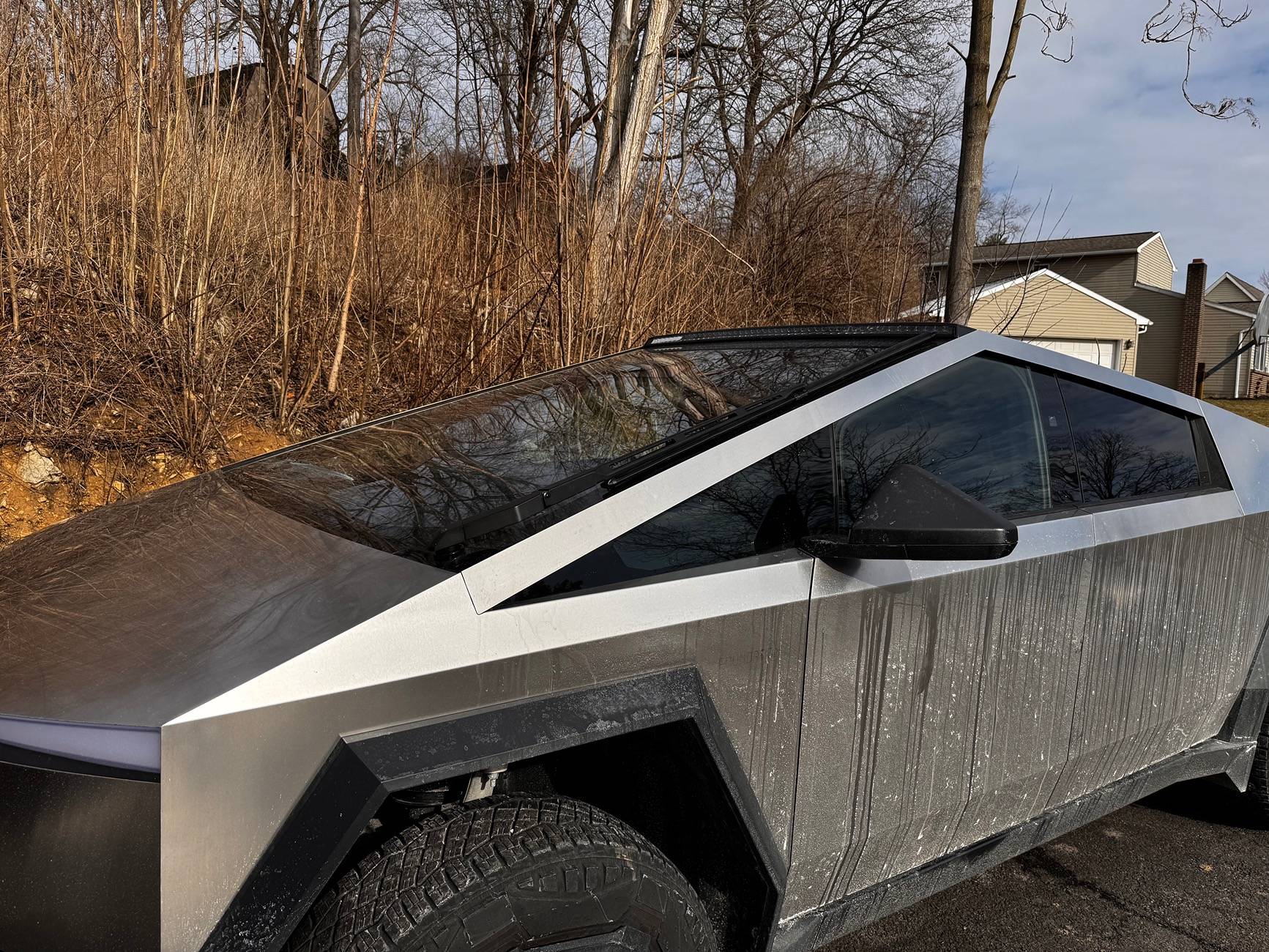
Tesla Cybertruck PSA - New Service Procedure for installing OEM Lightbar on Cybertruck IMG_4268


Tesla Cybertruck PSA - New Service Procedure for installing OEM Lightbar on Cybertruck IMG_4266


Tesla Cybertruck PSA - New Service Procedure for installing OEM Lightbar on Cybertruck IMG_4263


Tesla Cybertruck PSA - New Service Procedure for installing OEM Lightbar on Cybertruck IMG_4264


Tesla Cybertruck PSA - New Service Procedure for installing OEM Lightbar on Cybertruck IMG_4276


Tesla Cybertruck PSA - New Service Procedure for installing OEM Lightbar on Cybertruck IMG_4261


Tesla Cybertruck PSA - New Service Procedure for installing OEM Lightbar on Cybertruck IMG_4260
Sponsored


rlac

Active member
First Name
Rick
Joined
Sep 18, 2024
Threads
0
Messages
26
Reaction score
21
Location
Texas
Vehicles
Cyberbeast
Country flag
My service center in Dallas hooked everything up. I didn’t have to do anything.

Tesla Cybertruck PSA - New Service Procedure for installing OEM Lightbar on Cybertruck IMG_5748
 

AbblePC

Well-known member
First Name
Jeffrey
Joined
Mar 12, 2024
Threads
0
Messages
220
Reaction score
197
Location
State College PA
Vehicles
16MS90D - 23MYP - 22MYP - 21MYLR - 23MXPlaid - 24CB AT Tires/White Int
Occupation
IT Managed Service Provider
Country flag
My service center in Dallas hooked everything up. I didn’t have to do anything.

IMG_5748.jpeg
Same here in Carlisle, PA
 

puchanix

Active member
Joined
Dec 20, 2023
Threads
2
Messages
30
Reaction score
86
Location
Stinson Beach
Vehicles
Model X. Ordered CyberBeast Foundation.
Country flag
Just had my lightbar installed. Now I need to connect it. The Tesla instructions say the the MV Power needs to be disconnected first. I am wondering if it is truly necessary. Thoughts? Anyone skipped this part?

Thanks.

A.
 

fdon1

Well-known member
Joined
Dec 20, 2023
Threads
4
Messages
71
Reaction score
87
Location
ATL
Vehicles
CT AWD, Plaid S, Model X
Country flag
I am sure this topic has been covered already here - the updated Tesla Service Document procedure for installing the OEM lightbar on the Beast (R2) - however, I want to provide a PSA for anyone waiting to have theirs installed.

The service center in Roswell-Alpharetta GA installed the lightbar according to the old procedure (R1) and refused to install according to the new revision R2 procedure, claiming they are “not permitted to connect the lightbar.” I walked them through the R2 documentation that they provided to me explaining that it literally says this approach *supercedes* R1 (not optional), and that is explicitly states that it includes soldering, and that the customer now must attach within the B pillar. The front desk employee absolutely refused to acknowledge the literally writing of the R2 service document, stated he was previously a service tech so “he knows what he is talking about”, went back to speak with the head tech, and came back out highlighting the text on the document saying employees are not permitted to connect the lightbar. I felt like I was speaking a different language. He was rude and agitated, and even after pulling up YouTube videos of the install where the service individual explicitly states Tesla now solders the harness for you, told me that he will not accept that as proof of the new procedure.

This is where I think most people would have given up but I remained polite but firm in stating that I will refuse to accept the work and call HQ, where he proceeded to tell me “fine, go ahead” in a dismissive and rude manner. I implored him to pull up service document R1 to compare the two approaches, where he showed me the computer and said there is no R1. At some point he began reading more on his computer and walked back into the garage service area stating “this is beyond my pay grade.”

He returned roughly 10 minutes later stating he called their service center advisory line where he was informed that indeed the procedure has been updated and that the head service tech at this location was “unaware” and that they have since updated the service team and will perform the work.

TLDR: do your research on Tesla service bulletins and politely hold your ground if your service center refuses to follow official Tesla service documents. I am still in disbelief that I had three Tesla employees explicitly stating I was wrong and refusing to perform the work, while holding the actual R2 document and pointing their attention to it. With the extremely agitated attitude and actions of the service advisor, the situation could have easily escalated. Don’t let this situation become yours; come prepared and confirm before drop off. I had done the same and this still occurred. Awful experience.

image.jpg
alpharetta is known for arrogant employees


puchanix

Active member
Joined
Dec 20, 2023
Threads
2
Messages
30
Reaction score
86
Location
Stinson Beach
Vehicles
Model X. Ordered CyberBeast Foundation.
Country flag
Update: turned out my lightbar had been connected at the service center, even though they told me it hadn't. But the truck doesn't see it. I followed the instructions of turning power off, steping on pedal, shifting to drive, etc., but nothing. what I haven't done is to physically disconnect the power in the car, which seems like a safety procedure that is unnecessary. Although I wonder if it is needed for the truck to see the lightbar...
 

mongo

Well-known member
Joined
May 27, 2024
Threads
6
Messages
4,549
Reaction score
5,537
Location
SE Michigan
Vehicles
Cyberbeast
Country flag
Update: turned out my lightbar had been connected at the service center, even though they told me it hadn't. But the truck doesn't see it. I followed the instructions of turning power off, steping on pedal, shifting to drive, etc., but nothing. what I haven't done is to physically disconnect the power in the car, which seems like a safety procedure that is unnecessary. Although I wonder if it is needed for the truck to see the lightbar...
So it is both soldered at the roof connections and plugged in behind the B pillar?
 

kappaknight

Well-known member
Joined
Sep 13, 2024
Threads
8
Messages
160
Reaction score
255
Location
Atlanta, Georgia
Vehicles
Cyberbeast
Country flag
Just had my lightbar installed. Now I need to connect it. The Tesla instructions say the the MV Power needs to be disconnected first. I am wondering if it is truly necessary. Thoughts? Anyone skipped this part?

Thanks.

A.
Check your software via the screen to see if it's already connected. I too took the trim pieces off for the connection and found that it was already connected.

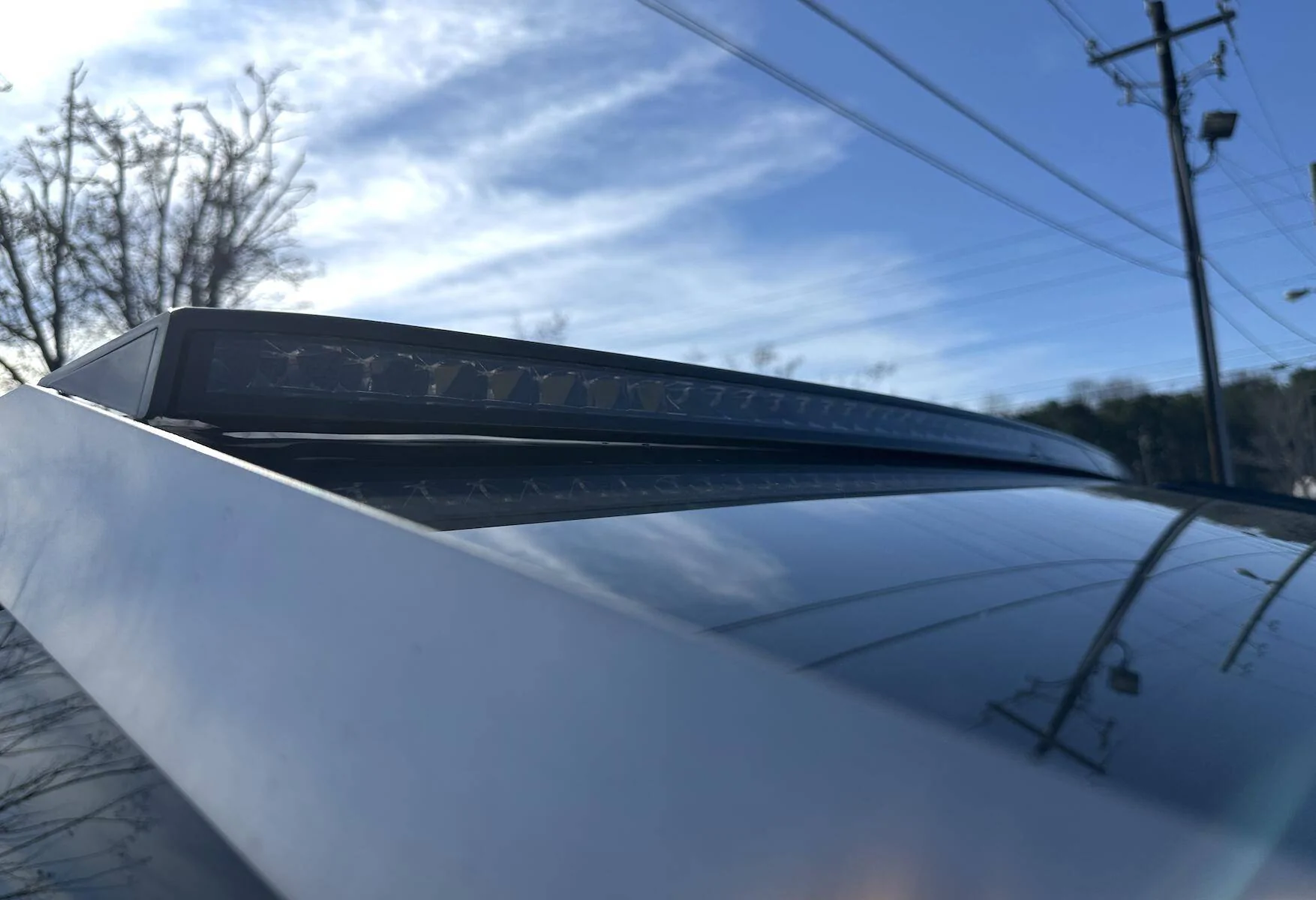
On a separate note, for those with the lightbar installed, has your light popped up from the windshield? Mine is doing that now... not sure if I should blame the cold weather or something else, but it's not staying put on the windshield.

(You can see the gap of light under the bar)

Tesla Cybertruck PSA - New Service Procedure for installing OEM Lightbar on Cybertruck Screenshot 2025-01-29 at 1.32.23 PM
 

mongo

Well-known member
Joined
May 27, 2024
Threads
6
Messages
4,549
Reaction score
5,537
Location
SE Michigan
Vehicles
Cyberbeast
Country flag
Check your software via the screen to see if it's already connected. I too took the trim pieces off for the connection and found that it was already connected.

On a separate note, for those with the lightbar installed, has your light popped up from the windshield? Mine is doing that now... not sure if I should blame the cold weather or something else, but it's not staying put on the windshield.

(You can see the gap of light under the bar)

Screenshot 2025-01-29 at 1.32.23 PM.jpg
Woah, it that 1/3 fully detached? Definitely an install error if so.


puchanix

Active member
Joined
Dec 20, 2023
Threads
2
Messages
30
Reaction score
86
Location
Stinson Beach
Vehicles
Model X. Ordered CyberBeast Foundation.
Country flag
Check your software via the screen to see if it's already connected. I too took the trim pieces off for the connection and found that it was already connected.

On a separate note, for those with the lightbar installed, has your light popped up from the windshield? Mine is doing that now... not sure if I should blame the cold weather or something else, but it's not staying put on the windshield.

(You can see the gap of light under the bar)

Screenshot 2025-01-29 at 1.32.23 PM.jpg
that is my problem: I can see that it is physically connected, yet the software doesn't see it.
 

kappaknight

Well-known member
Joined
Sep 13, 2024
Threads
8
Messages
160
Reaction score
255
Location
Atlanta, Georgia
Vehicles
Cyberbeast
Country flag
Woah, it that 1/3 fully detached? Definitely an install error if so.
Yeah, it was about 1.5cm off of the windshield on the passenger side when I first saw it. It was being held in place by the wire. I pressed it down a few times, but it keeps popping up.

Annoying cause they had my truck for two weeks - and I haven't even taken it to the car wash since then due to freezing weather and also being unsure if something like this would happen.
 

mongo

Well-known member
Joined
May 27, 2024
Threads
6
Messages
4,549
Reaction score
5,537
Location
SE Michigan
Vehicles
Cyberbeast
Country flag
Yeah, it was about 1.5cm off of the windshield on the passenger side when I first saw it. It was being held in place by the wire. I pressed it down a few times, but it keeps popping up.

Annoying cause they had my truck for two weeks - and I haven't even taken it to the car wash since then due to freezing weather and also being unsure if something like this would happen.
Cold weather should not have caused that.
 

cyberjeff25

Well-known member
First Name
jeffrey
Joined
Sep 3, 2024
Threads
5
Messages
188
Reaction score
289
Location
temecula california
Vehicles
cyberbeast
Occupation
registerd investment advisor
Country flag
I think there are maybe two connection points / one somewhere on the roof that requires soldering- likely because it is too hard to pull the wiring to the side pillar with a connector attached. When I had my bar installed they ran a wire into the pillar with a push in connector unplugged. I made the mistake of prying the push button off for the door latch and I split the adhesive holding it in place. They need to explain better how to get to the screw to remove this panel to get to the single screw that allows the b panel to be pulled away to see the male and female connectors underneath for the lightbar. So I made the connection and tried using two sided 3 m tape to replace the glass push button for the door but it would not stay adhered. The service center replaced the entire panel.
Sponsored


Top