stevem
Active member
- First Name
- Steven
- Joined
- Aug 22, 2023
- Threads
- 4
- Messages
- 34
- Reaction score
- 47
- Location
- New Jersey
- Vehicles
- Cybertruck AWD
- Occupation
- Software Engineer

- Thread starter
- #1
My wife out with friends called me with a problem. Flat tire.

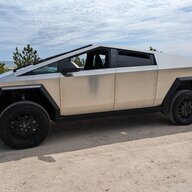
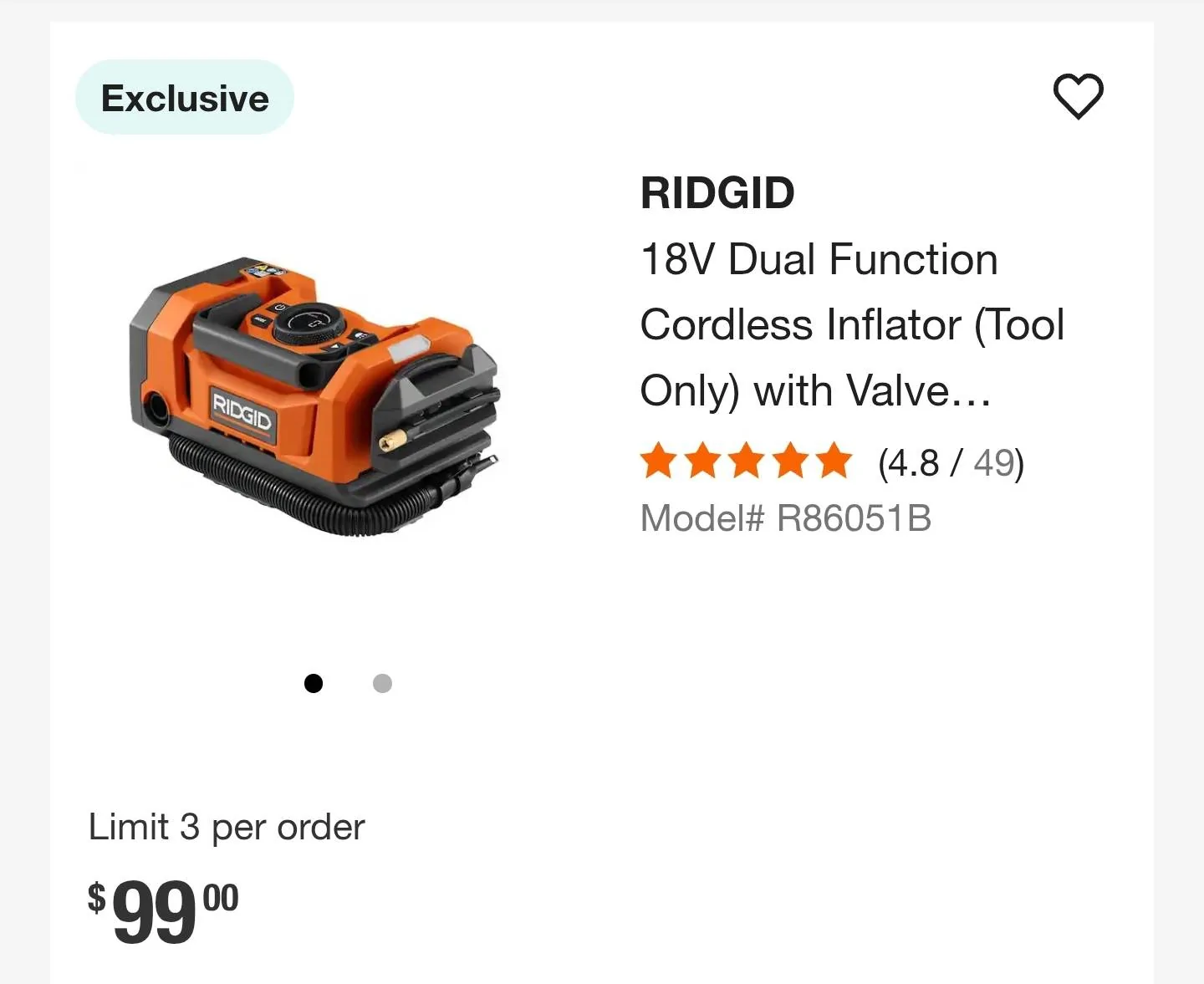
Not the first time I've changed a tire in a parking lot. Packed up my portable air compressor some tire plugs and tools in the back of my CT and drove over there. Plugged in the compressor in to the 110 outlet in the back of my truck and remembered I needed to power on the outlets. So I started looking through the menu, I couldn't remember where I saw that setting. Was looking at this for 15 minutes, through every menu. Googled it and it said:
To enable power to the outlets, touch Controls > Outlets & Mods. Touch Enable Cabin Outlets on Entry to enable them by default when you enter Cybertruck.
Ok, "outlets & mods", couldn't find it. Found a picture of it and that menu item was not on the screen on my CT. When in doubt, reboot. And went back in the menu and there it was. That's the first time I noticed the list of items in the menu was dynamic (items just didn't show). Not sure what caused it to disappear, but after the reboot it's back.
If your menu doesn't have an item you expect, reboot (push in both scroll wheels, if you're new to Tesla stuff). Didn't need to reboot my CT since I picked it up.
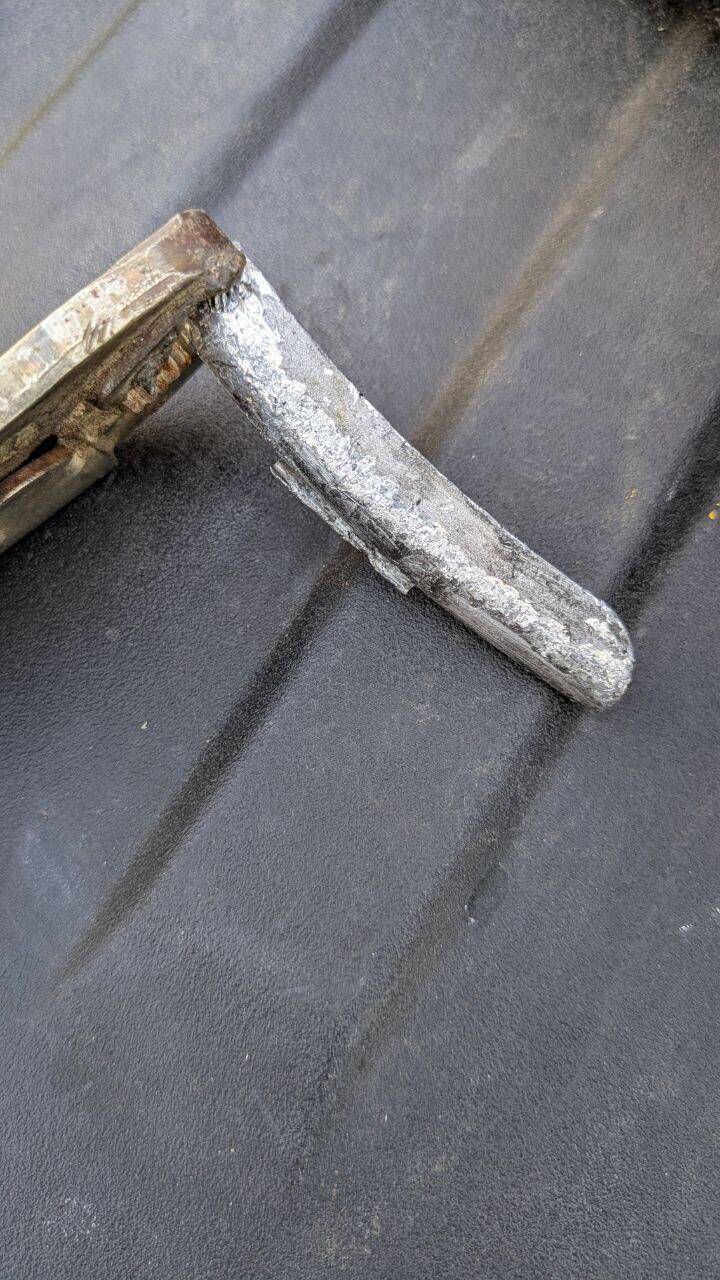
And if you are curious


Not sure what that piece of metal is. But it's super strong. Beer can of terrific beer for size reference. Plug is holding, debating on replacing the tire. But I got it the 8 miles home.
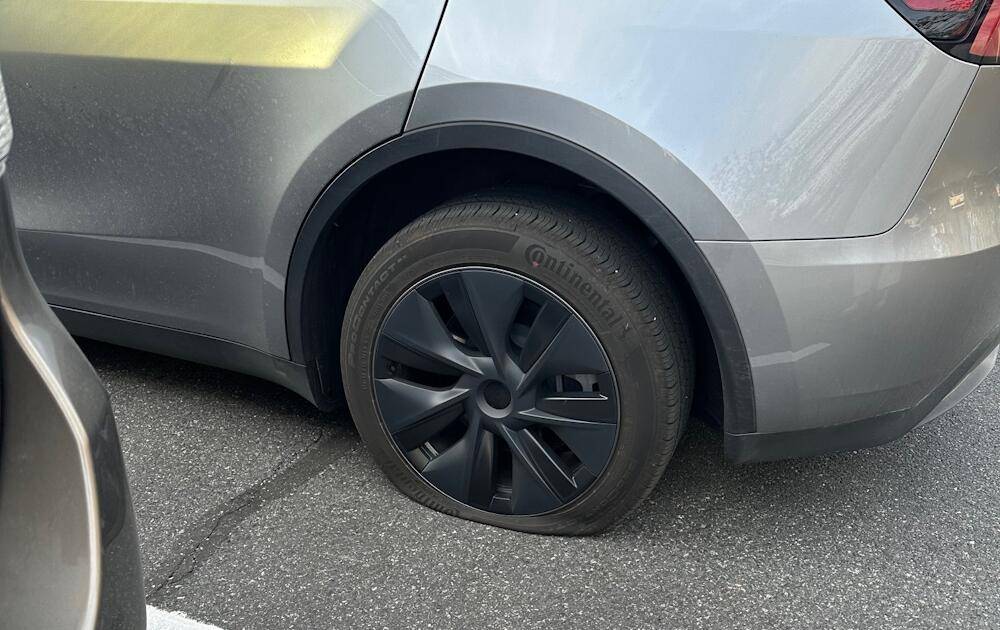
Not the first time I've changed a tire in a parking lot. Packed up my portable air compressor some tire plugs and tools in the back of my CT and drove over there. Plugged in the compressor in to the 110 outlet in the back of my truck and remembered I needed to power on the outlets. So I started looking through the menu, I couldn't remember where I saw that setting. Was looking at this for 15 minutes, through every menu. Googled it and it said:
To enable power to the outlets, touch Controls > Outlets & Mods. Touch Enable Cabin Outlets on Entry to enable them by default when you enter Cybertruck.
Ok, "outlets & mods", couldn't find it. Found a picture of it and that menu item was not on the screen on my CT. When in doubt, reboot. And went back in the menu and there it was. That's the first time I noticed the list of items in the menu was dynamic (items just didn't show). Not sure what caused it to disappear, but after the reboot it's back.
If your menu doesn't have an item you expect, reboot (push in both scroll wheels, if you're new to Tesla stuff). Didn't need to reboot my CT since I picked it up.
And if you are curious
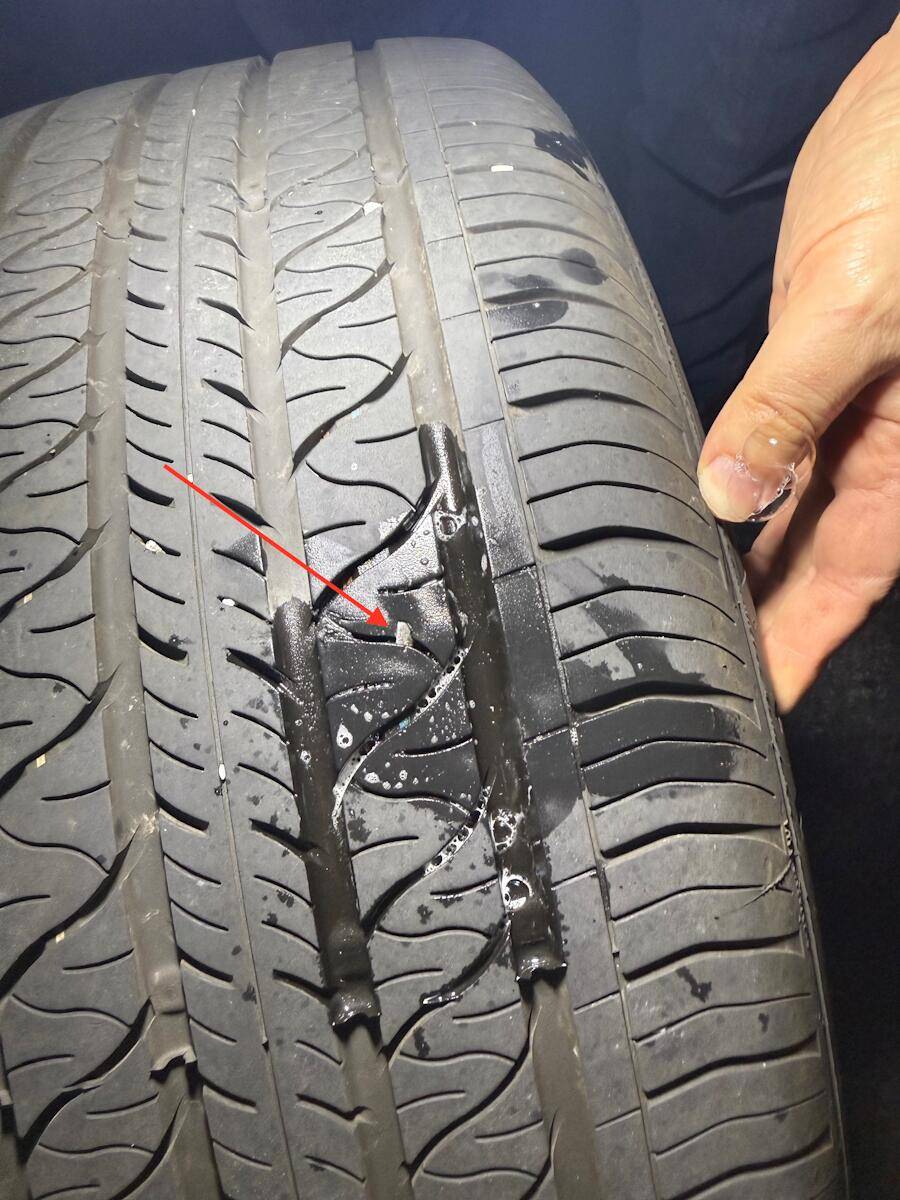
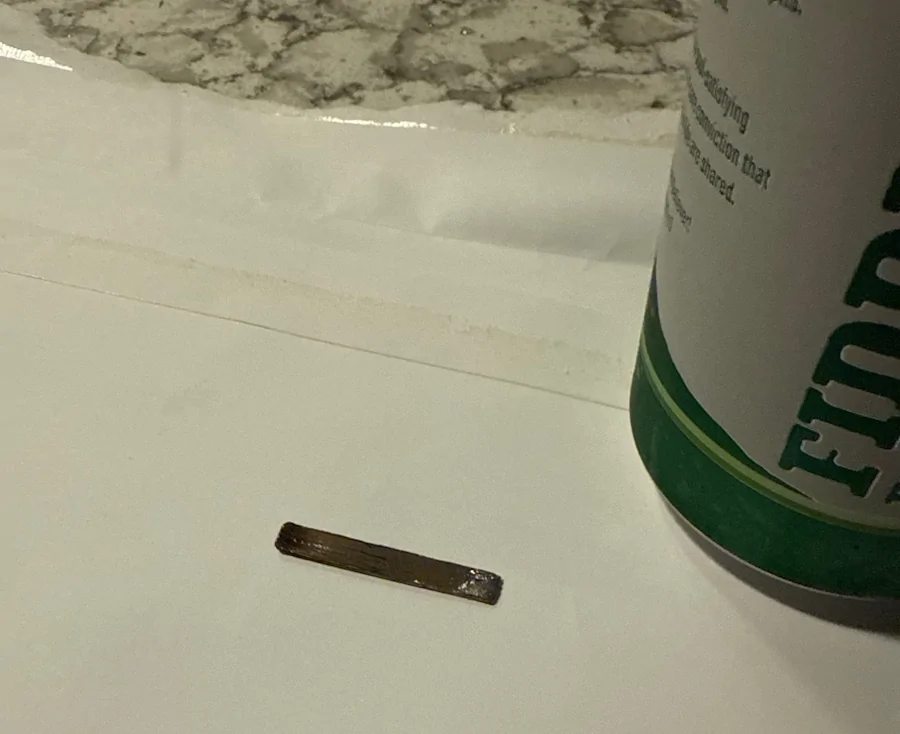
Not sure what that piece of metal is. But it's super strong. Beer can of terrific beer for size reference. Plug is holding, debating on replacing the tire. But I got it the 8 miles home.
Sponsored