Sponsored

misdemeanor

Well-known member
Joined
Mar 12, 2025
Threads
23
Messages
429
Reaction score
707
Location
Kentuck-lette
Website
www.TeslaKY.com
Vehicles
‘25 CT, ‘22 YLR, ‘22 3LR
Occupation
All. The. Things.
Country flag
Special thanks to @Wolfbox for sending me this to review!!

Wolfbox G900 Tripro digital cam: https://amzn.to/4kvGnfA
Here's a link to all of Wolfbox's Prime Day sales!

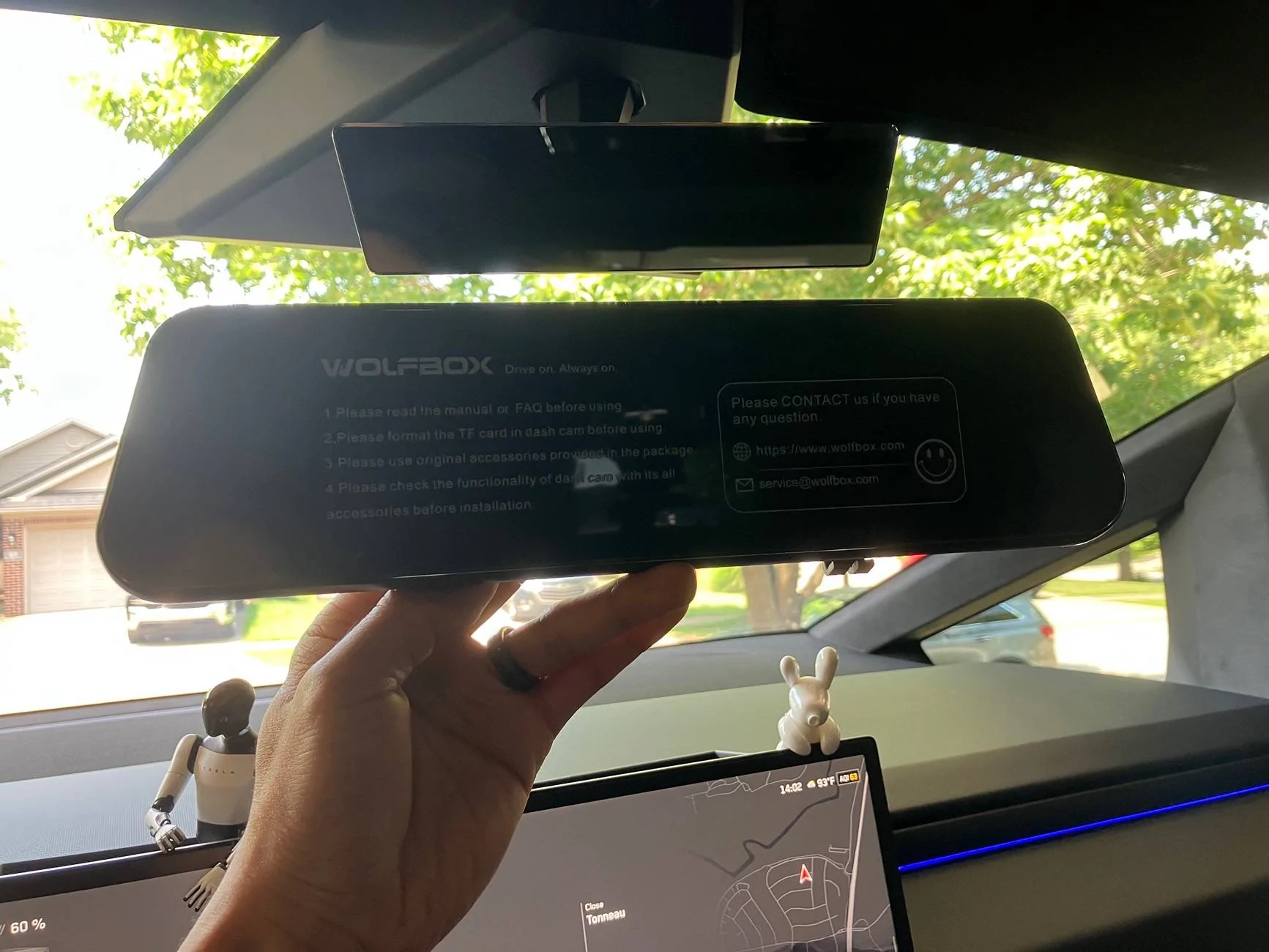
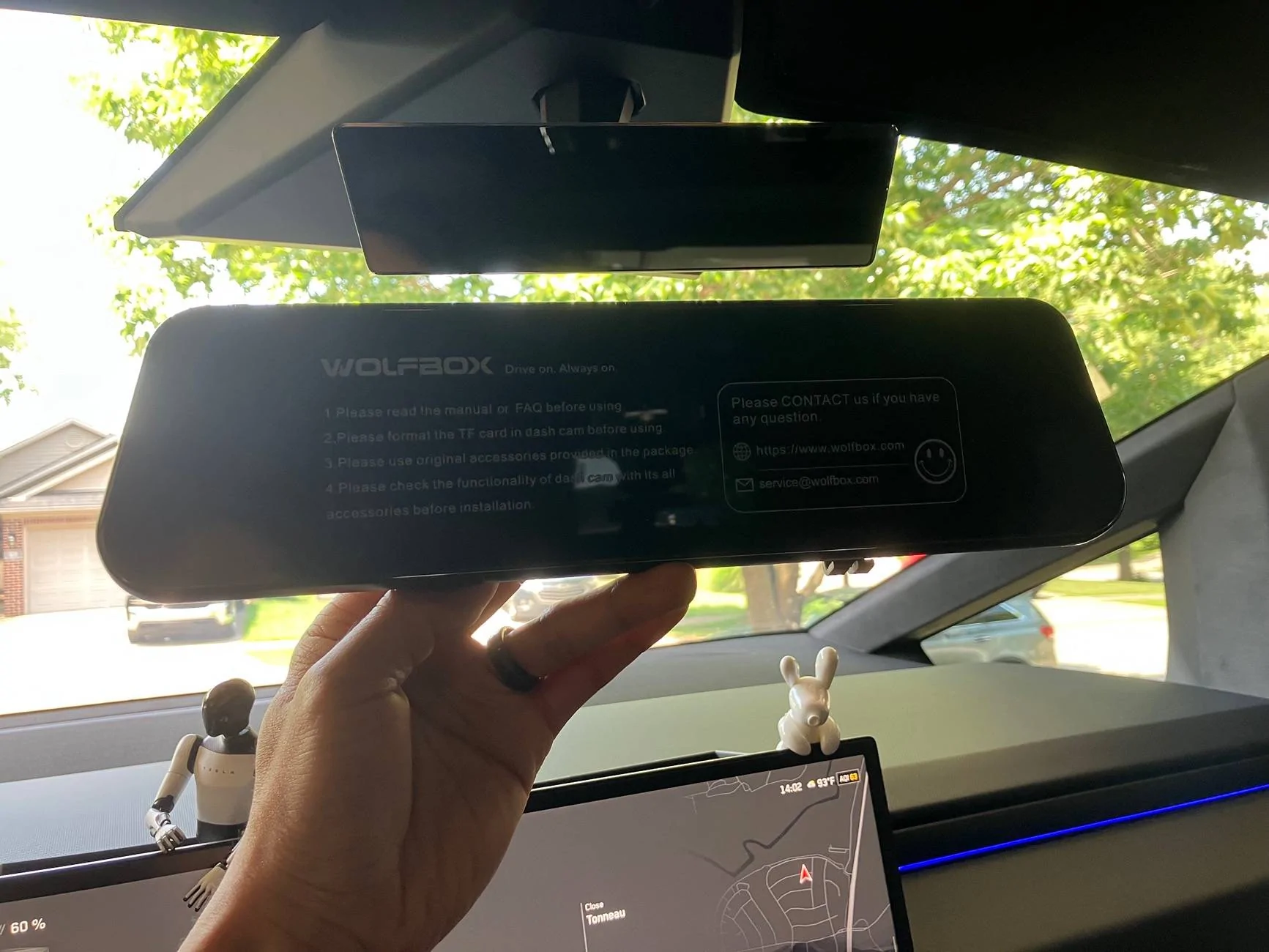
Here’s a comparison of the CT mirror vs this Wolfbox digital mirror
Tesla Cybertruck Wolfbox G900 Tri Pro Dash Cam Review IMG_2895


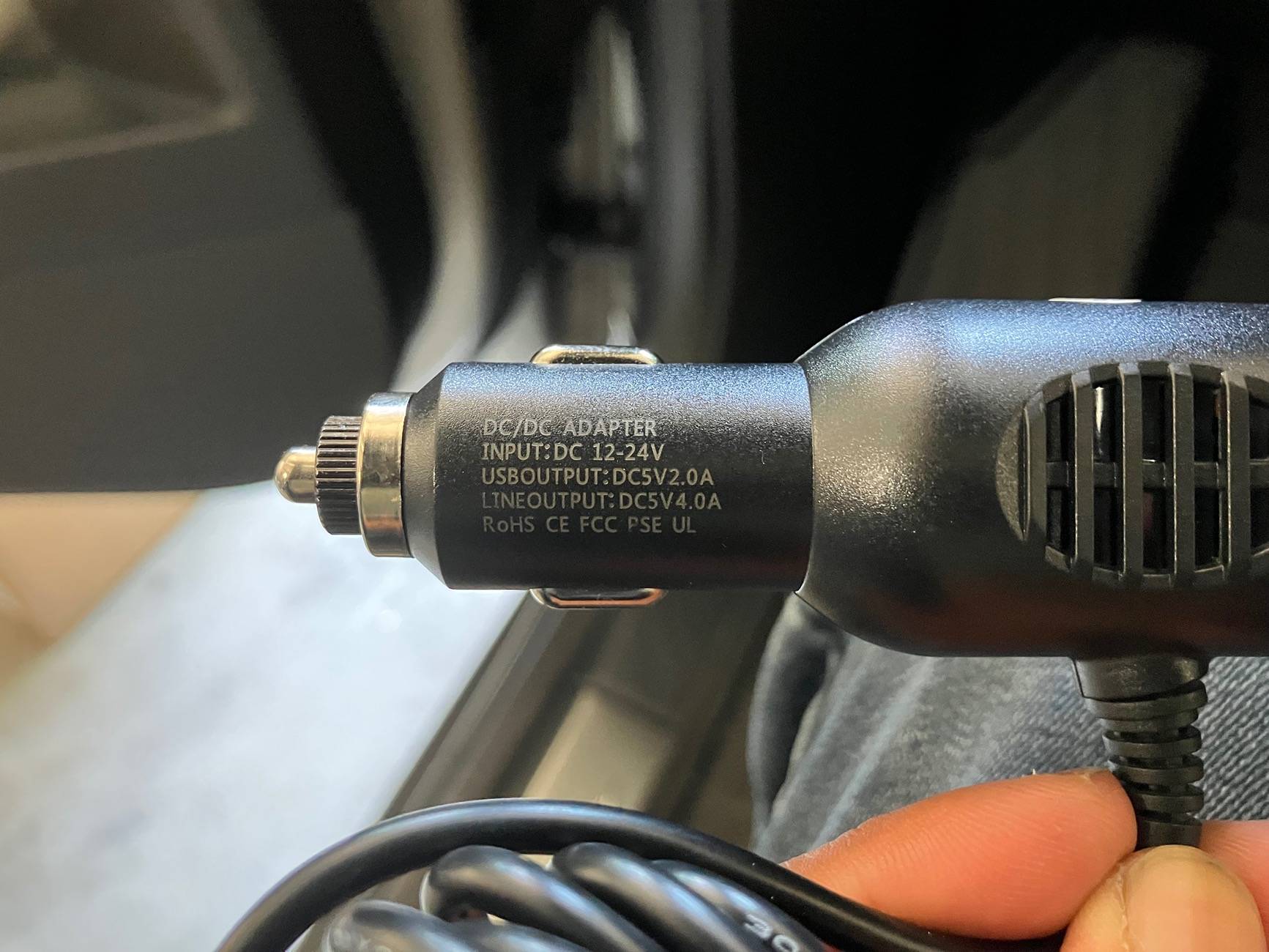
Here’s the cigarette power output.
I tried to power the mirror going straight to the USB-C port in the center console, but it never powered on.
Tesla Cybertruck Wolfbox G900 Tri Pro Dash Cam Review IMG_2897


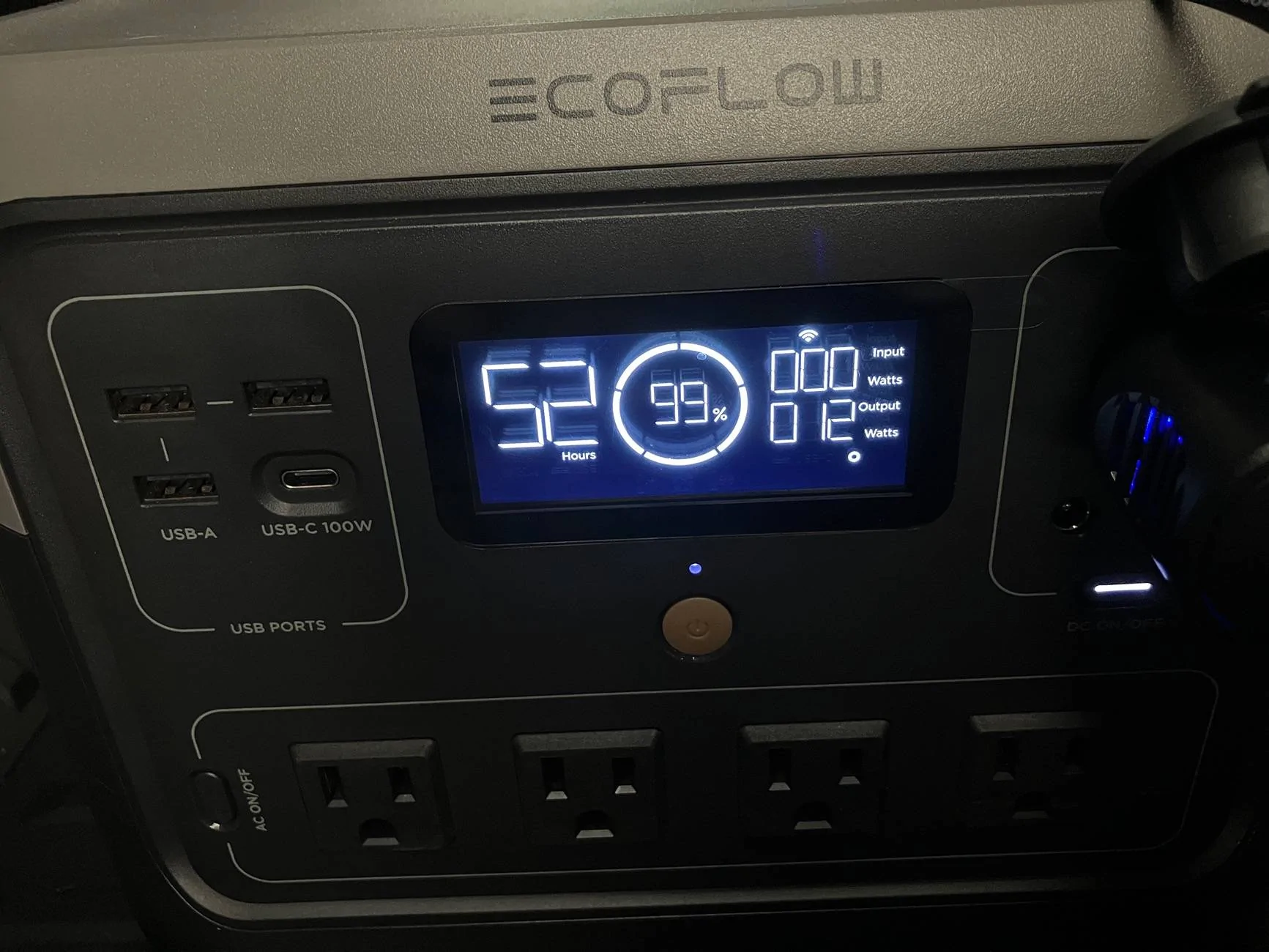
For testing purposes I powered the camera using my ecoflow and it was pulling 12W
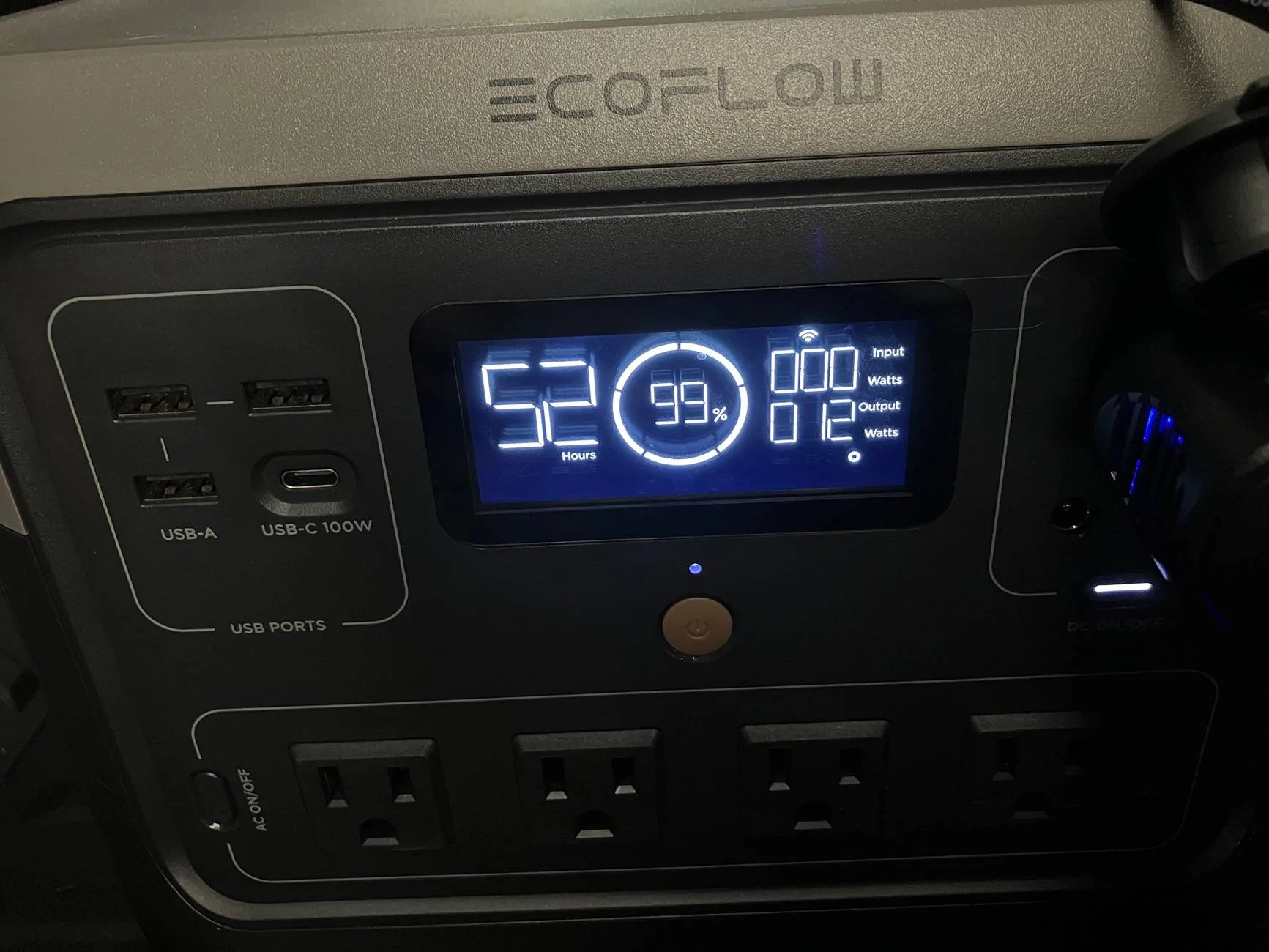
Tesla Cybertruck Wolfbox G900 Tri Pro Dash Cam Review IMG_2907


Mounting the camera was the first task and I will say that it was not meant for the small mirror in the CT. These rubber bands will not hold the weight of the camera in place especially on the smallest bumps. I think they need to create an actual mount for the CT.
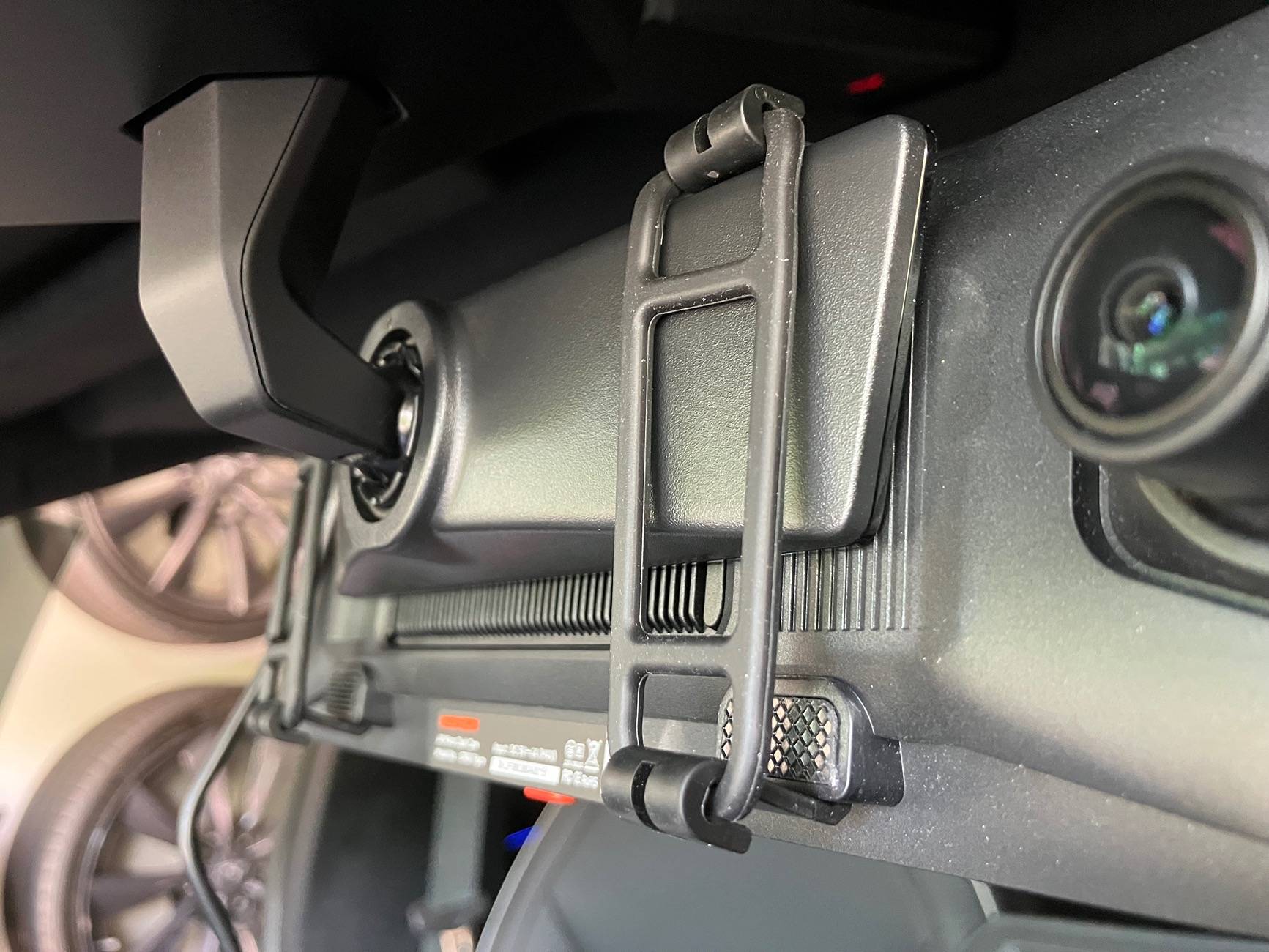
Tesla Cybertruck Wolfbox G900 Tri Pro Dash Cam Review IMG_2898


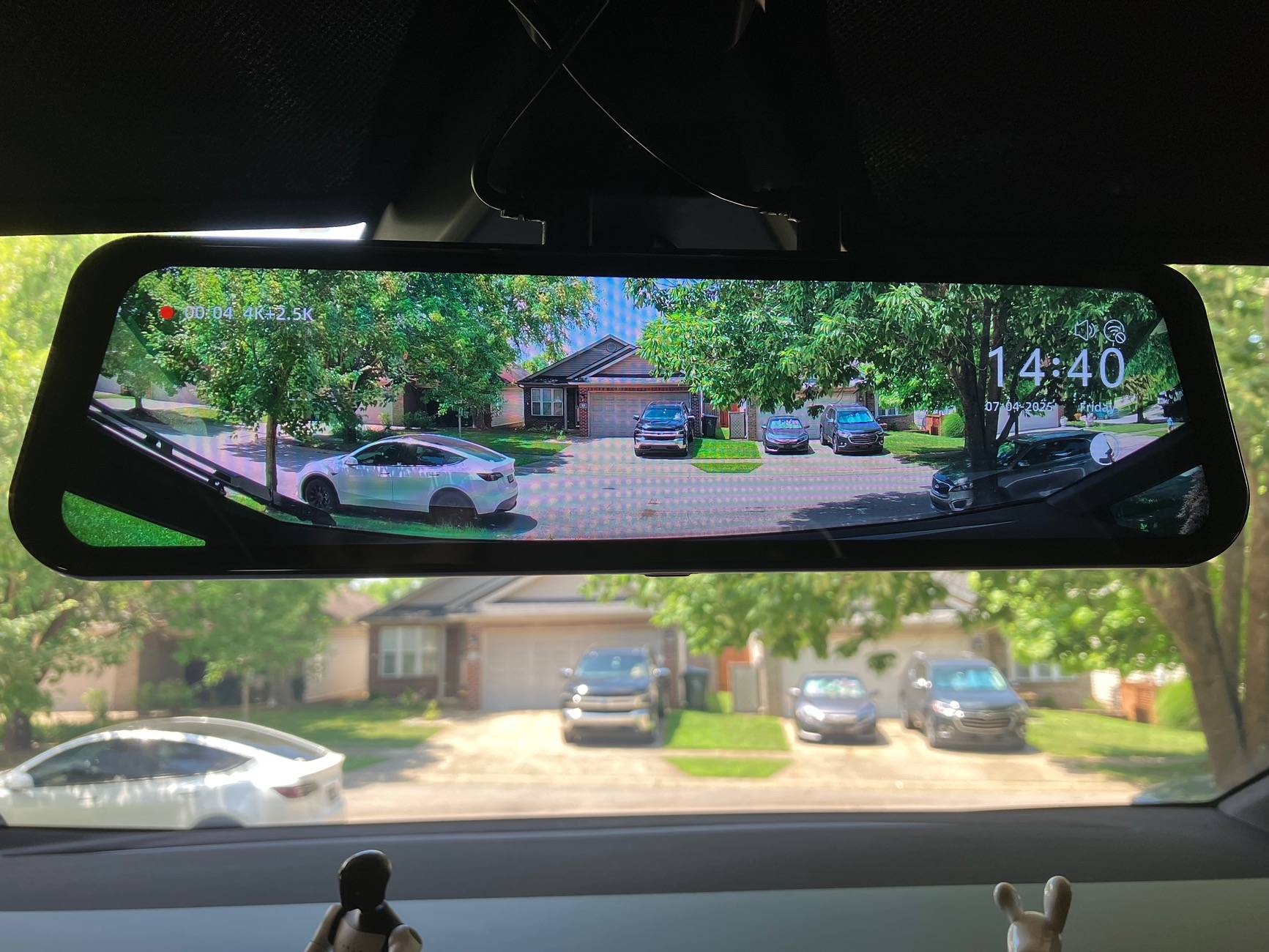
The camera’s interface is really responsive and I can confirm the audio commands work, but this was with a quiet cabin (no music or road noise).
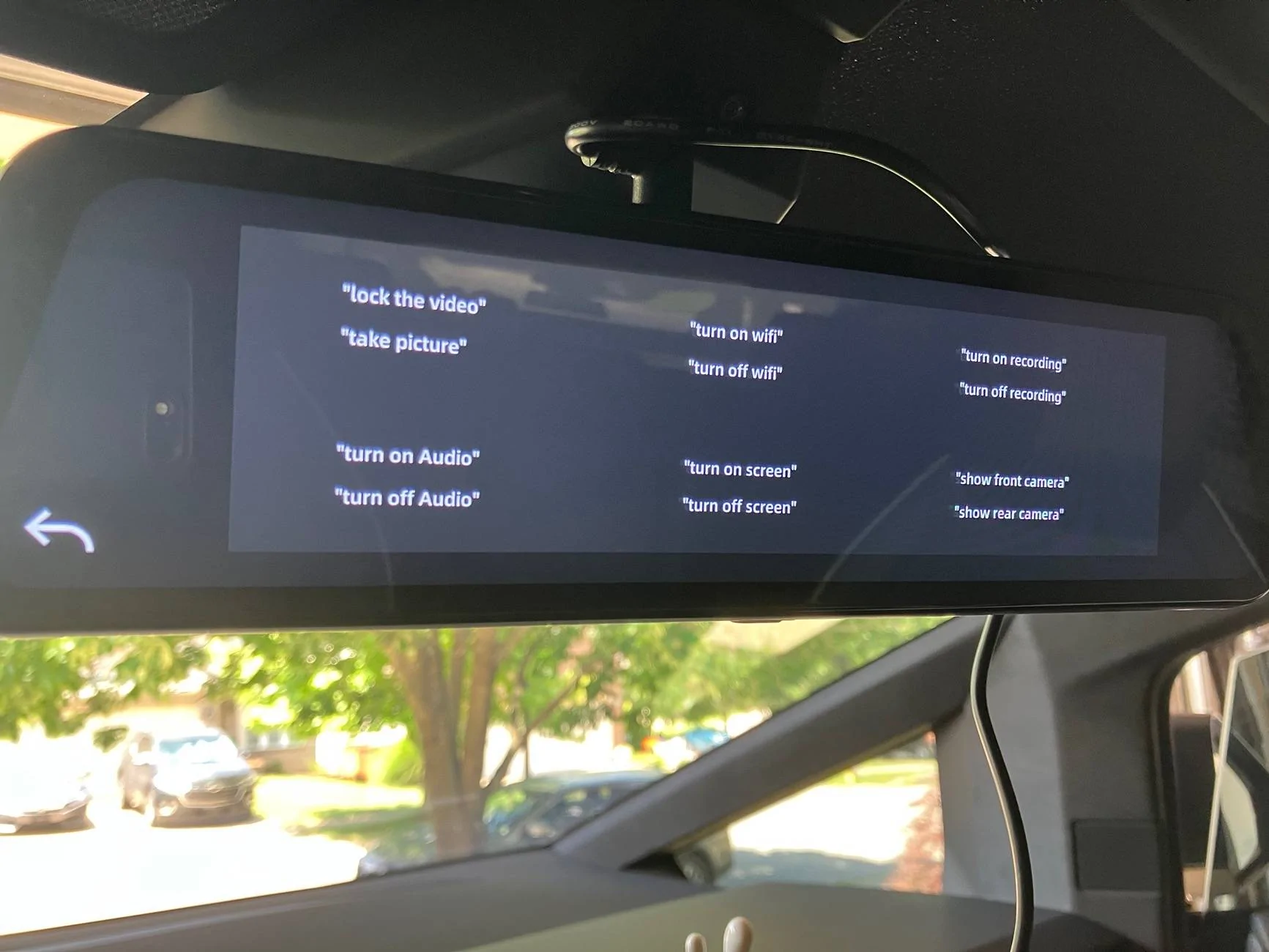
Tesla Cybertruck Wolfbox G900 Tri Pro Dash Cam Review IMG_2899


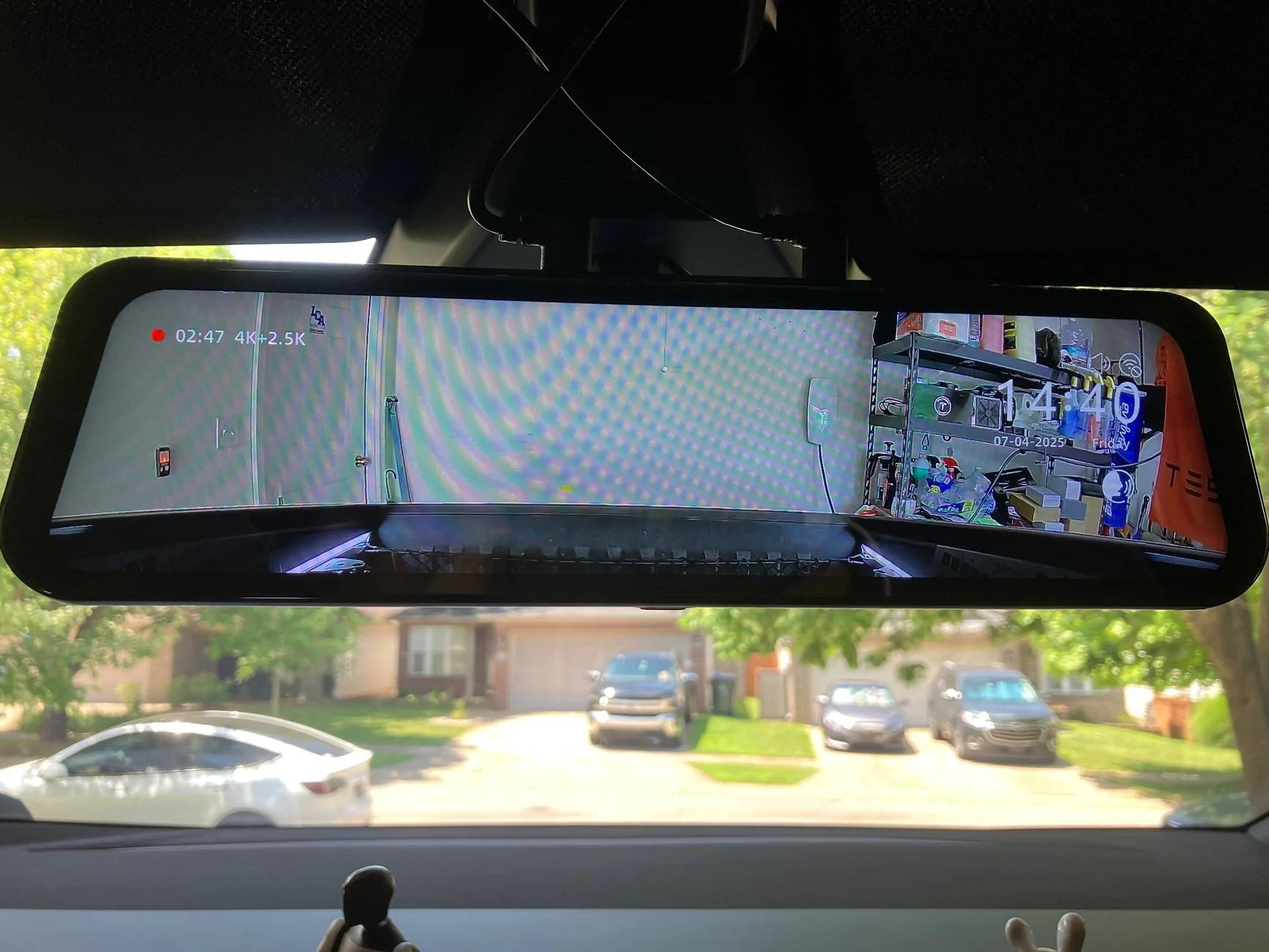
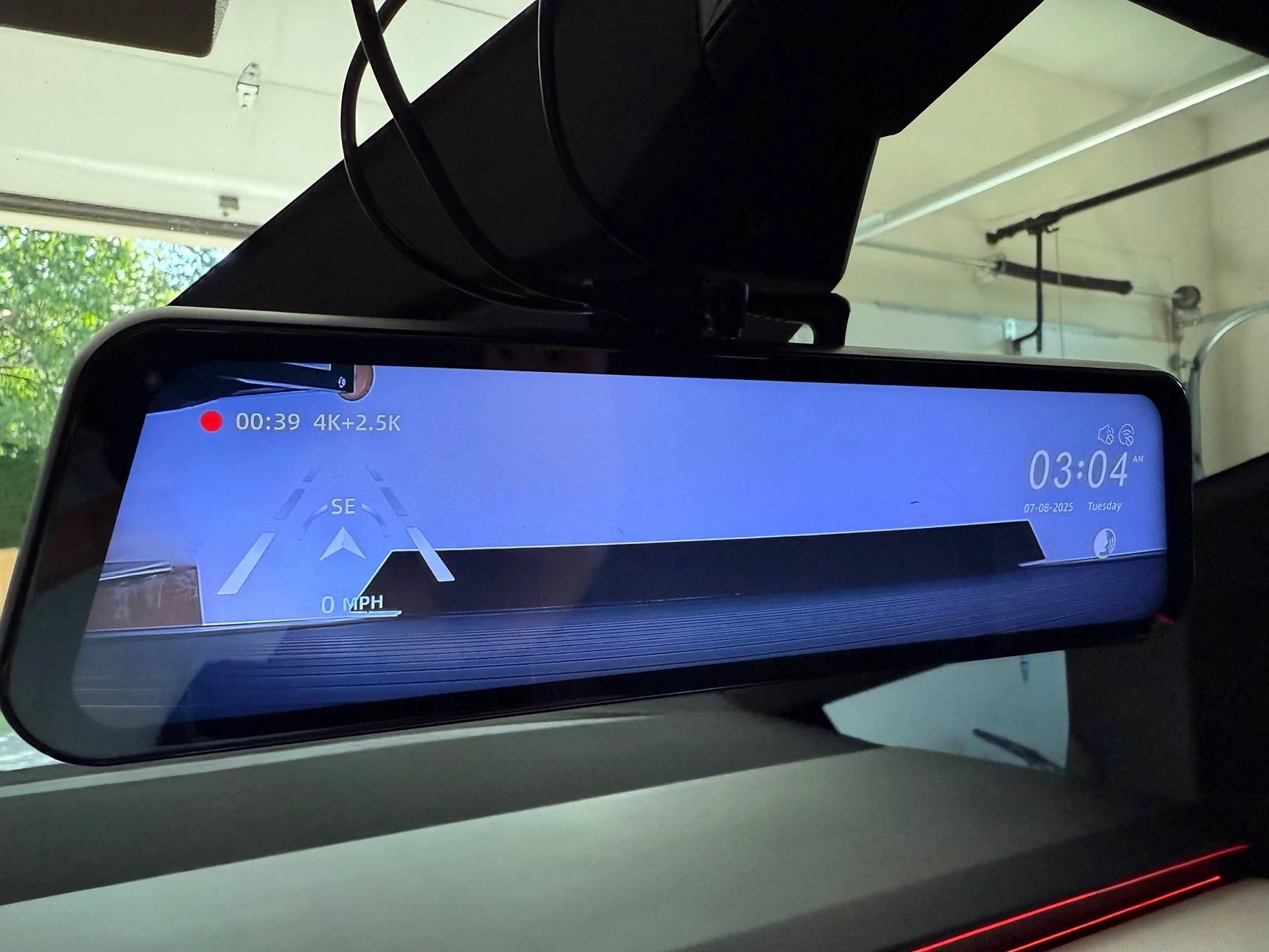
Here’s a split view of the front and rear video feeds. Both of which were very fluid with no delays.
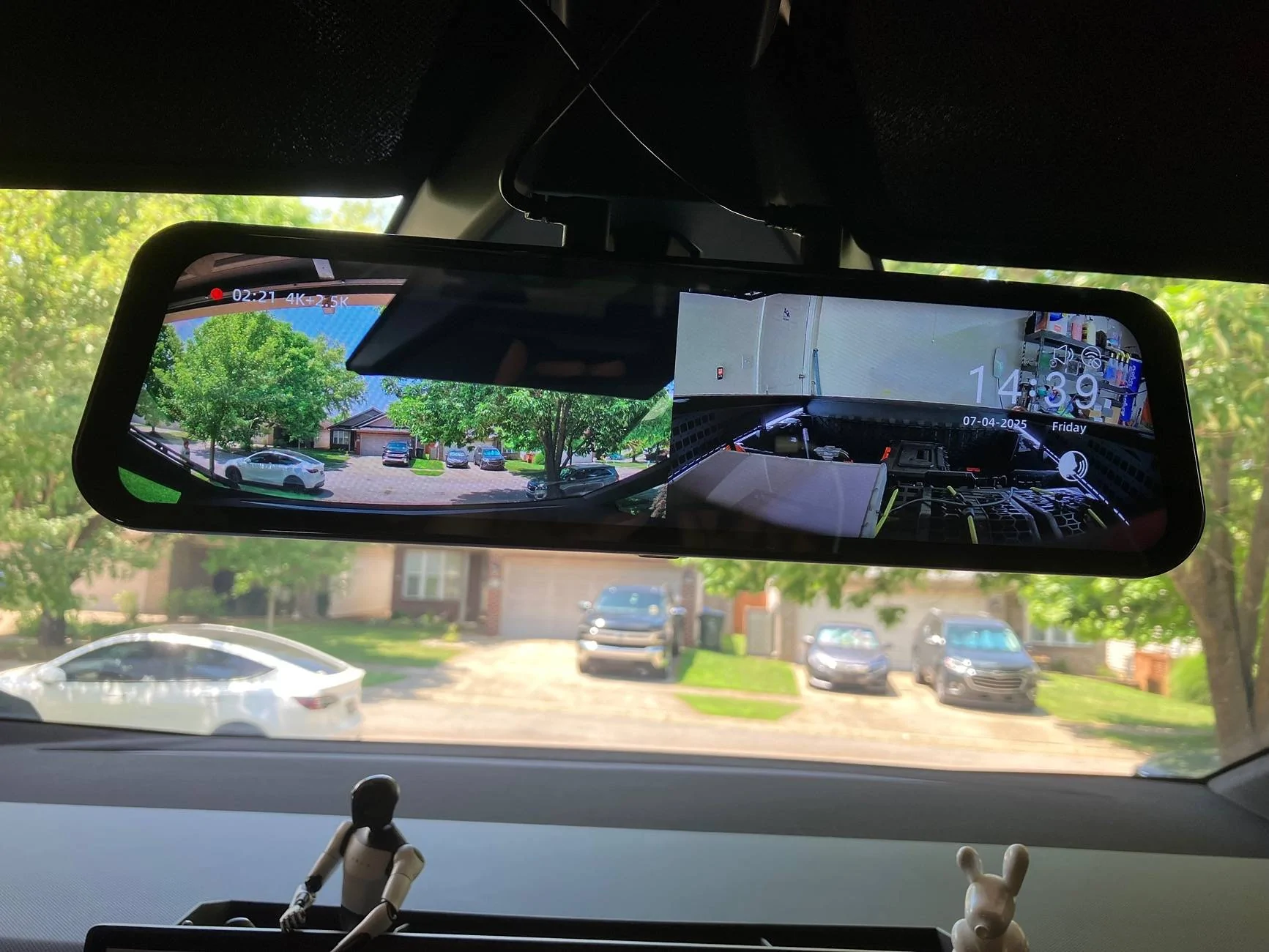
Tesla Cybertruck Wolfbox G900 Tri Pro Dash Cam Review IMG_2900
Tesla Cybertruck Wolfbox G900 Tri Pro Dash Cam Review IMG_2901
Tesla Cybertruck Wolfbox G900 Tri Pro Dash Cam Review IMG_2902


Being able to review footage directly from the mirror is really nice too. You can select the feed on the left, then select the date/time stamp of the event to review it.
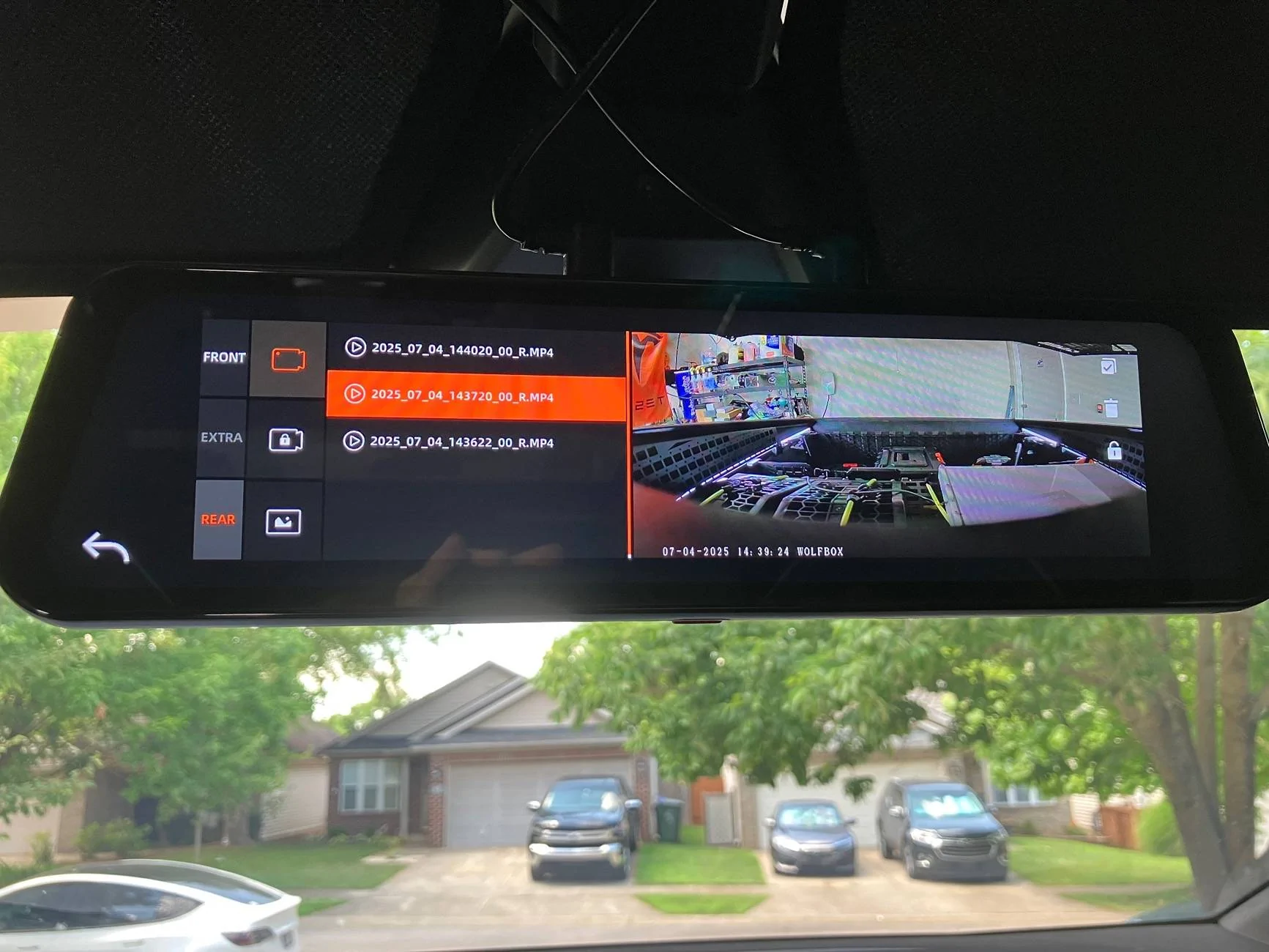
Tesla Cybertruck Wolfbox G900 Tri Pro Dash Cam Review IMG_2903


The kit also comes with a GPS module to record direction and speed.
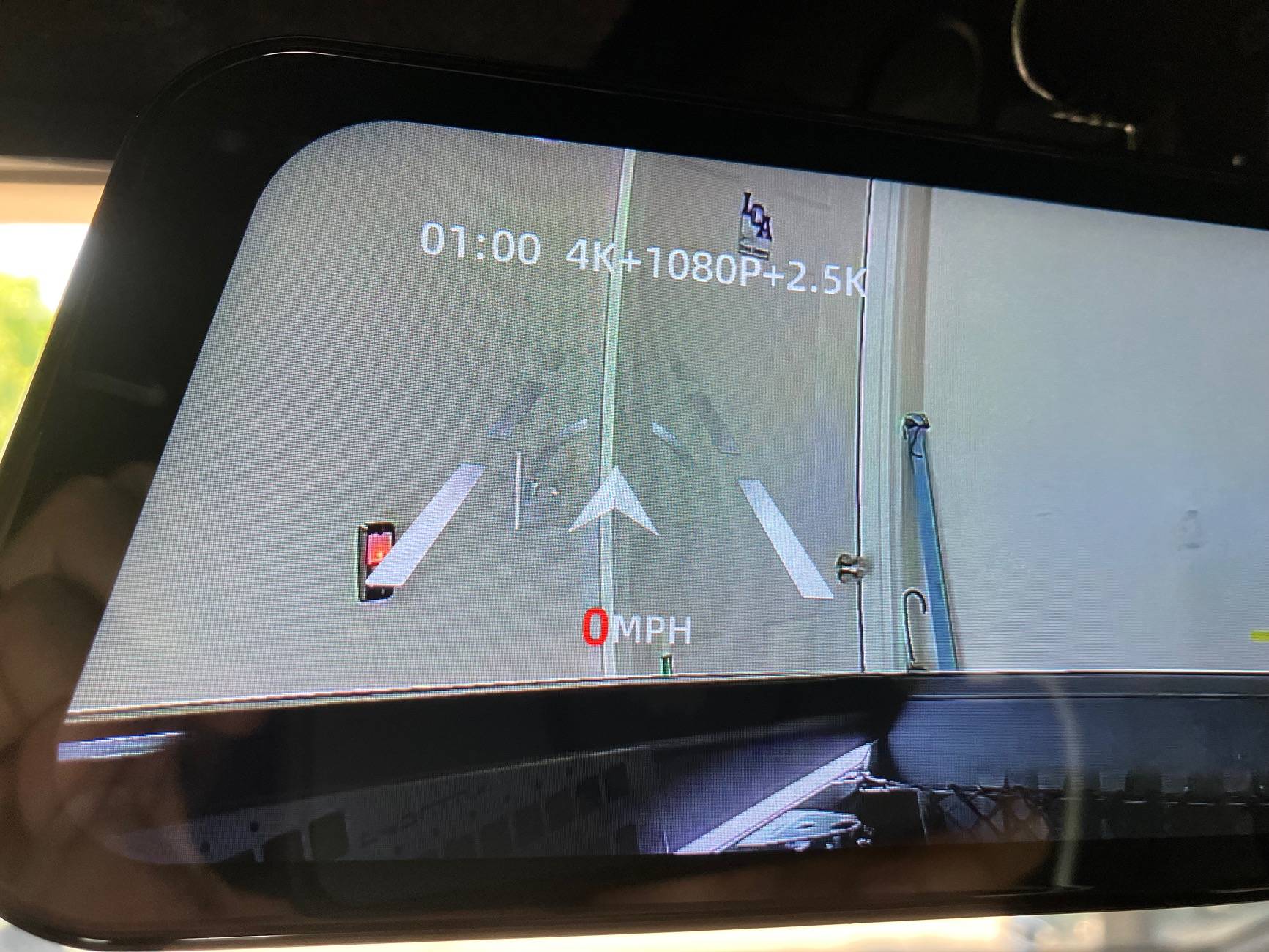
Tesla Cybertruck Wolfbox G900 Tri Pro Dash Cam Review IMG_2906


The rearview camera is intended to be installed at the rear of the truck, but the top of the bed is the best placement for it. The red wire you see there is supposed to connect to the reverse lights, but I don’t think I’ll be wiring that in.
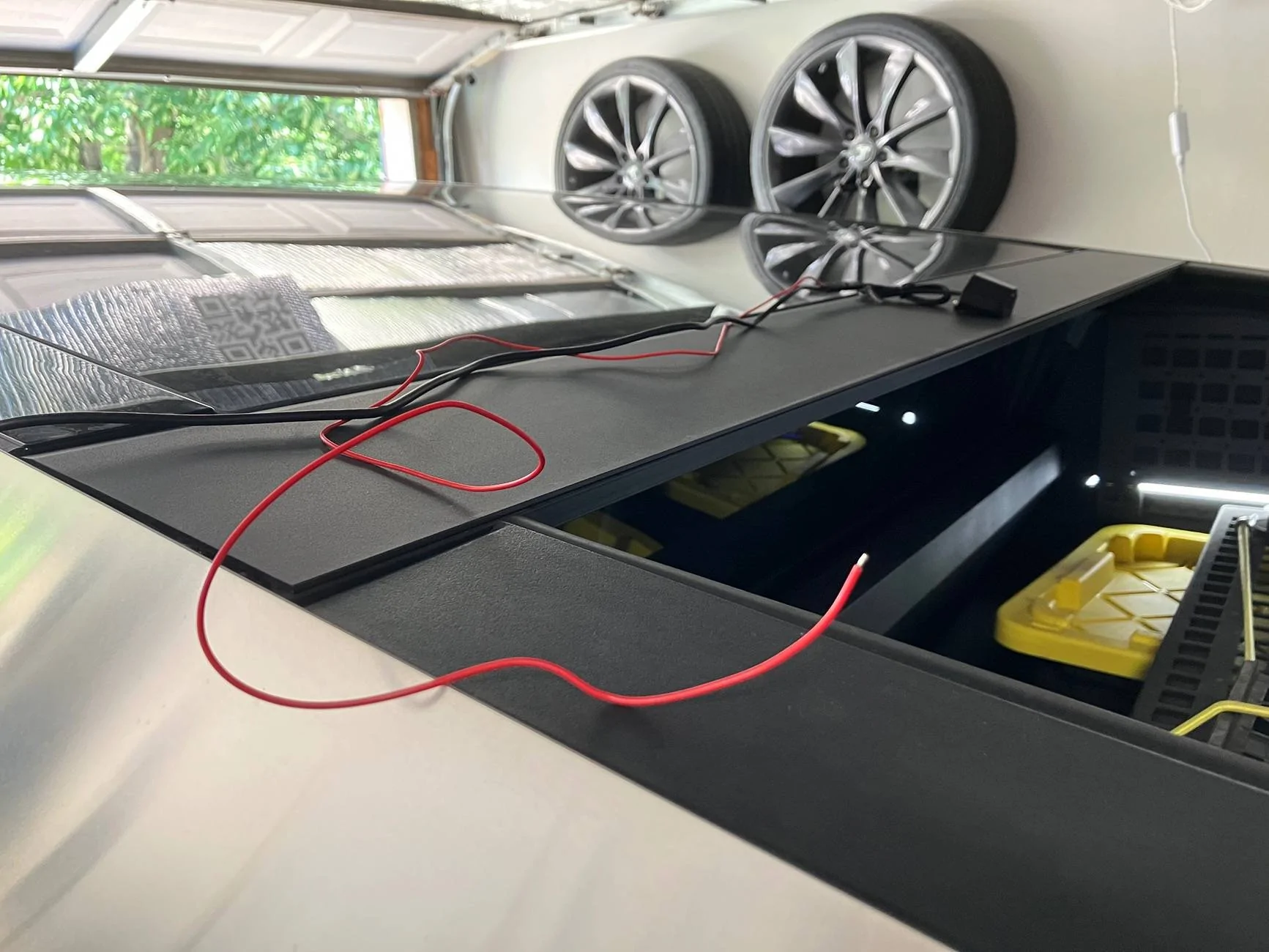
Tesla Cybertruck Wolfbox G900 Tri Pro Dash Cam Review IMG_2910


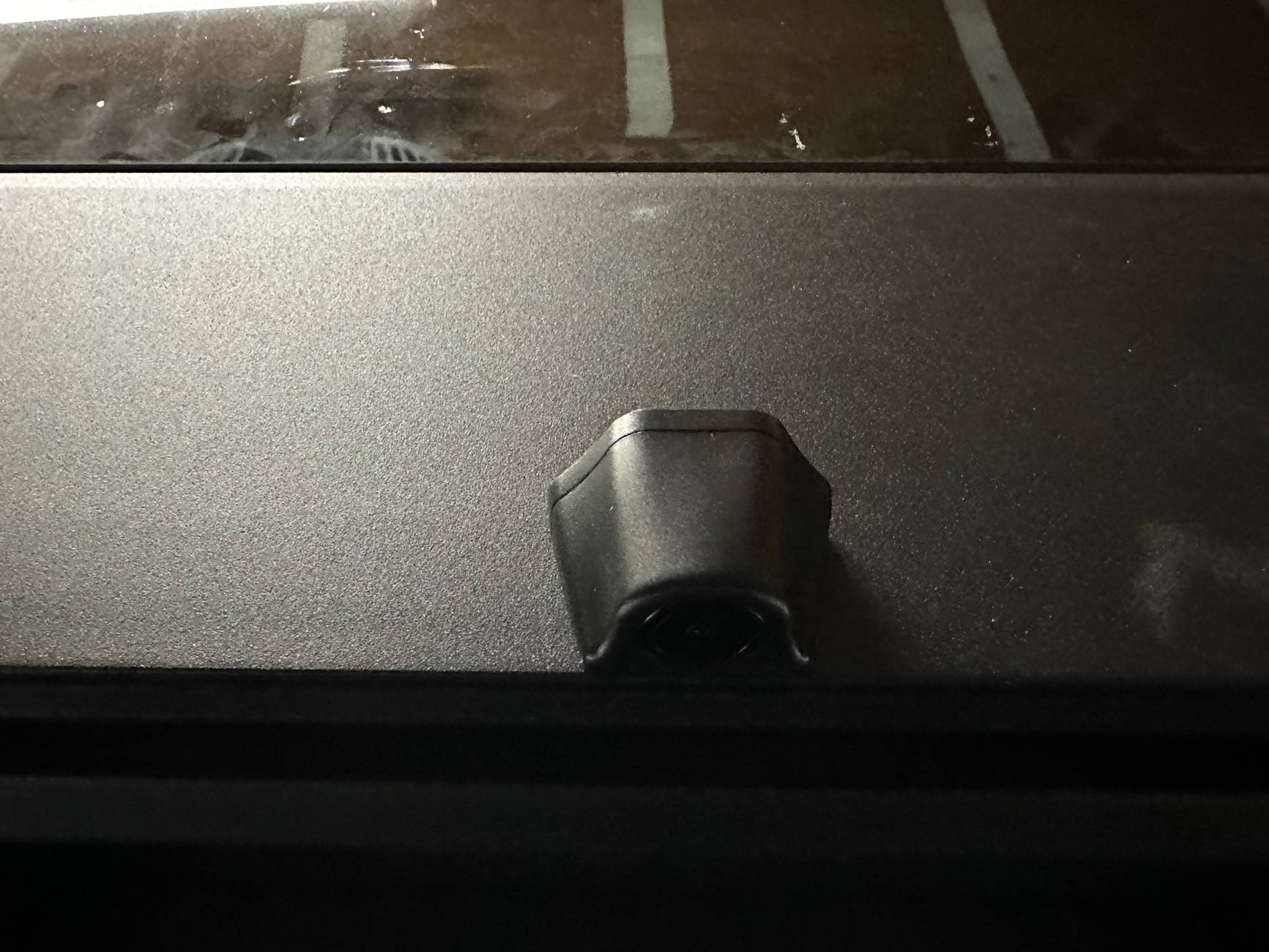
Here’s a view of the CT’s interior cabin camera. I’m not sure if it’ll affect FSD because I know it can be very sensitive to the driver having a “device in hand”. Again, I think they need to create a custom mount for the CT that will place the mirror further forward so it doesn’t obstruct the cabin camera.
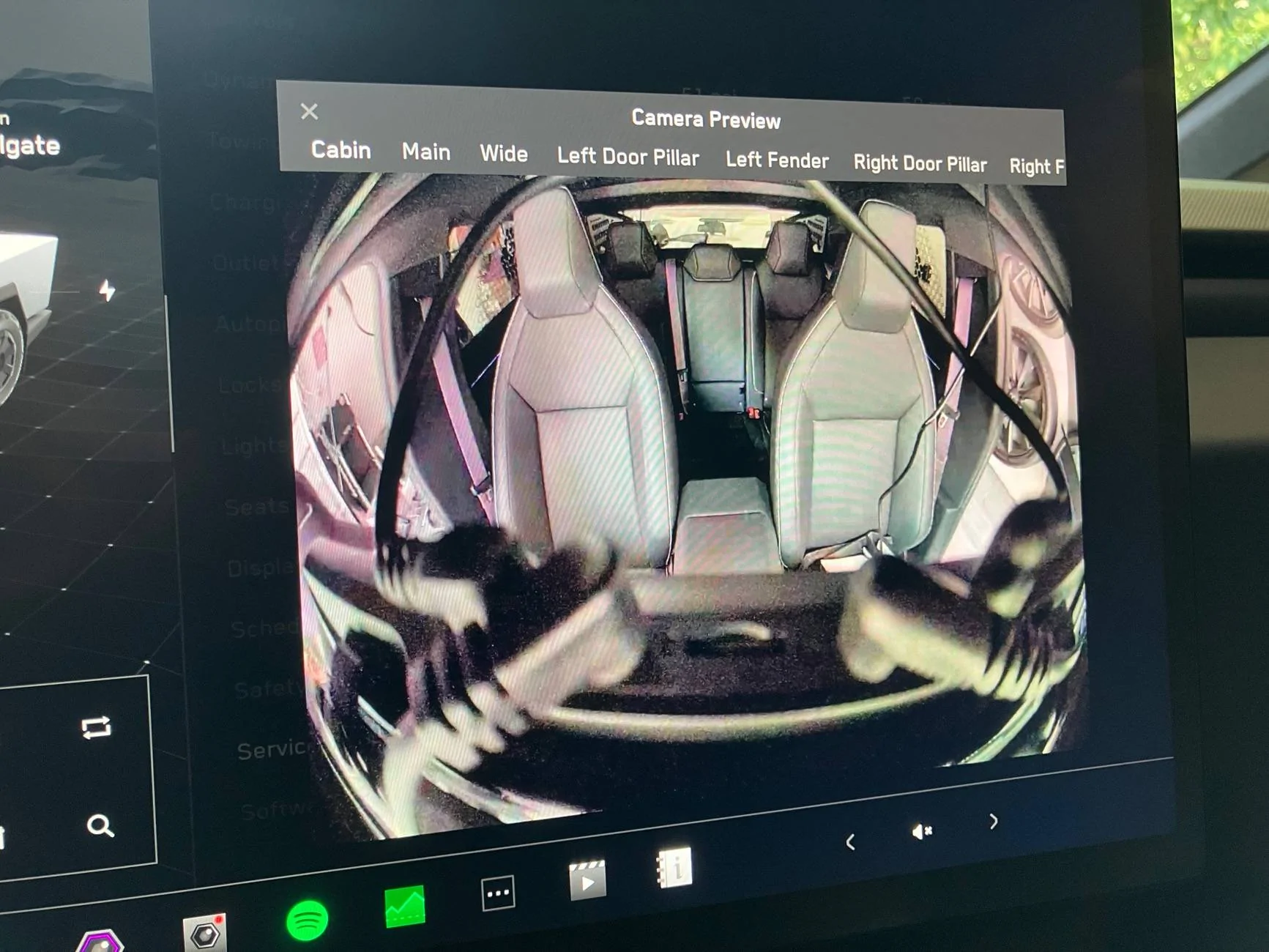
Tesla Cybertruck Wolfbox G900 Tri Pro Dash Cam Review IMG_2908


Here are the different resolutions you can choose for the camera feeds.
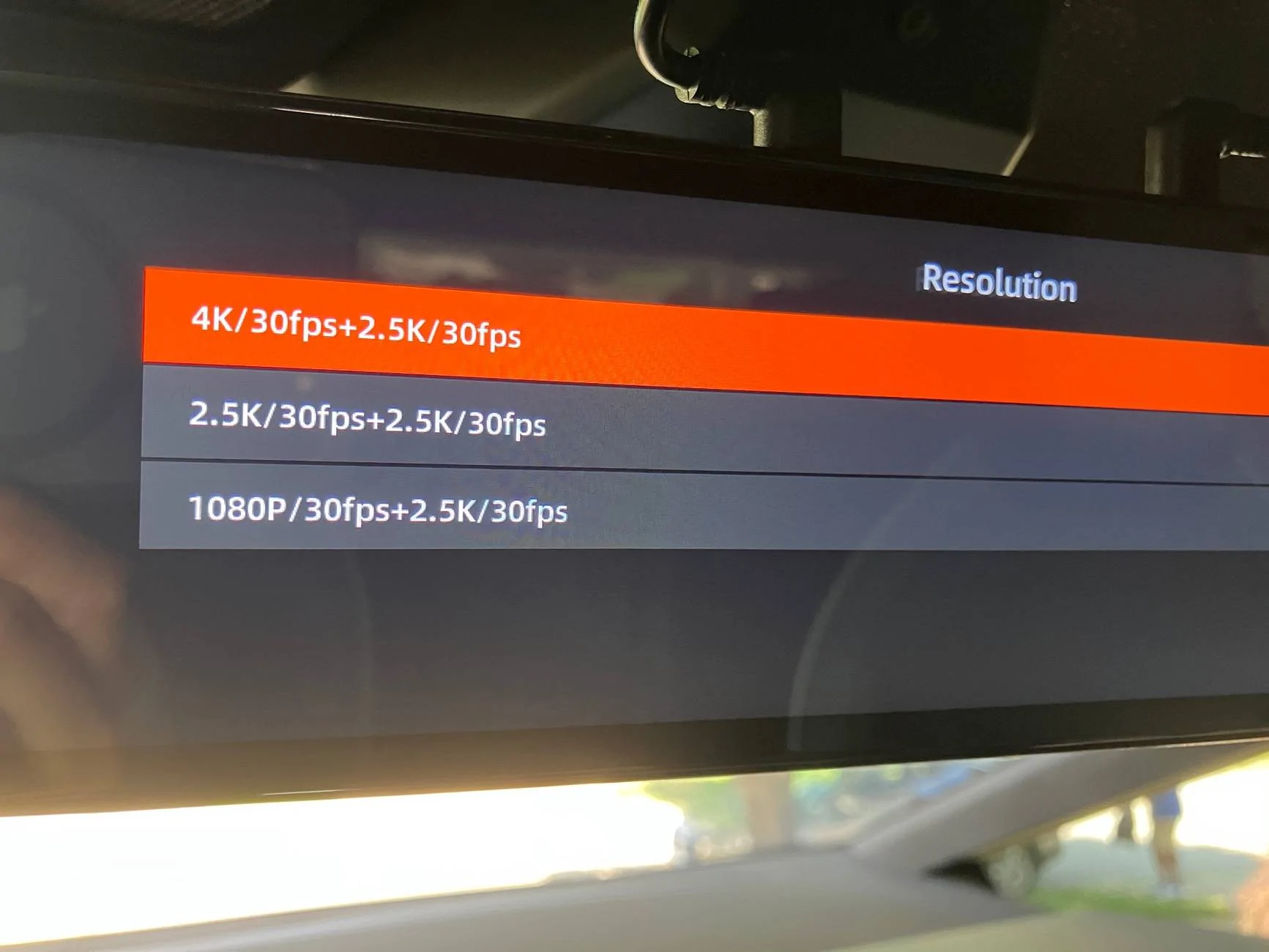
Tesla Cybertruck Wolfbox G900 Tri Pro Dash Cam Review IMG_2909


Another thing to note is the front facing camera is adjustable.
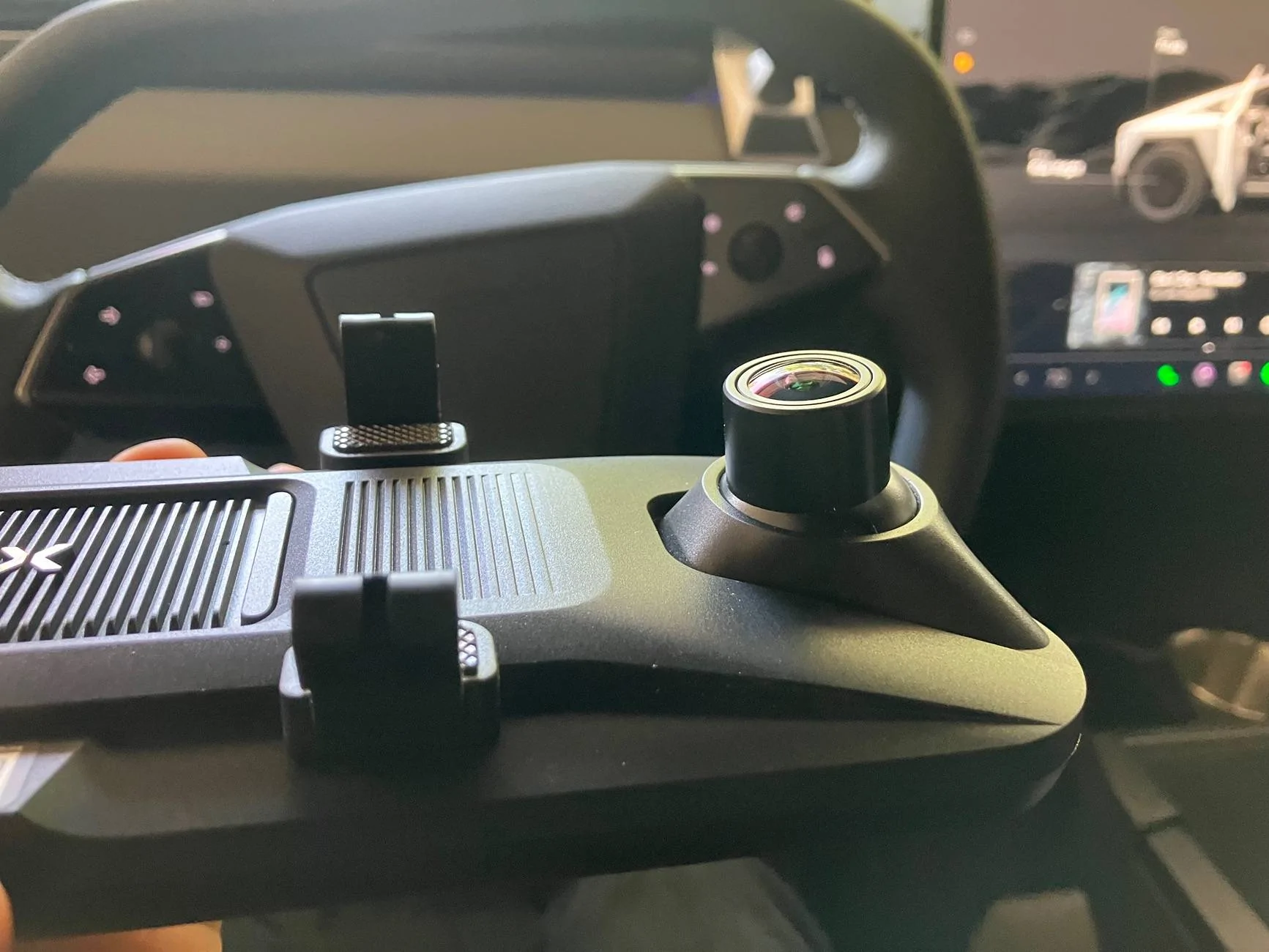
Tesla Cybertruck Wolfbox G900 Tri Pro Dash Cam Review IMG_2896


Tesla Cybertruck Wolfbox G900 Tri Pro Dash Cam Review IMG_2895


Tesla Cybertruck Wolfbox G900 Tri Pro Dash Cam Review IMG_2907
Sponsored

 
Last edited:
LandShark

Active member
First Name
John
Joined
Jun 29, 2025
Threads
1
Messages
32
Reaction score
12
Location
Sacramento
Vehicles
Cybertruck AWD
Country flag
is there a way to hardwire this mirror? i dont like the cigarette lighter power thing
 
OP
OP
misdemeanor

misdemeanor

Well-known member
Joined
Mar 12, 2025
Threads
23
Messages
429
Reaction score
707
Location
Kentuck-lette
Website
www.TeslaKY.com
Vehicles
‘25 CT, ‘22 YLR, ‘22 3LR
Occupation
All. The. Things.
Country flag
is there a way to hardwire this mirror? i dont like the cigarette lighter power thing
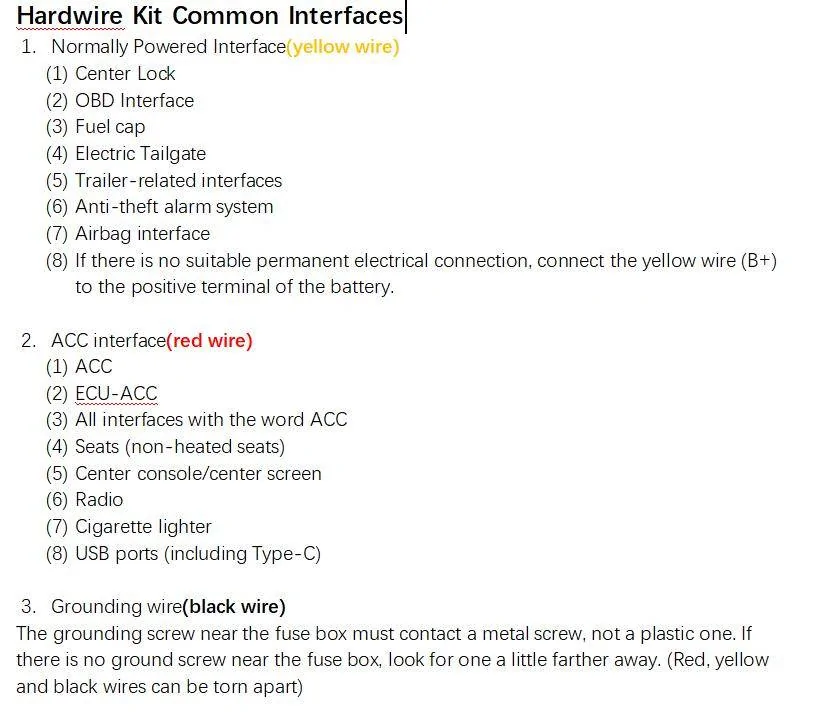
They do have a hardwire kit. This is what they sent me, but I haven’t got around to trying it out.

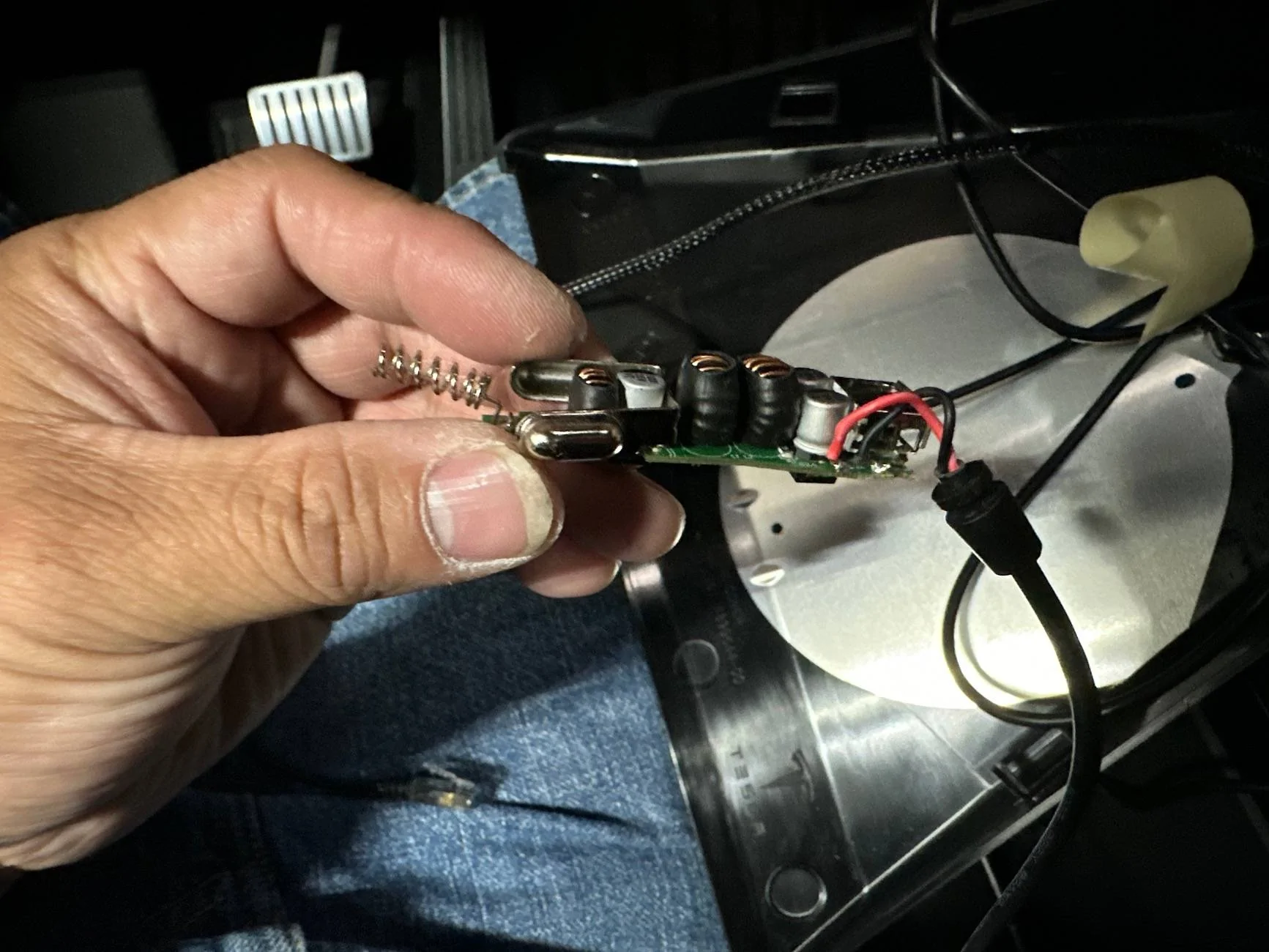
You can use the hardwire kit to connect the dash cam to the fuse box.
Tesla Cybertruck Wolfbox G900 Tri Pro Dash Cam Review 1751849058737-7a
 

BrockN

Well-known member
First Name
Brock
Joined
Jan 1, 2025
Threads
7
Messages
408
Reaction score
614
Location
Kamloops BC Canada
Vehicles
'24 FS Cybertruck, '23 MY, '15 MS
Occupation
Engineer
Country flag
I'm not seeing anything that suggests they realize the Cybertruck runs on 48 Volts. I would be careful about what I hardwire it to.


Geebz

Well-known member
Joined
Aug 16, 2024
Threads
2
Messages
65
Reaction score
103
Location
Texas
Vehicles
Cybertruck
Occupation
Engineer
Country flag
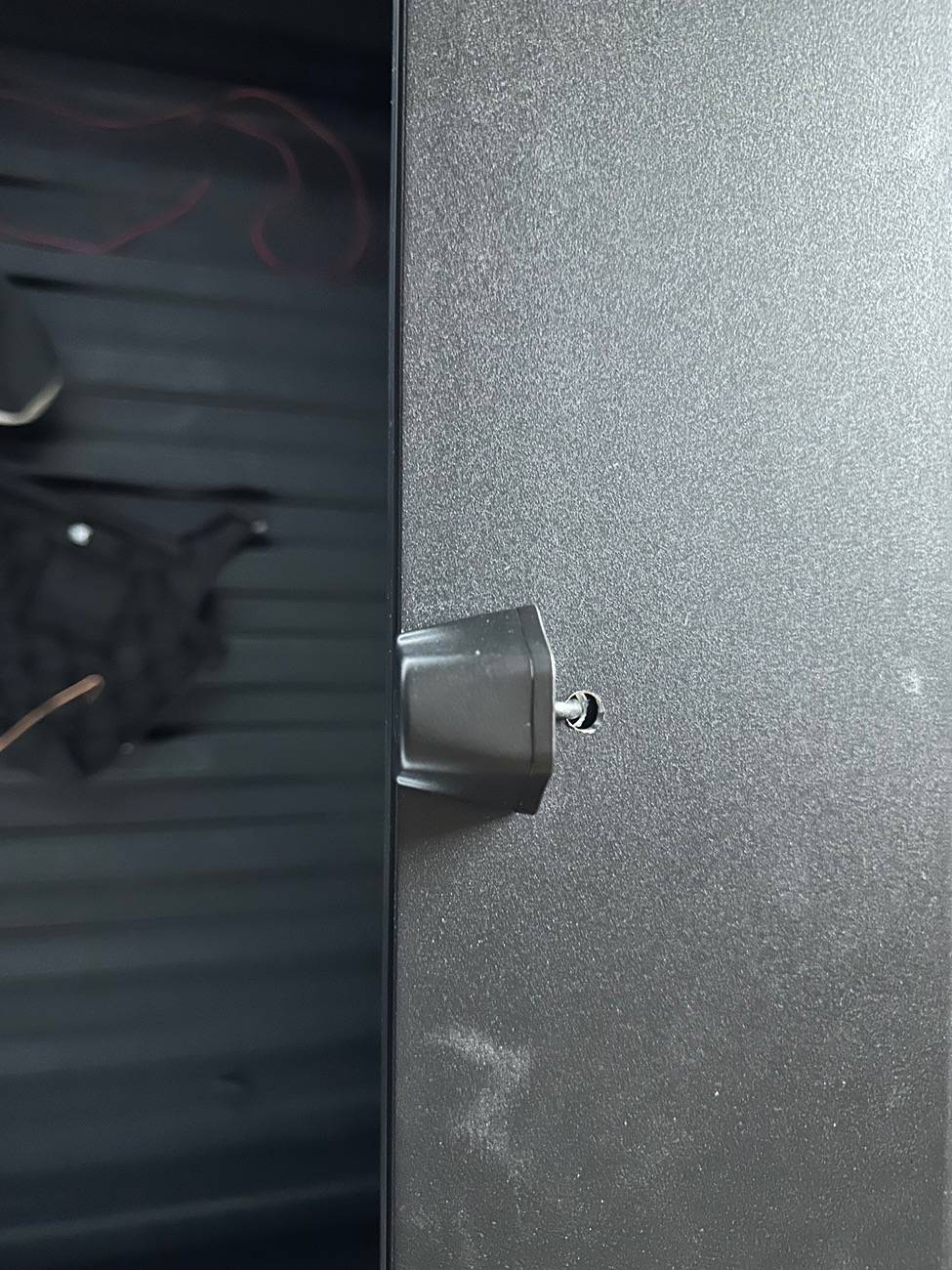
you can build a better looking wolf box system using the including kit with some modifications.

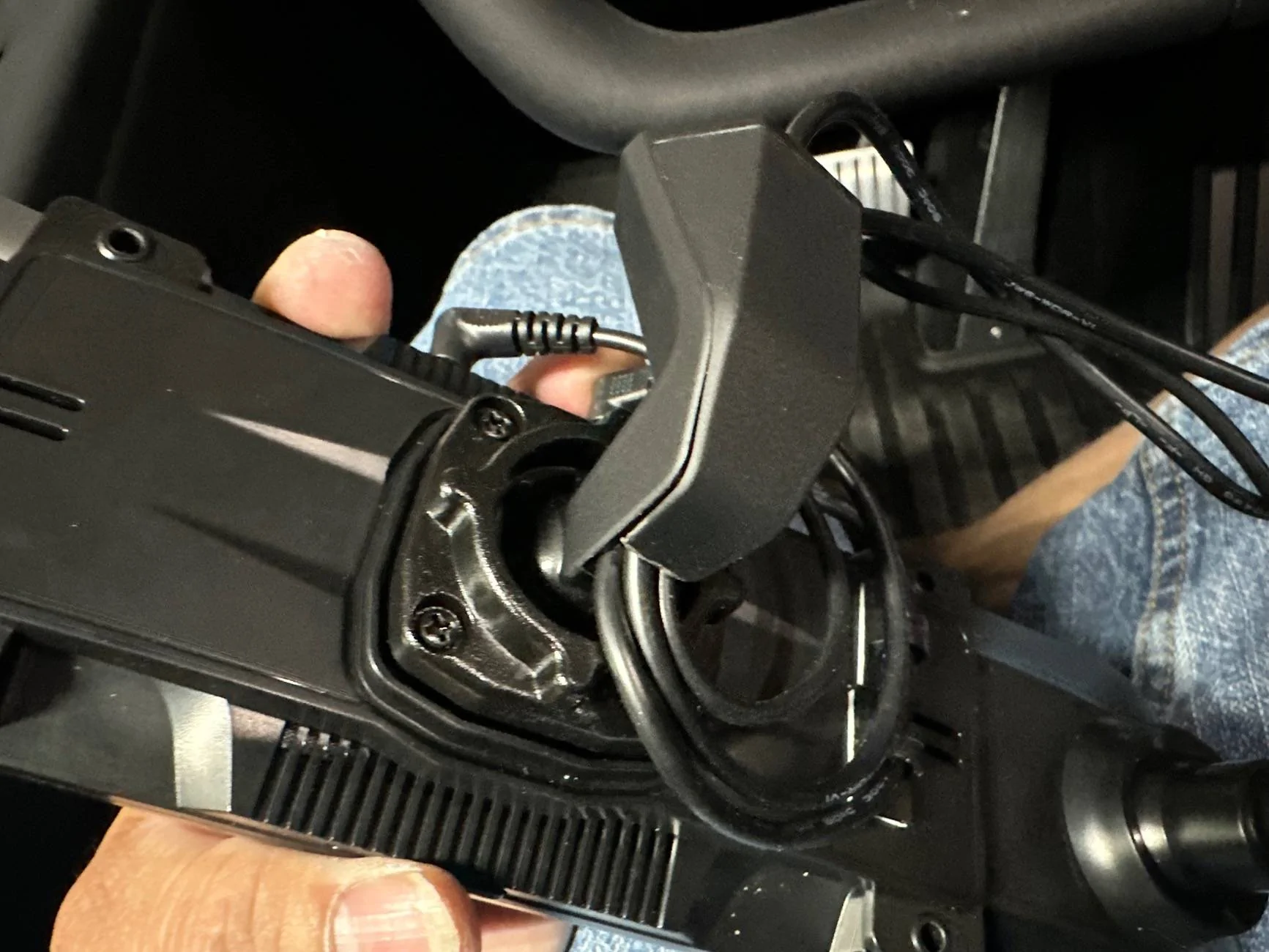
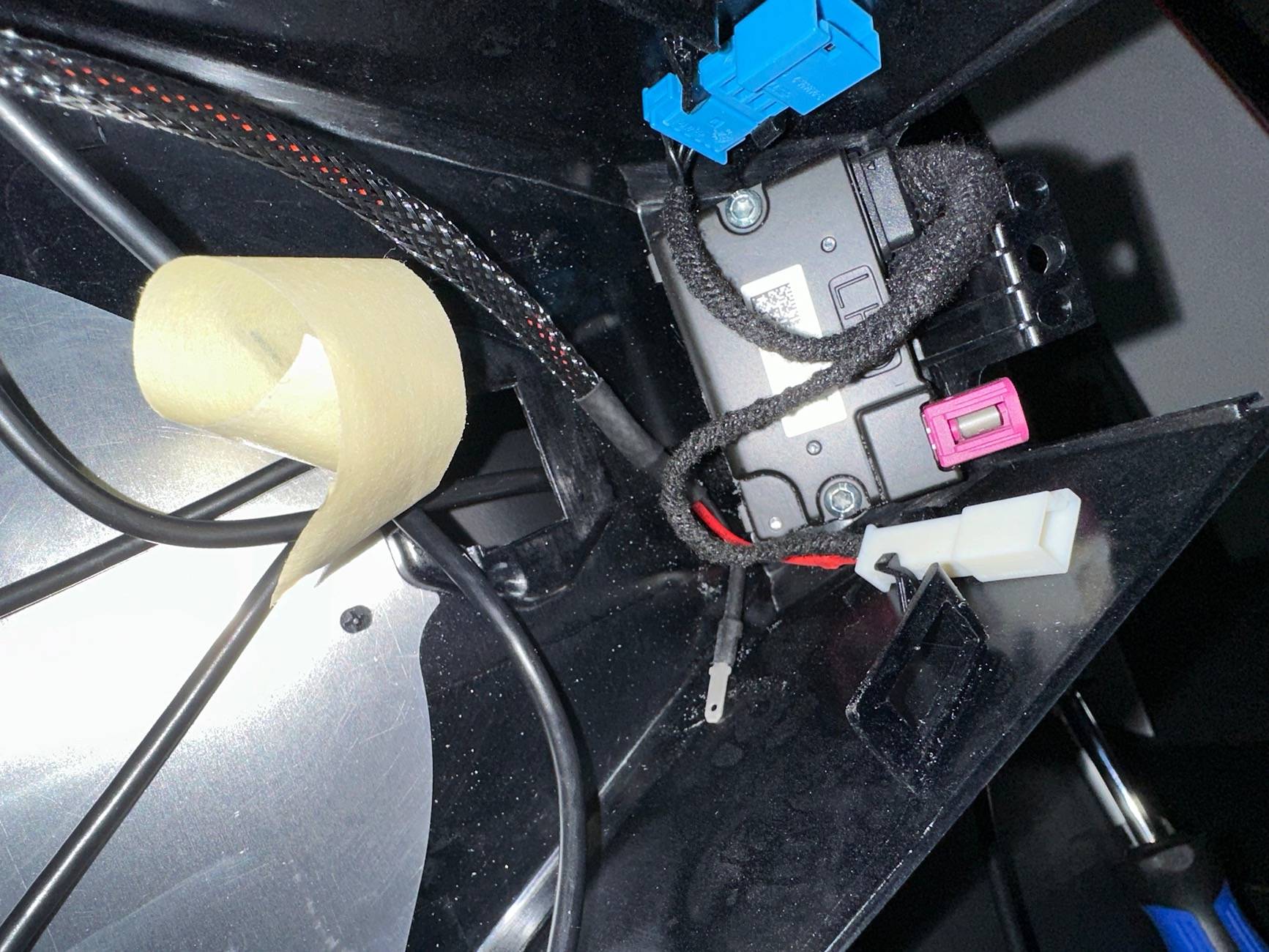
hardwire: Pull apart the cig lighter and mount the board on the inside, side of the CT housing cover. Remove any excess light cable length and fuse parts. Pull the 12v from the pins on the inside connector.

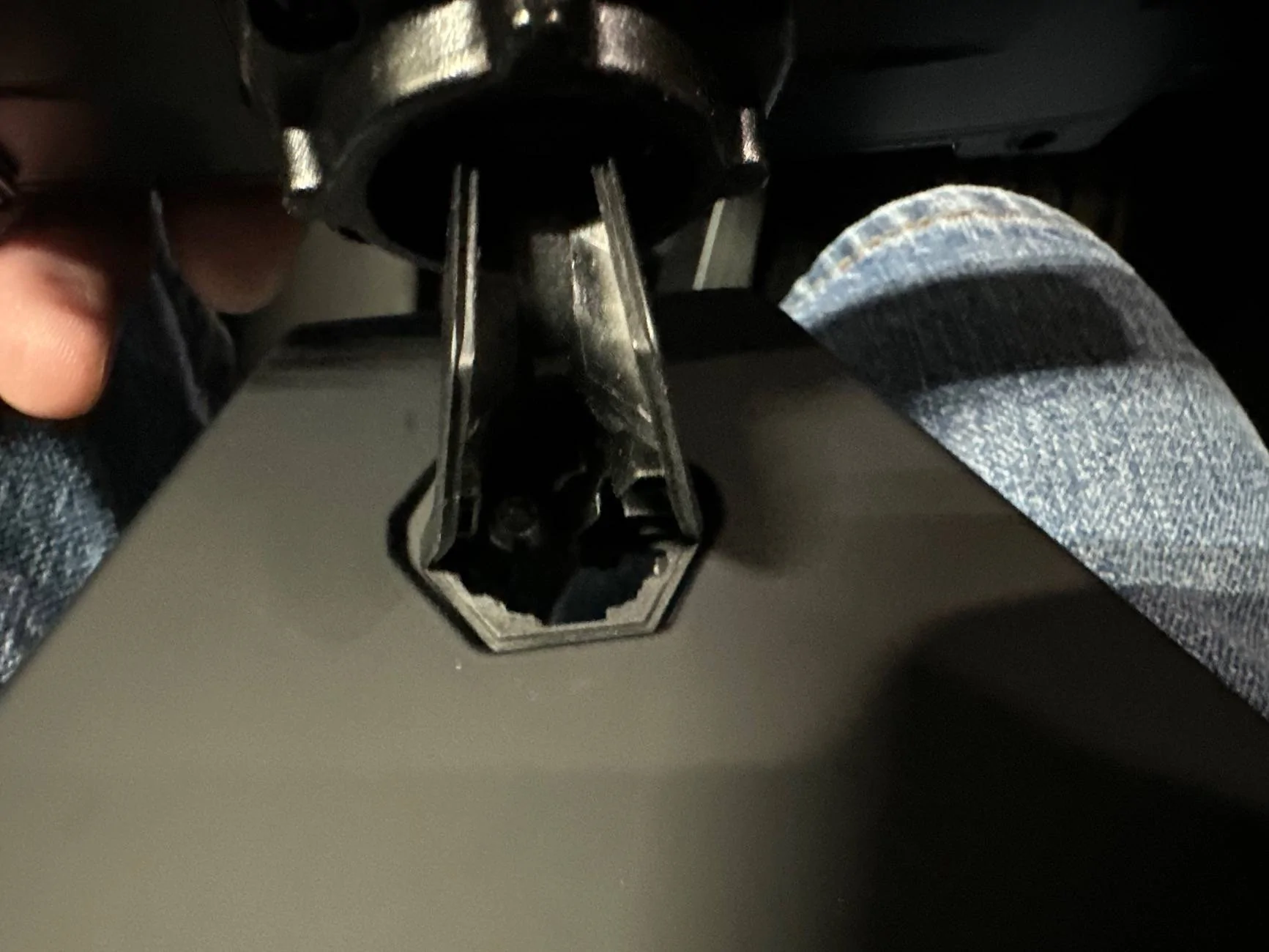
year apart the factory mirror and use the arm connection to the wolf box mirror housing.

enlarge hole on mount to route all cables

mount the camera on the roof

Tesla Cybertruck Wolfbox G900 Tri Pro Dash Cam Review IMG_9217


Tesla Cybertruck Wolfbox G900 Tri Pro Dash Cam Review IMG_9223


Tesla Cybertruck Wolfbox G900 Tri Pro Dash Cam Review IMG_9222


Tesla Cybertruck Wolfbox G900 Tri Pro Dash Cam Review IMG_9256


Tesla Cybertruck Wolfbox G900 Tri Pro Dash Cam Review IMG_9224


Tesla Cybertruck Wolfbox G900 Tri Pro Dash Cam Review IMG_9255
 

tide80

Member
First Name
Thomas
Joined
Apr 2, 2022
Threads
0
Messages
10
Reaction score
7
Location
Santa Cruz, CA USA
Vehicles
Cybertruck AWD FS
Occupation
Retired
Country flag
I found that I can power the Wolfbox G900 in my CT using the USB-C ports. However, you must use a Charging Cable USB-C to USB-C Data Blocker Charge-Only Cable No-Data. These have no data transfer wires in them and thus have more room for the larger charging wires. I used a "PortaPow USB-C to C 5ft Charging Cable with Data Blocker $7" that I bought on Amazon. I have had no problems. Here is what Wolfbox support told me. "You can consider using another USB power cable as long as it meets the following requirements: The voltage of the USB port is 5V, the USB cable without data transfer mode, and both ends comply with the PD protocol."
 

Geebz

Well-known member
Joined
Aug 16, 2024
Threads
2
Messages
65
Reaction score
103
Location
Texas
Vehicles
Cybertruck
Occupation
Engineer
Country flag
I found that I can power the Wolfbox G900 in my CT using the USB-C ports. However, you must use a Charging Cable USB-C to USB-C Data Blocker Charge-Only Cable No-Data. These have no data transfer wires in them and thus have more room for the larger charging wires. I used a "PortaPow USB-C to C 5ft Charging Cable with Data Blocker $7" that I bought on Amazon. I have had no problems. Here is what Wolfbox support told me. "You can consider using another USB power cable as long as it meets the following requirements: The voltage of the USB port is 5V, the USB cable without data transfer mode, and both ends comply with the PD protocol."
Only problem with using USB is that you have a bulky mess of cables. So much easier to just get the power right there at the mirror.
 

reaction26

Well-known member
First Name
Arash
Joined
Jan 24, 2022
Threads
10
Messages
101
Reaction score
79
Location
22033
Vehicles
CT, MXP
Occupation
Program Director
Country flag
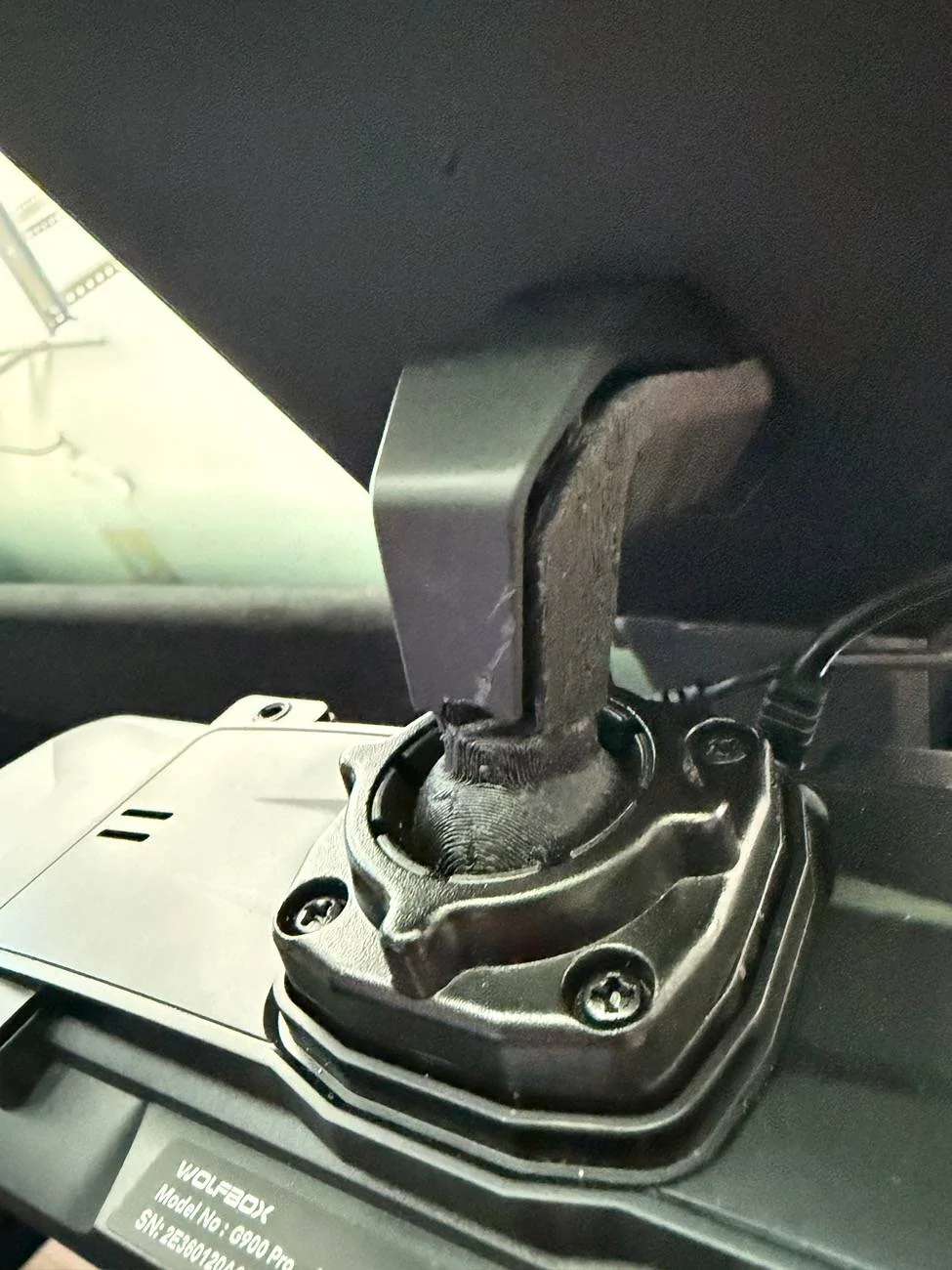
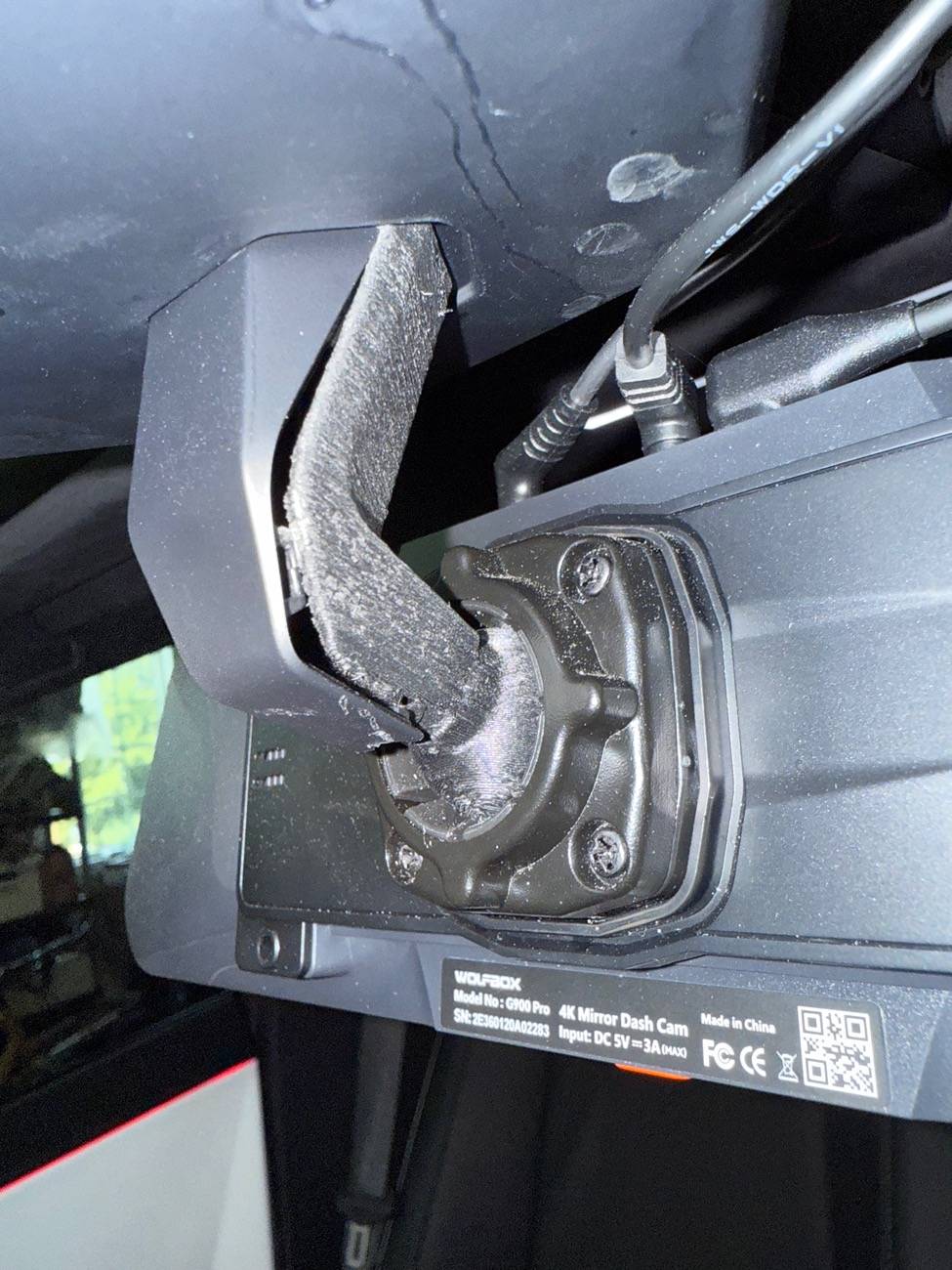
@Wolfbox Great pics and install. I actually did 3D printer of 2 did things together. (1) OEM tesla mirror and then (1) WOLFBOX model Y mirror backend together. It works great. See pics.


Tesla Cybertruck Wolfbox G900 Tri Pro Dash Cam Review IMG_2712


Tesla Cybertruck Wolfbox G900 Tri Pro Dash Cam Review IMG_2706


Tesla Cybertruck Wolfbox G900 Tri Pro Dash Cam Review IMG_2709
 
Last edited:

tide80

Member
First Name
Thomas
Joined
Apr 2, 2022
Threads
0
Messages
10
Reaction score
7
Location
Santa Cruz, CA USA
Vehicles
Cybertruck AWD FS
Occupation
Retired
Country flag
Only problem with using USB is that you have a bulky mess of cables. So much easier to just get the power right there at the mirror.
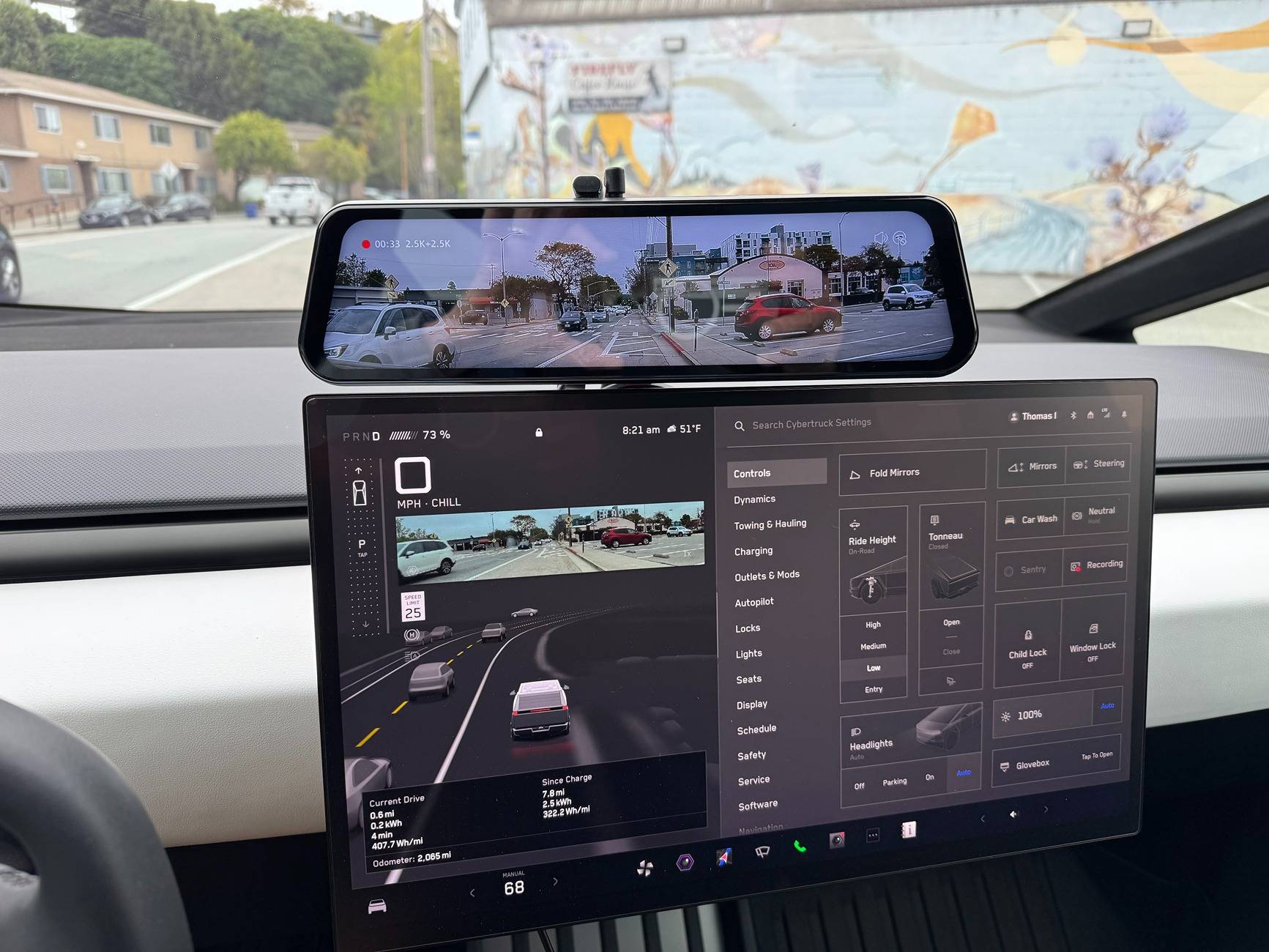
Yes, you are correct. I installed my Wolfbox just above the screen. That way the 12" width of the Wolfbox did not interfere with my sun shades. I removed the factory rear view mirror. I really like having the Rear live display immediately above the CT display.

Tesla Cybertruck Wolfbox G900 Tri Pro Dash Cam Review IMG_0472.JPG


IntoTheRain916

Well-known member
First Name
Kai
Joined
Jan 27, 2025
Threads
7
Messages
203
Reaction score
418
Location
Sacramento
Vehicles
Model Y, Cybertruck
Occupation
Business Owner
Country flag
I just want to say how much I appreciate the build quality and user-friendly controls on this unit @Wolfbox . I've tried two of the cheap overseas brands that YouTubers constantly push—and let me tell you, the difference is night and day. If you're not using WOLFBOX, you're doing it wrong.

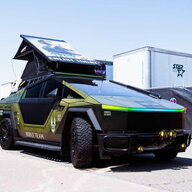
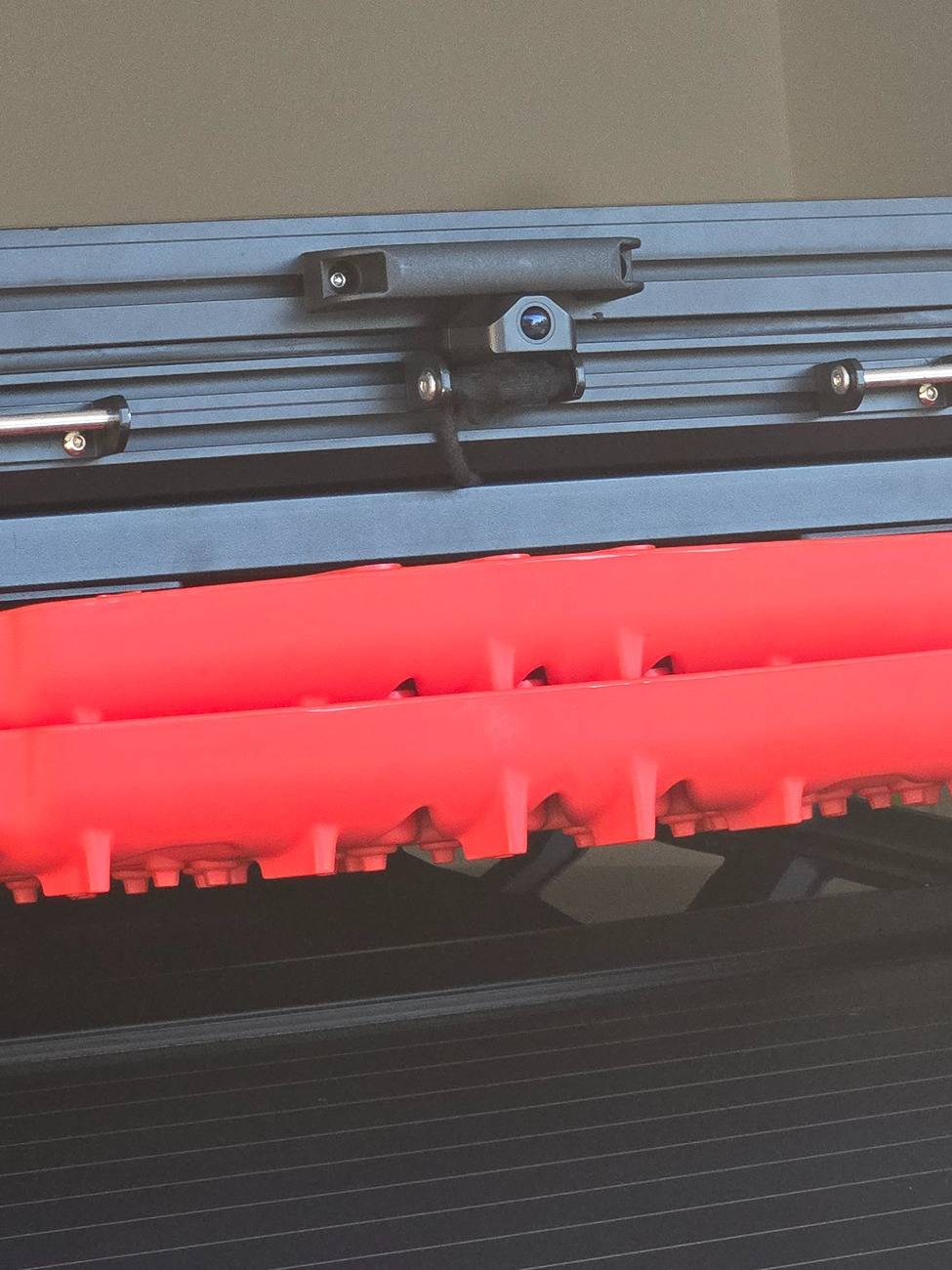
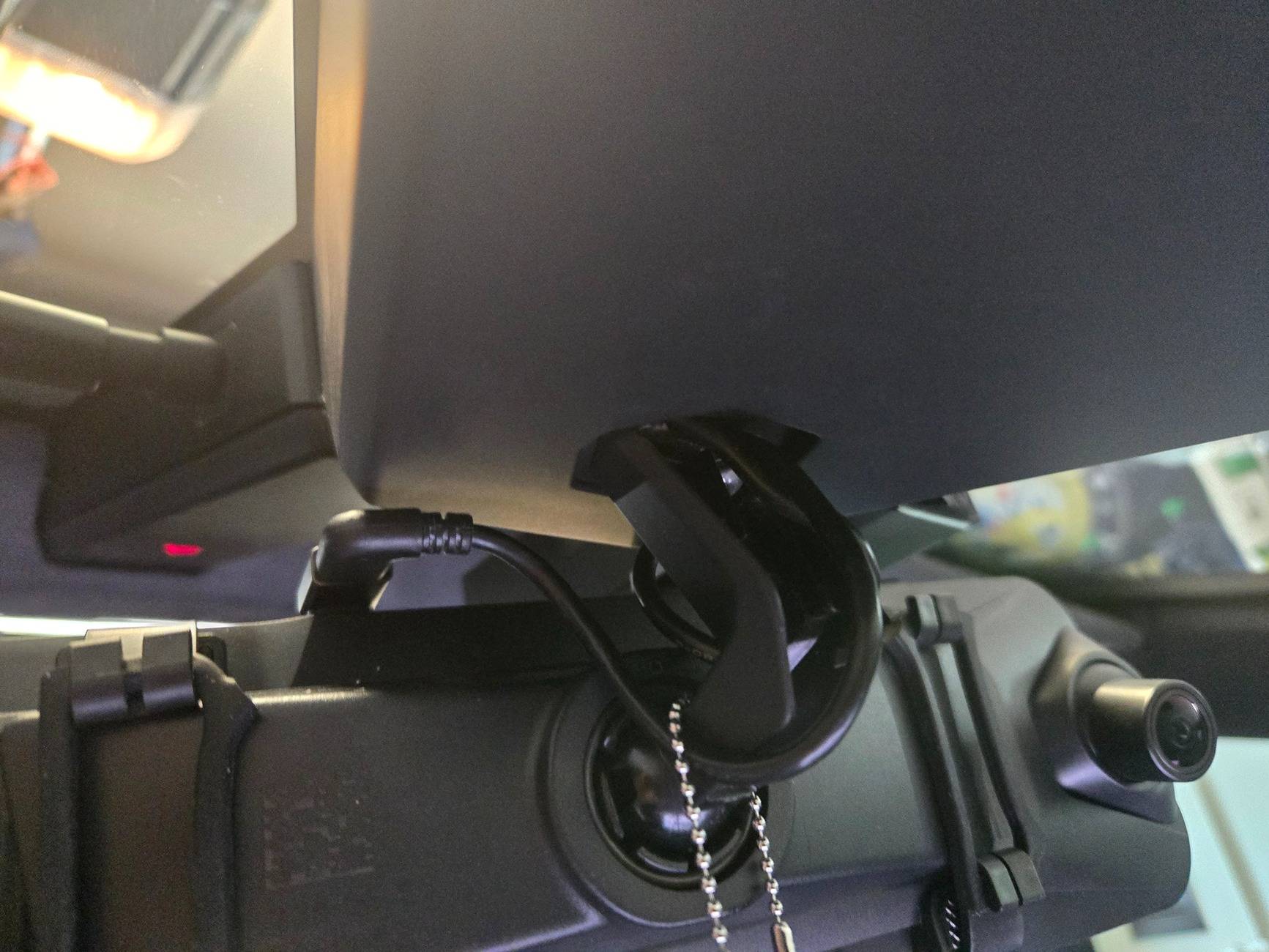
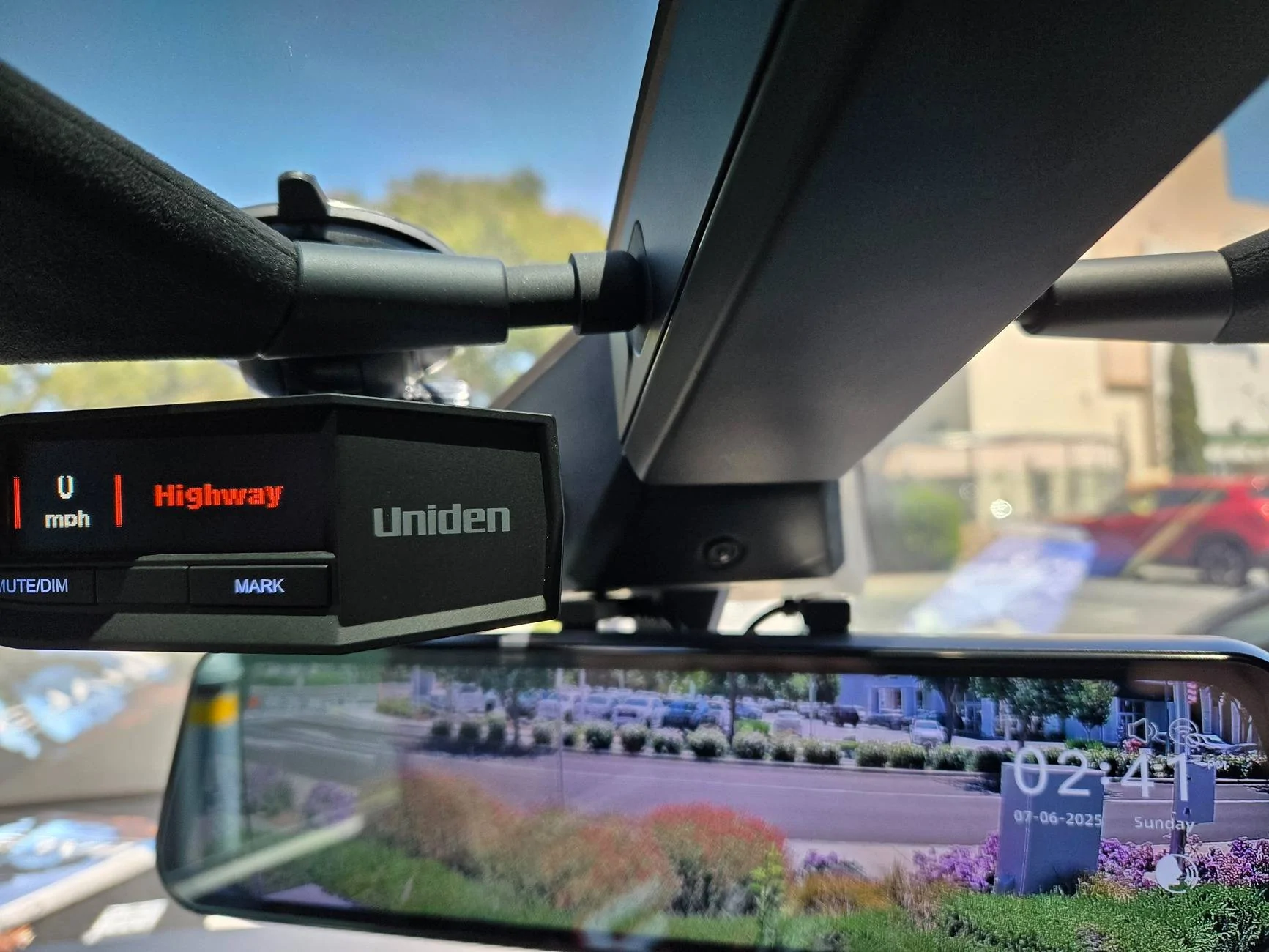
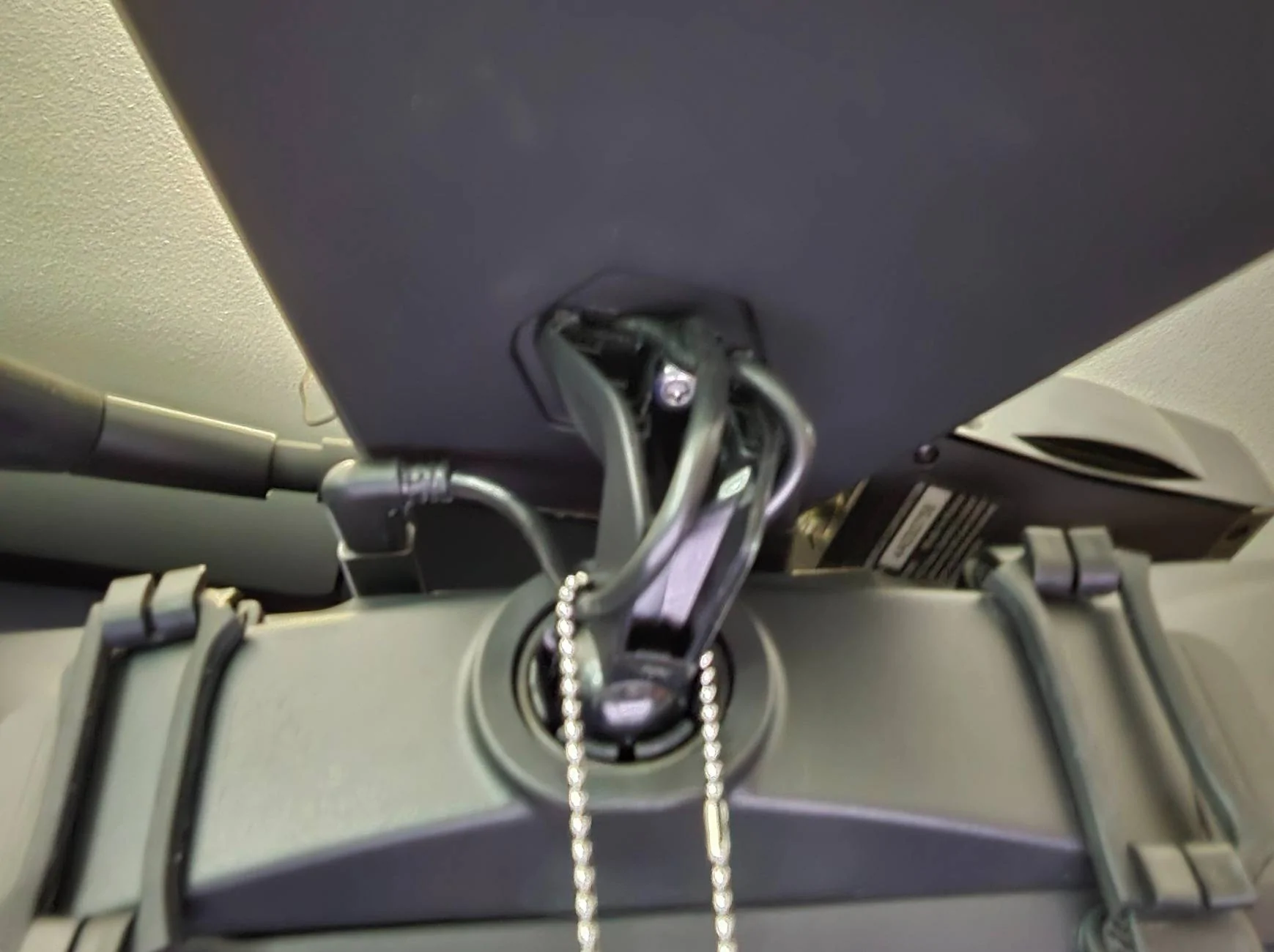
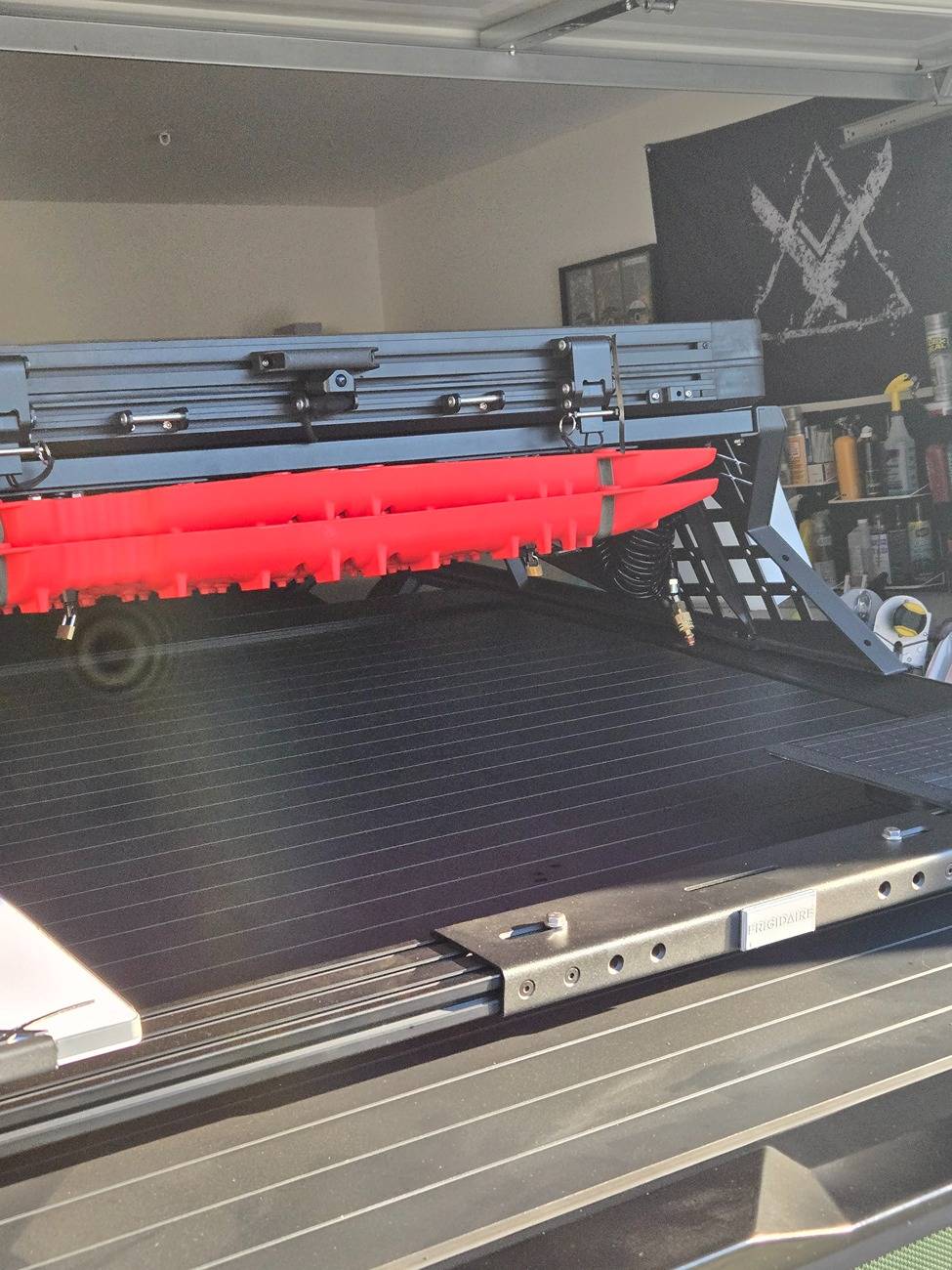
This isn’t a full install guide on a Cybertruck, but here’s a quick rundown on what I did: I mounted the WOLFBOX G900 Tripro onto my OEM rearview mirror (straps not needed but I like them and I used short ones), routed the cables up and over, then out through the OEM grommet used for the lightbar—and finally mounted the rear camera on my Marsag.co rooftop tent. Had trouble with clearance with the Wolbox rearview mirror but USB-C adapters angled nailed it. This was a lot of DIY work to make everything fit cleanly, but once dialed in, the setup is absolutely unmatched.

Tesla Cybertruck Wolfbox G900 Tri Pro Dash Cam Review 20250714_191838


Tesla Cybertruck Wolfbox G900 Tri Pro Dash Cam Review 20250701_192929


Tesla Cybertruck Wolfbox G900 Tri Pro Dash Cam Review 20250706_144146


Tesla Cybertruck Wolfbox G900 Tri Pro Dash Cam Review 20250630_172223


Tesla Cybertruck Wolfbox G900 Tri Pro Dash Cam Review 20250714_191835
 

Wolfbox

Well-known member
Site Sponsor
First Name
Florent
Joined
Mar 12, 2025
Threads
65
Messages
151
Reaction score
46
Location
CA
Vehicles
Cybertruck
Country flag
I just want to say how much I appreciate the build quality and user-friendly controls on this unit @Wolfbox . I've tried two of the cheap overseas brands that YouTubers constantly push—and let me tell you, the difference is night and day. If you're not using WOLFBOX, you're doing it wrong.

This isn’t a full install guide on a Cybertruck, but here’s a quick rundown on what I did: I mounted the WOLFBOX G900 Tripro onto my OEM rearview mirror (straps not needed but I like them and I used short ones), routed the cables up and over, then out through the OEM grommet used for the lightbar—and finally mounted the rear camera on my Marsag.co rooftop tent. Had trouble with clearance with the Wolbox rearview mirror but USB-C adapters angled nailed it. This was a lot of DIY work to make everything fit cleanly, but once dialed in, the setup is absolutely unmatched.

20250714_191838.jpg


20250701_192929.jpg


20250706_144146.jpg


20250630_172223.jpg


20250714_191835.jpg
That looks nice! Thank you sharing! (y)
Sponsored


Top