CT19TX
Well-known member
- Joined
- Jul 31, 2023
- Threads
- 5
- Messages
- 171
- Reaction score
- 263
- Location
- Texas
- Vehicles
- 2023 X; Cybertruck FS AWD; Cybertruck 2022-RN118
- Occupation
- Steelman

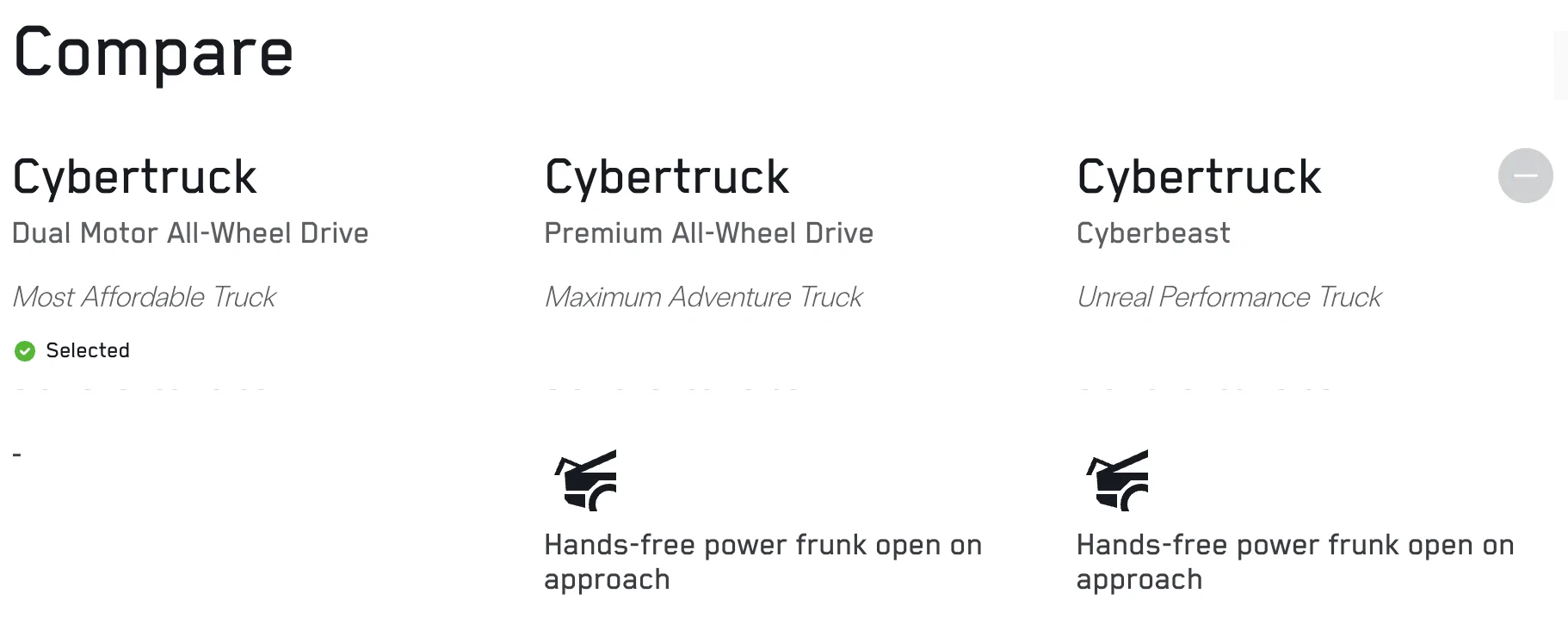
There is a button tucked just above the front bumper in the middle, soft press feel to it. For phone, make sure your phone key is setup, approach and stand by the frunk then it starts to beep, then opens. This may require advanced phone key pairing which is in the security settings of the app and possibly a toggle in the menu inside truck, can’t remember exactly.Happy 59k SAWD owner and this is my first Tesla
Can anyone with this model guide me to how to make the frunk open with the physical button on the frunk, or do the auto open when my phone is nearby and I stand still? Both appear to be options according to the general Cybertruck manual, but I can’t seem to get it to work on my SAWD. The only ways I have to open the frunk are through the app or via the screen while in the vehicle.
Thanks in advance
Sponsored