Yup, same exact issue. Can you come back and post results here so I have a better idea of what to do?
This is killing me on my road trip out in the country. I can’t plug in overnight and keep losing charge. Probably 4% each night even though I have turned off everything I can think of.
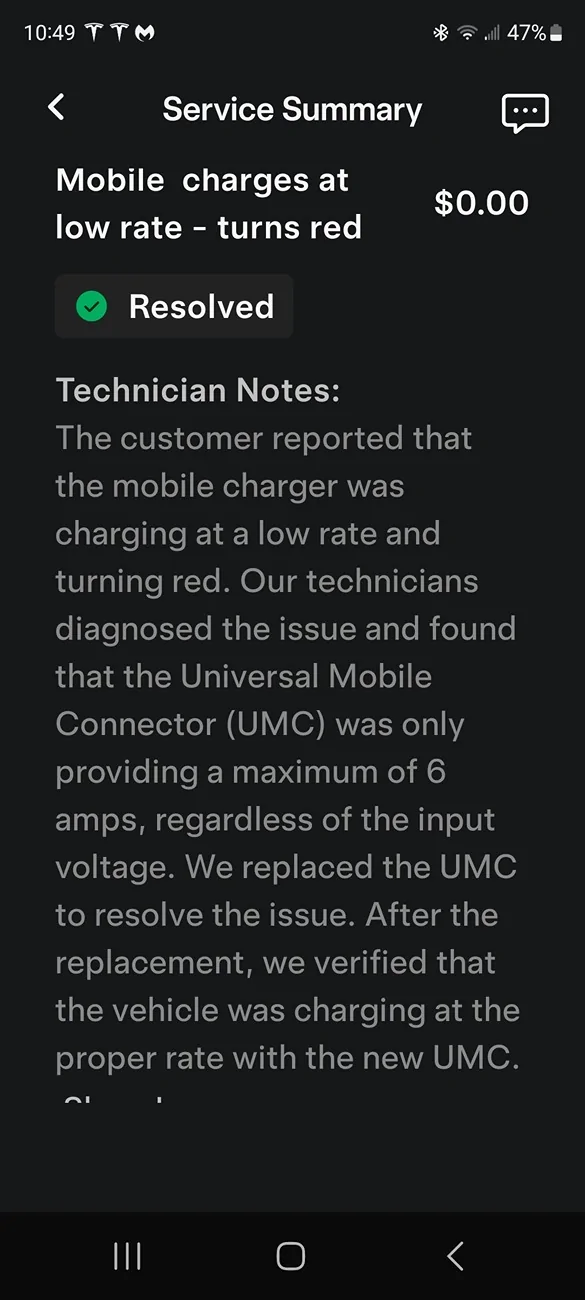
Since the Service Center replaced the mobile charger, it has worked quite well on a 50 amp 240 volt circuit NEMA 14 50 plug charging at @20mph 32 amps.
It is possible this originated from the UMC being in direct July sunlight and over-heating. It never worked correctly after that. Going with black for the charger handle (the only part that was outside) seems a questionable choice.
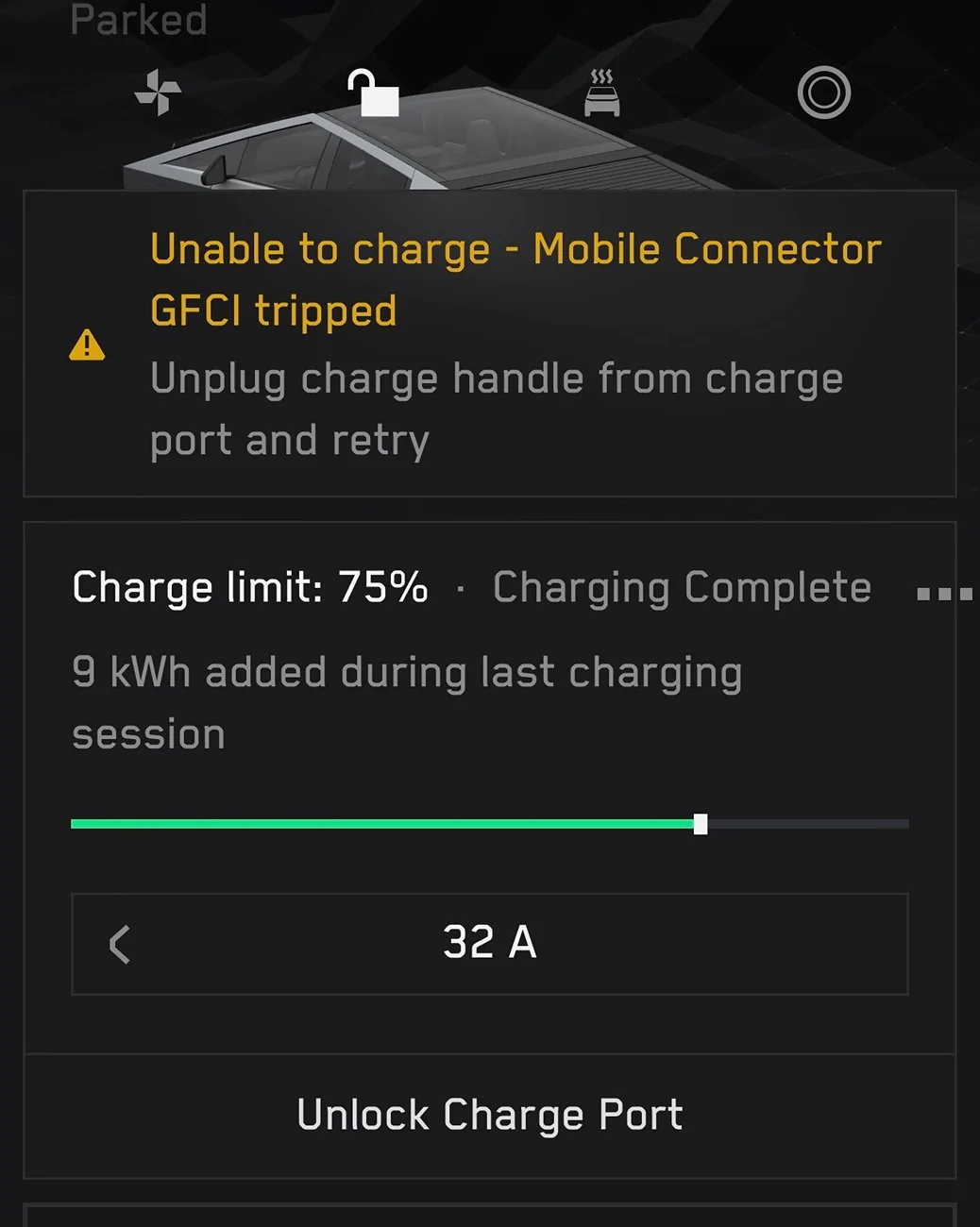
Since Cybertruck operating system update 2025.32.0, I have had charging problems. I took it to the dealer and they replaced my mobile charger, but I am still having problems. The charging problems improved a little when I updated to 2025.32.6.
It won't remember to default to 9Amps, I have to watch it default to 48 Amps and manually turn it down in the app to 9 Amps everytime. This problem started with 2025.32.0
Since Cybertruck operating system update 2025.32.0, I have had charging problems. I took it to the dealer and they replaced my mobile charger, but I am still having problems. The charging problems improved a little when I updated to 2025.32.6.
It won't remember to default to 9Amps, I have to watch it default to 48 Amps and manually turn it down in the app to 9 Amps everytime. This problem started with 2025.32.0