Sponsored

Gateway 3V No WiFi Broadcasted

bkandy3

Well-known member
First Name
Andy
Joined
Apr 30, 2024
Threads
1
Messages
72
Reaction score
32
Location
Thousand Oaks, CA
Vehicles
AWD Cybertruck
Country flag
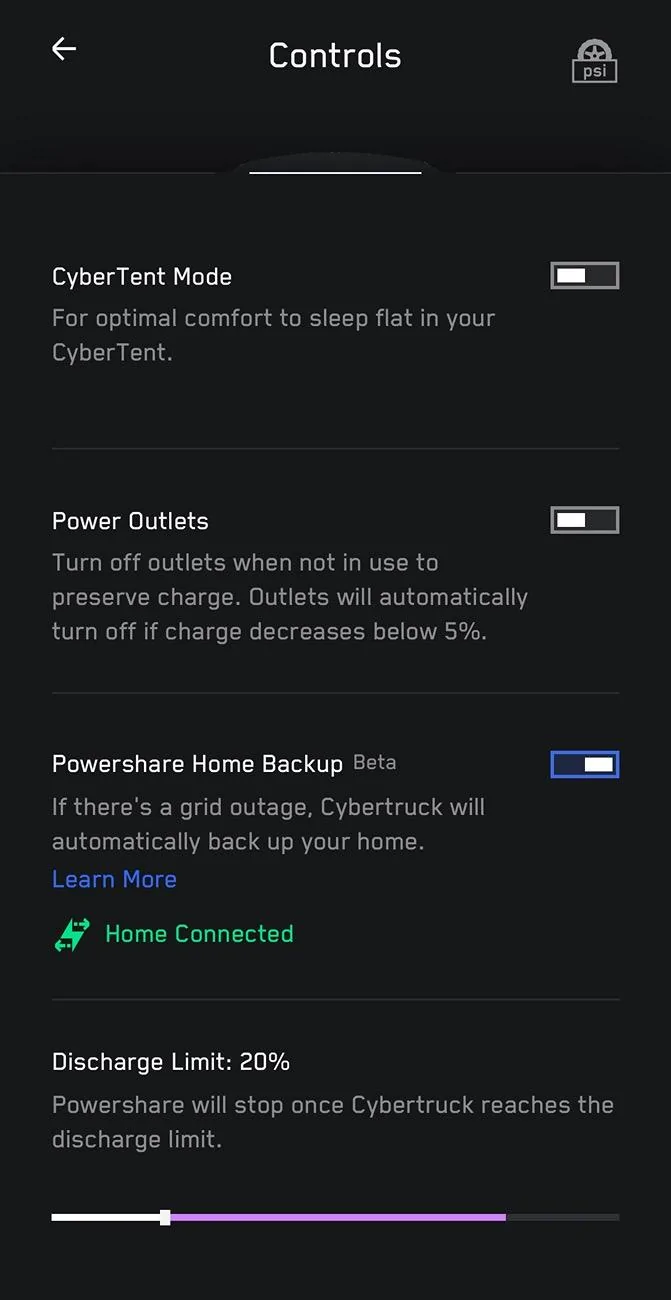
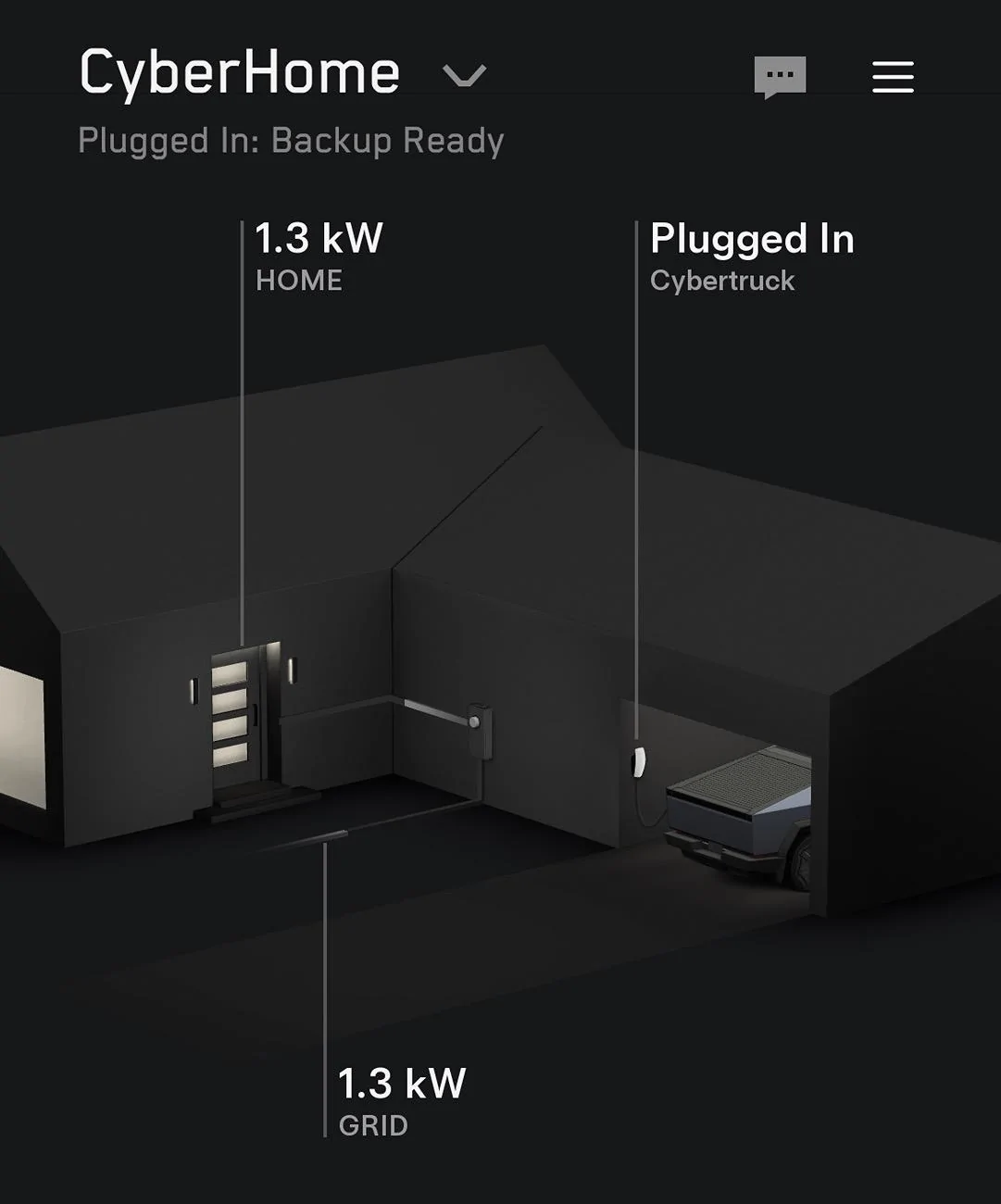
Update: My app just added the tutorial and then ability to turn on PowerShare under controls.

The installers finished on 7/16 and emailed me 7/18 that the permit was fully approved. App just had the option when I check (7/22). I looked earlier in the day today and it wasn’t there. CT has been plugged in today. It wasn’t plugged in until today as I was out of town and it was in airport valet (Side note: zero phantom draining with sentry off while gone for 5 days; cabin protection on at 100F).

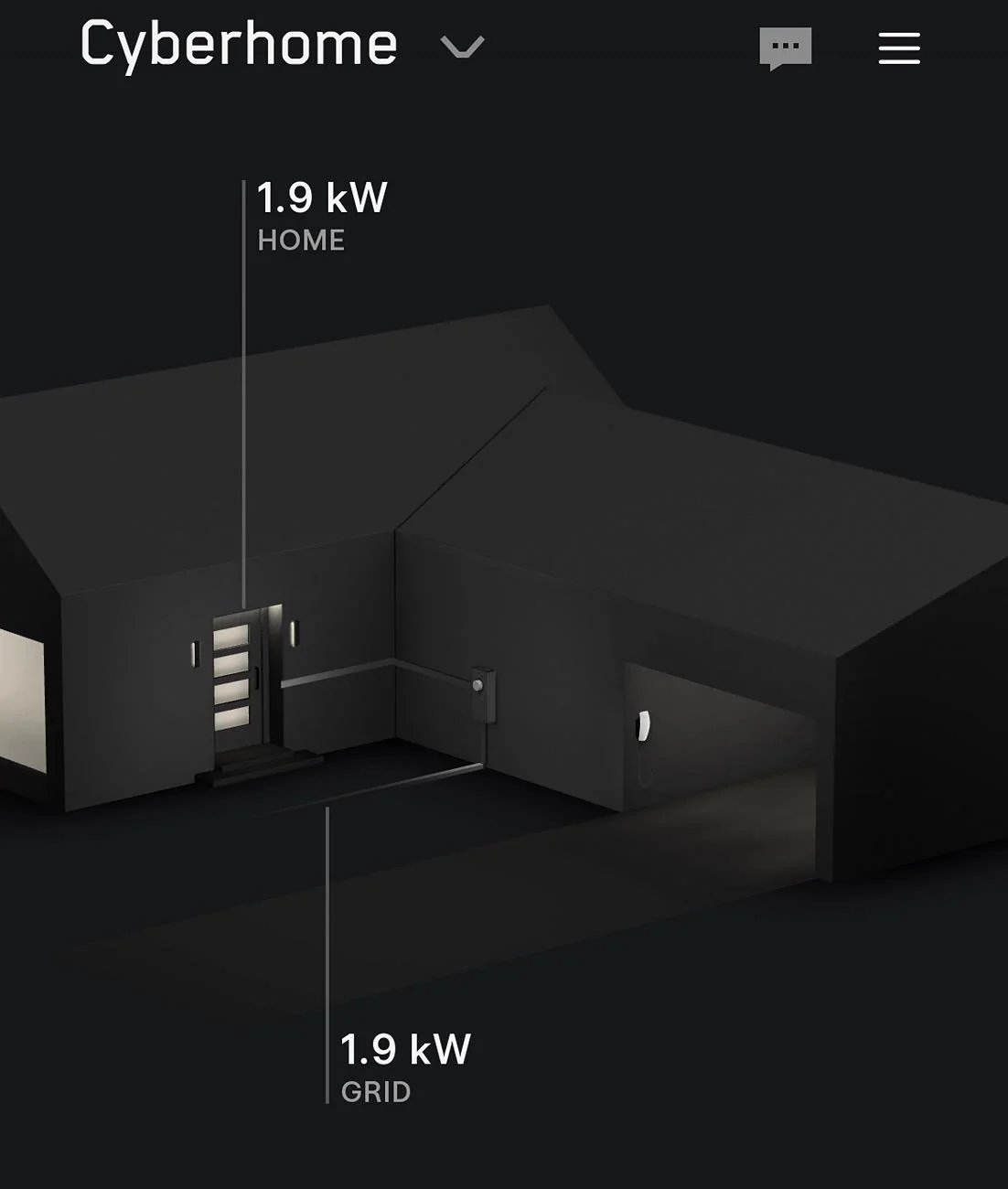
I still don’t have gateway and charger on same “home.” Something screwed up during install I think.

Tesla Cybertruck Gateway 3V No WiFi Broadcasted IMG_2042


Tesla Cybertruck Gateway 3V No WiFi Broadcasted IMG_2041


Tesla Cybertruck Gateway 3V No WiFi Broadcasted IMG_2040
Sponsored


MICyber

Well-known member
Joined
Jun 29, 2024
Threads
10
Messages
326
Reaction score
365
Location
Michigan
Vehicles
2024 Cybertruck AWD Foundation
Country flag
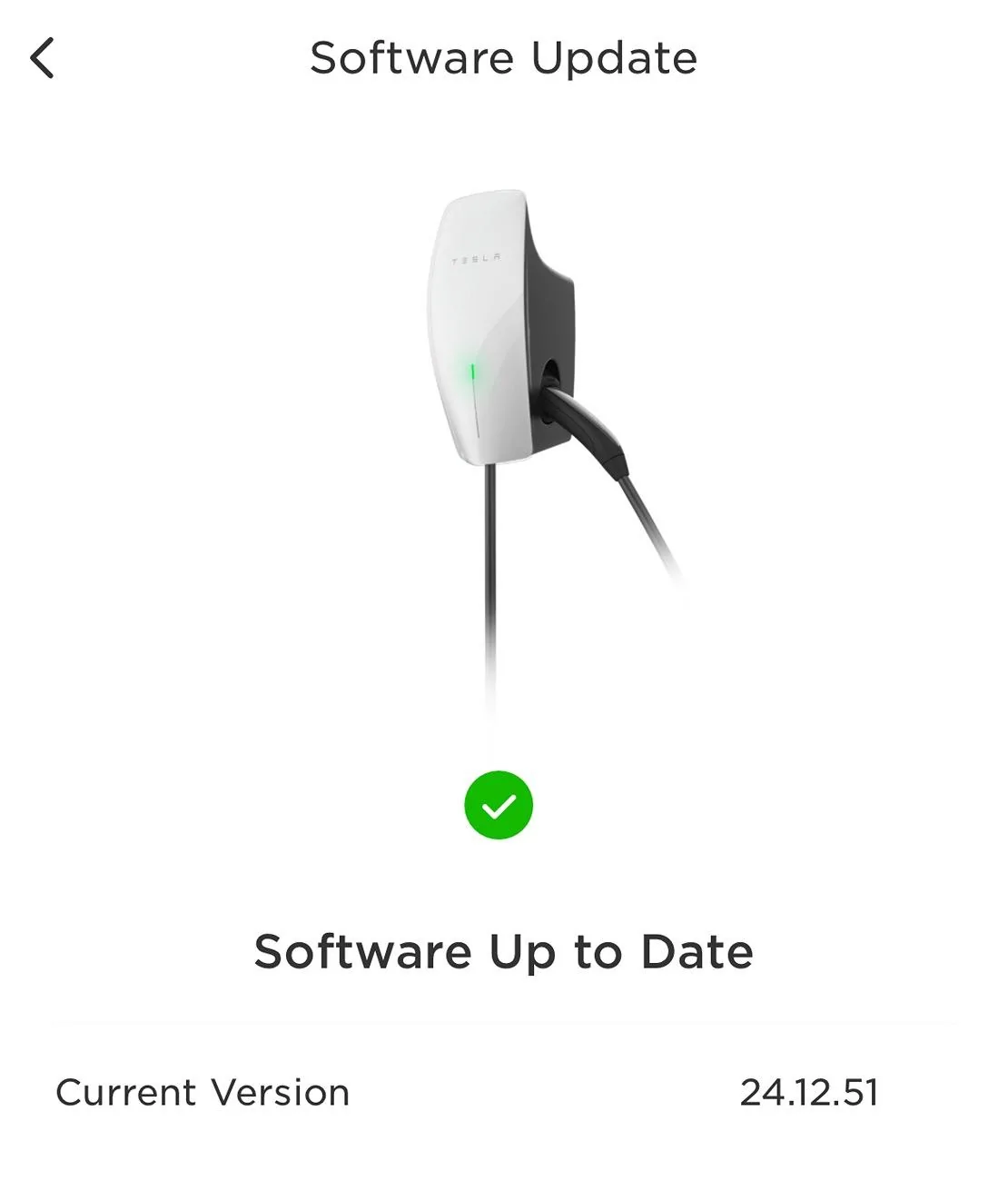
Thanks Darren! I’ve confirmed that the two universal wall connectors I have connected in a group are up to date.

IMG_7746.jpeg

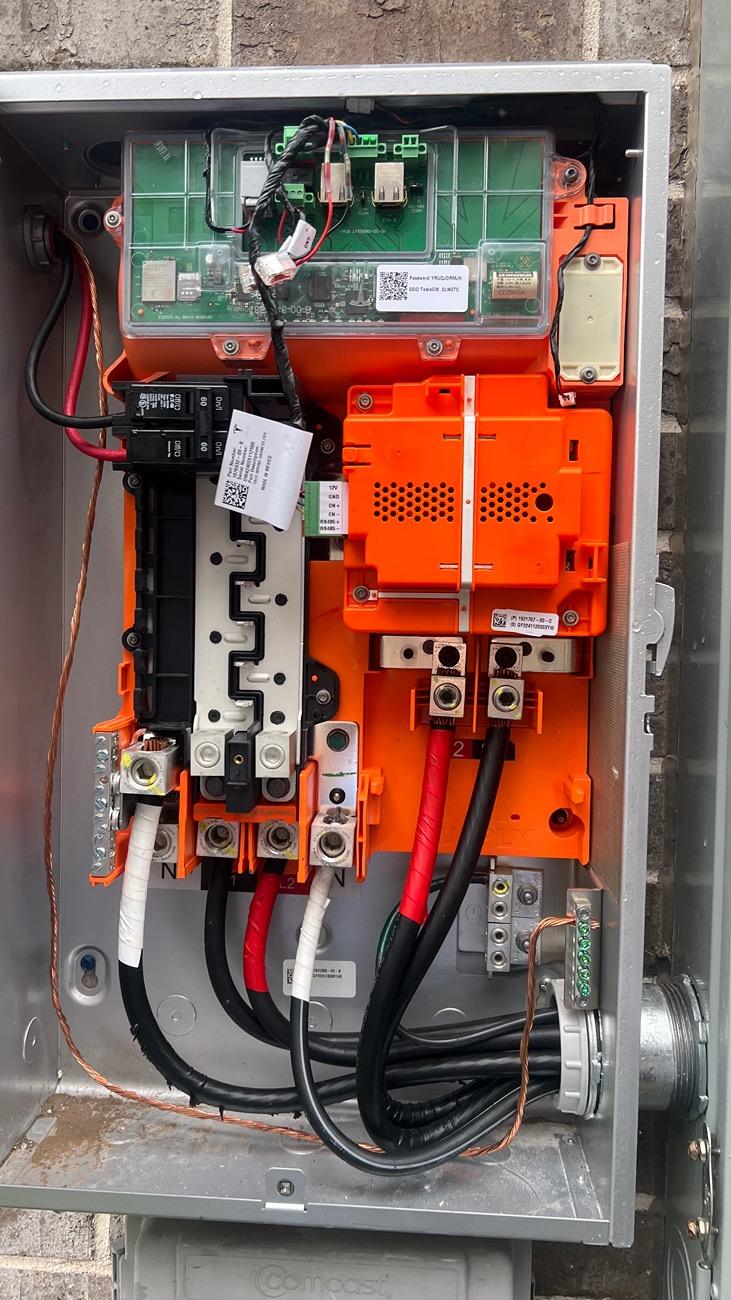
Like you said, I still see no lights in the gateway:
IMG_7747.jpeg
Not much info is available on the gateway. I wanted to know if more than one charger could be hooked up to the gateway. It looks like the bus bar has plenty of slots for additional breakers. Then I wonder if a generator could be added to back feed system through the bus bar.
 

MICyber

Well-known member
Joined
Jun 29, 2024
Threads
10
Messages
326
Reaction score
365
Location
Michigan
Vehicles
2024 Cybertruck AWD Foundation
Country flag
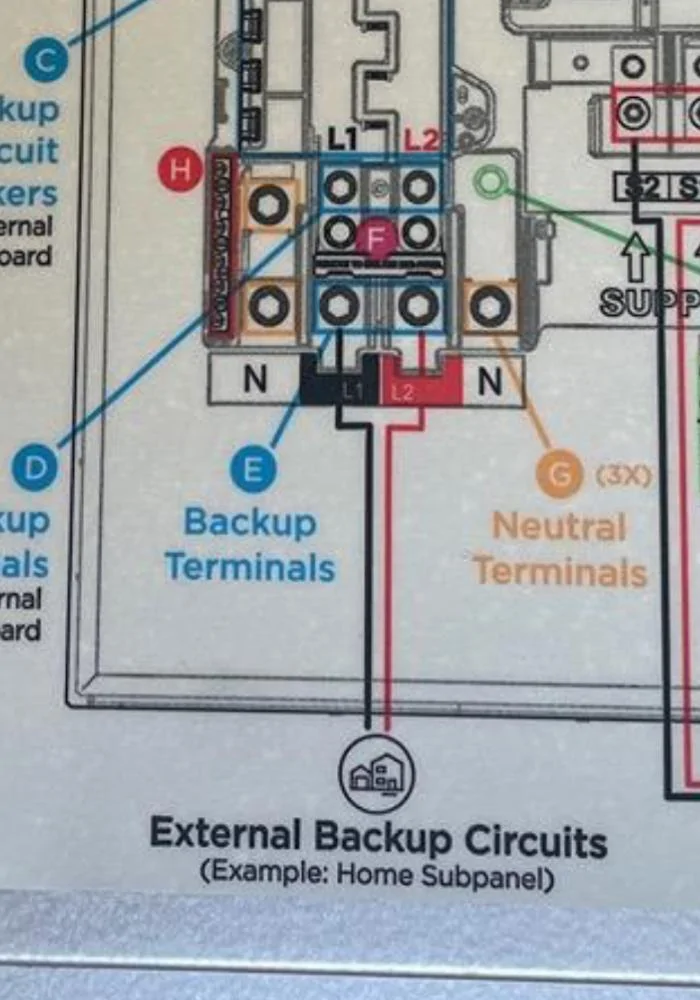
Side note, your installer didn’t move any circuits to the Gateway either. I told my installer they need to do that as it’s the whole point of the gateway backup and they said their diagram only had the one. I’ve reached out to the parent company (Treehouse) Tesla paired me up with telling them that they to send the electrician a new diagram to move the circuits.

Unless Im wrong and they all get backed up through the lower “External Backup Circuits” wiring, but they didn’t connect that either on mine. Looks like they did on yours.

IMG_1887.jpeg
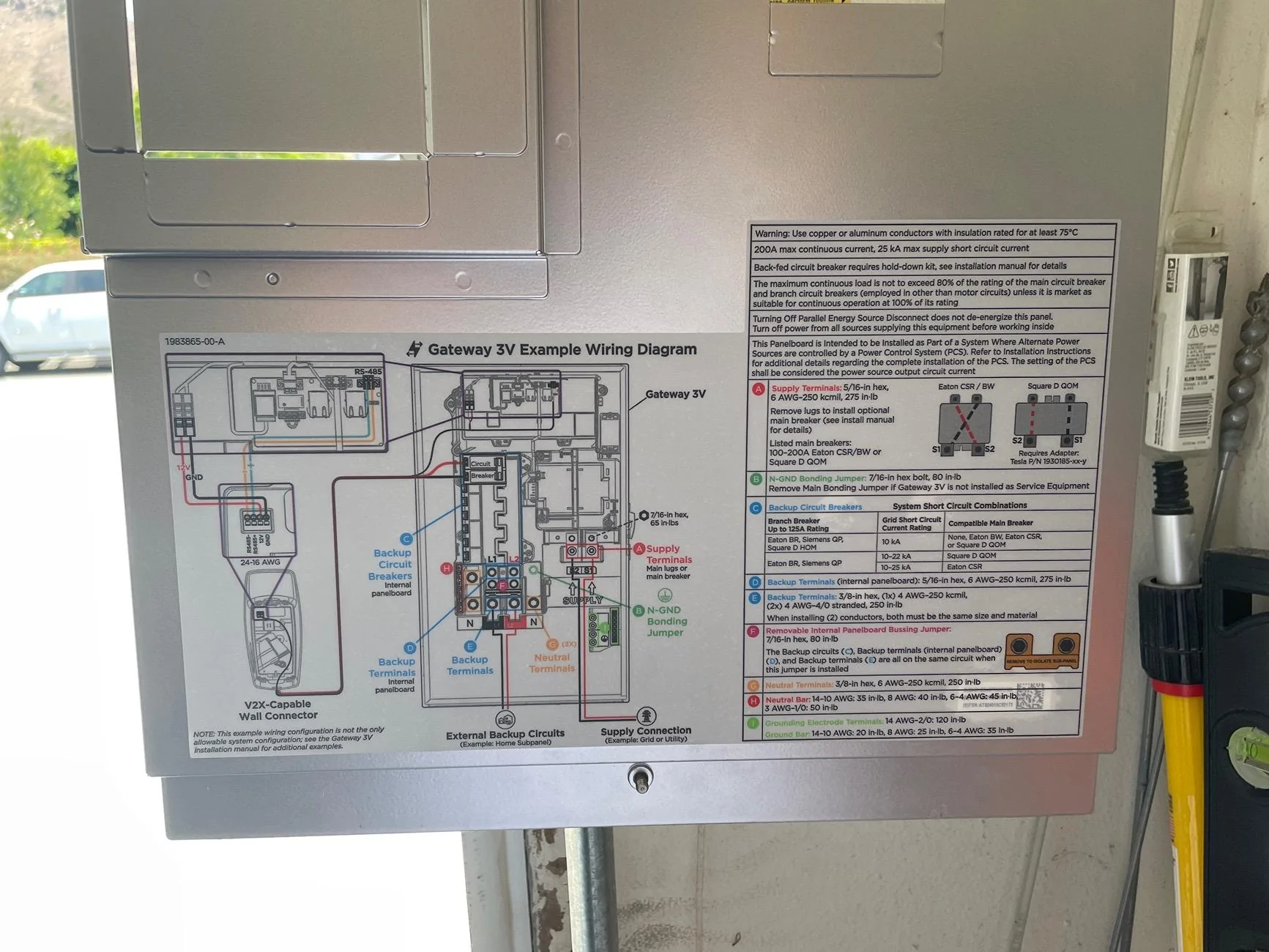
Could you post a picture of the text table partially shown in the second picture? It give descriptions of the circled letters.
 

bkandy3

Well-known member
First Name
Andy
Joined
Apr 30, 2024
Threads
1
Messages
72
Reaction score
32
Location
Thousand Oaks, CA
Vehicles
AWD Cybertruck
Country flag
Could you post a picture of the text table partially shown in the second picture? It give descriptions of the circled letters.
Here you go.

Not sure about the wiring question. No doubt you could connect two chargers, but not being an electrician, I’m not sure about the back feed system.

Tesla Cybertruck Gateway 3V No WiFi Broadcasted IMG_1894


bkandy3

Well-known member
First Name
Andy
Joined
Apr 30, 2024
Threads
1
Messages
72
Reaction score
32
Location
Thousand Oaks, CA
Vehicles
AWD Cybertruck
Country flag
I’m not sure I ever posted the final wiring:

They ended up feeding the Gateway with a 125A breaker from the main old breaker box (not the 60A they originally installed).

Then they also moved 6 circuits I selected from the old breaker box to the Gateway for backup (Refrigerator, home internet Fios box power, garage door power, selected lights/outlets throughout the house to allow lights, power to charge phones, power to WiFi router, and power to plug in window AC units in bedrooms if needed).

Lastly, of course, the 60A from the Gatway to the Universal charger.
 

MICyber

Well-known member
Joined
Jun 29, 2024
Threads
10
Messages
326
Reaction score
365
Location
Michigan
Vehicles
2024 Cybertruck AWD Foundation
Country flag
Here you go.

Not sure about the wiring question. No doubt you could connect two chargers, but not being an electrician, I’m not sure about the back feed system.

IMG_1894.jpeg
Thanks for the picture. The third line down says Back-fed circuit breaker requires hold-down kit. So I have no idea if its related.
 

mongo

Well-known member
Joined
May 27, 2024
Threads
5
Messages
4,527
Reaction score
5,510
Location
SE Michigan
Vehicles
Cyberbeast
Country flag
Not much info is available on the gateway. I wanted to know if more than one charger could be hooked up to the gateway. It looks like the bus bar has plenty of slots for additional breakers. Then I wonder if a generator could be added to back feed system through the bus bar.
Powershare isn't set up to work with a generator. Backfeeding the Gateway from one would likely not be safe since the grid isolation behavior is not defined in that configuration. Cybertruck Powershare probably wouldn't like the under-regulated generator output.

You could connect multiple wall connectors as loads, but would need some form of peak draw control. Either setting them to low breaker settings, using group management, or possibly dynamic power management (would be nice if Tesla handled this in software) Running dual Cybertrucks in Powershsre mode may not be currently supported, but is theoretically possible.
 

bkandy3

Well-known member
First Name
Andy
Joined
Apr 30, 2024
Threads
1
Messages
72
Reaction score
32
Location
Thousand Oaks, CA
Vehicles
AWD Cybertruck
Country flag
Solved my multiple homes app issue. Posting in case someone else has the trouble. Shoutout to Tesla Motors Club where I found the solution.

I cannot get the support chat to work. I click “Chat With Us,” it turns gray, but no chat initiated. So, I called.

1. Call 877-961-7652
2. Option 3 for charging
3. Someone answers very quickly
4. Explain the situation and have them remove the universal charger from your account.
5. You’ll need to be by the unit to read the model number and serial number to them. It’s on the left side by the QR code.
6. It instantly removes that “home” from my app, leaving me just the Gateway “Home”.
7. In the app “Add Product”
8. Pick “Wall Connector” and after “Get Started,” select to add it to your current home.
9. You’ll need to be by the connector to connect to its WiFi.
10. Mine said it couldn’t add but found a previous registration. I did not chose to use old, but to try again. That did the trick. Maybe I tried too quickly. It added no problem.
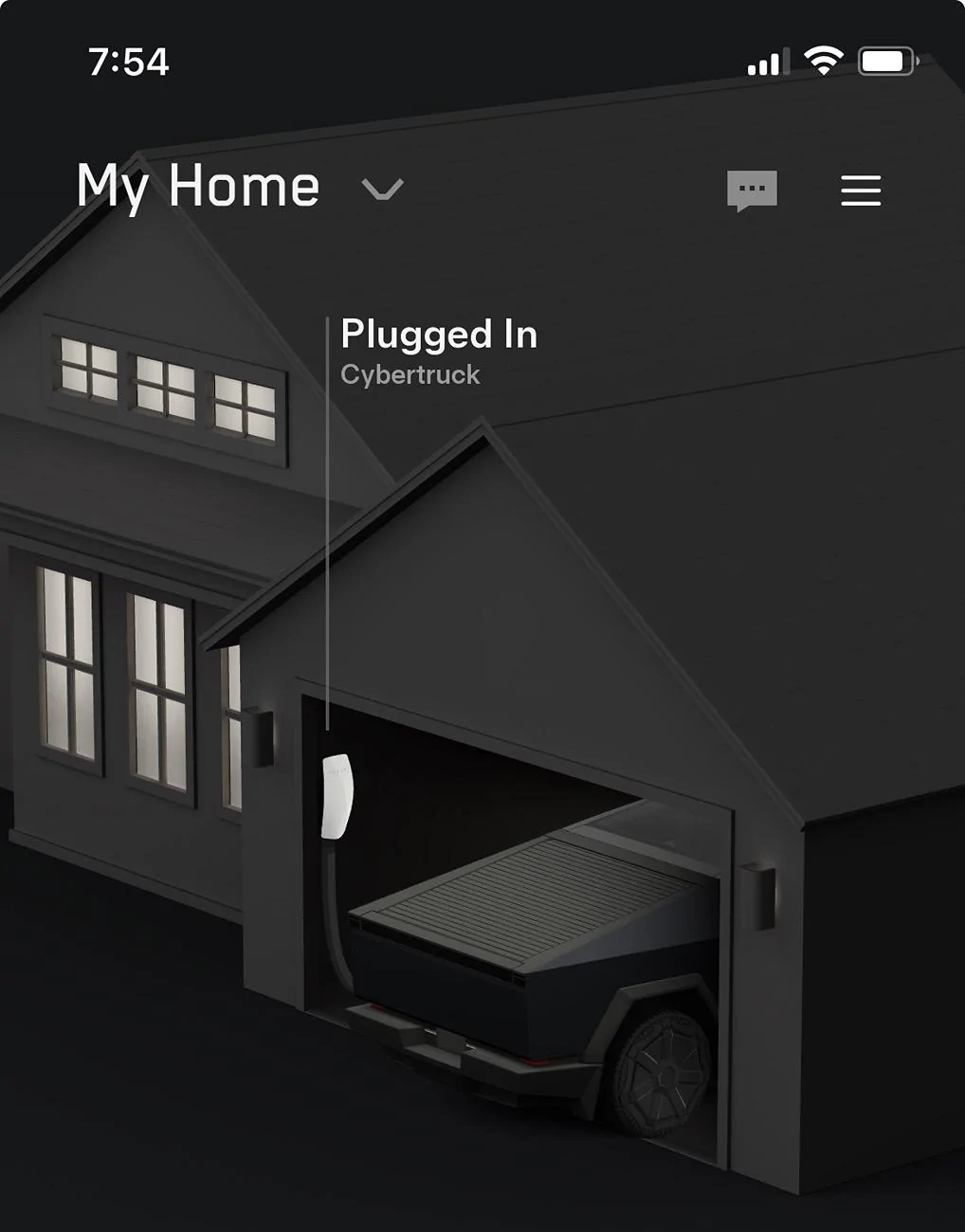
10. Took a couple hours for the CT to show in the garage on the Home Screen in the app.

I believe the entire issue is because I added the charger first and it lets you chose to add it to an existing home or add a new. The Gateway did not let me chose. It forced a new home. So, add the Gateway first. The reason I did the charger first was because of the issue of no power to the gateway. I added the charger first to update the software to then allow power to the gateway. In retrospect, perhaps I could have updated the software in the Tesla One app and not the Tesla app.

Tesla Cybertruck Gateway 3V No WiFi Broadcasted IMG_2050
Sponsored

 
Last edited:


Top