darrenf
Member
- First Name
- Darren
- Joined
- Jul 8, 2024
- Threads
- 0
- Messages
- 16
- Reaction score
- 21
- Location
- Durham, NC
- Vehicles
- Cybertruck, Model S, Model Y

It's a multi-step process. I may have some of this wrong, but from my experience so far, you need to:Does your CT/App have the option for PowerShare backup? Mine doesn’t, but my CT version and app version are up to date. Sounds like at some point they will push it?
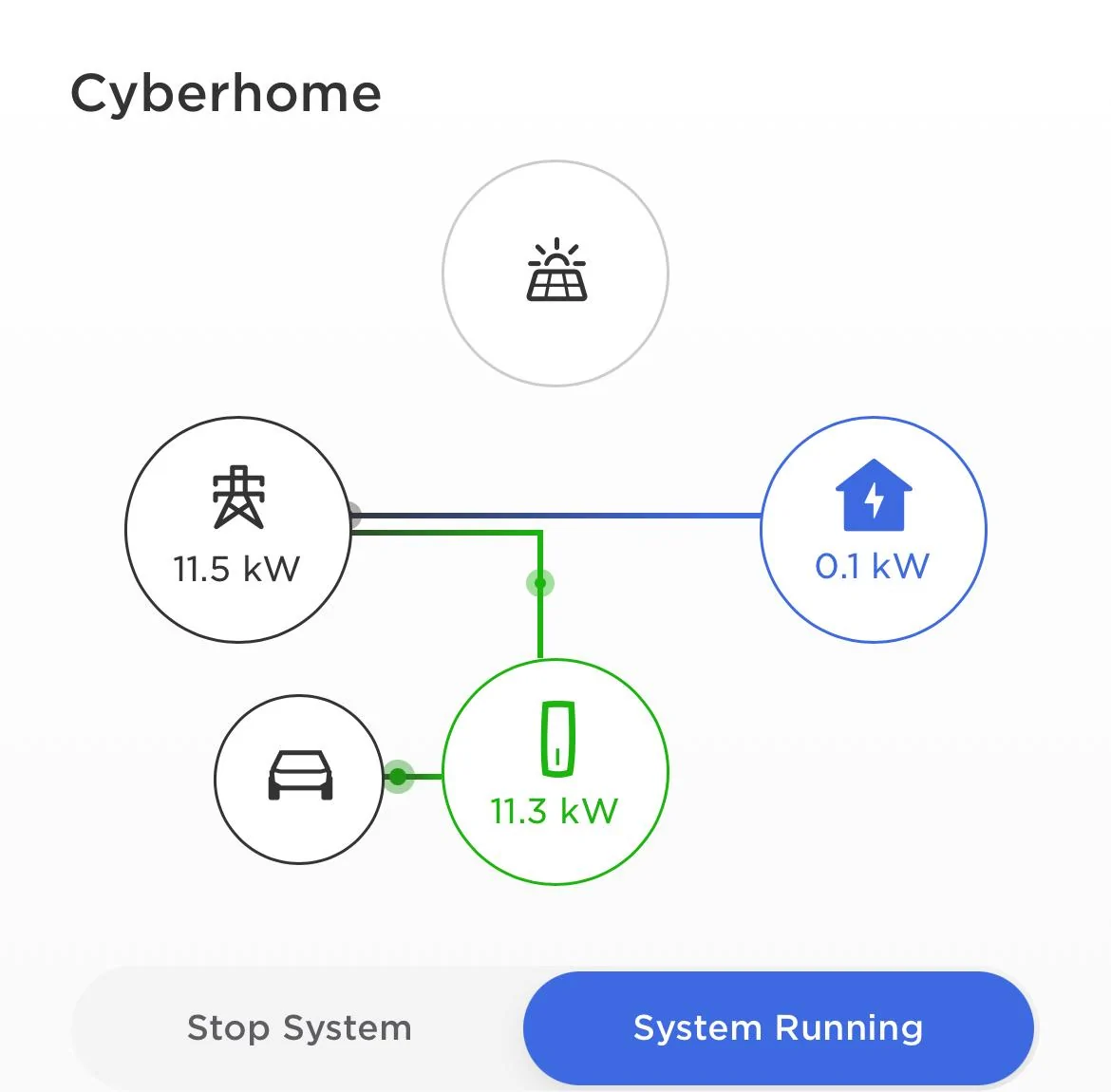
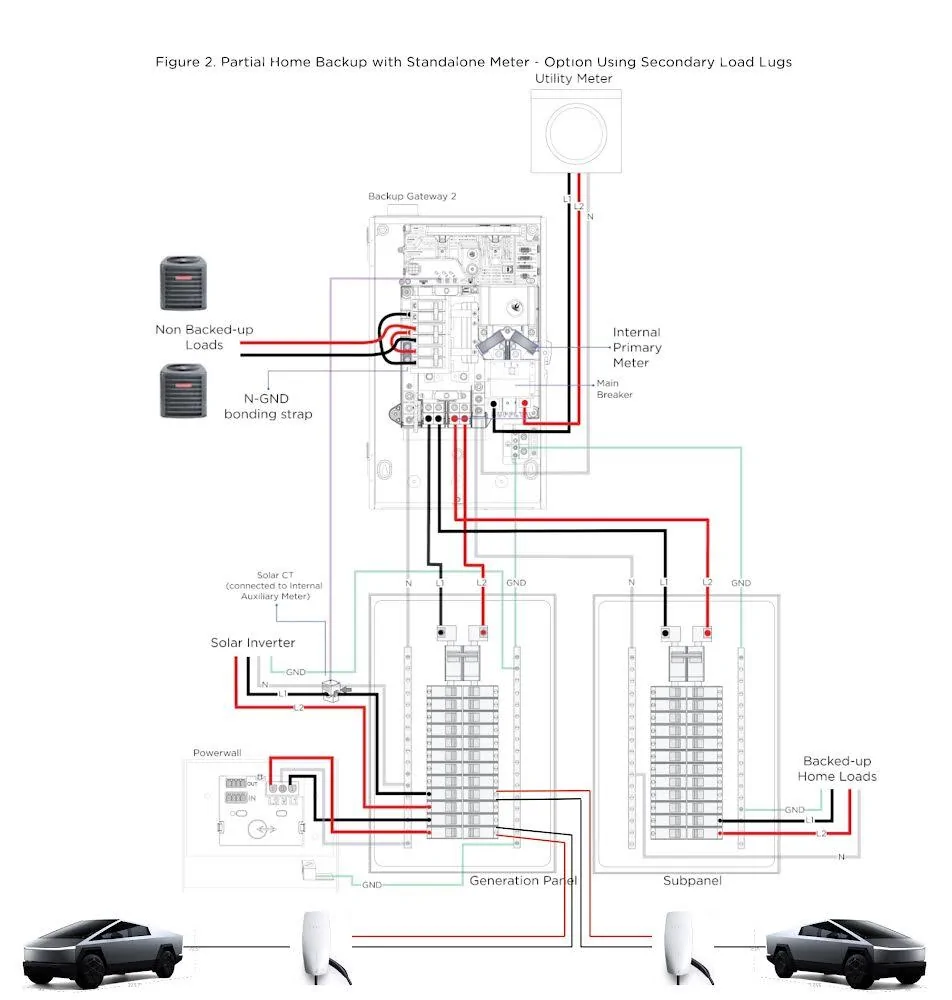
1. Set up the Gateway and UWC together in one installation using the Tesla One app and confirm that with the CT plugged in and charging, you see (in the Tesla One app) icons with connecting lines between the grid, home, UWC and CT.
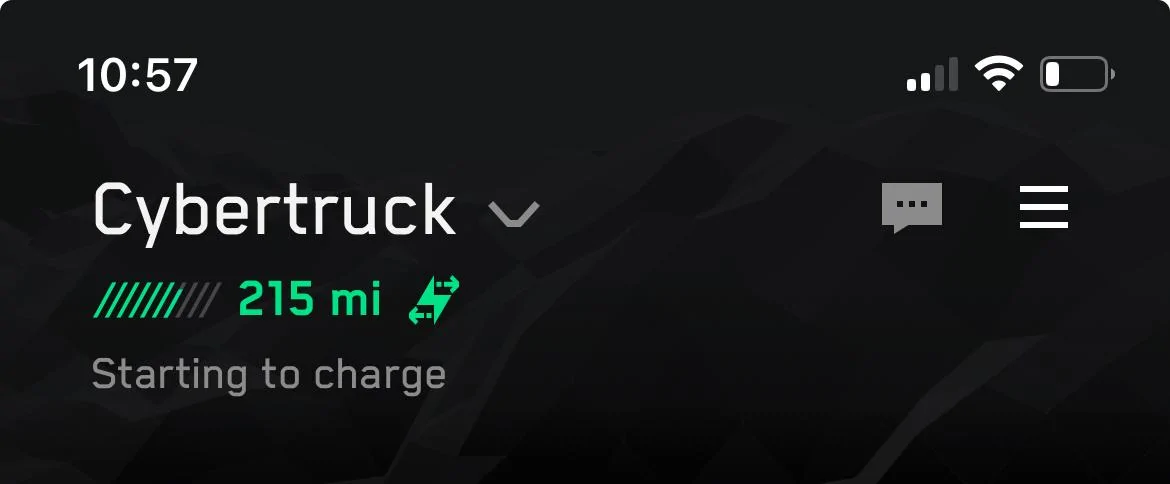
2. In the main Tesla app, with the CT connected to the UWC, open up the page for your CT and next to the battery percentage at the top of the page, look for a green lightning bolt with arrows going left and right (looks sort of like an "S"), rather than just a lightning bolt. I didn't see this until everything else in my setup was right.
3. Wait. This is the step I'm at. Tesla has confirmed by phone (877-961-7652) that my VIN has not been processed for into the Powershare system yet, but that they are "working through the backlog." Once my VIN has been entered, I should be greeted by something in the CT or in the app that leads me through the rest of the setup process and then it should work.
By the way, I *did* receive an email telling me "Get started with your Powerwall" but apparently that doesn't mean that my VIN has been processed yet so I still have to wait.
Sponsored