Sponsored

DI_a138 - Front motor disabled - Ok to drive

OP
OP
Shadowmite

Shadowmite

Well-known member
Joined
Jan 29, 2025
Threads
2
Messages
145
Reaction score
271
Location
Denver, CO
Vehicles
FS CT, 24' MYP
Occupation
Engineer
Country flag
Mine seems to have cleared overnight as of this morning; I'm keeping the service appointment until they tell me otherwise. Are you on 2025.8.4 or 6 also? I wonder if this is something they are fighting in house then...
Sponsored


 

dalton108

Well-known member
First Name
Dalton
Joined
Oct 17, 2020
Threads
132
Messages
3,983
Reaction score
7,966
Location
USA
Vehicles
ā€˜24 FS/CB; ā€˜24 MX; ā€˜23 MS PLAID (Prior: ā€˜20-MY; ā€˜21-M3P) (Also: ā€˜14-FJ; ā€˜21-C8)
Occupation
Lawyer
Country flag
The problem is I’m not just getting the errors I actually don’t have power in those motors. I’m currently front wheel drive only and it really shows. So, I can’t really take it off road where I want to go in this condition, but thanks for the heads up. ?
Well, hold on … Initially I only let it sit for about two minutes or so per the procedure for powering down but after I gave up and pivoted to prepping the FJ to head out I decided just now to go back to the cyber truck and give it a go and the errors have cleared. Looks like it needs a longer downtime to clear than perhaps other faults.

This is good because (a) I’d rather be in my cybertruck (b) I charged it up to 90 and I wouldn’t want it sitting around there! Rallying forth, Sir!!

PS: f I get Munsoned out here, I’m gonna need one of you guys to come pick me up please!

Tesla Cybertruck DI_a138 - Front motor disabled - Ok to drive IMG_4406
 

dalton108

Well-known member
First Name
Dalton
Joined
Oct 17, 2020
Threads
132
Messages
3,983
Reaction score
7,966
Location
USA
Vehicles
ā€˜24 FS/CB; ā€˜24 MX; ā€˜23 MS PLAID (Prior: ā€˜20-MY; ā€˜21-M3P) (Also: ā€˜14-FJ; ā€˜21-C8)
Occupation
Lawyer
Country flag
Mine seems to have cleared overnight as of this morning; I'm keeping the service appointment until they tell me otherwise. Are you on 2025.8.4 or 6 also? I wonder if this is something they are fighting in house then...
Checks out, seems it just needed a little bit longer downtime than I had initially given it!

They just put me on 2025.8.6 (I think they pushed it to the truck) when they returned my car from having the OEM lightbar and tonneau cover fixed on Tuesday.
 
Last edited:

dalton108

Well-known member
First Name
Dalton
Joined
Oct 17, 2020
Threads
132
Messages
3,983
Reaction score
7,966
Location
USA
Vehicles
ā€˜24 FS/CB; ā€˜24 MX; ā€˜23 MS PLAID (Prior: ā€˜20-MY; ā€˜21-M3P) (Also: ā€˜14-FJ; ā€˜21-C8)
Occupation
Lawyer
Country flag
FYI I know this is long, but please be advised ChatGPT is watching you!

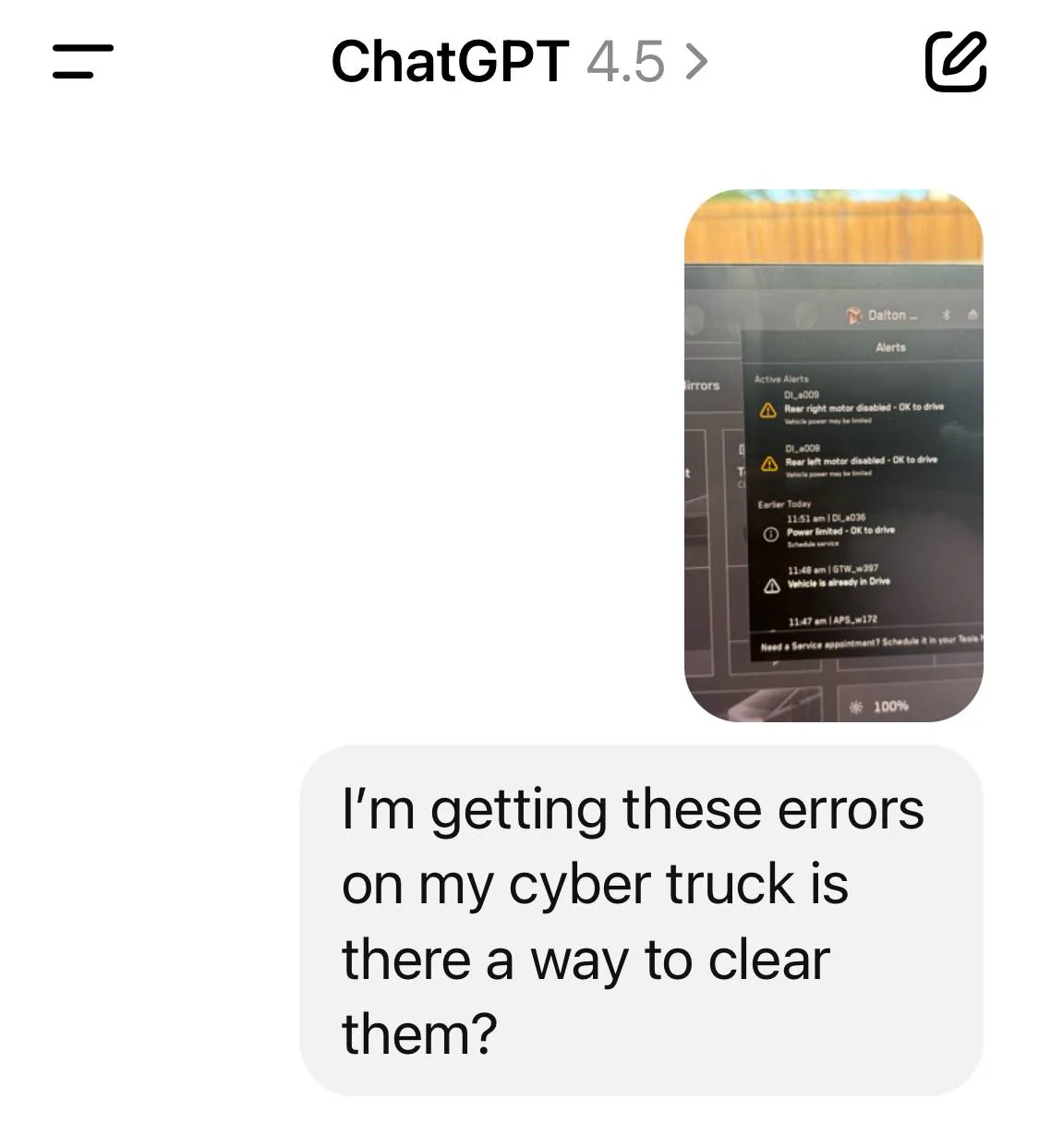
Here’s my query I just gave it the picture I took.

Tesla Cybertruck DI_a138 - Front motor disabled - Ok to drive IMG_4408


Here’s the response:

Clearing Cybertruck Drive Unit Alerts (DI_a009, DI_a008, DI_a036)


Understanding the Alerts


DI_a009 and DI_a008 correspond to ā€œRear right motor disabled – OK to driveā€ and ā€œRear left motor disabled – OK to driveā€ respectively. DI_a036 is a general ā€œPower limited – OK to driveā€ warning that often accompanies a drive unit fault (the vehicle enters a limp mode with reduced power). These alerts indicate one or more of the Cybertruck’s drive motors have been shut off by the system. In normal operation, the Cybertruck can still drive using its remaining motor(s), but with significantly reduced acceleration and limited top speed (owners have reported speed caps around 50–65 MPH when a rear motor is disabled ).

Tesla’s official guidance notes that a ā€œmotor disabledā€ alert can either be transient (software-related) or indicate a hardware issue. If the alert clears on the next drive cycle, it was likely a temporary glitch; if it persists across multiple drives, it may require physical repair . In other words, one-off warnings can often be resolved by resetting the vehicle’s systems, whereas persistent warnings usually point to an inverter or drive unit fault that needs service attention .

Owner Experiences & Transient Software Bugs


Early Cybertruck owners have encountered these alerts, sometimes on brand-new trucks with only a few hundred or few thousand miles. Notably, several owners reported the rear motor disable warnings appearing after certain software updates or after a fast charging session:

  • After installing firmware 2025.8.4, a number of Cybertruck owners saw both rear motors suddenly show disabled. In these cases, power was limited and the truck drove like it lost half its drivetrain. However, many found this to be a transient software bug. One owner describes that the rear drive units ā€œcame back online overnight and have been working fine sinceā€, so he canceled his service appointment . Another confirms ā€œat least 3 reports of this where it recovered just fineā€ after the truck was allowed to sleep, with the error disappearing by the next day . In short, a glitch in the update was falsely disabling the motors, and a full power-cycle of the vehicle cleared it.
  • Similar behavior was noted after an earlier update (e.g. 2025.2.9). Owners in forums and social media observed that after the update ā€œall of these error messagesā€ (including drive unit disabled alerts) popped up, but performing a restart or letting the truck enter a deep sleep resolved them . These incidents suggest the software can occasionally trigger false fault codes, especially right after new firmware is installed or after a high-voltage event like supercharging. Once systems reboot and ā€œre-handshakeā€ properly, the errors do not return.

In these cases of non-recurring alerts, owners have successfully cleared the warnings without a service visit. The common remedies include:

  • Power Cycling the Vehicle: Fully rebooting the car’s systems often clears transient faults. The simplest method is to park the vehicle, exit, lock it, and allow it to shut down for several minutes (up to a few hours). Many owners chose to leave the truck overnight; by morning the error was gone . Essentially, letting the Cybertruck go into a deep sleep forces the motor controllers and power electronics to reset. One owner notes, ā€œI had this issue and it just went away overnight and never came backā€ .
  • Manual ā€œRebootā€: Some owners also try the standard Tesla reset procedure (holding down both steering wheel buttons to reboot the infotainment). While this resets the display, it may not always clear a drive inverter fault. A more effective reset is using the ā€œVehicle Power Offā€ option (from the Safety menu) to shut down the car for a few minutes, then pressing the brake to restart. This can reinitialize the powertrain control modules. If the alert was due to a software hiccup, it often will not reappear after a clean restart .
  • Software Update Fixes: Because these alerts have been linked to firmware bugs, installing the next software patch can prevent recurrence. Tesla has addressed some early Cybertruck issues in subsequent updates. (For example, an upcoming update in early 2025 was expected to solve various charging/drive unit glitches .) Ensuring your Cybertruck is on the latest firmware may reduce the chance of seeing spurious DI_a008/009 warnings again.

When the alert does clear after a reset, drivers report the truck returns to normal power and the warning message stays away. Tesla’s official manual confirms that no further action is required if the alert self-resolves on the next drive . In these instances the issue is not known to reliably recur – it’s usually a one-time event unless re-triggered by another specific software condition. In summary, transient software bugs (often around new updates or certain high-power operations) have been a primary cause of these alerts, and a full system reboot/power-cycle is the go-to remedy for owners.

When It Indicates Hardware Failure

On the other hand, if DI_a008/DI_a009 persist and do not clear, it typically points to a real fault in the drivetrain – most commonly a failing drive unit inverter or related component. In those cases, the alert will reappear every drive (or even immediately upon reset), and performance remains limited. Owners describe instances where the warning came on and stayed on, and the vehicle required service:

  • A Tesla forum user recounts ā€œI woke up to this message… and it persistedā€ on a relatively new dual-motor Model S; despite hopes it was temporary, the error did not go away and the car had to be taken in for repair .
  • Cybertruck owner Kyle Conner (Out of Spec) experienced a rear drive unit failure where the truck eventually bricked on the road (shut down completely) after showing the rear motor disabled alert . This was an extreme case of hardware failure. The truck had to be towed, and the drive unit/inverter was replaced under warranty.
Tesla’s service documentation and recalls back up the hardware risk. In late 2024, Tesla recalled ~2,430 Cybertrucks built in the initial production run due to faulty drive inverters that could stop producing torque . If an inverter fails, one or more motors drop out. In the worst case it ā€œcould result in a total loss of drive powerā€, hence the recall fix was to replace the inverter units . Owners affected by this recall reported that their service centers proactively swapped out both front and rear inverters to the updated design . A failing inverter will trigger the motor disabled alerts and will not clear with a reset – in this scenario the warning is essentially indicating a hardware fault that needs fixing.

One clue that it’s a persistent hardware issue is if both the specific motor alert and the DI_a036 ā€œpower limitedā€ alert remain after multiple restarts. Tesla advises that if the alert *ā€œpersists throughout subsequent drives, it is recommended that you schedule serviceā€ . The vehicle is safe to drive in the meantime (albeit with reduced performance), but the component (rear drive unit inverter, front drive unit, etc.) likely needs inspection or replacement. Owners on forums have echoed this: if your Cybertruck repeatedly shows DI_a008/009 on each drive, it’s time to involve Tesla Service, as ā€œthe drive unit inverter(s) likely need replacedā€ .

Clearing the Warnings (Non-Recurring Cases)

For non-recurring instances – i.e. you get the alert unexpectedly and the truck still drives, but you suspect it’s a false alarm – here’s a concise plan to clear it:

  1. Safely Park: Since power is limited, avoid heavy acceleration. Find a safe place to pull over or exit the road if needed. You can continue driving gently to a destination if necessary (the vehicle will still propel with the remaining motors) . Just be mindful of the reduced power.
  2. Reboot/Power Cycle: Put the vehicle in Park and attempt a reset. First, try the soft reboot (hold both steering wheel buttons until the screen resets). If the alert was purely a software hiccup, it may clear. If not, do a deeper power cycle – turn the vehicle completely off. Go to Controls > Safety > Power Off, wait at least 2–3 minutes with no interaction (let all systems fully shut down), then press the brake to restart the car. This process is known to clear transient drive faults.
  3. Overnight Reset if Needed: If a quick reboot didn’t clear it, give the truck a longer ā€œsleep.ā€ Lock it and let it sit undisturbed for a few hours (or overnight). Multiple owners attest that after the truck went to sleep for an extended period, the disabled motor came back on its own by morning . Essentially, the vehicle’s next full boot cycle may restore normal function if the issue was a temporary software state.
  4. Verify and Monitor: Upon restarting, check the dash for any alerts. If no warnings are present and full power is restored, you’ve successfully cleared the issue. You should be able to drive normally. It’s wise to monitor over the next several drives – but if it was a one-time glitch, it should not recur immediately. (Many owners report it never came back after the fix .)
  5. Contact Service if Persistent: If the warnings continue to pop up each time you drive, or won’t clear at all, then it’s not a transient issue. In that case, schedule a service appointment. Continuing to reboot repeatedly won’t solve a real hardware fault. Fortunately, the truck will limp along in the meantime, so you won’t be stranded – but you’ll want Tesla to replace the faulty inverter or drive unit to permanently resolve the problem.
Summary

In summary, DI_a009/DI_a008 motor-disabled alerts can often be cleared by a full restart of the Cybertruck’s systems when they are caused by transient software bugs. Owners have had success with simple measures like letting the vehicle sit powered off, which allows the drive unit to reset and the error to self-resolve . These non-recurring cases are frequently linked to software updates or momentary glitches rather than actual damage. Once cleared, they tend not to return. Tesla’s own documentation confirms that if the alert goes away on the next drive, ā€œno action is requiredā€ .

However, if a motor-disabled alert persists or keeps coming back, it typically signifies a more serious issue – often a failing drive inverter or motor controller. In those scenarios, no amount of rebooting will permanently clear the warning; the vehicle will need a service intervention (replacement of the bad component) to fix the underlying problem. Transient vs. persistent is the key distinction: a one-off alert can be cleared by a reset (and is usually nothing to worry about), whereas a repeated alert indicates a hardware fault that should be addressed to restore full function .

For a technically savvy Tesla owner, the takeaway is: try a power-cycle first. In many Cybertruck cases, ā€œRear motor disabled – OK to driveā€ turned out to be a fleeting software bug that resolved itself with a reboot . But if your Cybertruck continues to scream about a disabled motor after that, it’s likely not crying wolf – it’s time to let Tesla service dig into the inverter or drive unit. By following these steps and observations, owners have managed to get their trucks back to normal in the former case, and identified when it’s the latter case requiring a repair.

Sources: Tesla owner forum reports ; Tesla Official Alerts Guide ; MotorTrend (Tesla recall details).
 

sycamore22

Active member
Joined
Mar 27, 2025
Threads
0
Messages
30
Reaction score
29
Location
central valley
Vehicles
ct fs
Country flag
Mine seems to have cleared overnight as of this morning; I'm keeping the service appointment until they tell me otherwise. Are you on 2025.8.4 or 6 also? I wonder if this is something they are fighting in house then...
I was on 2025.8.4 also happened after supercharge. Hasn’t come back though.


Petertsai

Well-known member
First Name
Peter
Joined
Oct 16, 2022
Threads
0
Messages
112
Reaction score
90
Location
44 Indian Clover Drive, 77381
Vehicles
Tesla S, cybertruck reservation
Occupation
Engineer
Country flag
I have a MS that had the same error code and did not go away. Took a picture of the error code and using the Tesla app sent the picture. They scheduled an appointment that was about two weeks away. Error code said that it is okay to drive though not to go over 85mph and I noticed acceleration was a little less. SC did the repair, changing the driver board at no charge since it was in warranty. Got a loaner M3 and it was more nimble, being shorter wheel base.
 

dalton108

Well-known member
First Name
Dalton
Joined
Oct 17, 2020
Threads
132
Messages
3,983
Reaction score
7,966
Location
USA
Vehicles
ā€˜24 FS/CB; ā€˜24 MX; ā€˜23 MS PLAID (Prior: ā€˜20-MY; ā€˜21-M3P) (Also: ā€˜14-FJ; ā€˜21-C8)
Occupation
Lawyer
Country flag
Successful trip to the lake and back (while towing my tigermoth)! No recurrence even after supercharging again. Thanks for the feedback and advice!

May not have had the confidence to go out in it without the feedback from the reliable sources in our community!

Thanks!
 

Gritted Cybe

Well-known member
First Name
Tony
Joined
Jan 22, 2025
Threads
8
Messages
232
Reaction score
400
Location
Mars
Vehicles
Cybertruck AWD
Country flag
Successful trip to the lake and back (while towing my tigermoth)! No recurrence even after supercharging again. Thanks for the feedback and advice!

May not have had the confidence to go out in it without the feedback from the reliable sources in our community!

Thanks!
Seems like the update fixed some things!
 

Kryptek

Well-known member
Joined
Apr 1, 2024
Threads
47
Messages
507
Reaction score
914
Location
Alaska
Vehicles
Cybertruck AWD Gray Interior VIN 4xxxx
Country flag
Successful trip to the lake and back (while towing my tigermoth)! No recurrence even after supercharging again. Thanks for the feedback and advice!

May not have had the confidence to go out in it without the feedback from the reliable sources in our community!

Thanks!
no problem glad it was a glitch like mentioned
 
Joined
Mar 11, 2025
Threads
0
Messages
14
Reaction score
38
Location
Cleveland, OH
Vehicles
2024 Cybertruck AWD, 2022 F150, 1972 Dodge Challenger
Country flag
Welp, on a nice long roadtrip and just got this error on my 24, non-fs awd. It happened immediately after supercharging. Have tried the typical reboots, left it alone for 4 hours and it's still there. Weirdly, an update popped up as soon as the error did, downloaded and installed it and limp mode persisted. Scheduled service for this coming Monday thank goodness. Now just have to drive 700 miles on one motor :)


dalton108

Well-known member
First Name
Dalton
Joined
Oct 17, 2020
Threads
132
Messages
3,983
Reaction score
7,966
Location
USA
Vehicles
ā€˜24 FS/CB; ā€˜24 MX; ā€˜23 MS PLAID (Prior: ā€˜20-MY; ā€˜21-M3P) (Also: ā€˜14-FJ; ā€˜21-C8)
Occupation
Lawyer
Country flag
Welp, on a nice long roadtrip and just got this error on my 24, non-fs awd. It happened immediately after supercharging. Have tried the typical reboots, left it alone for 4 hours and it's still there. Weirdly, an update popped up as soon as the error did, downloaded and installed it and limp mode persisted. Scheduled service for this coming Monday thank goodness. Now just have to drive 700 miles on one motor :)
Hopefully yours will clear after sitting overnight like others have seen. I may have gotten lucky to have it just clear in 15 minutes.
 
Joined
Mar 11, 2025
Threads
0
Messages
14
Reaction score
38
Location
Cleveland, OH
Vehicles
2024 Cybertruck AWD, 2022 F150, 1972 Dodge Challenger
Country flag
Hopefully yours will clear after sitting overnight like others have seen. I may have gotten lucky to have it just clear in 15 minutes.
Fingers crossed, I'm not touching it until tomorrow morning, made sure to unplug everything and turn sentry mode off (luckily in a safe area) I will update here tomorrow.
 
OP
OP
Shadowmite

Shadowmite

Well-known member
Joined
Jan 29, 2025
Threads
2
Messages
145
Reaction score
271
Location
Denver, CO
Vehicles
FS CT, 24' MYP
Occupation
Engineer
Country flag
Interesting that most all of us seeing this had it immediately after supercharging…
 

cardad

Well-known member
First Name
Kelvin
Joined
Feb 14, 2024
Threads
3
Messages
219
Reaction score
207
Location
Moab
Vehicles
R1S, R1T, Bronco Raptor
Country flag
Interesting that most all of us seeing this had it immediately after supercharging…
I just had likely rear inverter failure but not after a DCFC charge. In my case there was a very notable shudder from the back like I had been rear ended. I had been driving for over an hour without issues prior to that and subsequently drove on another 180 miles front motor only and supercharged normally twice.


Top