CyberZephyr
Well-known member
- Joined
- Jul 8, 2024
- Threads
- 13
- Messages
- 633
- Reaction score
- 583
- Location
- Long Island, New York
- Vehicles
- 2021 MY, 2023 MX

Starlink is the perfect accessory for the Cybertruck, it should've shipped with it!
Sponsored

Yeah, the truck wasn’t expensive enough as it was.Starlink is the perfect accessory for the Cybertruck, it should've shipped with it!
ItWhere do you find the $10/month for 10Gb plan?
I’ve looked on the website and don’t see it.
youWhen I need mine in the vehicle for travel I just place it in the dash behind the screen facing outward. I have a cheap rubber mat that I set it on and it doesn't budge or scratch the dash. Cheap and super effective way to use it. Not sure why you would need it permenantly attached to the truck since the truck can't seem to be connected to wifi while driving.
When I need mine in the vehicle for travel I just place it in the dash behind the screen facing outward. I have a cheap rubber mat that I set it on and it doesn't budge or scratch the dash. Cheap and super effective way to use it. Not sure why you would need it permenantly attached to the truck since the truck can't seem to be connected to wifi while driving.
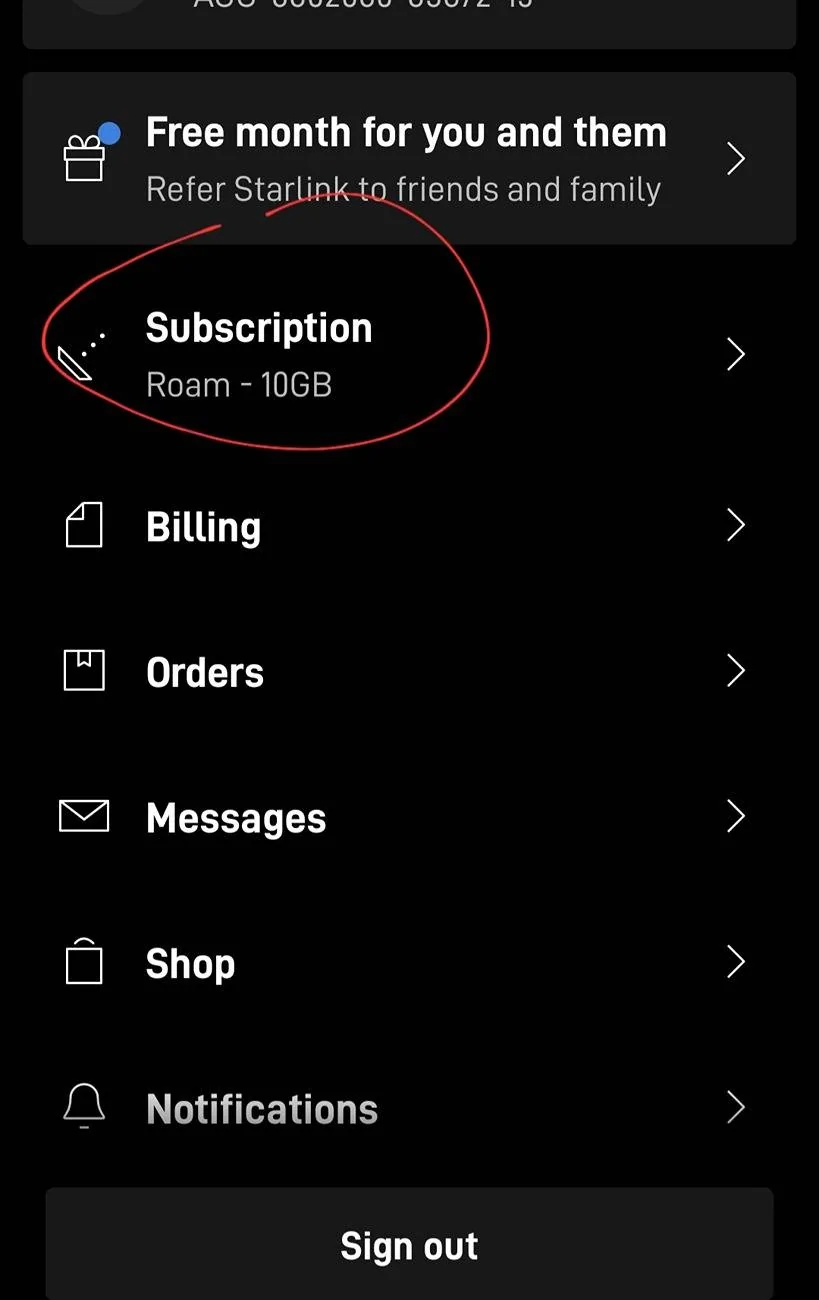
Oh got it, I must have missed it when I was driving with the starlink the other day. perhaps the wifi menu is only available in park? either way I'll update it. Thank youYou start with the $50 plan, and once you've activated
It
you
You can have the WIFi connected while driving. It's in the wifi settings menu.

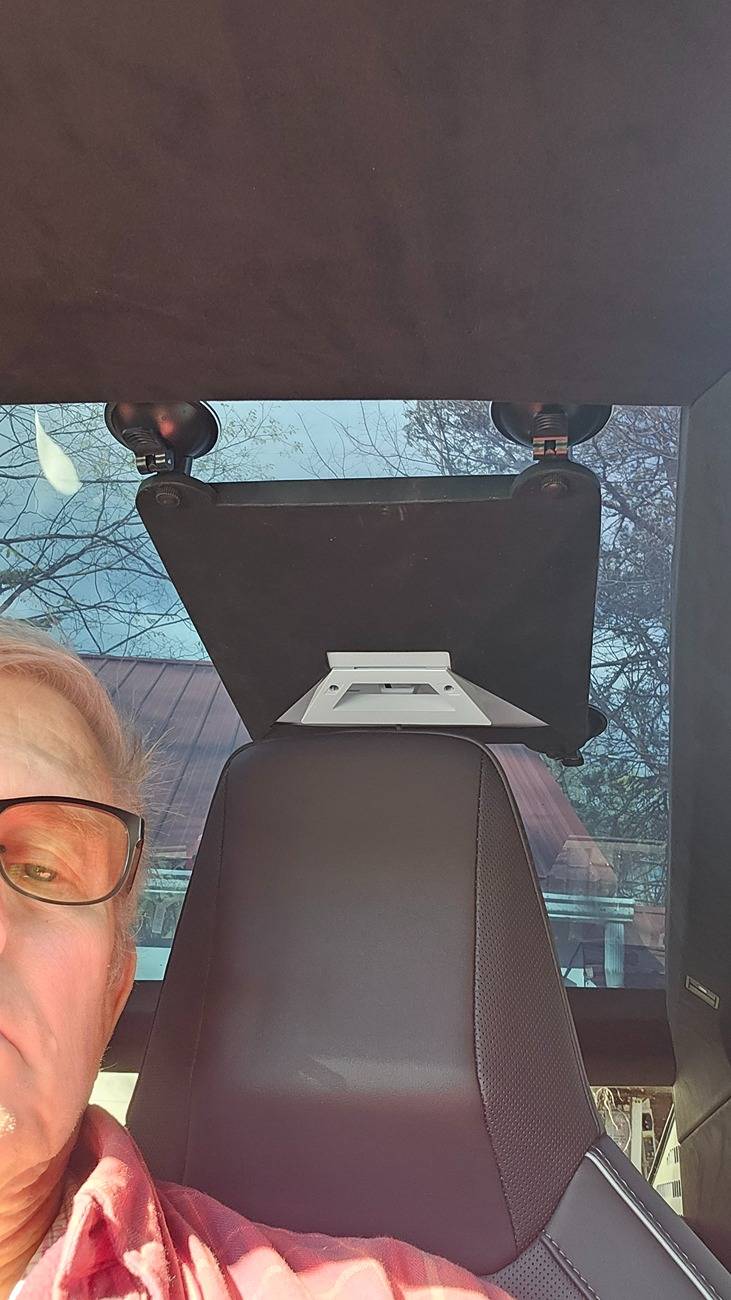
What mount is that for the Mini?I was able to put it in the back seat stuck to the glass roof just behind the driver. Bought a 10' Starlink to usb-c cable and power it off of one of the back seat usb-c jacks in the center console. Easy, secure, turns on/off with the truck.
The wire just drapes down and coils up in the seat back pocket of the driver's seat. Then the other end comes out of the pocket and plugs into the rear center console jack.
I still have to figure out how to have it ON when I'm outside the truck. Just haven't had the time...
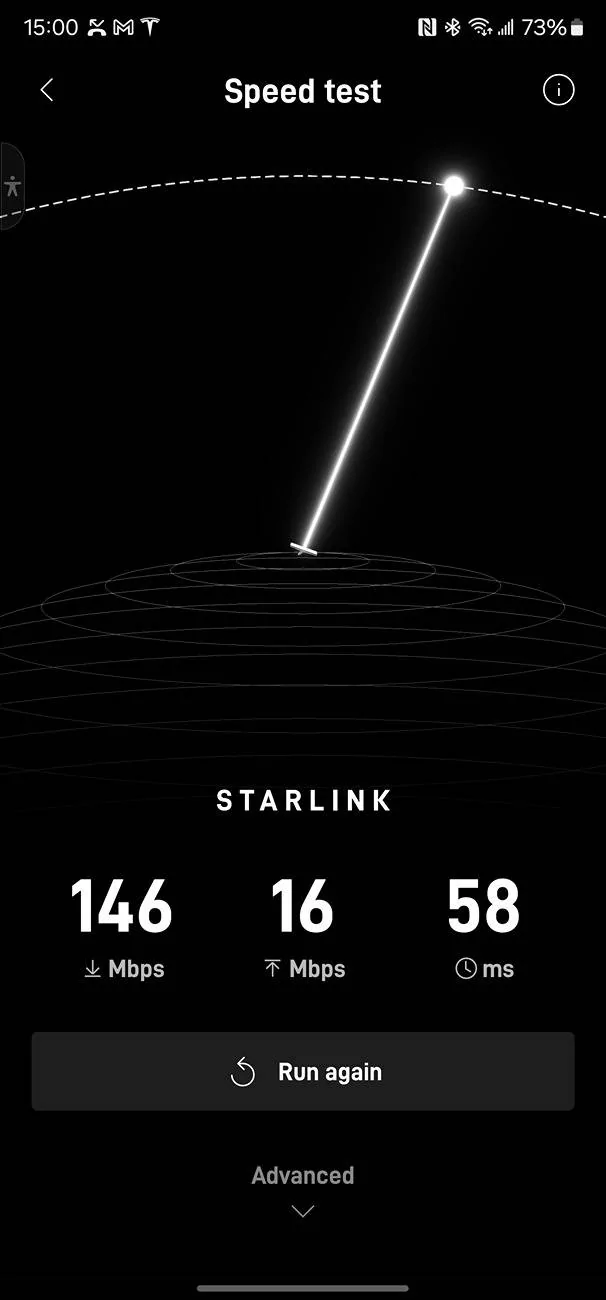
The pic on upload/download readings is from just sitting in a parking lot.
The new pricing plan @ $10/mo for 10gb make it reasonable to not have to pause/unpause all the time.



Amazon. It's NOT one sold by Starlink. List look on Amazon for the Mini in vehicle mounts. This one has 4 suction cups that hold it to the rear glass roof just behind the driver's seat.What mount is that for the Mini?
Cheers thanks Lvessm, I was looking to get a better one.Amazon. It's NOT one sold by Starlink. List look on Amazon for the Mini in vehicle mounts. This one has 4 suction cups that hold it to the rear glass roof just behind the driver's seat.
DAIERTEK Starlink Mini Car Mount... https://www.amazon.com/dp/B0DT5QN9BR?ref=ppx_pop_mob_ap_share

Nope. Works just fine, run mine all tire time. Just did the most recent firmware update using the starlink.... I've had zero issues.The USB-C port in the Cybertruck has a max power of 65W, whereas the Starlink Mini needs 100W; have you seen any issues with your setup?

I paired my Starlink mini to my trucks WiFi once (only once). I did it because my WiFi was weak in my garage. Then quickly, I started to get warnings my data usage on the plan was nearly used up, It didn’t just use it for its updates, it was uploading my FSD data constantly. I ended up disconnecting it from the truck and now only use it connected to my IPad and phones (I put a new home access point in the garage just to get good signal there), I exclusively use home WIFI for my truck data now, as it quickly escalated my monthly Starlink bill. Just be careful when pairing to truck, as actual data usage connecting back to Tesla is intense! ?Nope. Works just fine, run mine all tire time. Just did the most recent firmware update using the starlink.... I've had zero issues.