Haoooc
Well-known member

- Thread starter
- #1
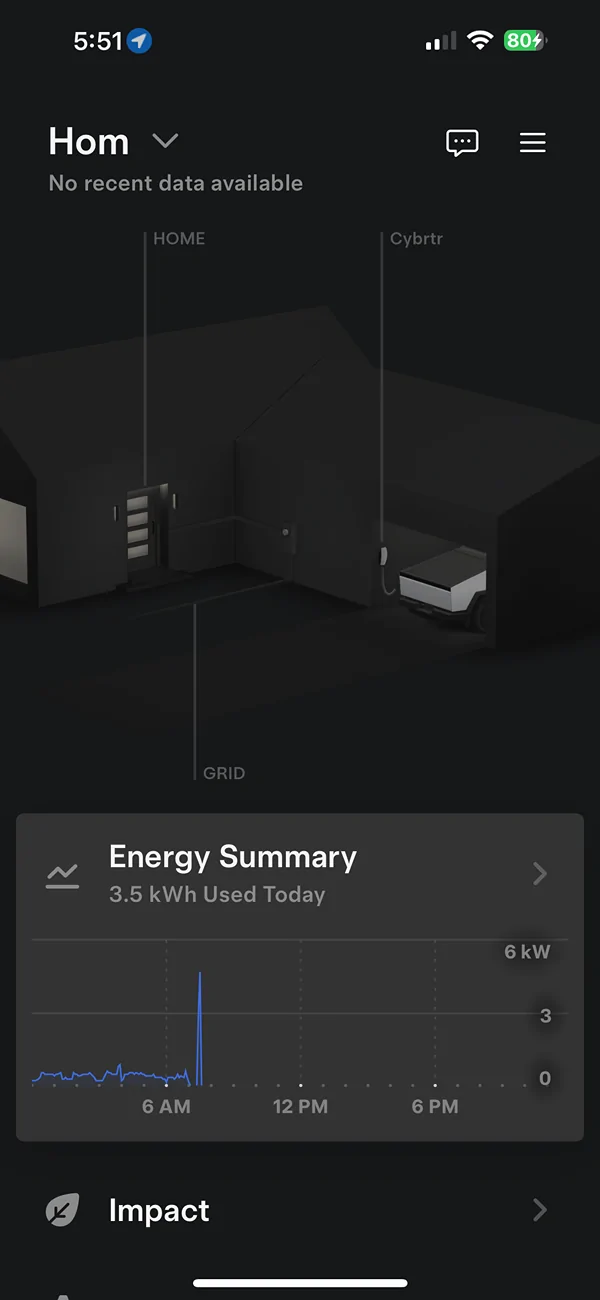
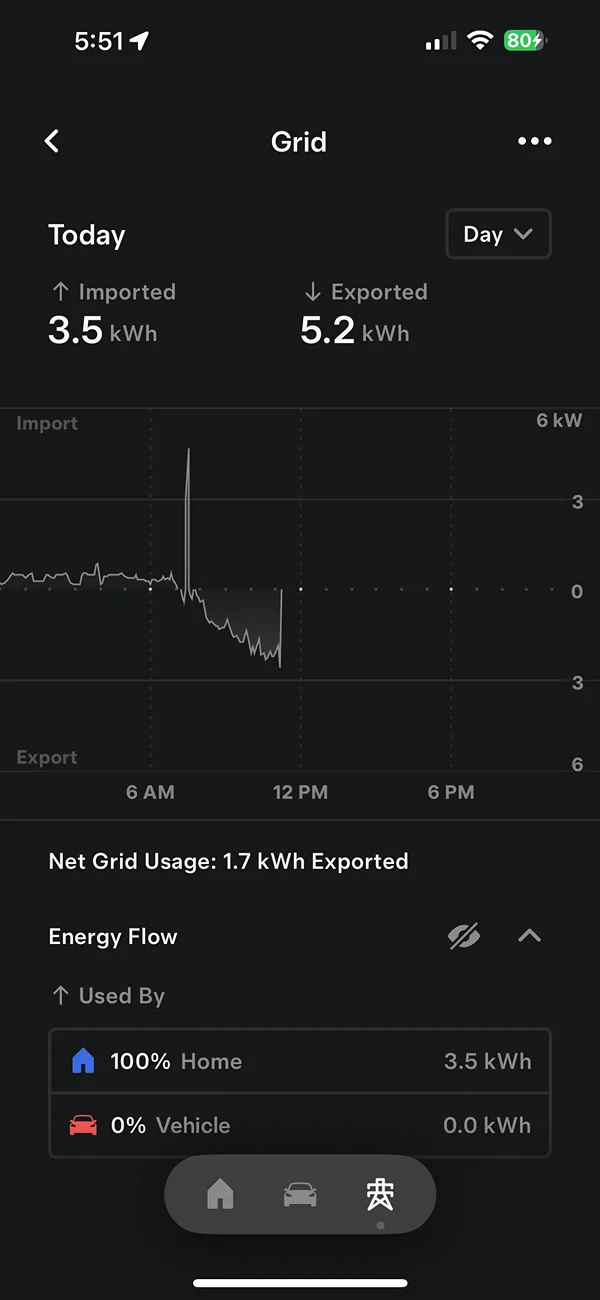
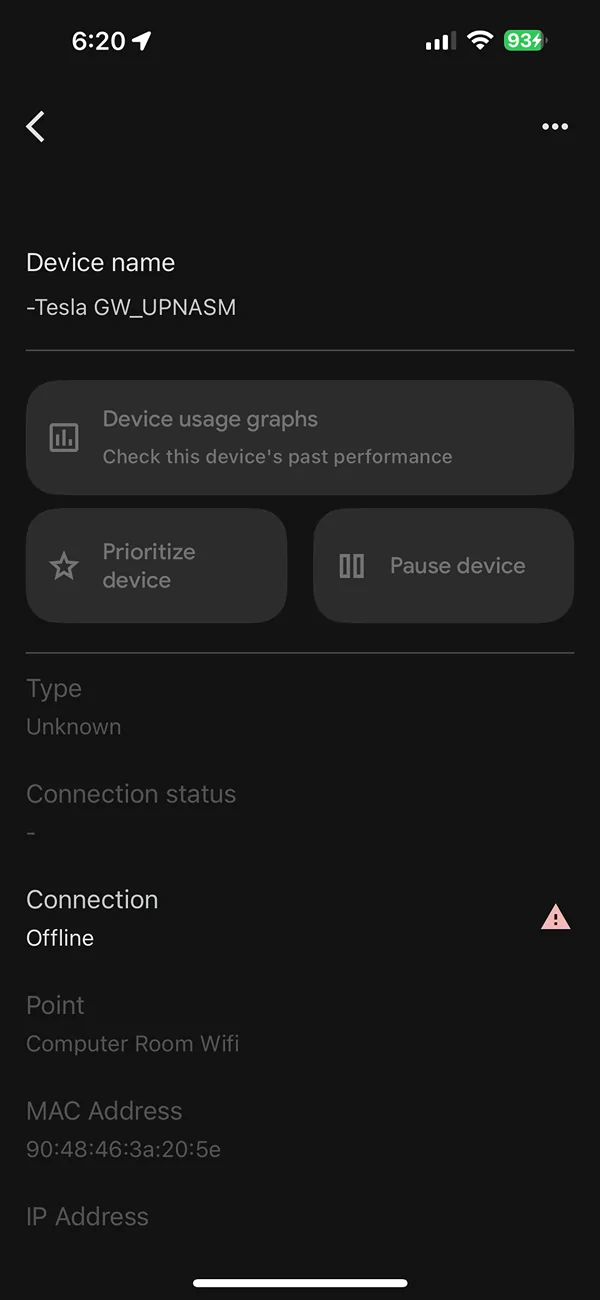
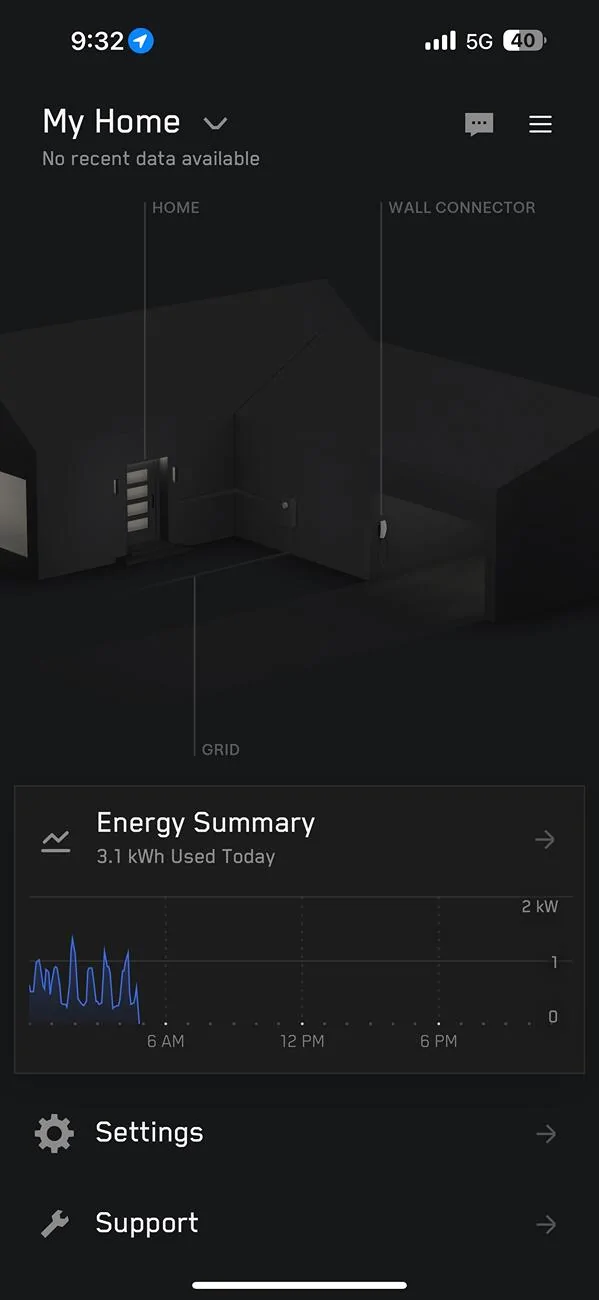
I have PowerShare Gateway installed from September, but I am seeing the Gateway got disconnected constantly (see below snapshot, shows no recent data available and data is no longer logging) and it stays there forever. The only way to get it back online is through a power cycle of the whole house.
A few things I tried and observed,
1) When the issue happens, the gateway is not generating the network (name with SSID) to start the WiFi connection
2) Pushing reset button is not working
3) Tesla One App also won't be able to connect
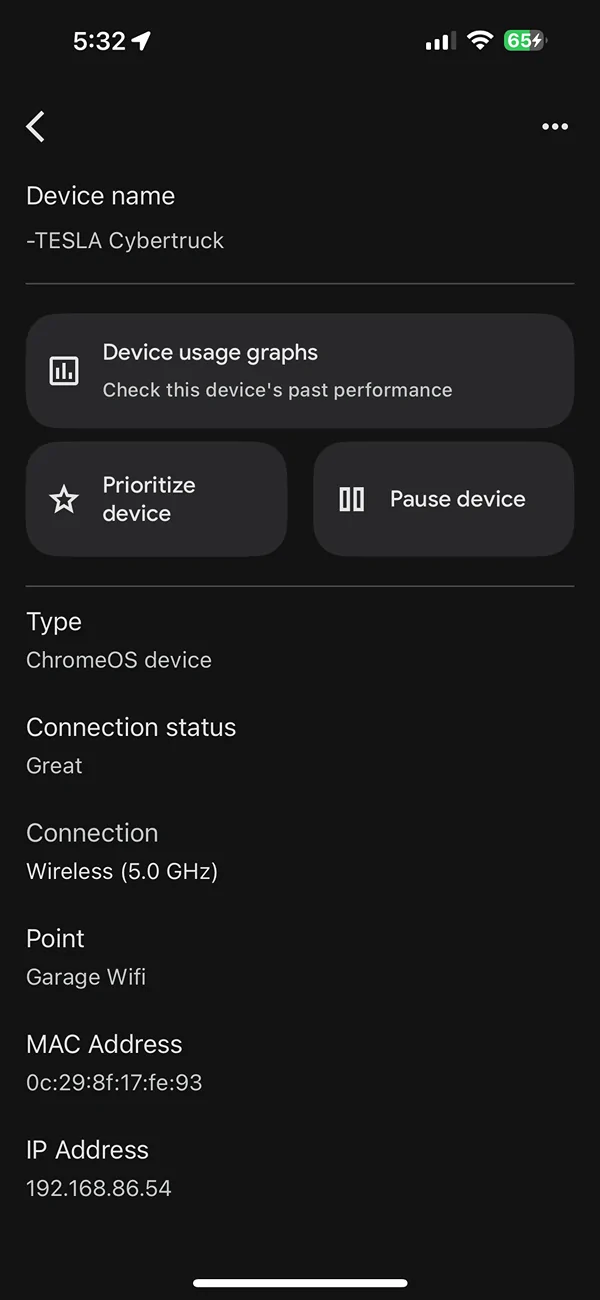
4) Tesla support told me the GW system is very picky about the Wifi system, so I end up upgrading my whole house WiFi and setup a dedicated 2.4GHz channel for it, still no luck
5) My installer came 3 times already and the tier 2 Tesla support gave some solution (updated FW etc,), still no luck
6) An interesting observation is once the system is online and my house has a internet outage, but the system is still logging the data. I see there is a SIM card in the system, so I guess that will also communicate.
My best guess from my engineering background is the system constantly stuck in a bad state due to some reason (CPU overload?) and it needs a power cycle to reset it It is likely not a network issue. I am trying to get Tesla to replace the system for me but haven't got any answer yet. I just wanted to check if anyone has a similar issue and is there any other way to resolve it. How to get Tesla admits there is an issue for their system?

A few things I tried and observed,
1) When the issue happens, the gateway is not generating the network (name with SSID) to start the WiFi connection
2) Pushing reset button is not working
3) Tesla One App also won't be able to connect
4) Tesla support told me the GW system is very picky about the Wifi system, so I end up upgrading my whole house WiFi and setup a dedicated 2.4GHz channel for it, still no luck
5) My installer came 3 times already and the tier 2 Tesla support gave some solution (updated FW etc,), still no luck
6) An interesting observation is once the system is online and my house has a internet outage, but the system is still logging the data. I see there is a SIM card in the system, so I guess that will also communicate.
My best guess from my engineering background is the system constantly stuck in a bad state due to some reason (CPU overload?) and it needs a power cycle to reset it It is likely not a network issue. I am trying to get Tesla to replace the system for me but haven't got any answer yet. I just wanted to check if anyone has a similar issue and is there any other way to resolve it. How to get Tesla admits there is an issue for their system?
Sponsored