Sponsored

PowerShare Gateway constantly got disconnected

Haoooc

Well-known member
Joined
Jan 8, 2024
Threads
13
Messages
87
Reaction score
55
Location
Austin
Vehicles
Cyberbeast
Country flag
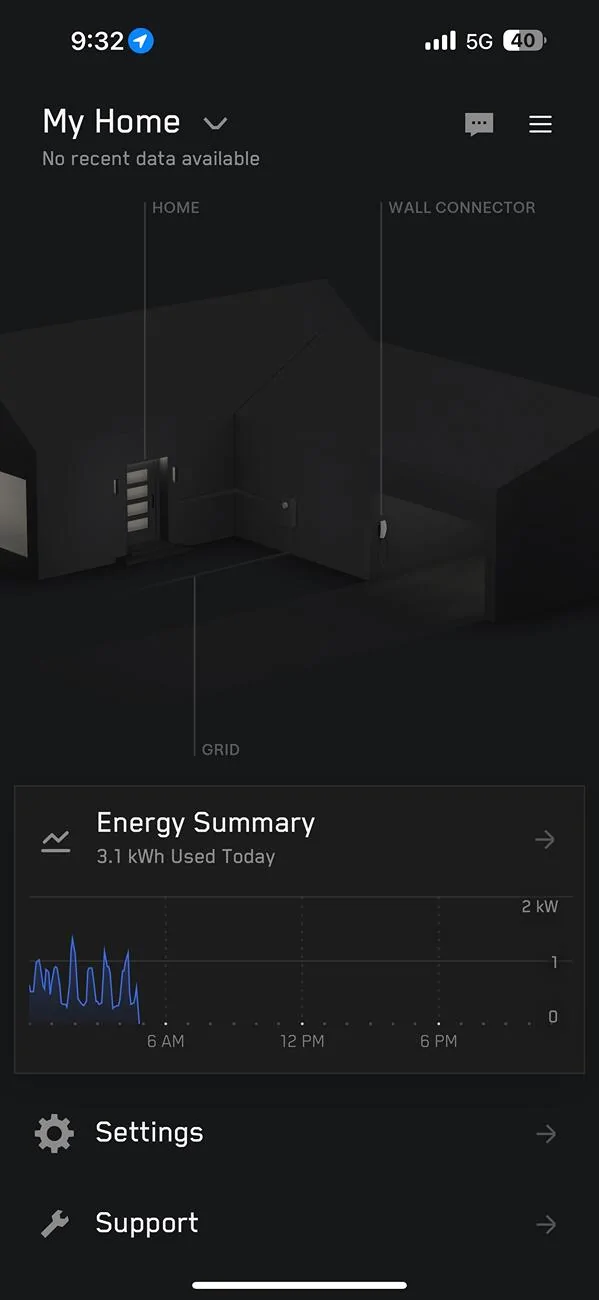
I have PowerShare Gateway installed from September, but I am seeing the Gateway got disconnected constantly (see below snapshot, shows no recent data available and data is no longer logging) and it stays there forever. The only way to get it back online is through a power cycle of the whole house.

A few things I tried and observed,
1) When the issue happens, the gateway is not generating the network (name with SSID) to start the WiFi connection
2) Pushing reset button is not working
3) Tesla One App also won't be able to connect
4) Tesla support told me the GW system is very picky about the Wifi system, so I end up upgrading my whole house WiFi and setup a dedicated 2.4GHz channel for it, still no luck
5) My installer came 3 times already and the tier 2 Tesla support gave some solution (updated FW etc,), still no luck
6) An interesting observation is once the system is online and my house has a internet outage, but the system is still logging the data. I see there is a SIM card in the system, so I guess that will also communicate.

My best guess from my engineering background is the system constantly stuck in a bad state due to some reason (CPU overload?) and it needs a power cycle to reset it It is likely not a network issue. I am trying to get Tesla to replace the system for me but haven't got any answer yet. I just wanted to check if anyone has a similar issue and is there any other way to resolve it. How to get Tesla admits there is an issue for their system?

Tesla Cybertruck PowerShare Gateway constantly got disconnected IMG_1022
Sponsored


Lowcoe

Well-known member
First Name
Erich
Joined
May 7, 2024
Threads
11
Messages
355
Reaction score
524
Location
San Diego
Vehicles
S3xY
Occupation
Gardner
Country flag
Oh great… I can see my future… after waiting 9+ months to get PowerShare installed and then it doesn’t work…. Calling, begging for a fix and then ultimately giving up :(
 

BritX

Member
First Name
J
Joined
Jan 19, 2024
Threads
0
Messages
23
Reaction score
20
Location
Boston
Vehicles
cybertruck
Country flag
Request a LAN connection I had no end of problems with the WiFi and the system going to cell all the time. Tesla came back and ran a cable and no issues since.
 

BritX

Member
First Name
J
Joined
Jan 19, 2024
Threads
0
Messages
23
Reaction score
20
Location
Boston
Vehicles
cybertruck
Country flag
If you have PW3 then the reset doesn’t work, I tried for days until the electrician(Tesla) told me it’s all in the PW3…
 
OP
OP
Haoooc

Haoooc

Well-known member
Joined
Jan 8, 2024
Threads
13
Messages
87
Reaction score
55
Location
Austin
Vehicles
Cyberbeast
Country flag
Request a LAN connection I had no end of problems with the WiFi and the system going to cell all the time. Tesla came back and ran a cable and no issues since.
Thanks I will check if my installer can do that.


OP
OP
Haoooc

Haoooc

Well-known member
Joined
Jan 8, 2024
Threads
13
Messages
87
Reaction score
55
Location
Austin
Vehicles
Cyberbeast
Country flag
Oh great… I can see my future… after waiting 9+ months to get PowerShare installed and then it doesn’t work…. Calling, begging for a fix and then ultimately giving up :(
I just tested the power backup feature is actually working, but just app always shows no data and you can’t monitor the house. Still annoying consider such expensive system.
 

Cybrtr808

Well-known member
First Name
Norman
Joined
Feb 8, 2022
Threads
2
Messages
65
Reaction score
28
Location
Honolulu
Vehicles
Model 3, BMW 318is
Country flag
Thanks I will check if my installer can do that.
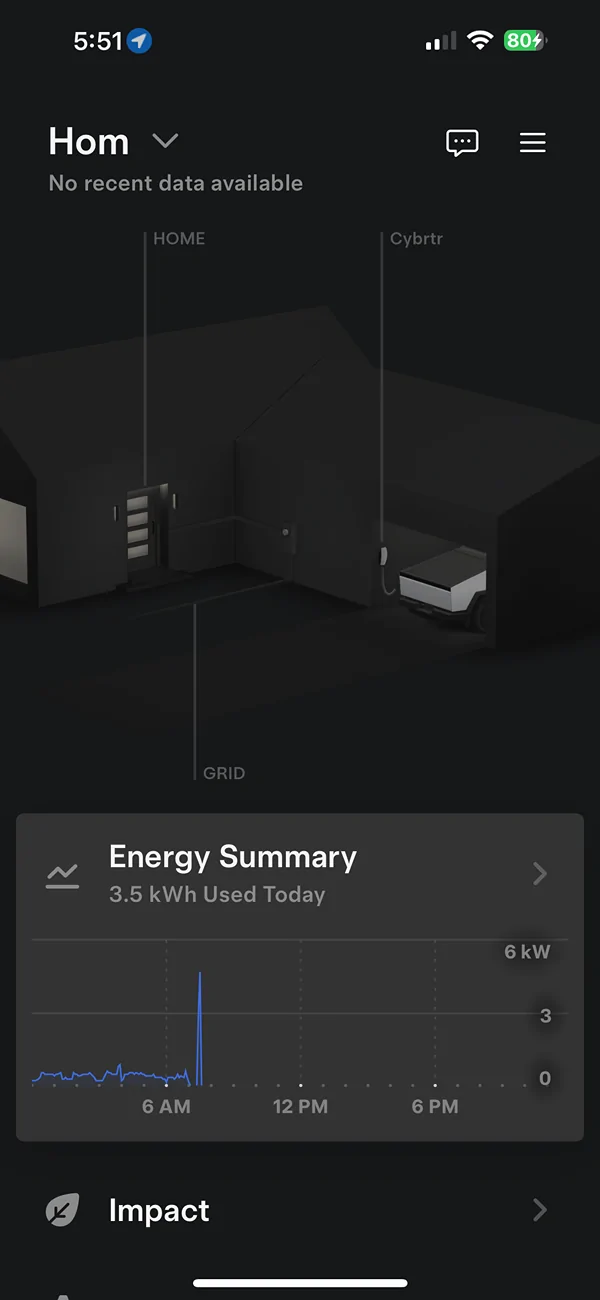
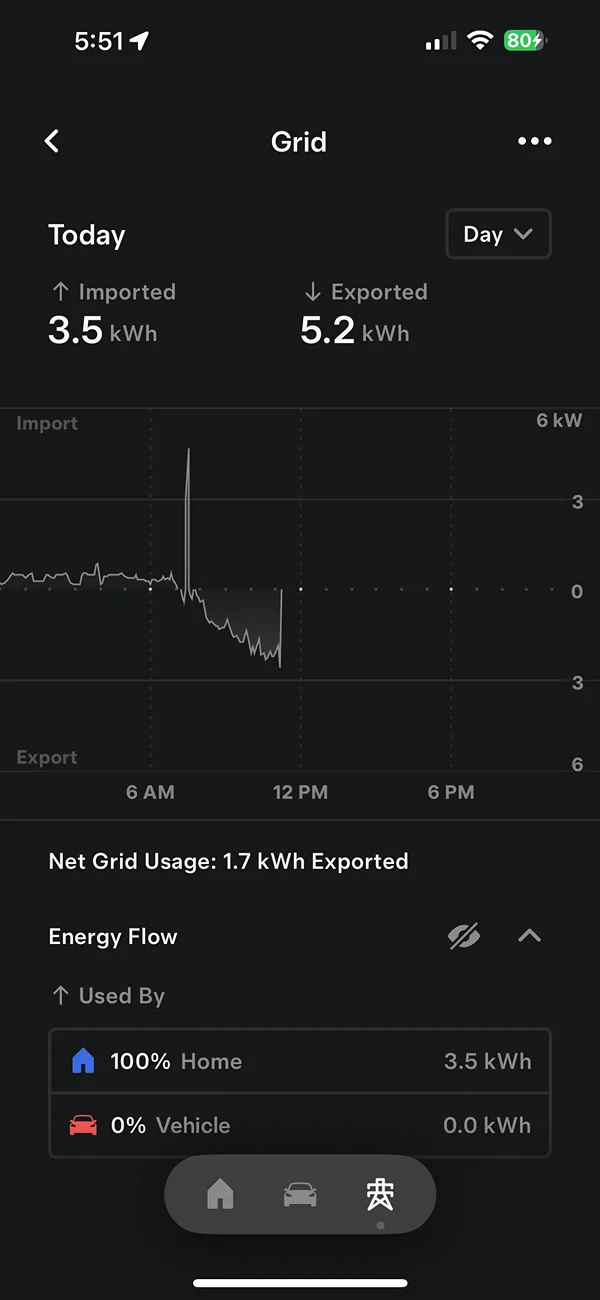
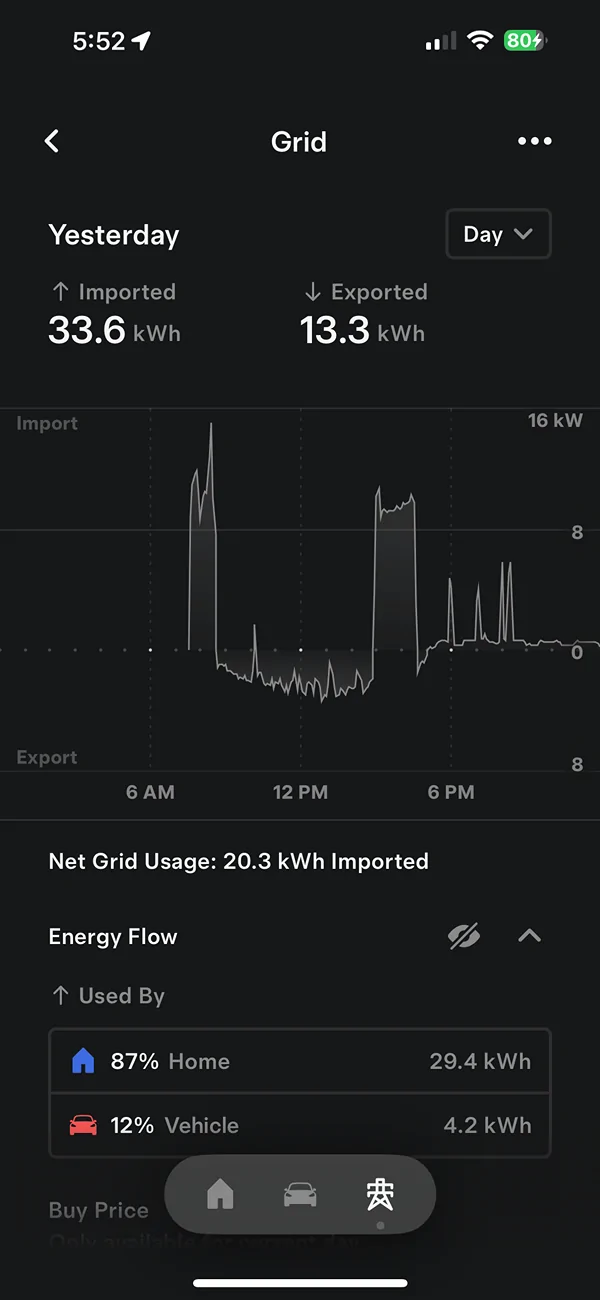
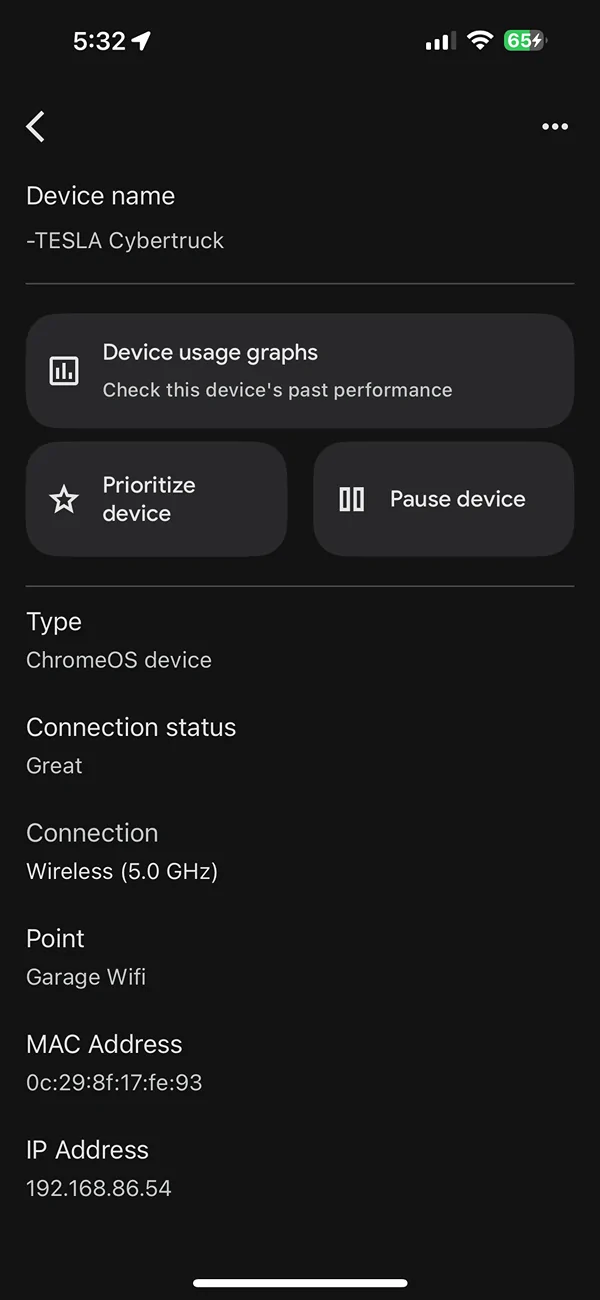
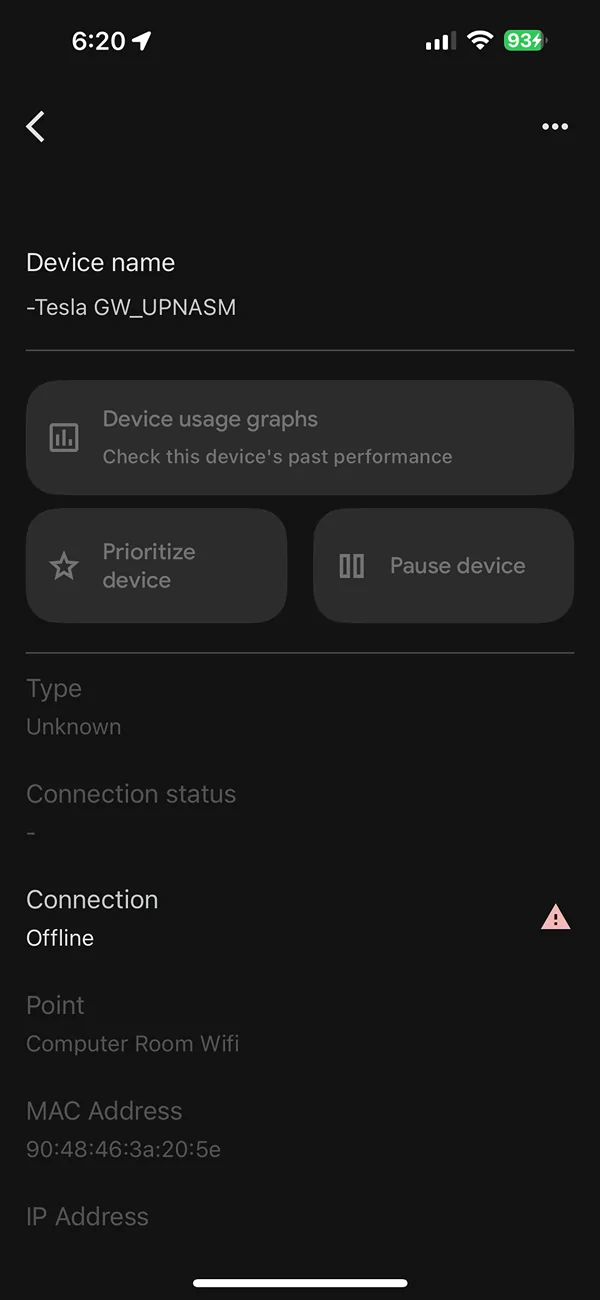
I am having the same issue - “no recent data available” on the Tesla iPhone app. I checked my Google Home app which my Google wireless WiFi reports to. When the GW is connected to WiFi it’s reporting in the Tesla app grid usage and (when applicable) reporting excess solar supplied to the grid. I can see in Google Home app the Tesla GW pulls an IP address.

The Tesla iPhone app was working and reporting prior to this for about 4 months my grid usage nformation. Went on a trip and had a power outage which seems like when the GW started dropping off the wireless. Doing a reset on the orange button on the GW does not help. When I powered the entire house down via the main service breaker it brought the GW back up on the WiFi.

I have full bars on my iPhone and the truck when in the garage less than 20 feet from the GW when it is connected to the home WiFi. So signal strength is not the issue.

Yesterday when I plugged in the UWCharger the GW connected to the home wifi without having to power the entire house down. Today no luck still off line when I plugged in the UWC. It’s a pain to totally power down the entire house as I have to reset various electrical appliances and clocks.
Fortunately I bought a battery backup for the router and the main wireless WiFi unit.

my GW installer still needs to come back to test my PowerShare system so I can get him troubleshoot and hopefully hardware the GW to the LAN.

Were you able to obtain a hardwire kit/equipment from Tesla to connect the GW hardwired to your router? Seems best alternative as suggested by previous Post in this thread.

Tesla Cybertruck PowerShare Gateway constantly got disconnected IMG_1096


Tesla Cybertruck PowerShare Gateway constantly got disconnected IMG_1097


Tesla Cybertruck PowerShare Gateway constantly got disconnected IMG_1098


Tesla Cybertruck PowerShare Gateway constantly got disconnected IMG_1093


Tesla Cybertruck PowerShare Gateway constantly got disconnected IMG_1100
 
OP
OP
Haoooc

Haoooc

Well-known member
Joined
Jan 8, 2024
Threads
13
Messages
87
Reaction score
55
Location
Austin
Vehicles
Cyberbeast
Country flag
I am having the same issue - “no recent data available” on the Tesla iPhone app. I checked my Google Home app which my Google wireless WiFi reports to. When the GW is connected to WiFi it’s reporting in the Tesla app grid usage and (when applicable) reporting excess solar supplied to the grid. I can see in Google Home app the Tesla GW pulls an IP address.

The Tesla iPhone app was working and reporting prior to this for about 4 months my grid usage nformation. Went on a trip and had a power outage which seems like when the GW started dropping off the wireless. Doing a reset on the orange button on the GW does not help. When I powered the entire house down via the main service breaker it brought the GW back up on the WiFi.

I have full bars on my iPhone and the truck when in the garage less than 20 feet from the GW when it is connected to the home WiFi. So signal strength is not the issue.

Yesterday when I plugged in the UWCharger the GW connected to the home wifi without having to power the entire house down. Today no luck still off line when I plugged in the UWC. It’s a pain to totally power down the entire house as I have to reset various electrical appliances and clocks.
Fortunately I bought a battery backup for the router and the main wireless WiFi unit.

my GW installer still needs to come back to test my PowerShare system so I can get him troubleshoot and hopefully hardware the GW to the LAN.

Were you able to obtain a hardwire kit/equipment from Tesla to connect the GW hardwired to your router? Seems best alternative as suggested by previous Post in this thread.

IMG_1096.png


IMG_1097.png


IMG_1098.png


IMG_1093.png


IMG_1100.png
Tesla finally admitted something wrong with my system, after I put a router right next to the GW and the system will go offline as long as there is slight turbulence of the signal strength. Tesla ask me to talk to my installer and Qmerit to get the system replaced, that is around mid March, but as of today I am still not hearing anything back. I just called Qmerit last week and they still cannot give me any update. I am going to call them again tomorrow…
 

Cybrtr808

Well-known member
First Name
Norman
Joined
Feb 8, 2022
Threads
2
Messages
65
Reaction score
28
Location
Honolulu
Vehicles
Model 3, BMW 318is
Country flag
Tesla finally admitted something wrong with my system, after I put a router right next to the GW and the system will go offline as long as there is slight turbulence of the signal strength. Tesla ask me to talk to my installer and Qmerit to get the system replaced, that is around mid March, but as of today I am still not hearing anything back. I just called Qmerit last week and they still cannot give me any update. I am going to call them again tomorrow…
Thanks - I will move my WiFi extender into the garage. It is currently in a room next to the garage.
 

117AJ

Member
Joined
May 31, 2024
Threads
1
Messages
6
Reaction score
0
Location
Florida
Vehicles
Cyberbeast and MYP
Country flag
I had the same issue. It would connect for a short varying amount of time. A few weeks ago the Janelle’s came back and after a lot of work with Tesla they decided to RMA my gateway after finding an integrity someplace on the baked with the voltage dropping and coming back when it shouldn’t. The installer got the new gateway a few days ago installed it and so far it is staying connected. However the bidirectional charging does not work. Whenever you flip it over it instantly stops and says retrying over and over again. Saying it is overloaded but I moved only a few circuits into the gateway and it consistently shows 200-300 watts of draw. So that shouldn’t be the issue. We also tried it with all the circuit breakers turned off in the gateway. Same result.


OP
OP
Haoooc

Haoooc

Well-known member
Joined
Jan 8, 2024
Threads
13
Messages
87
Reaction score
55
Location
Austin
Vehicles
Cyberbeast
Country flag
I had the same issue. It would connect for a short varying amount of time. A few weeks ago the Janelle’s came back and after a lot of work with Tesla they decided to RMA my gateway after finding an integrity someplace on the baked with the voltage dropping and coming back when it shouldn’t. The installer got the new gateway a few days ago installed it and so far it is staying connected. However the bidirectional charging does not work. Whenever you flip it over it instantly stops and says retrying over and over again. Saying it is overloaded but I moved only a few circuits into the gateway and it consistently shows 200-300 watts of draw. So that shouldn’t be the issue. We also tried it with all the circuit breakers turned off in the gateway. Same result.
I am in the replacement process for 3 months and no update. Installer comes again and called Tesla and now they told me something wrong with my wall charger causes this issue. I highly doubted but my installer says replace it only needs 10 minutes so we will give it a try.
 

117AJ

Member
Joined
May 31, 2024
Threads
1
Messages
6
Reaction score
0
Location
Florida
Vehicles
Cyberbeast and MYP
Country flag
Thanks I will share that with my installer and see what they say. I will call Tesla support as well last time they made me pair my phone with the gateway and of course that made my call drop and of course Tesla didn’t bother calling back. Need to find time to sit on hold and troubleshoot shoot again. I will tell them about the wall charger and see what they say.

I am in the replacement process for 3 months and no update. Installer comes again and called Tesla and now they told me something wrong with my wall charger causes this issue. I highly doubted but my installer says replace it only needs 10 minutes so we will give it a try.
 

Cybrtr808

Well-known member
First Name
Norman
Joined
Feb 8, 2022
Threads
2
Messages
65
Reaction score
28
Location
Honolulu
Vehicles
Model 3, BMW 318is
Country flag
Thanks I will share that with my installer and see what they say. I will call Tesla support as well last time they made me pair my phone with the gateway and of course that made my call drop and of course Tesla didn’t bother calling back. Need to find time to sit on hold and troubleshoot shoot again. I will tell them about the wall charger and see what they say.
I just received from Qmerit the invoice to pay (about $5,300) for the PowerShare install). Has Qmerit/ Tesla / electrician been responsive to this situation if they have been paid?

I hard wired with RJ45 cable the gateway to my LAN, but since about 30 days the “no data” in the iPhone app has been reported twice. Had to turn on and off the main Breaker to the grid to restart and get the data reporting on the iPhone.

Would appreciate your payment status

I just need to check that my install permit has been closed out and will pay. But want to report that still dropping data reporting to Qmerit/tesla and not pay if I need leverage to have the gateway swapped out.
norm
 

117AJ

Member
Joined
May 31, 2024
Threads
1
Messages
6
Reaction score
0
Location
Florida
Vehicles
Cyberbeast and MYP
Country flag
I have a foundation series so the installation was included. My installer has been very responsive and great to deal with.

Sonce they replaced my gateway a few weeks ago it has stayed connected. However when you go off grid my truck constantly turns off right away and says retrying. Got disconnected on the phone from Tesla and haven’t had time to call back and trouble shoot more.
 

96Kopper02

Well-known member
Joined
Nov 3, 2021
Threads
0
Messages
155
Reaction score
335
Location
Iowa
Vehicles
Tesla Model S
Occupation
Physician
Country flag
I am having the same issue. Installer has no idea what the problem is. When we cycle the main breaker it connects and I’m able to see it in the Tesla app. We then tried back feeding the house with the truck which worked. The gateway will then lose connectivity after a matter of hours and we start the process over again. Anyone have a solution? So far it seems like others have had success by replacing the gateway? I do have the gateway hard wired directly into my router which is about 3 feet away.
Sponsored


Top