Sponsored

Help! Power out and PowerShare won’t initiate feed to house from Cybertruck

eswimm

Well-known member
Joined
Jun 6, 2024
Threads
3
Messages
561
Reaction score
1,007
Location
Charlotte, NC
Vehicles
Model Y, Cybertruck
Country flag
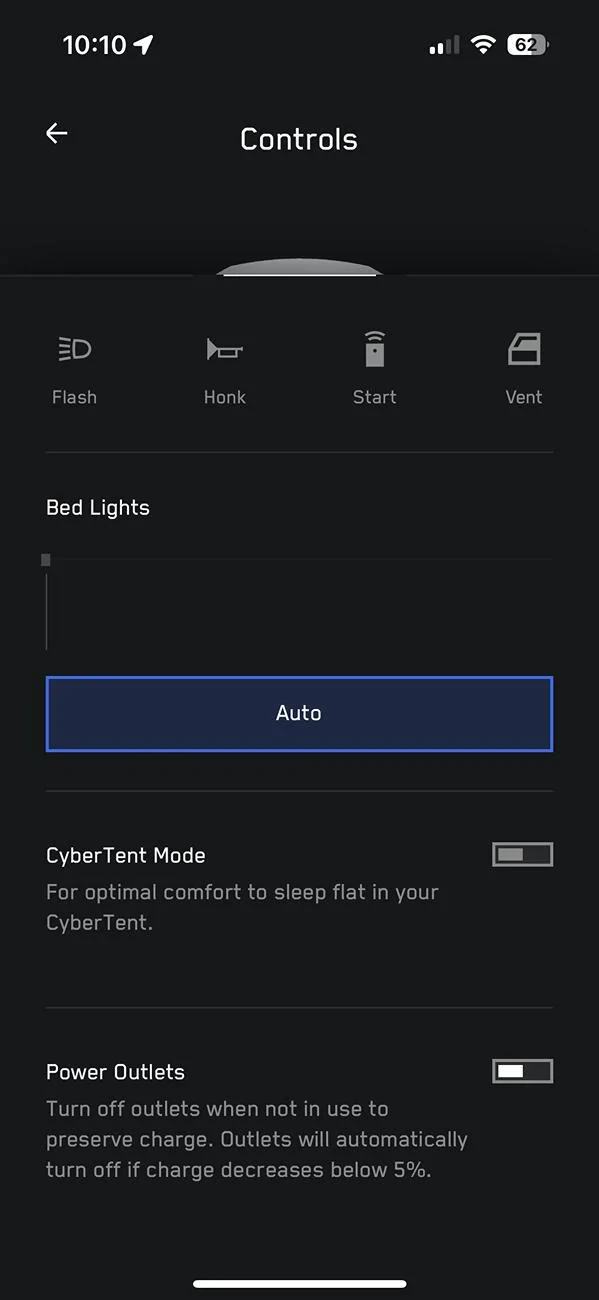
It may just be because the power is out and the app doesn't have data, but I notice that your app doesn't have a line to the wall connector. Both the Powershare Gateway and the Universal Wall Connector need to be commissioned to your account before Powershare will work. Even before Powershare was enabled in my truck, it showed my Wall Connector in the app and I could see the charging. Perhaps there's some issue with the communication wires between the wall connector and the gateway.
Sponsored
 

eswimm

Well-known member
Joined
Jun 6, 2024
Threads
3
Messages
561
Reaction score
1,007
Location
Charlotte, NC
Vehicles
Model Y, Cybertruck
Country flag
I don’t have the PowerShare like you have on my MCU. I got my gateway installed last week. How long before I get the update to make everything work?
It took a bit under 2 weeks between my install and Powershare being enabled in the truck. Your installer should have completed the commissioning process with Tesla and has to fill out documentation (including photos) in the Tesla One app. After review, Tesla will enable the feature on your equipment.
 

Redfire

Well-known member
Joined
Sep 13, 2024
Threads
31
Messages
171
Reaction score
184
Location
Atlanta, ga
Vehicles
Cyber Beast
Country flag
I don’t have the PowerShare like you have on my MCU. I got my gateway installed last week. How long before I get the update to make everything work?
Give it a week or so. You'll know when you get the ENERGY page in your app. It's going at the speed of your local power company.
 
  • Like
Reactions: REM

smcnaughton829

Well-known member
First Name
Stephen
Joined
Apr 28, 2024
Threads
16
Messages
318
Reaction score
378
Location
New York
Vehicles
Model 3, Model X plaid, S, CB
Occupation
Pilot
Country flag
Give it a week or so. You'll know when you get the ENERGY page in your app. It's going at the speed of your local power company.
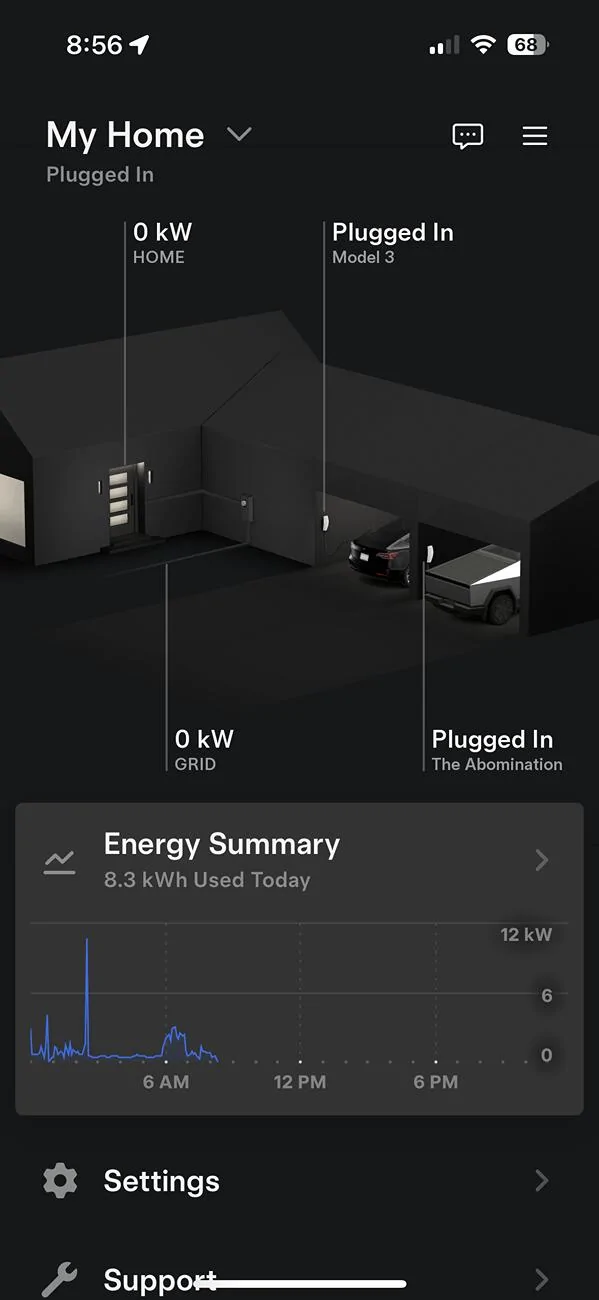
I have this. What does the energy app look like?

Tesla Cybertruck Help! Power out and PowerShare won’t initiate feed to house from Cybertruck IMG_5068


Redfire

Well-known member
Joined
Sep 13, 2024
Threads
31
Messages
171
Reaction score
184
Location
Atlanta, ga
Vehicles
Cyber Beast
Country flag
But I don’t have anything about PowerShare on my trucks MCU.
And that screen came up as soon as the gateway was turned on.
I would have to look at my truck, but it's buried in a submenu. It's a switch to turn on. You should leave it on.

If it's not there then just give it up to 2 weeks. Took mine about a week to kick in after install.


Jhodgesatmb

Well-known member
First Name
Jack
Joined
Dec 1, 2019
Threads
90
Messages
6,511
Reaction score
9,054
Location
San Francisco Bay area
Website
www.arbor-studios.com
Vehicles
Tesla Cybertruck FS AWD, Tesla Model Y LR
Occupation
Retired AI researcher
Country flag
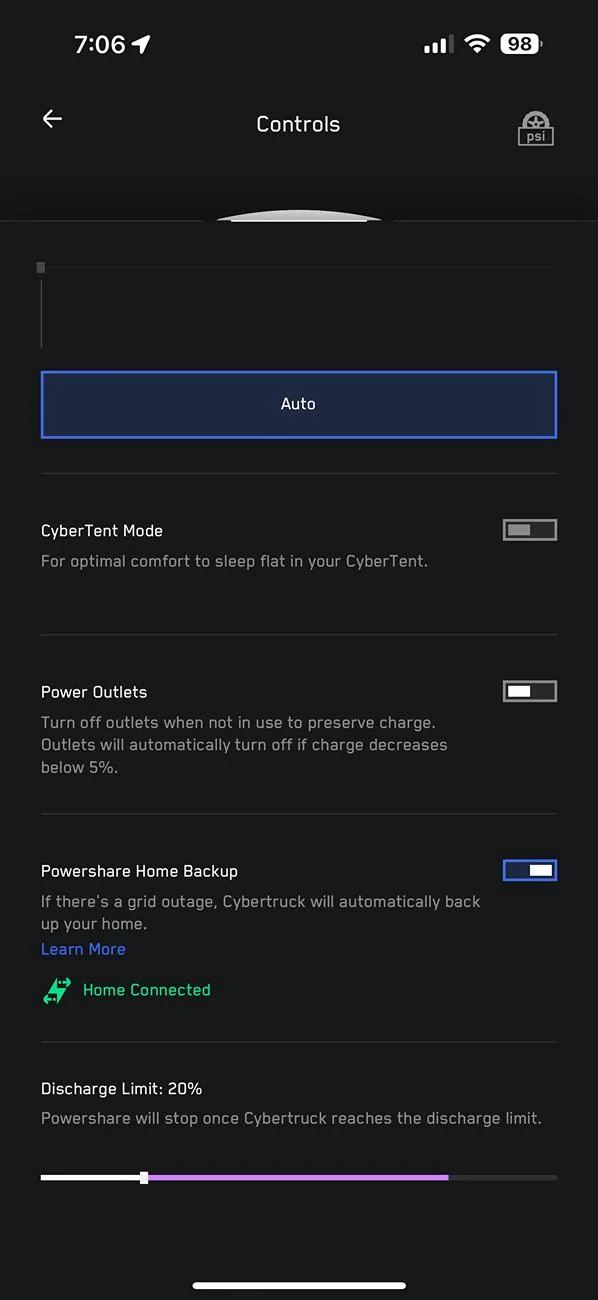
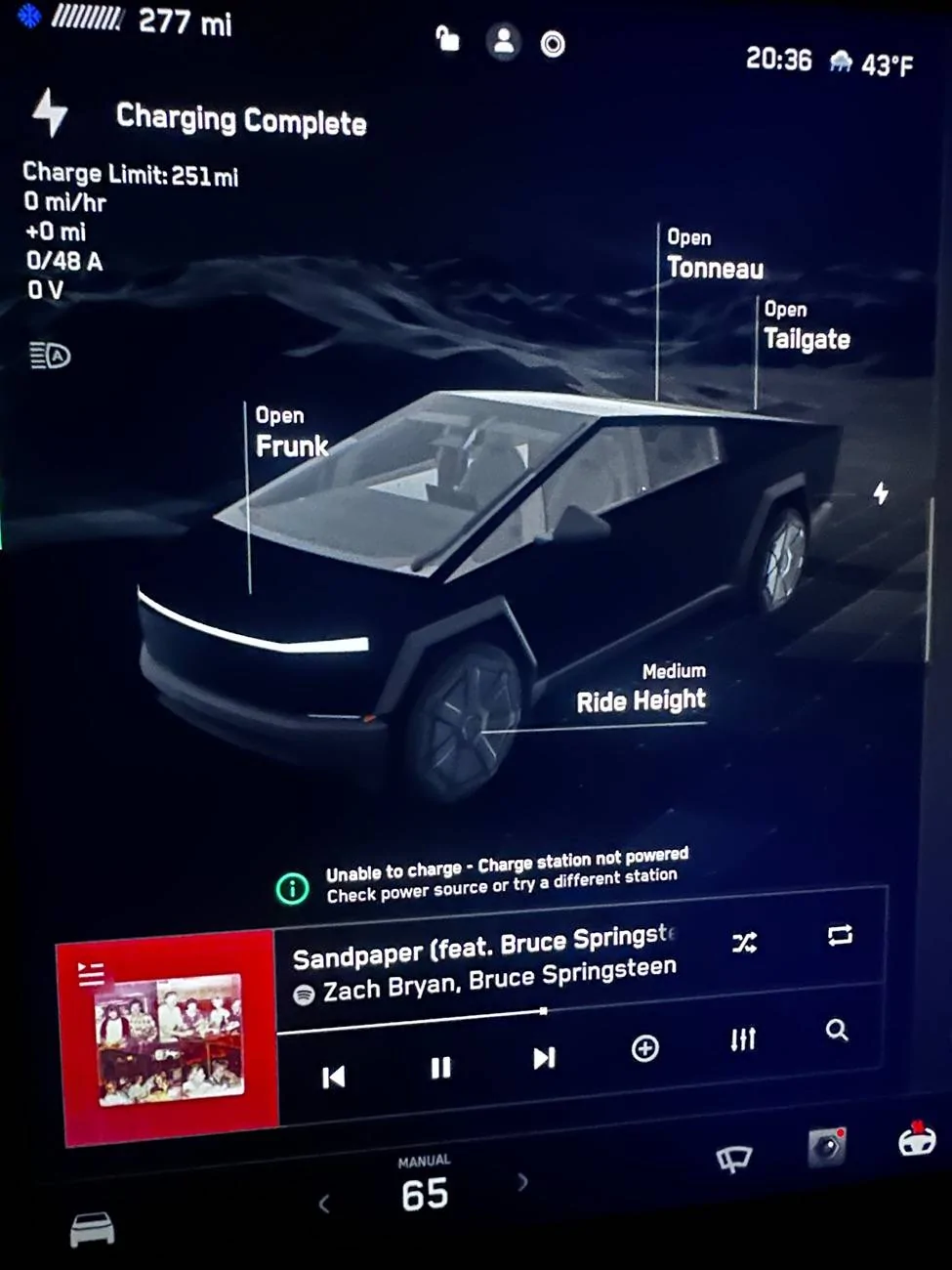
Looking for some help from the Tesla Community regarding Cybertruck PowerShare. Currently power is out and I plugged in my Cybertruck with a tested and functional PowerShare system. No power is being provided to the house and I’m just getting the “Unable to Charge-Charge Station Not Powered” alert. Any ideas? Pretty disappointed. Went through lots of $ and hassle to get the system installed and now it does nothing and no Tesla support can help. No help from Charging or Powerwall Customer service (closed) or Roadside assistance.

IMG_5349.jpeg


IMG_5350.jpeg
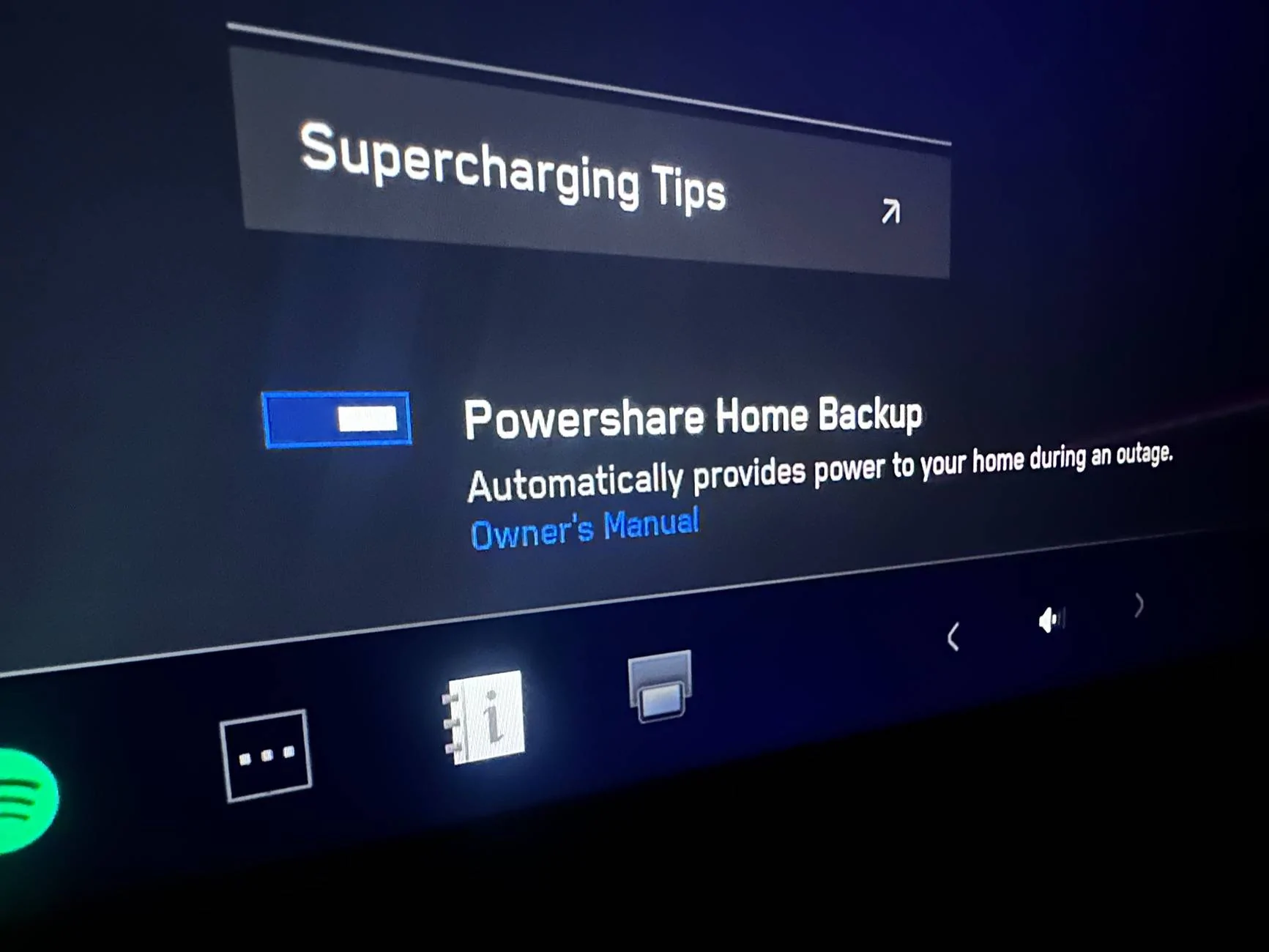
I do not have the “PowerShare Home Backup” settings toggle you show on the “Charging” menu but I do have power sharing installed (not tested). Do I have a problem beyond yours?
 

Guylouis

Well-known member
First Name
Guy
Joined
Dec 18, 2023
Threads
14
Messages
678
Reaction score
1,065
Location
San Diego
Vehicles
F.S. CyberBeast, XP, YP, 3P
Country flag
I do not have the “PowerShare Home Backup” settings toggle you show on the “Charging” menu but I do have power sharing installed (not tested). Do I have a problem beyond yours?
If you’re Install was fairly recent it can take upwards of two weeks before it shows up in your truck and app
Sponsored


Top