bkellisimo
Active member
- First Name
- Blake
- Joined
- Dec 16, 2023
- Threads
- 7
- Messages
- 30
- Reaction score
- 82
- Location
- Michigan
- Vehicles
- Cybertruck Foundation AWD
- Occupation
- Sales

- Thread starter
- #1
PowerShare install #5 here in west Michigan! Here's my install, provisioning, and testing timeline.
Out of Pocket Cost: $4,000
Wait time to install: 2 months
Electric outage during install: 5 hours
Wait time until PowerShare active: 4 days after install
Simulated Outage Service Interruption: 5 seconds (both start & end)
Runtime Estimate during outage: 24 hours
Flickering Lights During PowerShare startup: 5 seconds
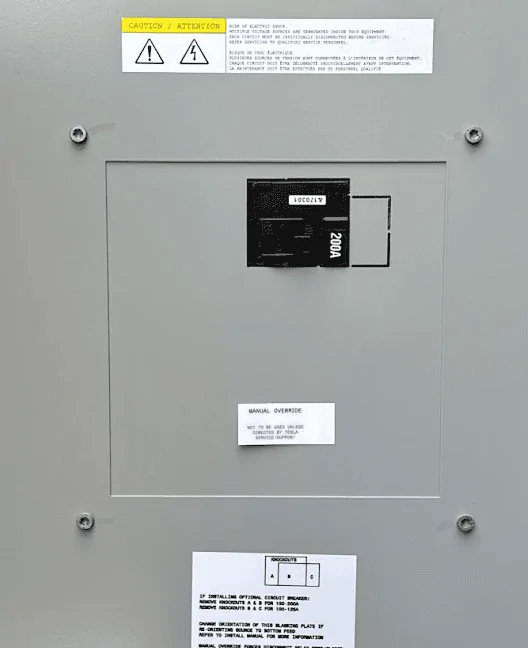
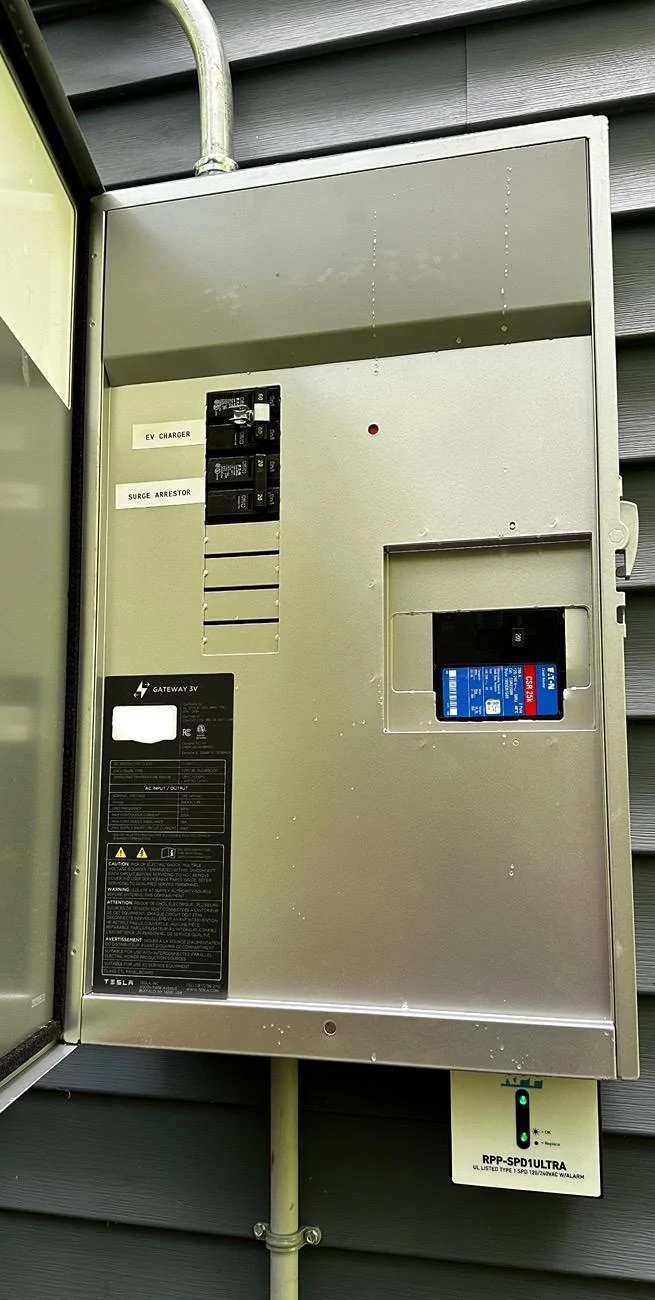
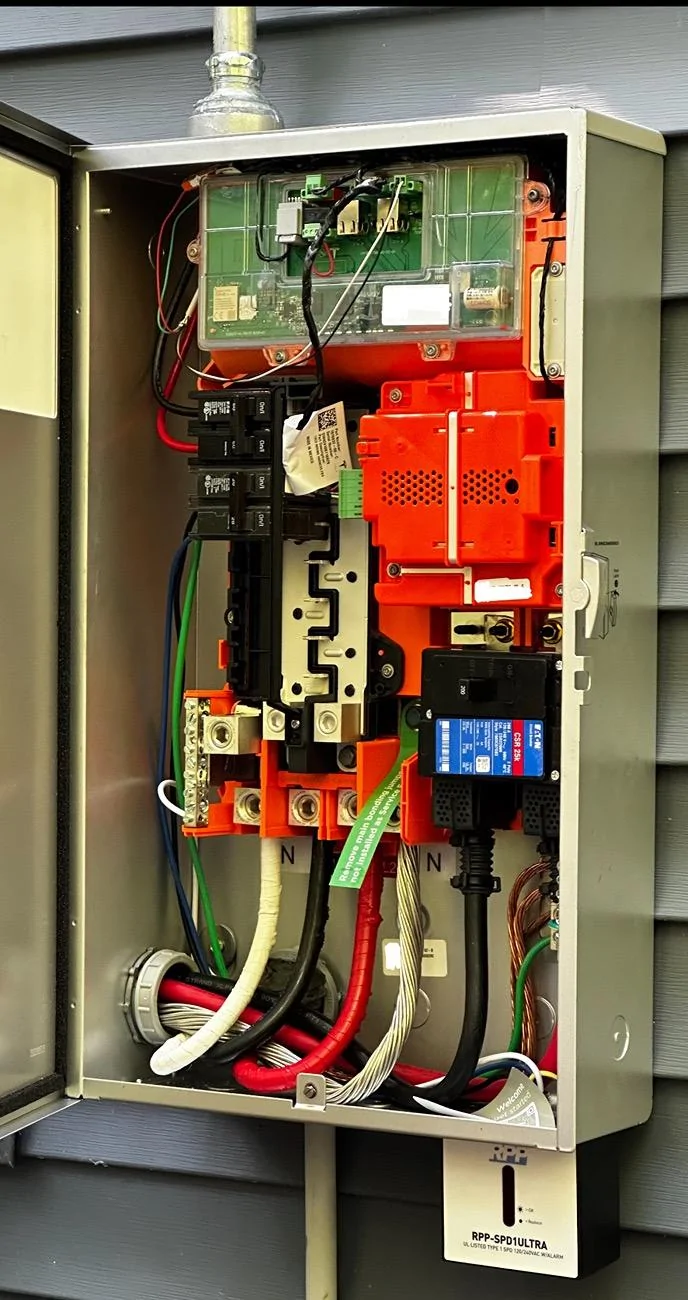
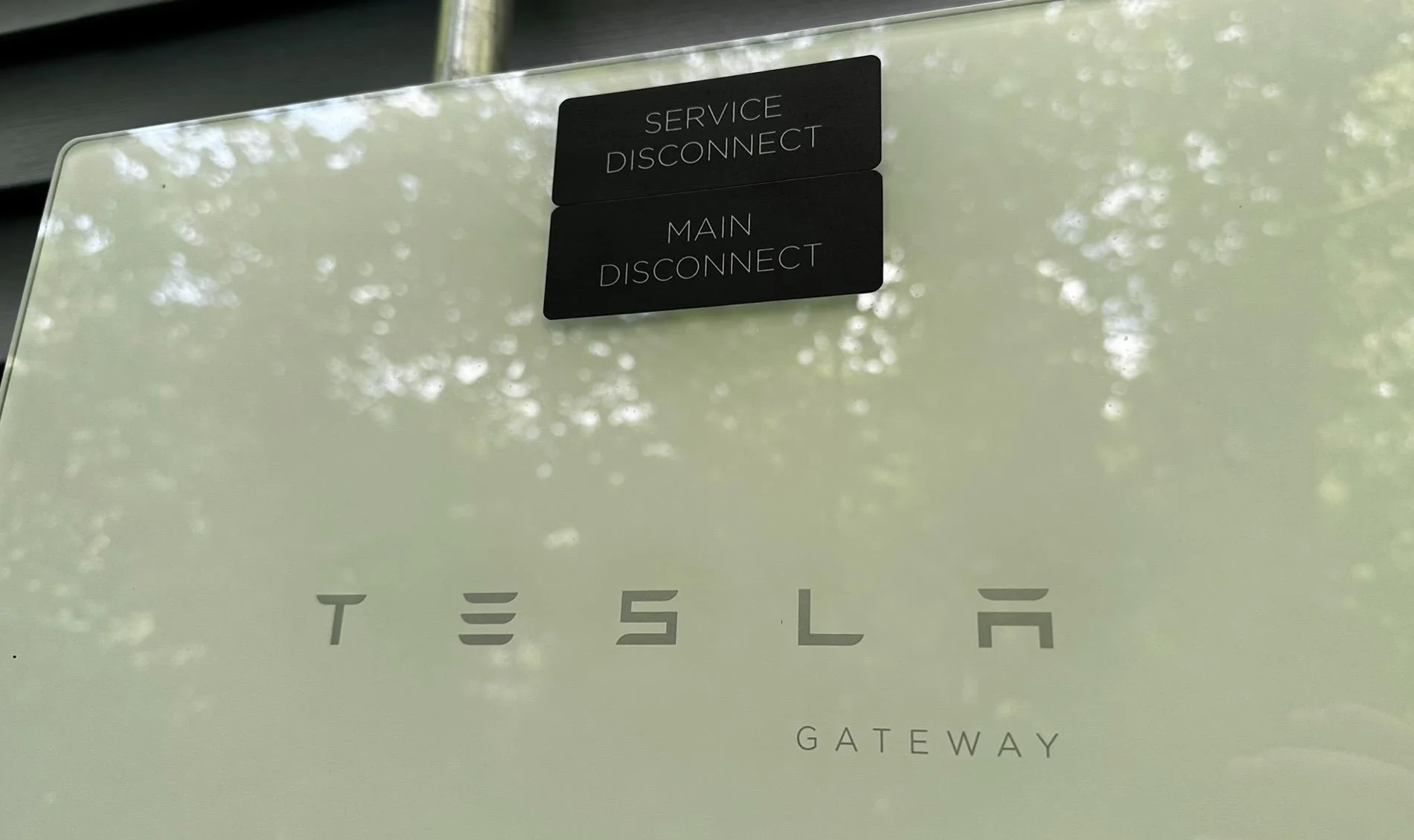
After taking delivery of my Cybertruck AWD on June 14, it took exactly 2 months until the powershare gateway was installed by the only certified installer in Michigan, The Green Panel.
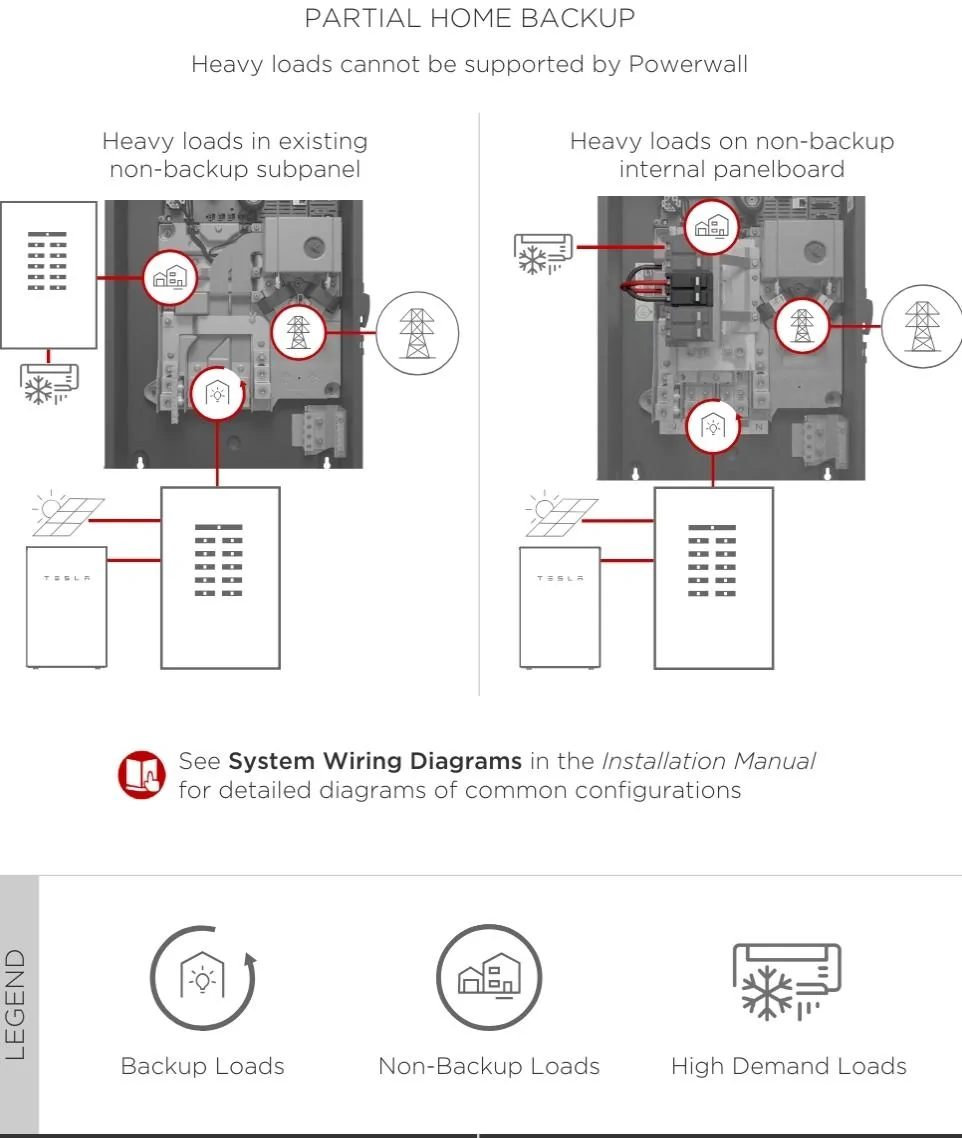
While I really wanted a powerwall and solar, I was told at this time powershare does not work in conjunction with solar and powerwall, at least here in Michigan.
Installation team was professional, timely, and brought a huge crew. They had a total of six representatives at the job site throughout the duration.
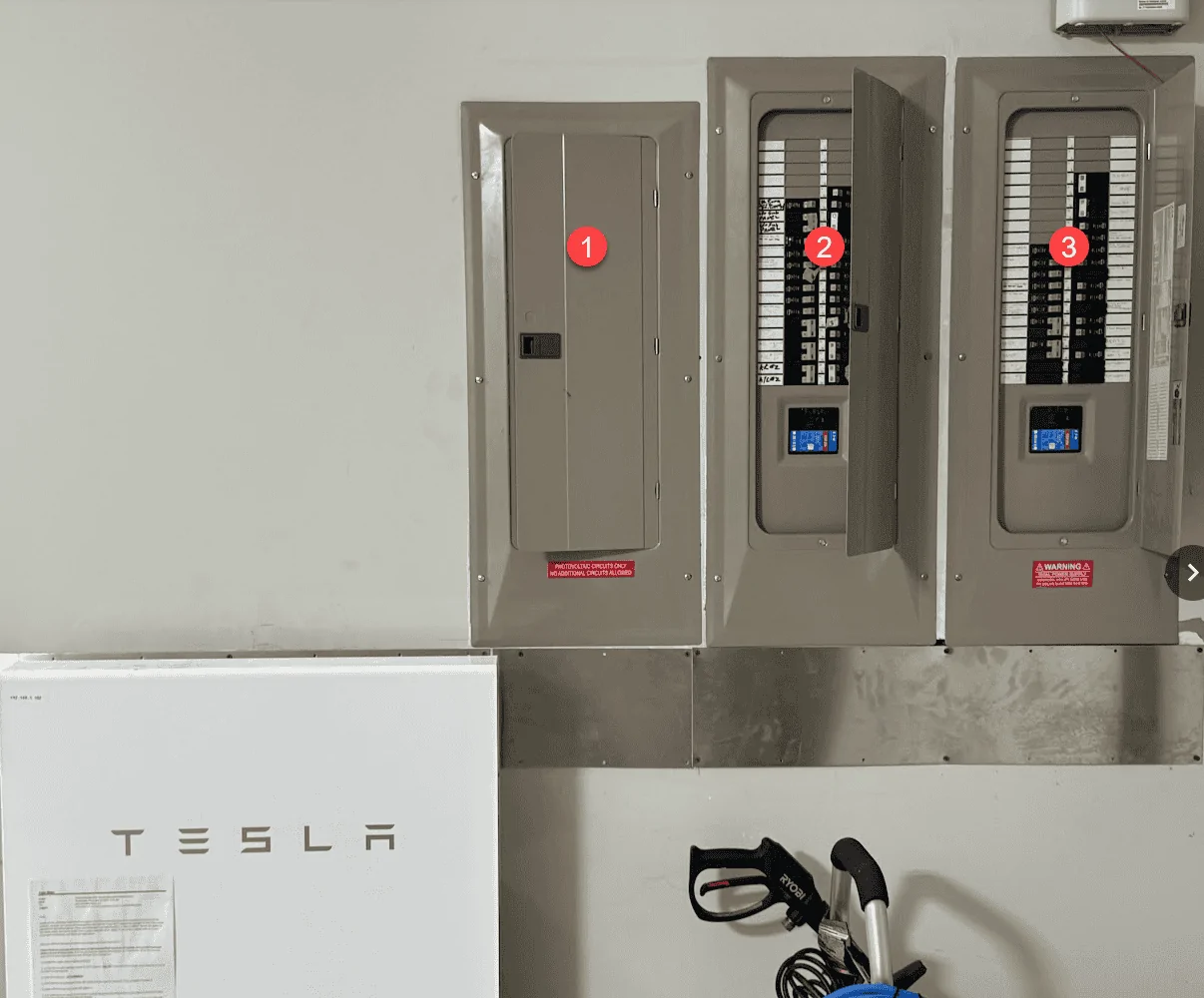
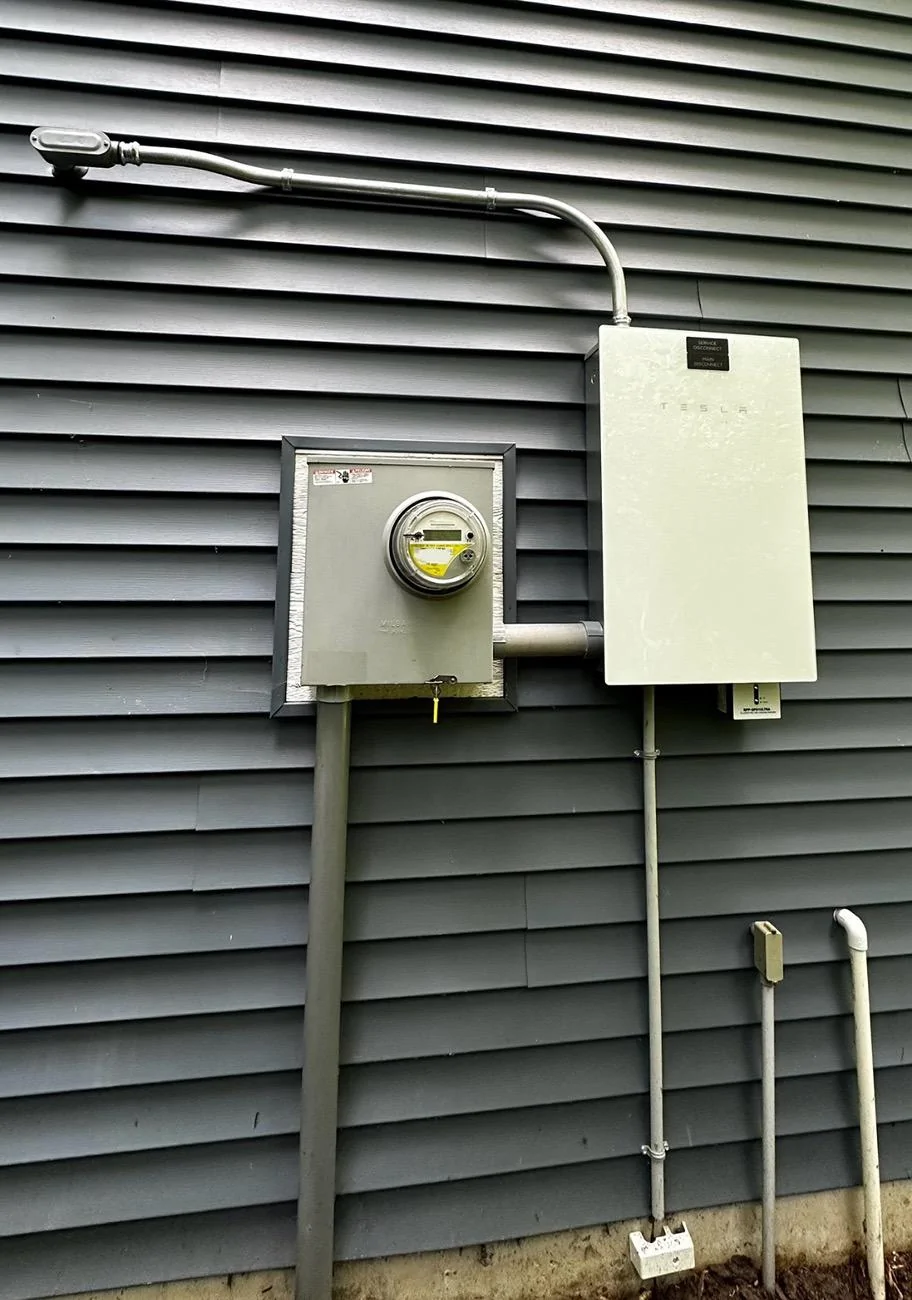
Fortunately, my main service panel and power meter are right next to each other on opposite sides of the wall and the garage, and the cyber truck also happens to charge in the same garage stall. Therefore, very little copper wiring was required to be run.
I had purchased a Tesla wall connector with referral points earlier in the year, thinking it would cut down the cost of install, but realized when it was too late to return to the Tesla shop that the universal wall connector with the comms wire was required, so we will use the extra wall connector for our other Tesla.


The installers will ask for your home Wi-Fi password to complete registration, however, I was able to type in our password myself, so we don’t have to share it.
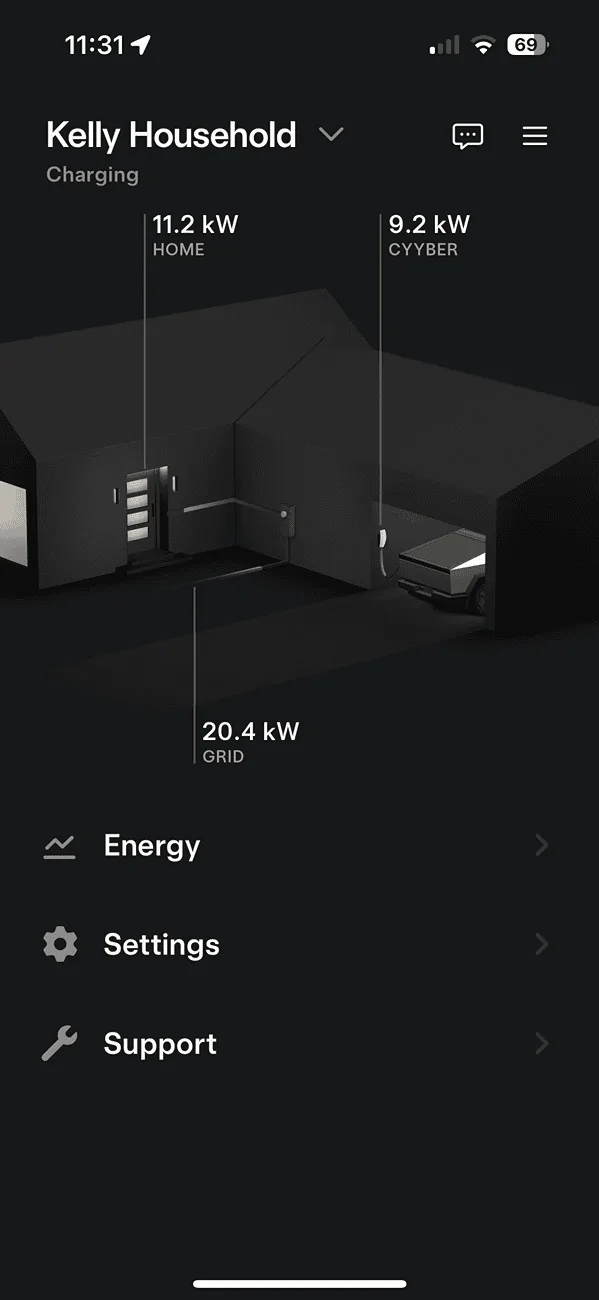
View of household while charging two Teslas
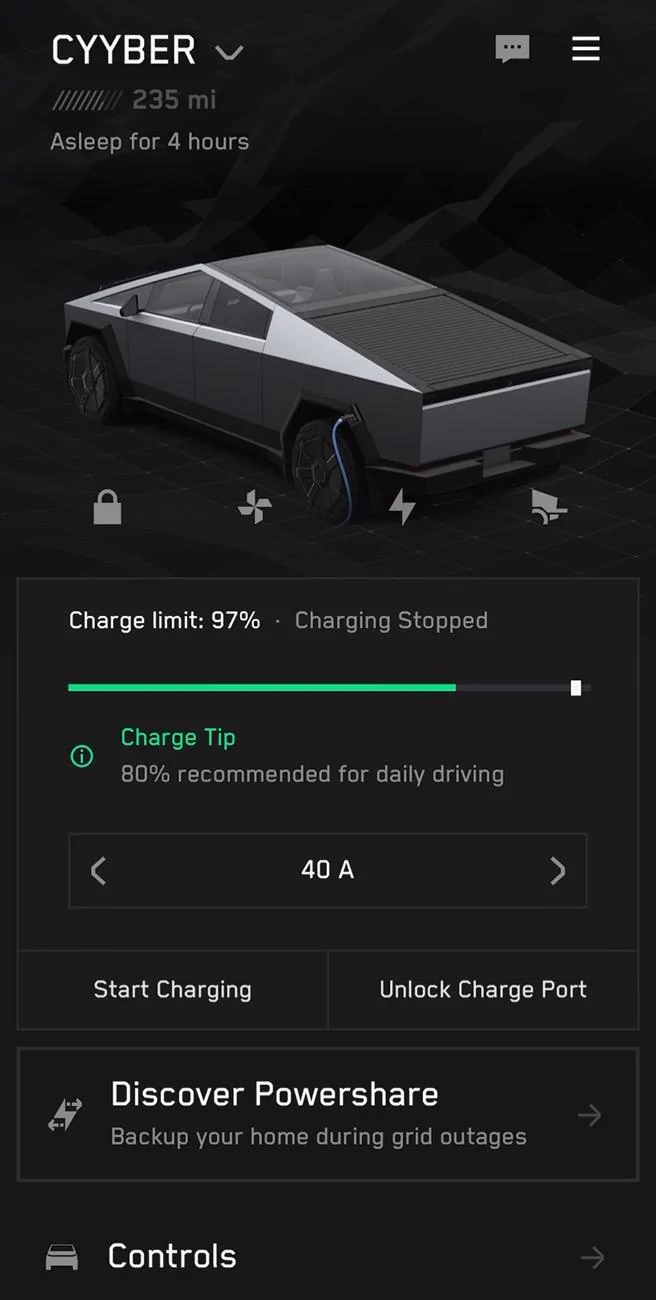
‘Discover PowerShare’ icon available 4 days after install:

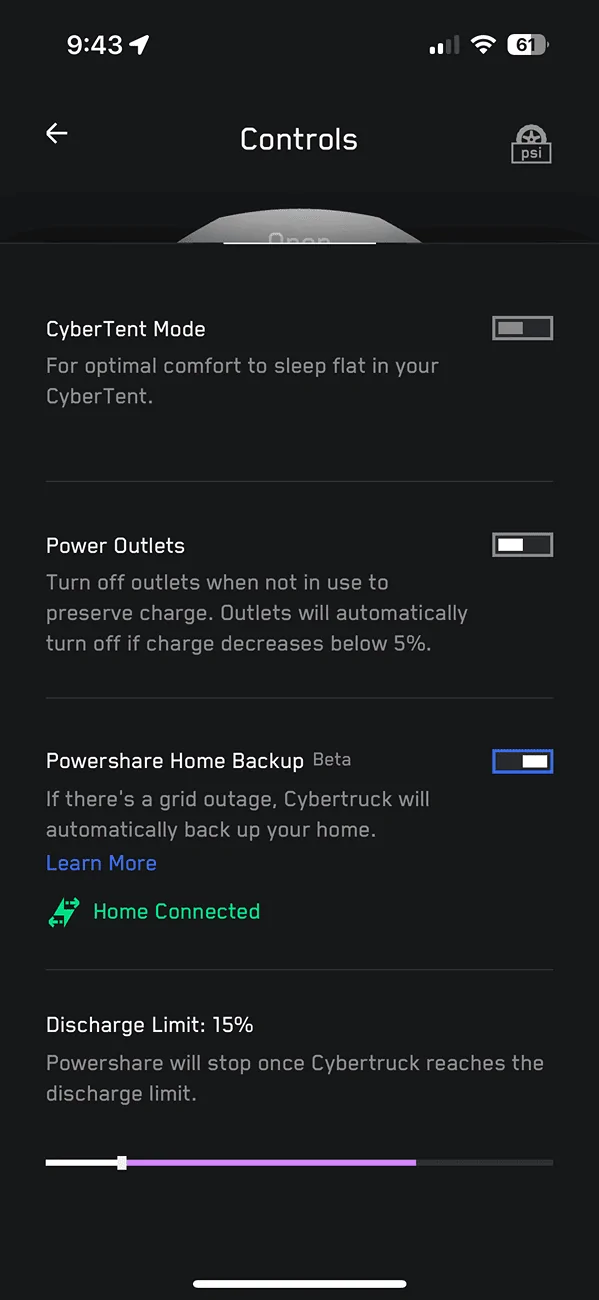
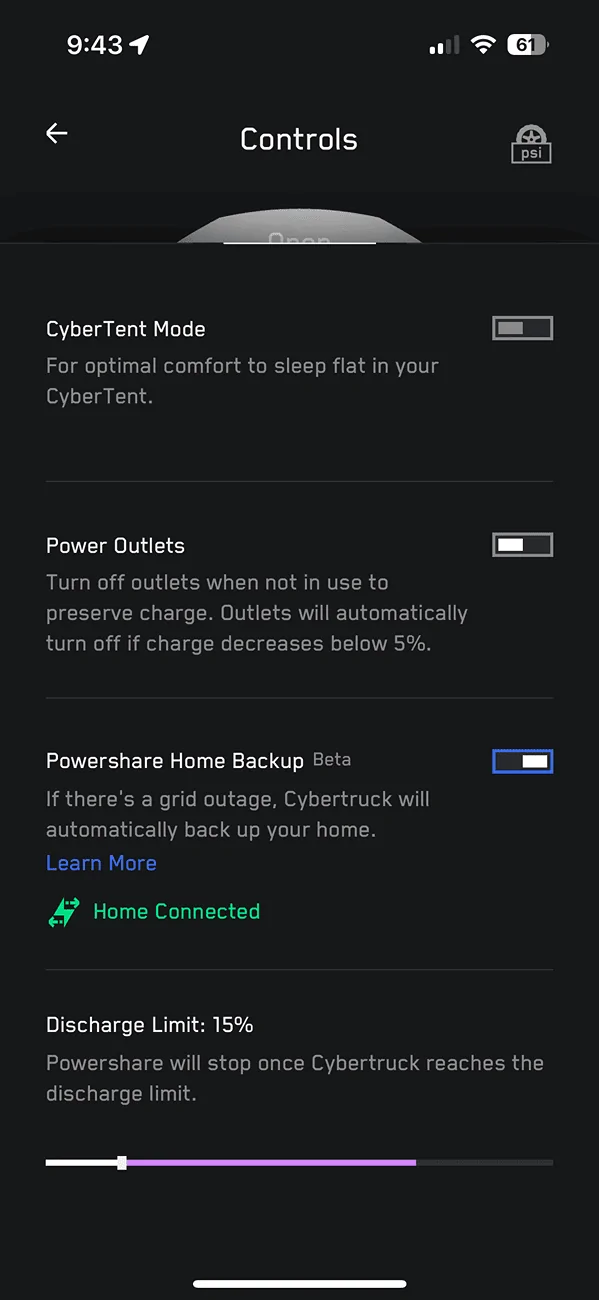
PowerShare button in controls:
Simulated Outage Test

Purple = Reverse direction power


Started test with 285 miles.
Pulling 2.6kW during test:
Lights flickered for 5 seconds while everything started from cold, all breakers to house on, including starting up large AC.


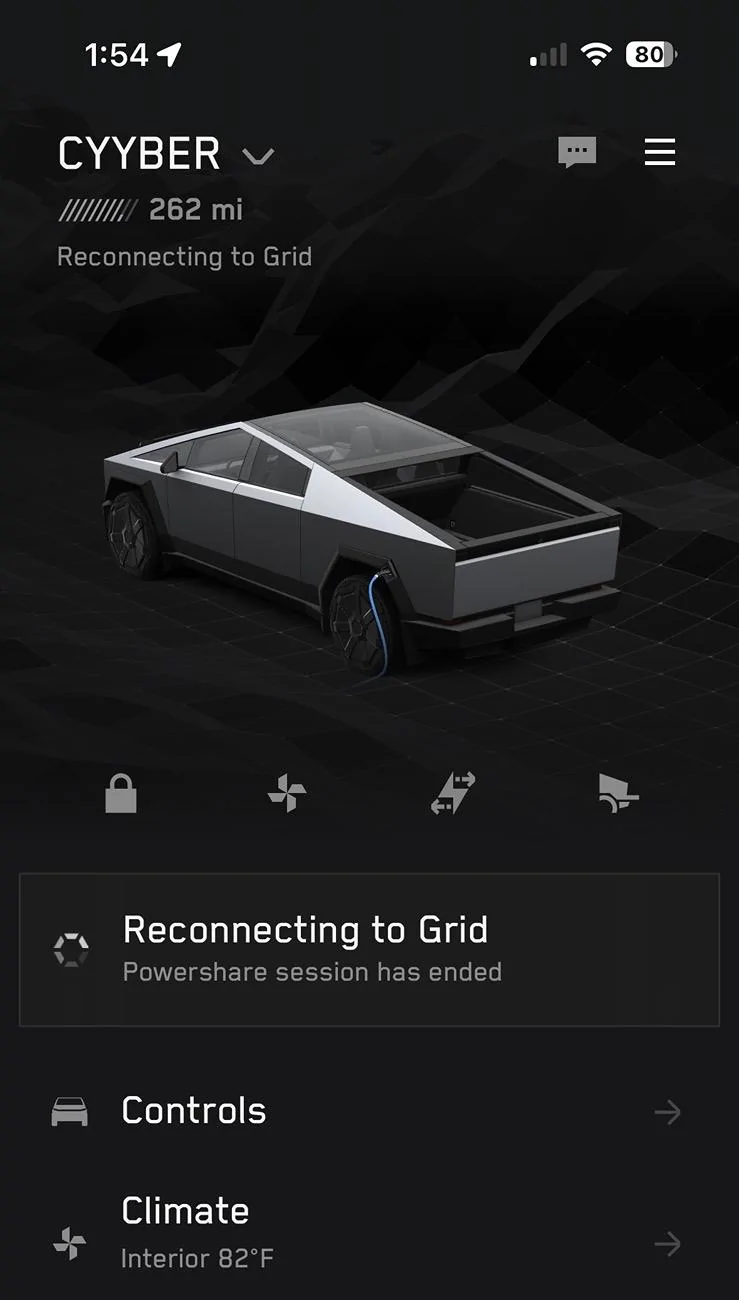
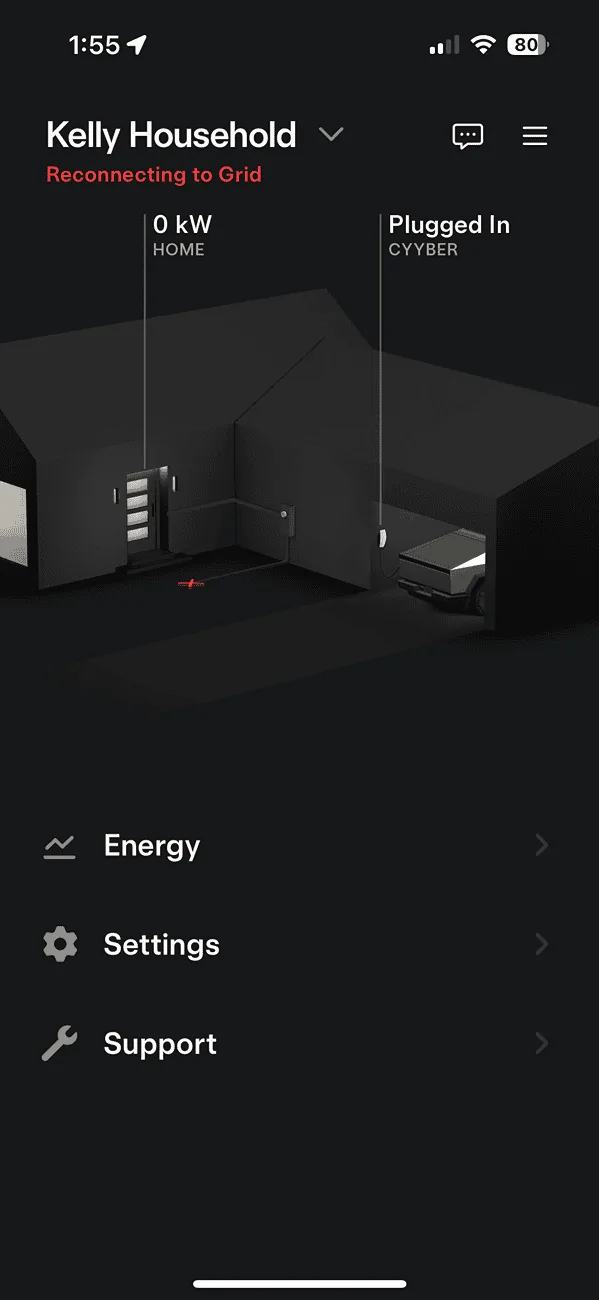
After stabilizing for a few minutes, I turned the grid power breaker back on. Surprised to see the built in 5 minute hold before switching back to grid. I assume to ensure clean & consistent power from the grid after what would have been a real outage.
Took all 5 minutes!

Hope this helps you! Wish I had known many of these details even a few days ago during the waiting. Happy PowerSharing!

Out of Pocket Cost: $4,000
Wait time to install: 2 months
Electric outage during install: 5 hours
Wait time until PowerShare active: 4 days after install
Simulated Outage Service Interruption: 5 seconds (both start & end)
Runtime Estimate during outage: 24 hours
Flickering Lights During PowerShare startup: 5 seconds
After taking delivery of my Cybertruck AWD on June 14, it took exactly 2 months until the powershare gateway was installed by the only certified installer in Michigan, The Green Panel.
While I really wanted a powerwall and solar, I was told at this time powershare does not work in conjunction with solar and powerwall, at least here in Michigan.
Installation team was professional, timely, and brought a huge crew. They had a total of six representatives at the job site throughout the duration.
Fortunately, my main service panel and power meter are right next to each other on opposite sides of the wall and the garage, and the cyber truck also happens to charge in the same garage stall. Therefore, very little copper wiring was required to be run.
I had purchased a Tesla wall connector with referral points earlier in the year, thinking it would cut down the cost of install, but realized when it was too late to return to the Tesla shop that the universal wall connector with the comms wire was required, so we will use the extra wall connector for our other Tesla.
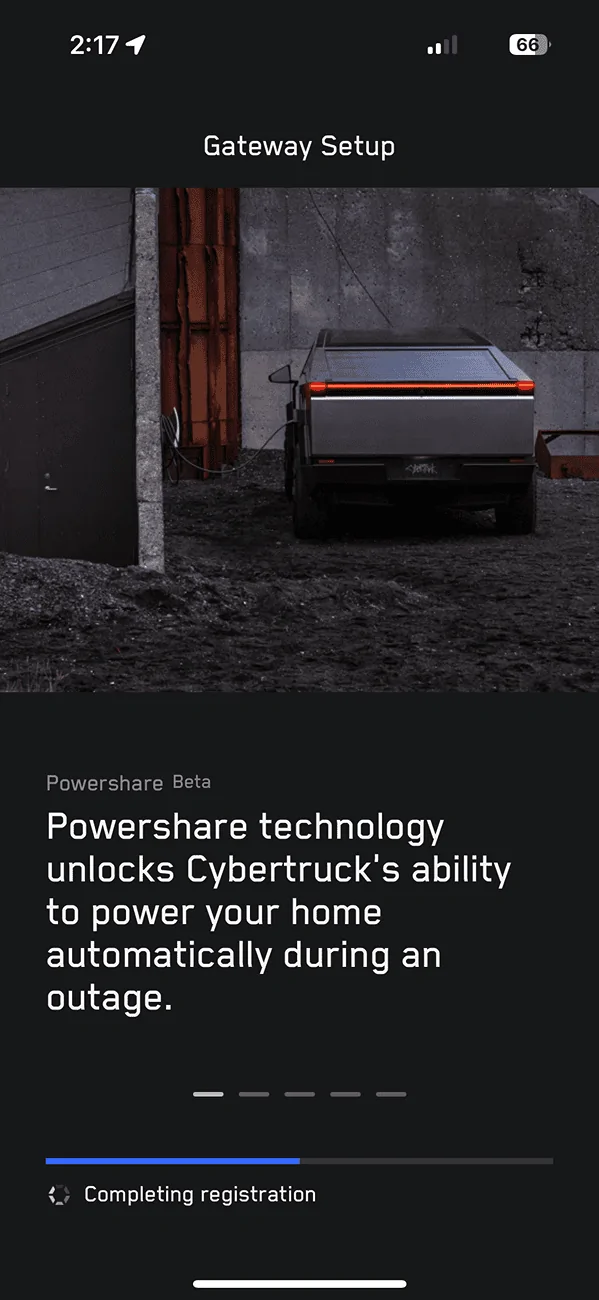
The installers will ask for your home Wi-Fi password to complete registration, however, I was able to type in our password myself, so we don’t have to share it.
View of household while charging two Teslas
‘Discover PowerShare’ icon available 4 days after install:
PowerShare button in controls:
Simulated Outage Test
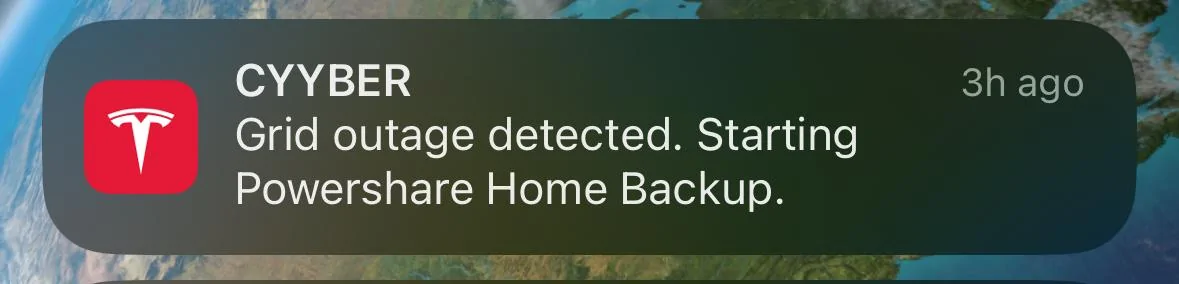
Purple = Reverse direction power
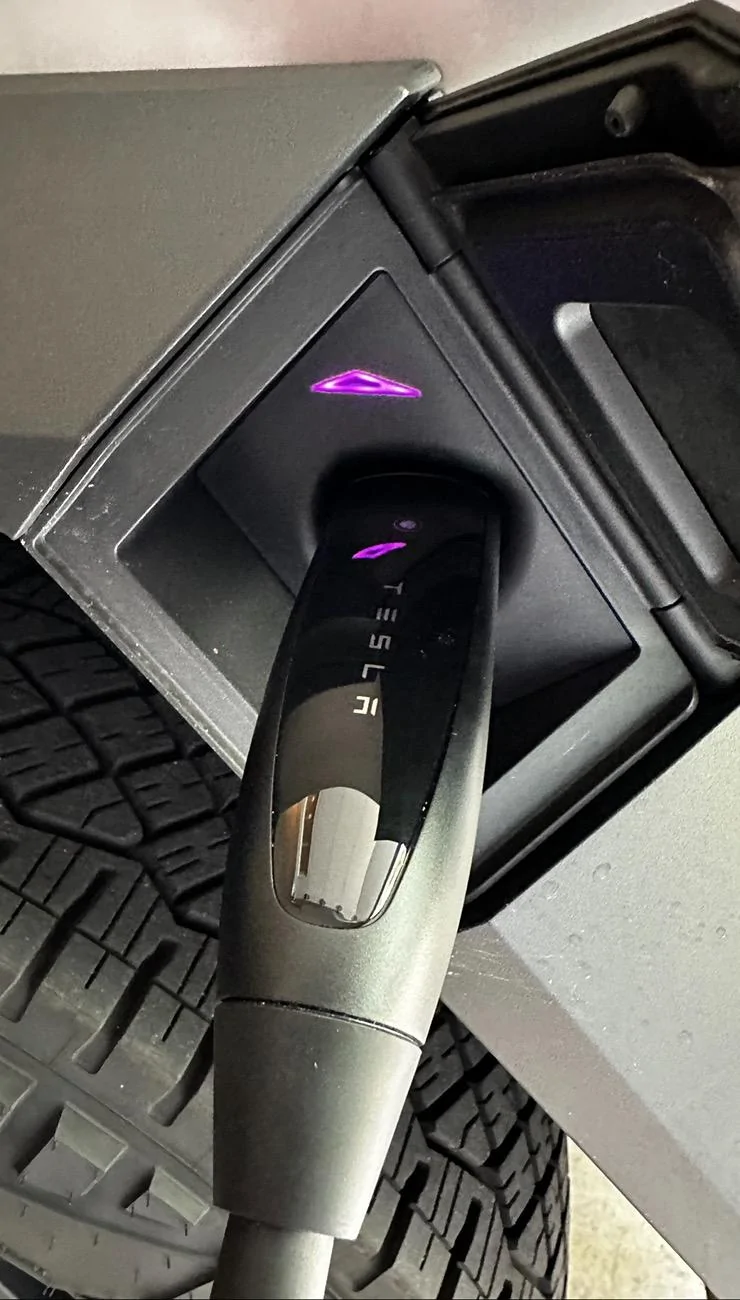
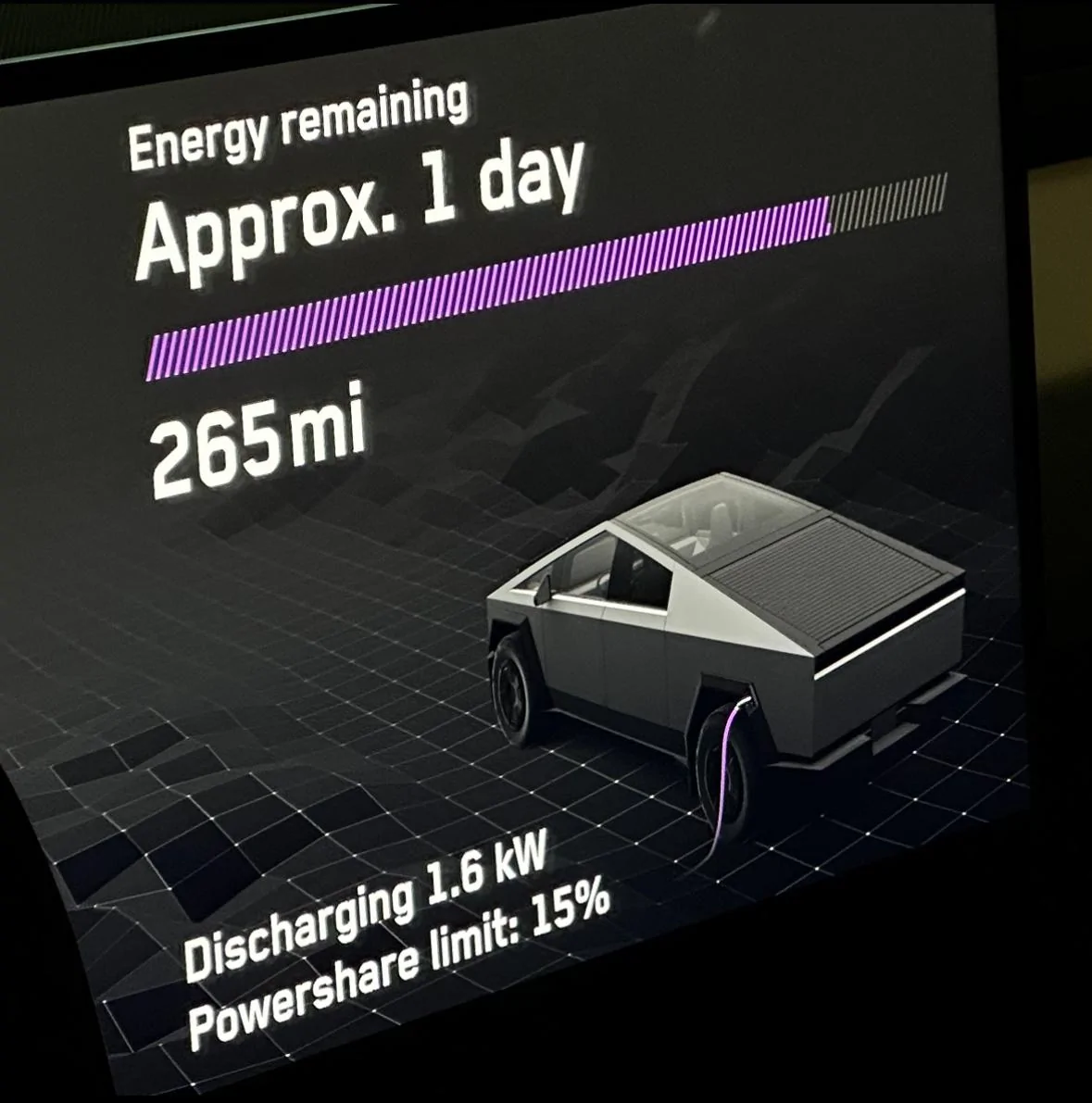
Started test with 285 miles.
Pulling 2.6kW during test:
Lights flickered for 5 seconds while everything started from cold, all breakers to house on, including starting up large AC.
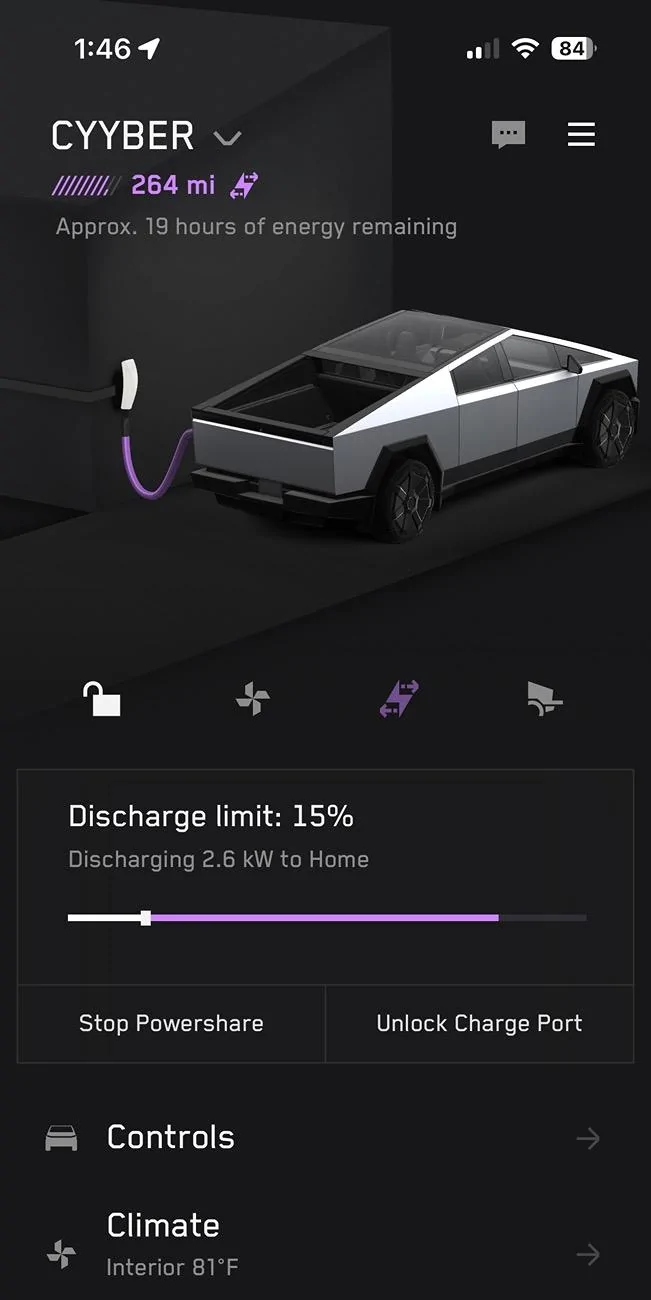
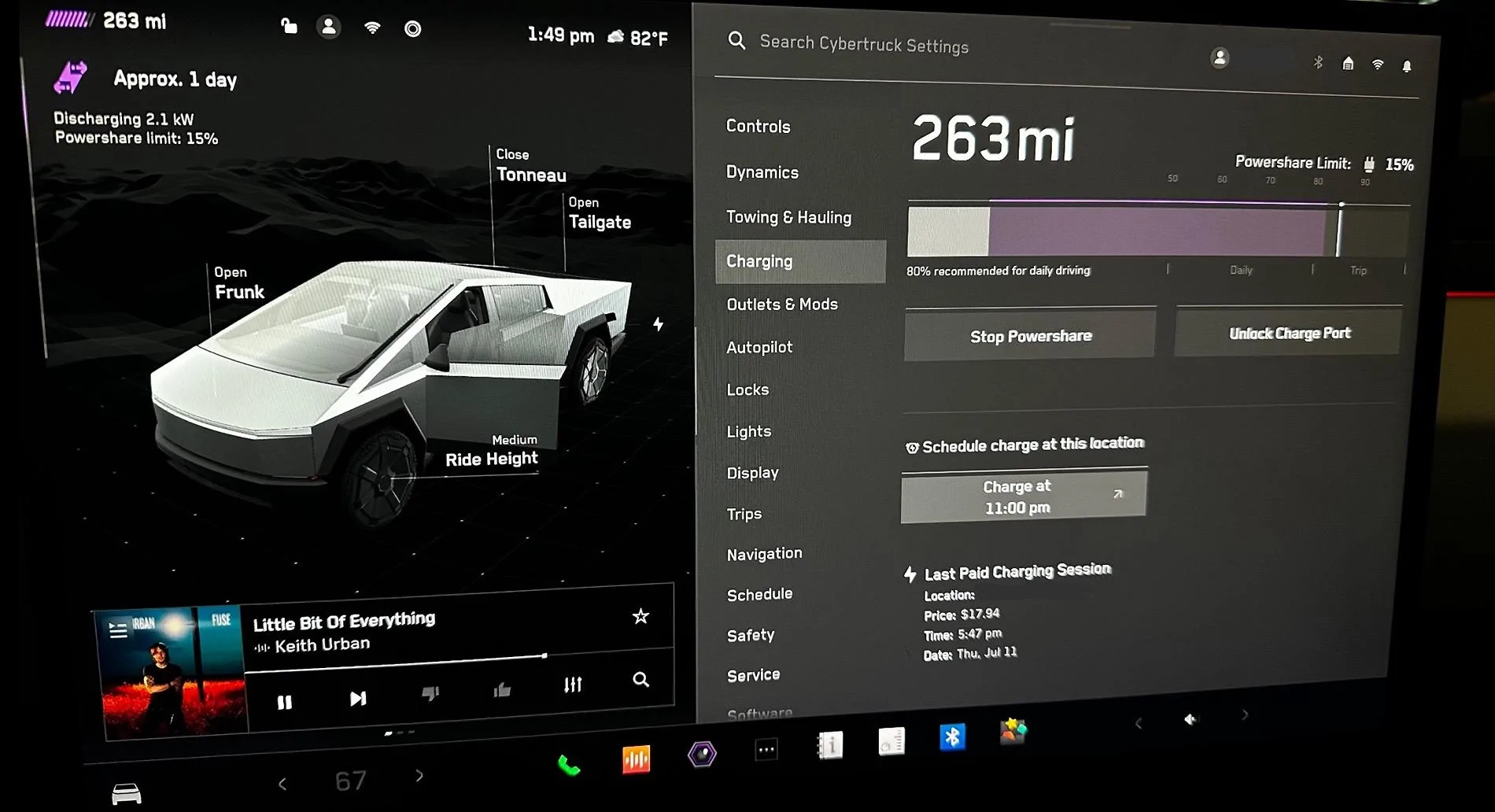
After stabilizing for a few minutes, I turned the grid power breaker back on. Surprised to see the built in 5 minute hold before switching back to grid. I assume to ensure clean & consistent power from the grid after what would have been a real outage.
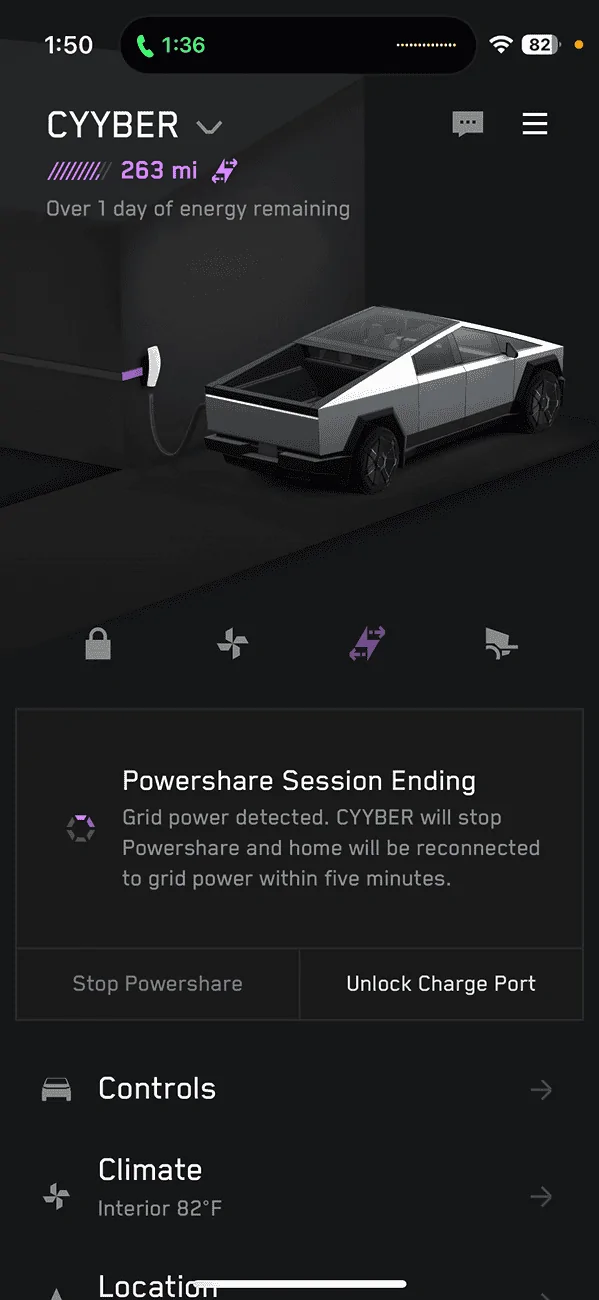
Took all 5 minutes!
Hope this helps you! Wish I had known many of these details even a few days ago during the waiting. Happy PowerSharing!
Sponsored
Last edited: