Sponsored

PowerShare Activated But Not Working: Waiting on Tesla Confirmation?

coolasice

New member
First Name
Jay
Joined
Sep 13, 2024
Threads
1
Messages
4
Reaction score
5
Location
Plano TX
Vehicles
CyberBeast
Country flag
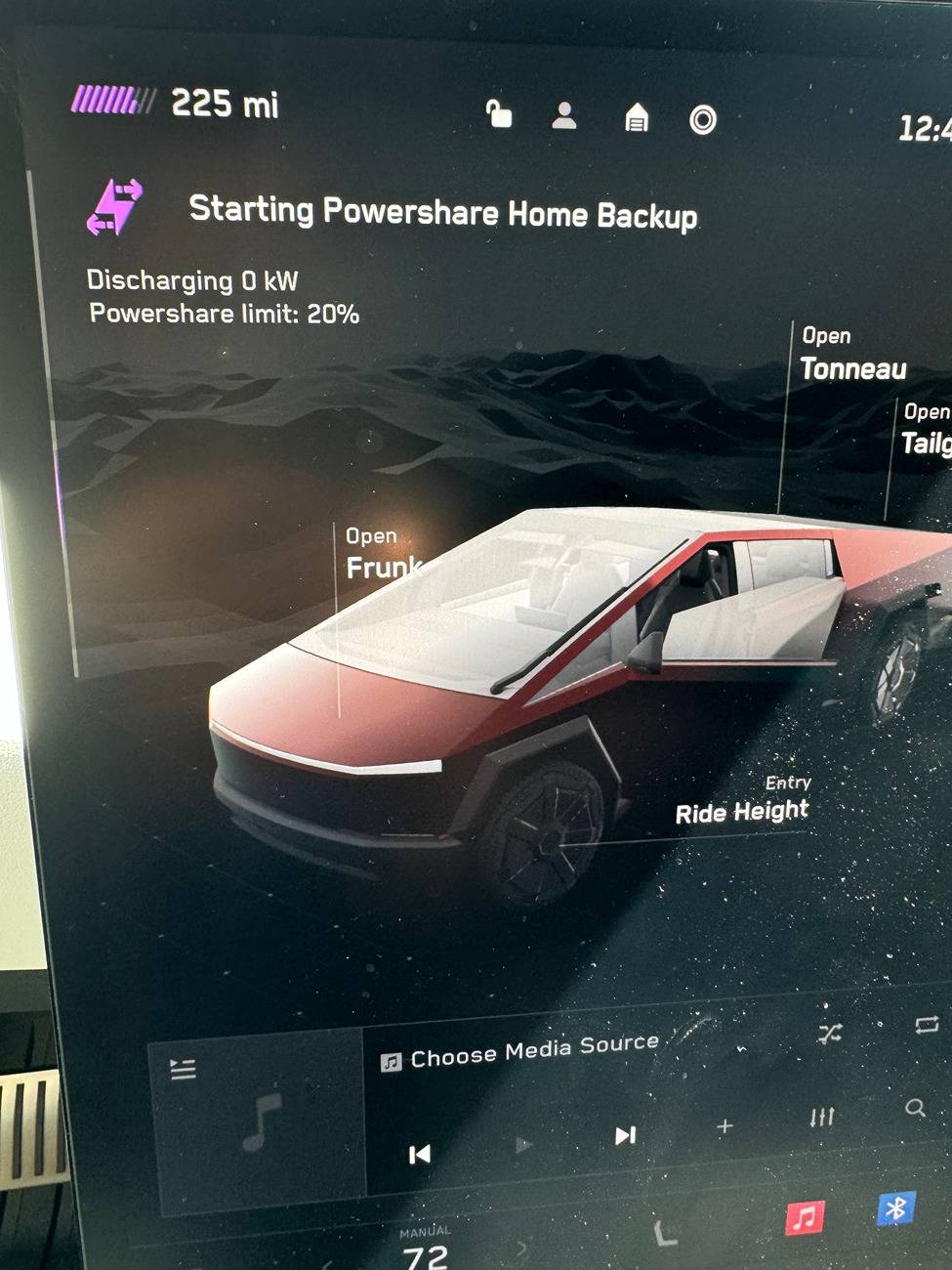
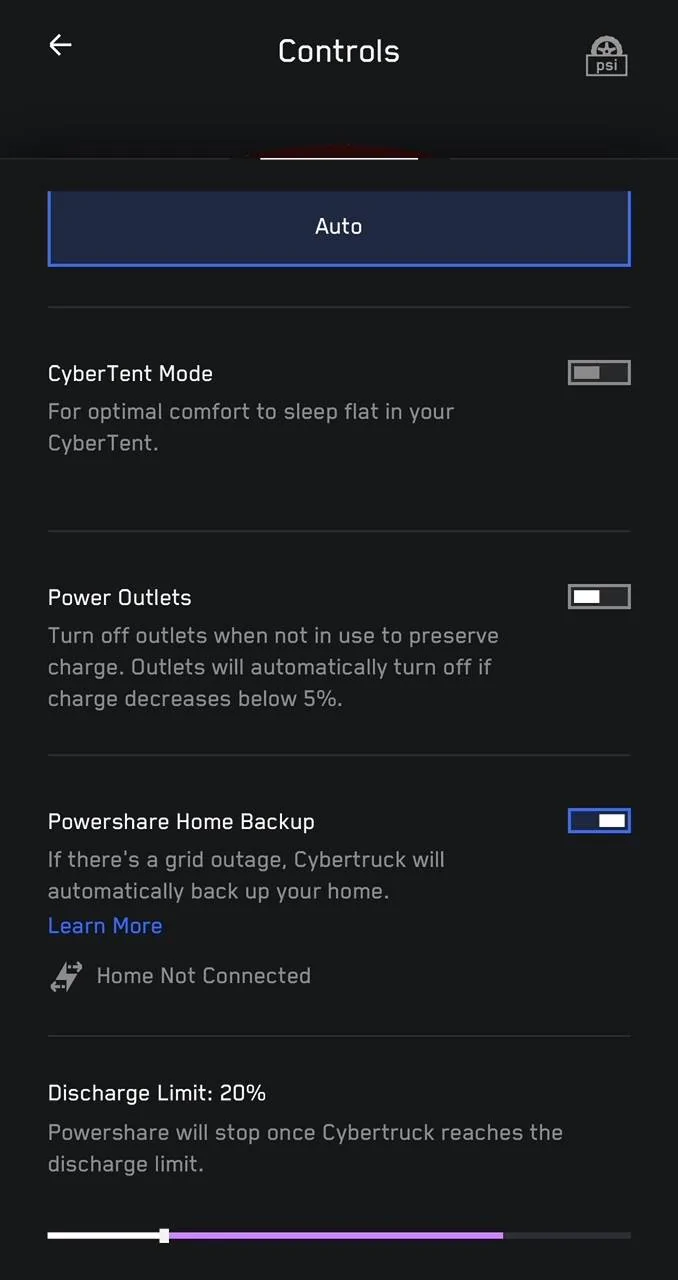
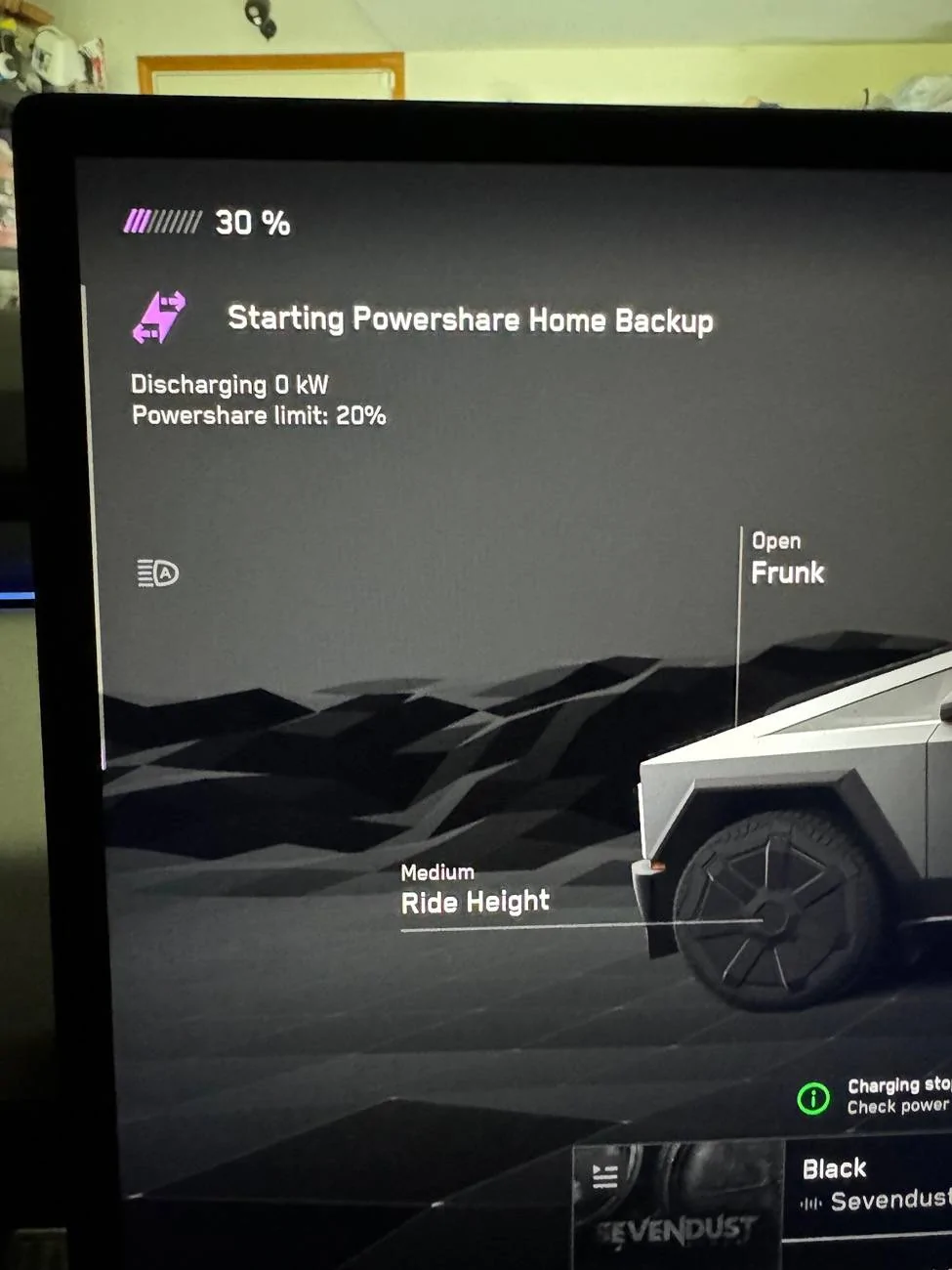
I had PowerShare installed yesterday, and today I saw the PowerShare tutorial in the app, which allowed me to turn it on. However, when I tested it by turning off the breaker, it didn’t power my home. I called the installer, and they said I need to wait for an email from Tesla confirming activation. I was under the impression it activates when the tutorial appears in the app. The installer mentioned it could take a few days for the gateway to register with Tesla. Is this accurate?

Tesla Cybertruck PowerShare Activated But Not Working: Waiting on Tesla Confirmation? IMG_8878

Tesla Cybertruck PowerShare Activated But Not Working: Waiting on Tesla Confirmation? IMG_8880
Sponsored


Fabville

Well-known member
First Name
Kevin
Joined
Mar 10, 2020
Threads
16
Messages
336
Reaction score
400
Location
Washington State
Website
www.fabville.com
Vehicles
2020 Tesla Model X, 2015 Model S P85D, AWD CT
Country flag
I’m in the same situation as you, had mine installed Tuesday. Yesterday afternoon the tutorial popped up in the app, went through that configuration, but the truck wasn’t powering the house when I shut off the main breaker. Seemed like it was going to, but nothing.

Tesla Cybertruck PowerShare Activated But Not Working: Waiting on Tesla Confirmation? IMG_6531
 
OP
OP

coolasice

New member
First Name
Jay
Joined
Sep 13, 2024
Threads
1
Messages
4
Reaction score
5
Location
Plano TX
Vehicles
CyberBeast
Country flag
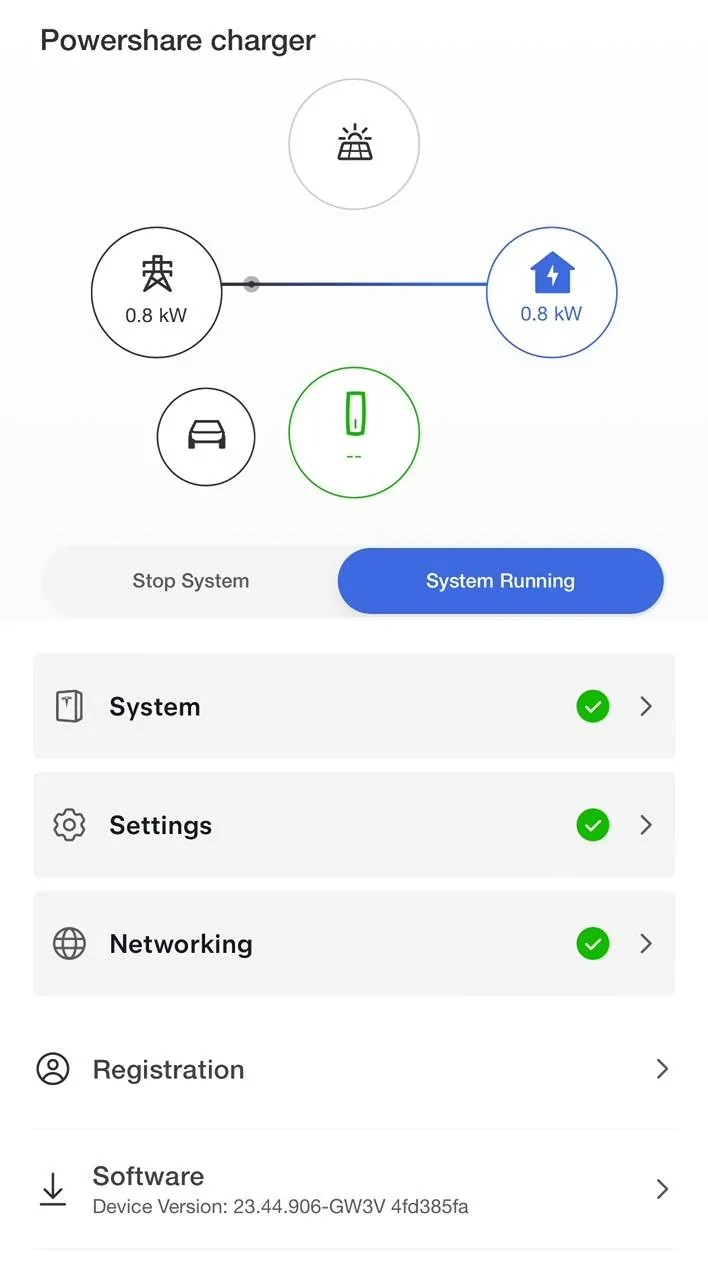
I think I figured it out. I accessed the Tesla One app (the same one I saw the installer using). In the app, I connected to the Gateway and noticed two options: ‘Stop System’ and ‘System Running.’ My setting was on ‘Stop System,’ so I switched it to ‘System Running.’ After making this change, I ran the test, and it started working for me. You might want to try doing the same.

Tesla Cybertruck PowerShare Activated But Not Working: Waiting on Tesla Confirmation? IMG_8889
 

Wolfgram

Well-known member
First Name
Joseph
Joined
May 26, 2020
Threads
11
Messages
201
Reaction score
606
Location
Florida
Vehicles
Model 3 Performance
Occupation
CTO
Country flag
How did you get a login to Tesla One app?
 

Fabville

Well-known member
First Name
Kevin
Joined
Mar 10, 2020
Threads
16
Messages
336
Reaction score
400
Location
Washington State
Website
www.fabville.com
Vehicles
2020 Tesla Model X, 2015 Model S P85D, AWD CT
Country flag
How did you get a login to Tesla One app?
Second on that. I actually downloaded the Tesla One app the other day, but saw the prompt you need to be a Tesla employee or 3rd party vendor to login.

This was the first PowerShare my installer has done, so he wasn’t sure of additional steps. I’ll have to see if my installer can still connect to mine through the Tesla One app or if he’ll need to come back onsite.


Wolfgram

Well-known member
First Name
Joseph
Joined
May 26, 2020
Threads
11
Messages
201
Reaction score
606
Location
Florida
Vehicles
Model 3 Performance
Occupation
CTO
Country flag
Interesting. That login tactic did not work for me! ??‍♂
 

Fabville

Well-known member
First Name
Kevin
Joined
Mar 10, 2020
Threads
16
Messages
336
Reaction score
400
Location
Washington State
Website
www.fabville.com
Vehicles
2020 Tesla Model X, 2015 Model S P85D, AWD CT
Country flag
I think I figured it out. I accessed the Tesla One app (the same one I saw the installer using). In the app, I connected to the Gateway and noticed two options: ‘Stop System’ and ‘System Running.’ My setting was on ‘Stop System,’ so I switched it to ‘System Running.’ After making this change, I ran the test, and it started working for me. You might want to try doing the same.
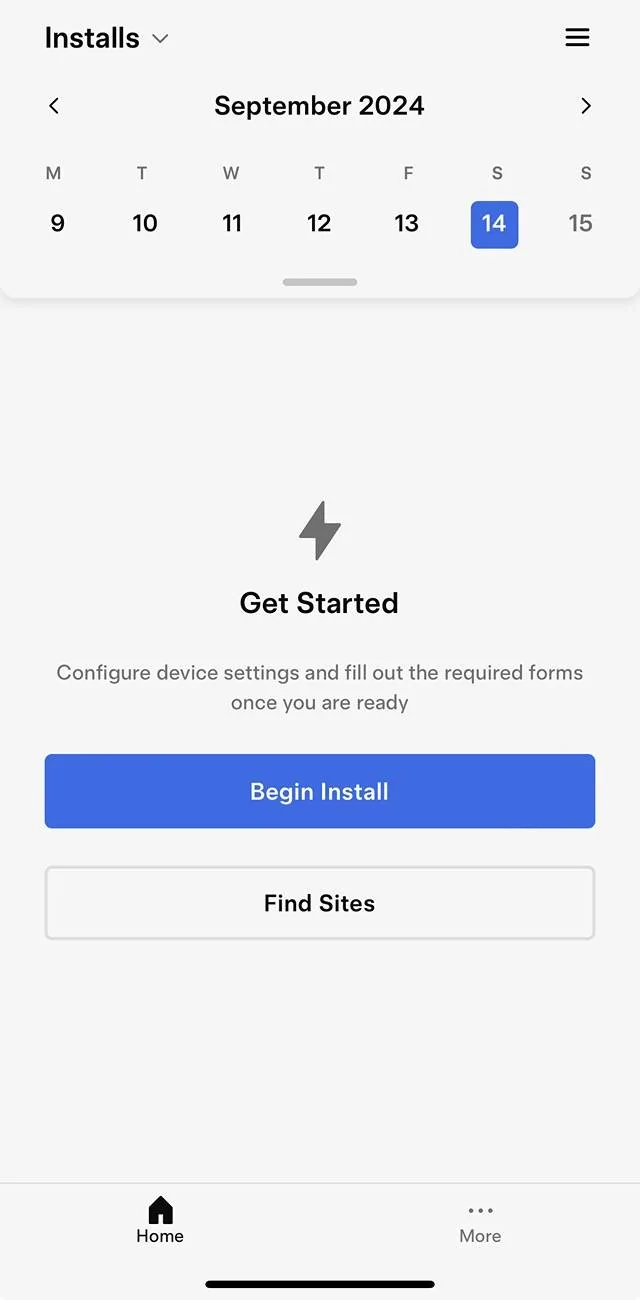
Did you go through the Begin Install process? That seems to be the only option I’m getting, wanted to make sure I don’t decommission anything in the process.

Tesla Cybertruck PowerShare Activated But Not Working: Waiting on Tesla Confirmation? IMG_6543
 

Fabville

Well-known member
First Name
Kevin
Joined
Mar 10, 2020
Threads
16
Messages
336
Reaction score
400
Location
Washington State
Website
www.fabville.com
Vehicles
2020 Tesla Model X, 2015 Model S P85D, AWD CT
Country flag
Interesting. That login tactic did not work for me! ??‍♂
Hmm, that’s strange, I was surprised I was able to login. I was hoping it’d show up as an install though, I want to make sure i don’t “undo” any part of the commissioning.


planecrazy747

Member
First Name
Paul
Joined
May 4, 2024
Threads
0
Messages
16
Reaction score
13
Location
Corona
Vehicles
Model 3, Model Y
Occupation
retired
Country flag
I had mine installed on the 5th, and having trouble with the gateway connecting to WIFI network, says unable to join, had no problem with the universal wall charger, was on the phone twice with Tesla support , but was on hold waiting for a tech, waited for over one hour, no one answered
 
OP
OP

coolasice

New member
First Name
Jay
Joined
Sep 13, 2024
Threads
1
Messages
4
Reaction score
5
Location
Plano TX
Vehicles
CyberBeast
Country flag
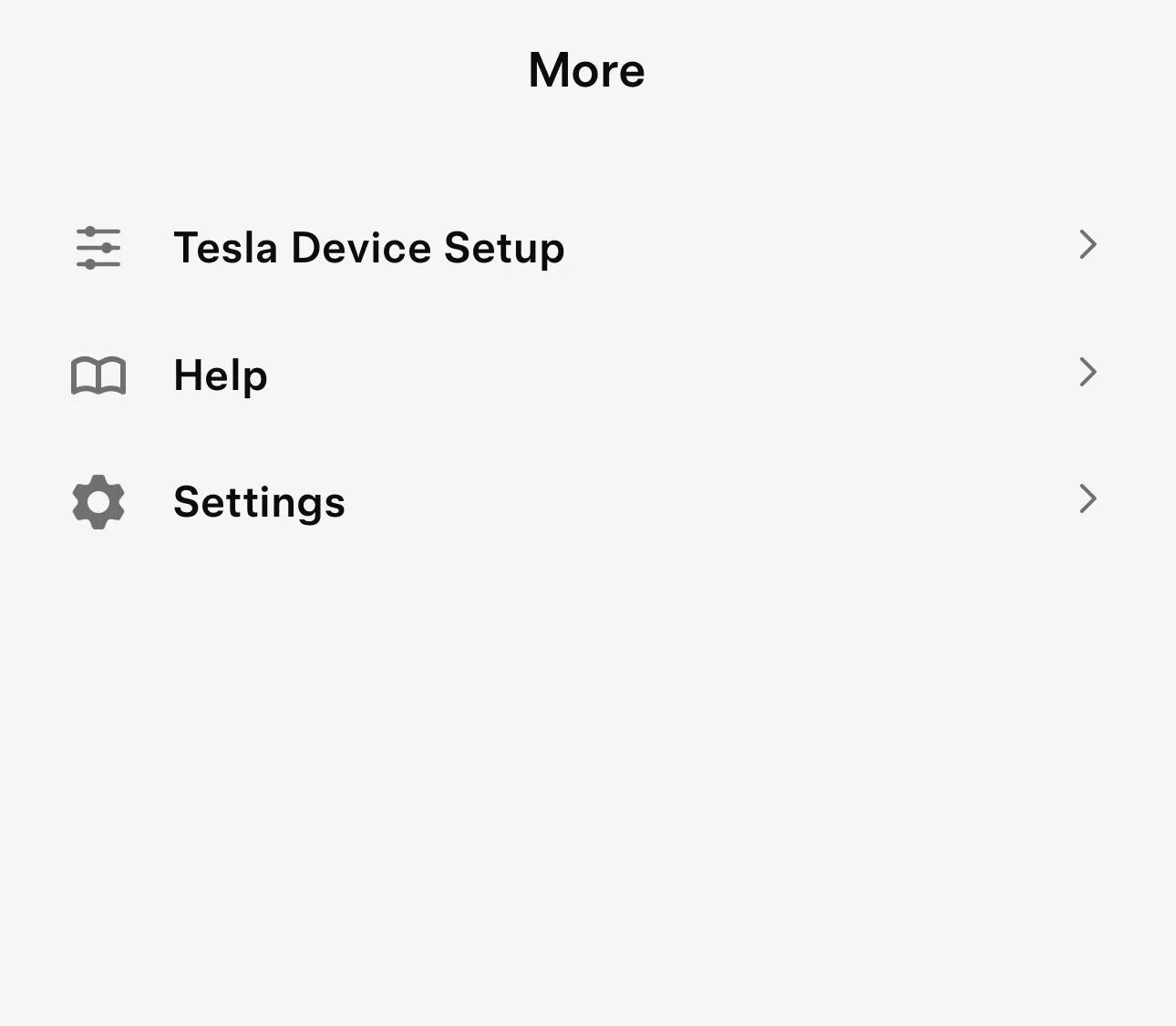
Click one three dots which says ‘more’ on the first screen , then Tesla device setting and you should see recent (your gateway) there
 

Fabville

Well-known member
First Name
Kevin
Joined
Mar 10, 2020
Threads
16
Messages
336
Reaction score
400
Location
Washington State
Website
www.fabville.com
Vehicles
2020 Tesla Model X, 2015 Model S P85D, AWD CT
Country flag
Click one three dots which says ‘more’ on the first screen , then Tesla device setting and you should see recent (your gateway) there
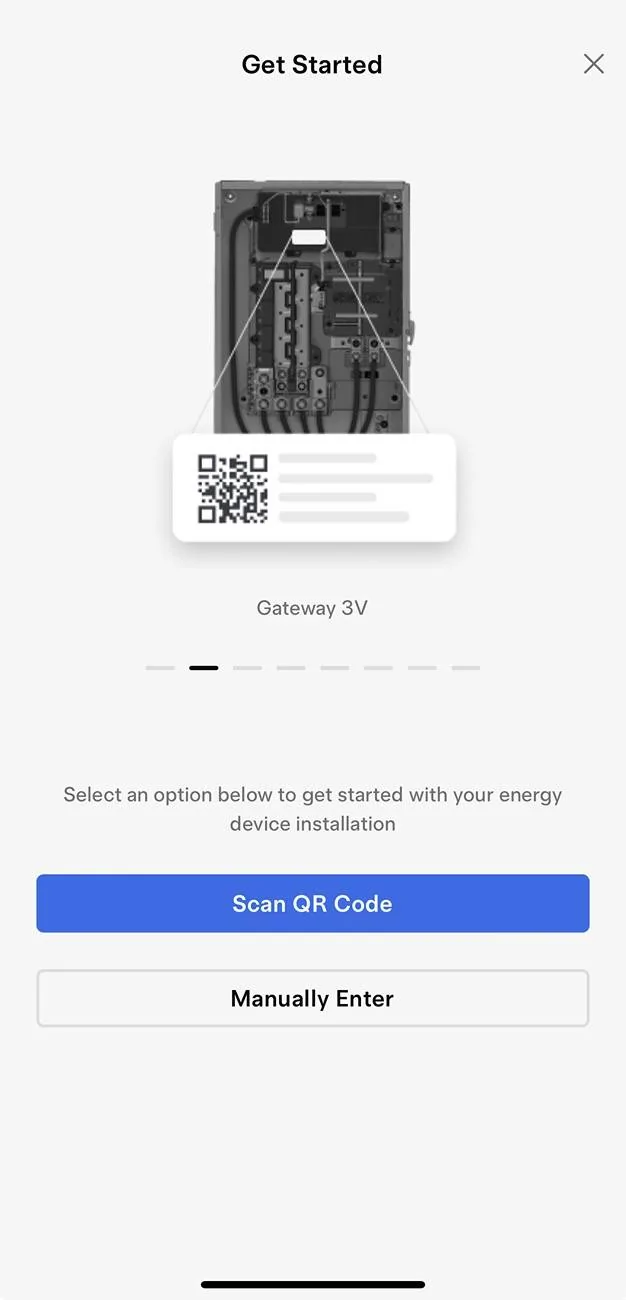
Did you have to re-scan your QR code? From “More” I have a “Tesla Device Setup”, then I can choose Gateway v3, but have to scan the QR - seems like a new install prompt…

Tesla Cybertruck PowerShare Activated But Not Working: Waiting on Tesla Confirmation? IMG_6544
 

zeroCO2

Well-known member
First Name
Doug
Joined
Mar 13, 2024
Threads
1
Messages
46
Reaction score
60
Location
New York
Vehicles
Tesla Model S 100D, Toyota 4Runner
Country flag
How many days between install of power share and the feature showing up in the app?

I had mine installed last Thursday 9/12 and still nothing in the app
Sponsored


Top