Sponsored

PowerShare Rolling Out! (Updated Images)

akenis

Well-known member
First Name
Andrew
Joined
Apr 18, 2024
Threads
11
Messages
143
Reaction score
74
Location
FL, USA
Vehicles
23 MYLR and (Apr-Jun CT AWD)
Occupation
Pilot
Country flag
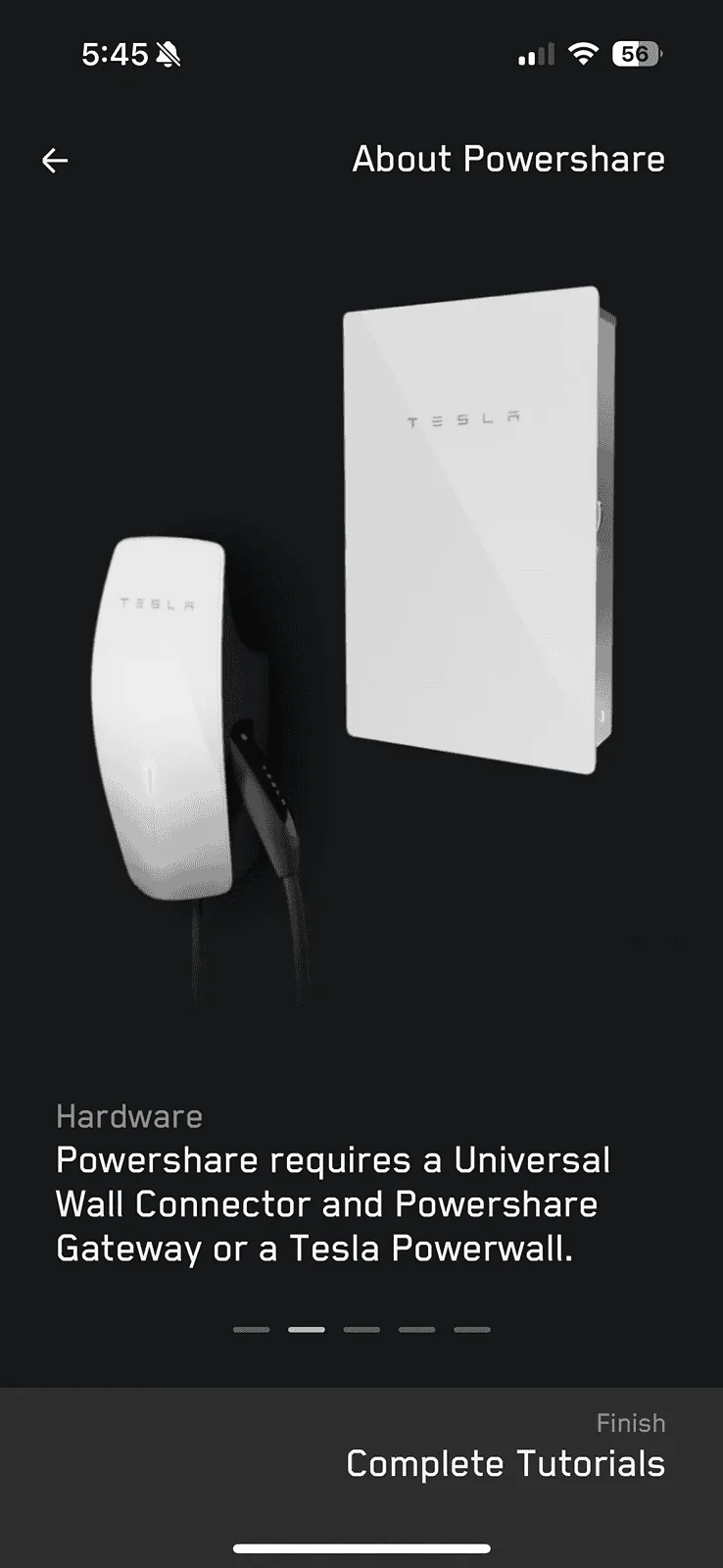
I have 2024.14.7 and a gen3 HPWC with two PowerWalls. Tesla claim I have everything ready for PowerShare. I thought we needed to have the new universal wall connector.
Anyways, I don’t see the PowerShare option in the car or the Tesla app. I checked my Tesla app and it’s v4.33.0.

Unsure if my PowerWall gateway is on the appropriate firmware though.

I don't think the PowerWall configuration is going live until later this year. Same for the ability to add a PW to 3V PowerShare gateway.

Correct, if you have Powerwall, any wall charger will work as long as it's on the backup circuit. Preferably 240V. They're going to communicate with the truck via Power line comm protocol from what I heard....so you don't need the comm wire with Under ersal Wall Connector.
Sponsored
 

Dmayo305

Well-known member
First Name
Doug
Joined
Dec 25, 2023
Threads
8
Messages
292
Reaction score
312
Location
Las Vegas
Vehicles
Previous: 2014 MS, 2016 MX, 2017.5 MS. Current: 2023 MX, 2024 CT
Occupation
Pilot
Country flag
Still nothing and I've had solar and powerwalls since 2020.
 

jpend

Well-known member
First Name
Jeff
Joined
Jan 15, 2024
Threads
8
Messages
67
Reaction score
105
Location
Georgia
Vehicles
CT
Country flag
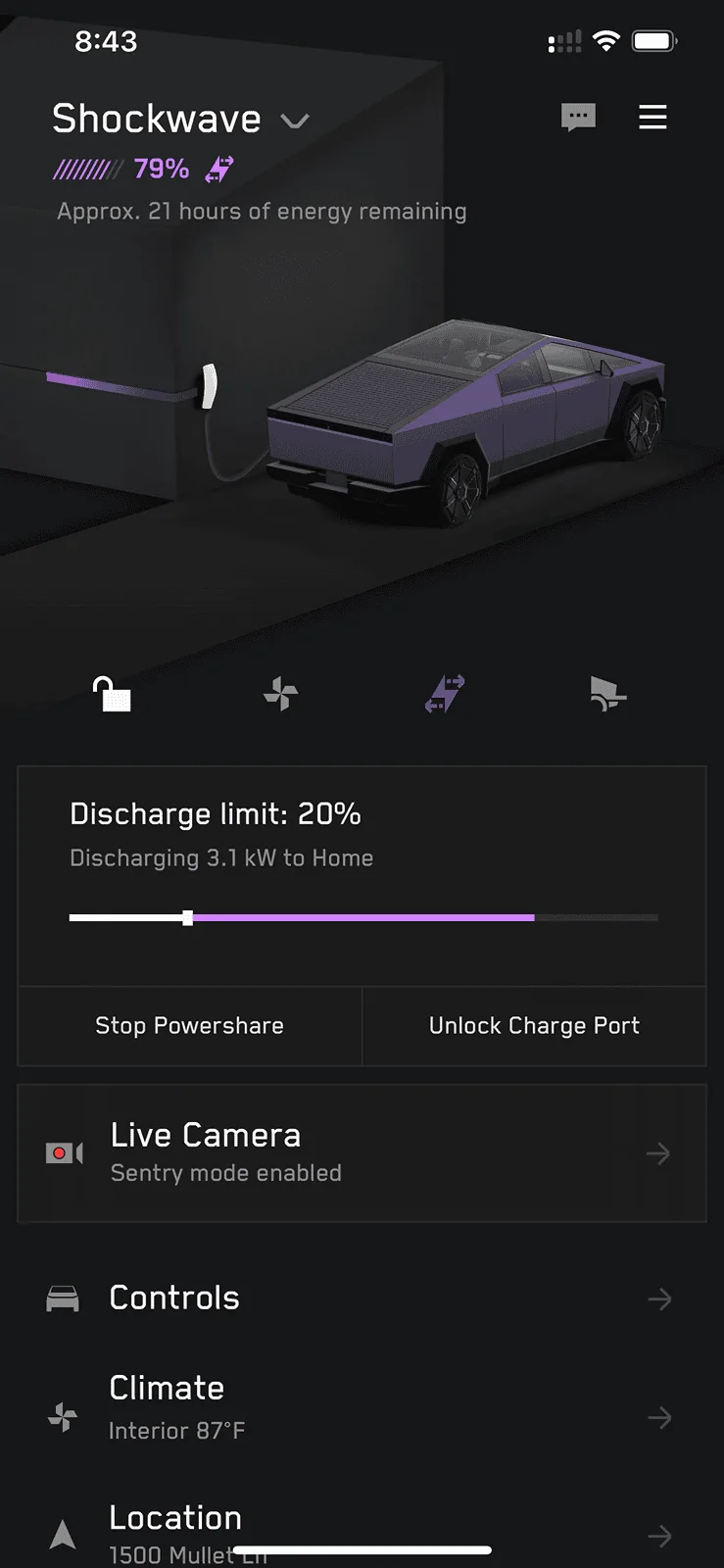
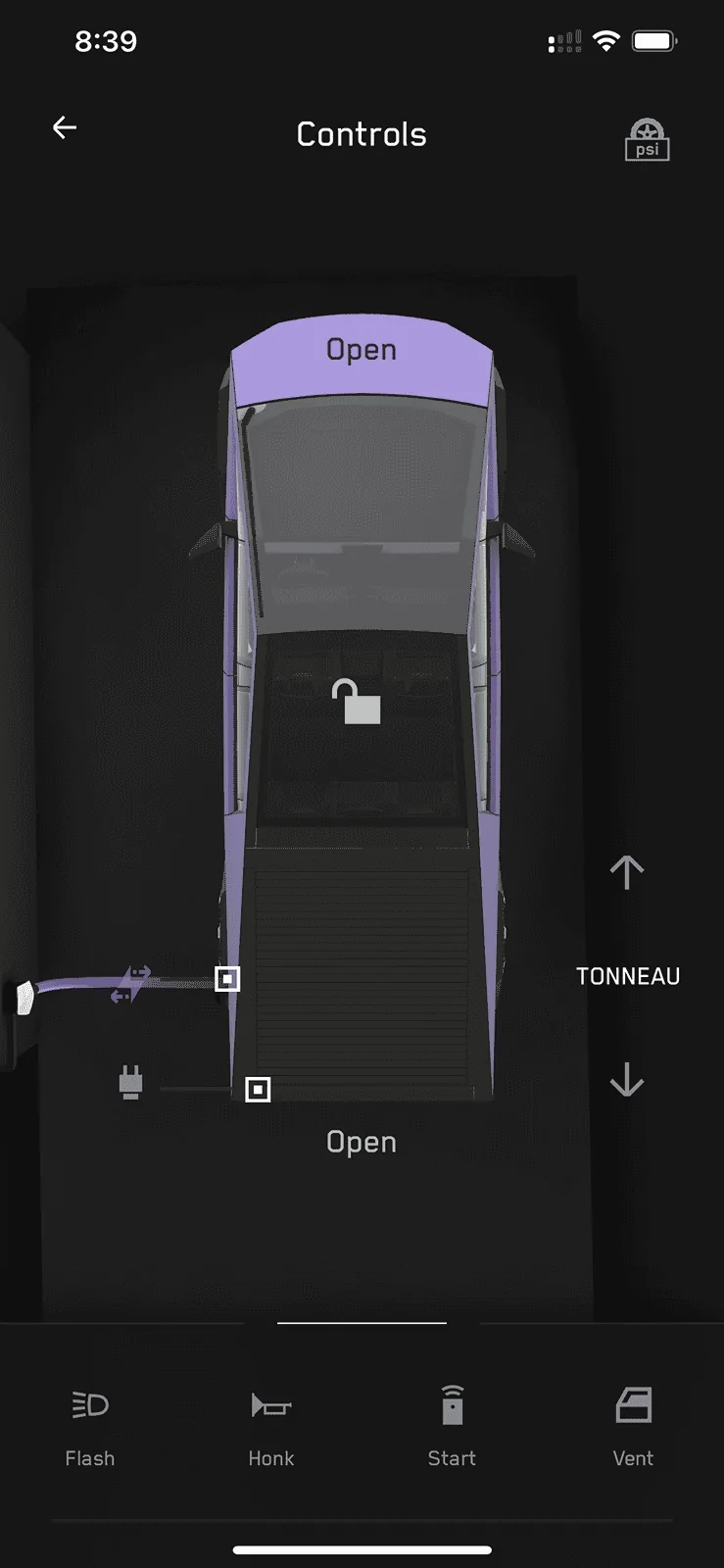
Tested the PowerShare, it works! It did have a very brief interruption of power from when I flipped the switch, to when it turned on.

IMG_9426.webp


IMG_9423.webp
Awesome!

Looks like the background graphic on the CT screen changes when PowerShare is active? (Top picture).

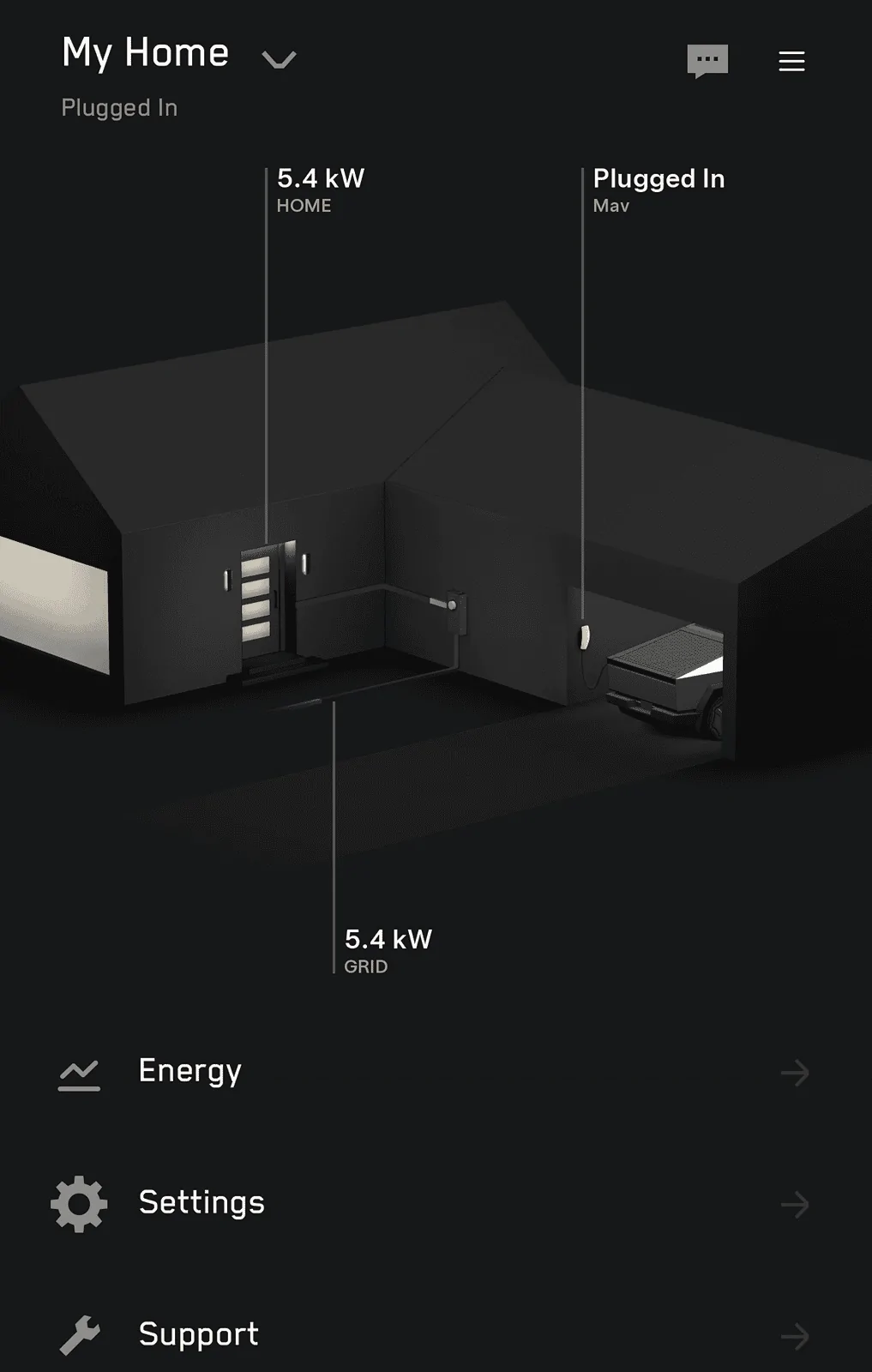
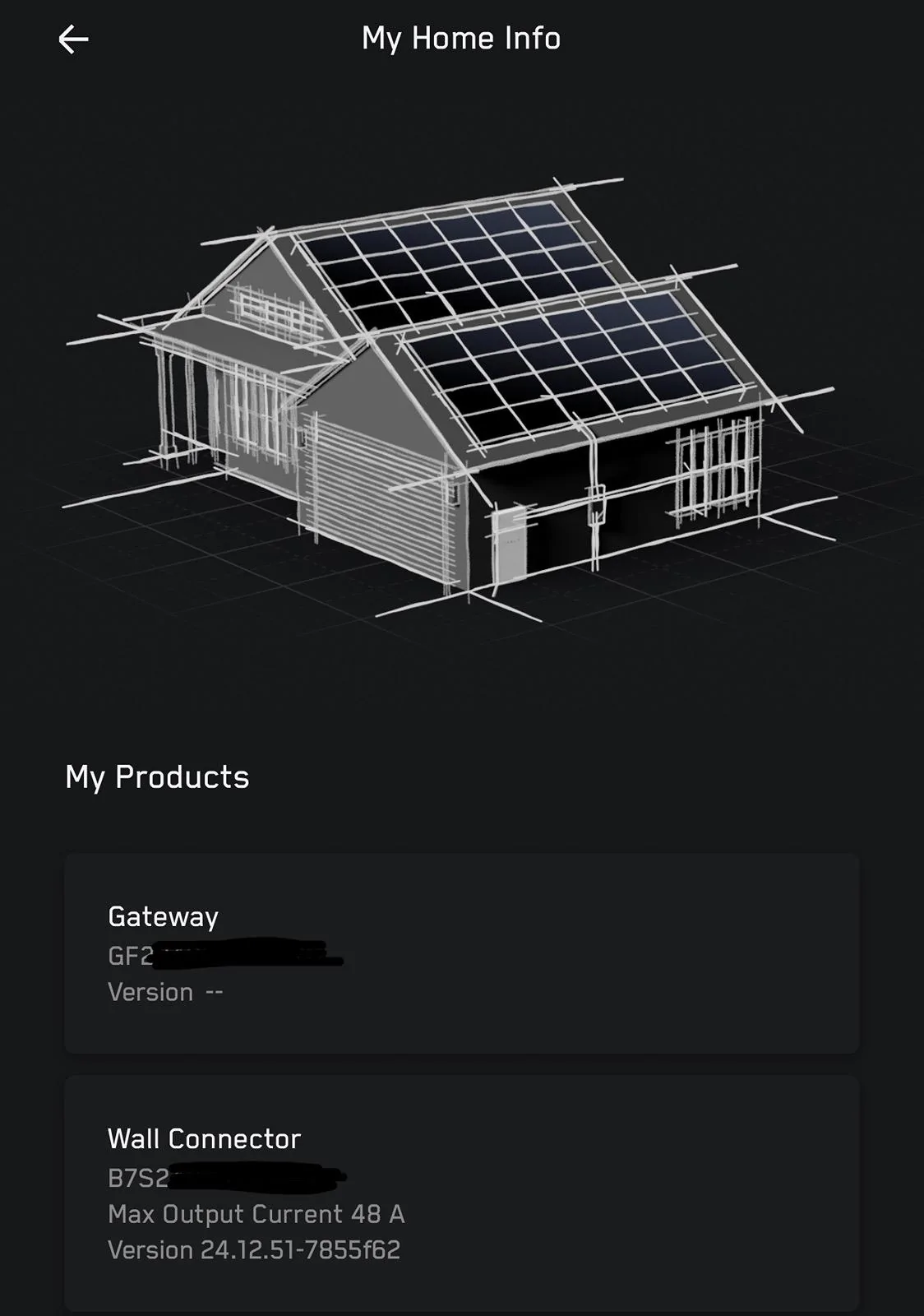
Does your My Home screen look like this and are those the only two pages? I keep wondering if I should be seeing the universal wall connector or gateway on another screen. The only products I have listed are the CT and My Home.

Tesla Cybertruck PowerShare Rolling Out! (Updated Images) 1717086212068-4x
 

bmoorewiz

Active member
First Name
B
Joined
Jan 8, 2024
Threads
11
Messages
44
Reaction score
61
Location
Florida
Vehicles
Model Y , CyberBeast
Occupation
Engineer
Country flag
I've had a beast for a month, and I have heard nothing about PowerShare installation, light bar, hub cabs, or the 7,500 loyalty points I am owed. Nobody has responded to emails, and every time I call and ask they tell me I have the wrong number and to try the Tesla Main number again. Another month goes by and I am not sure what else to do other than hire a lawyer.
 

Daryoon

Well-known member
First Name
David
Joined
Jan 22, 2024
Threads
0
Messages
54
Reaction score
83
Location
San Diego
Vehicles
Cybertruck, Model X, Model 3, Lexus IS-C
Country flag
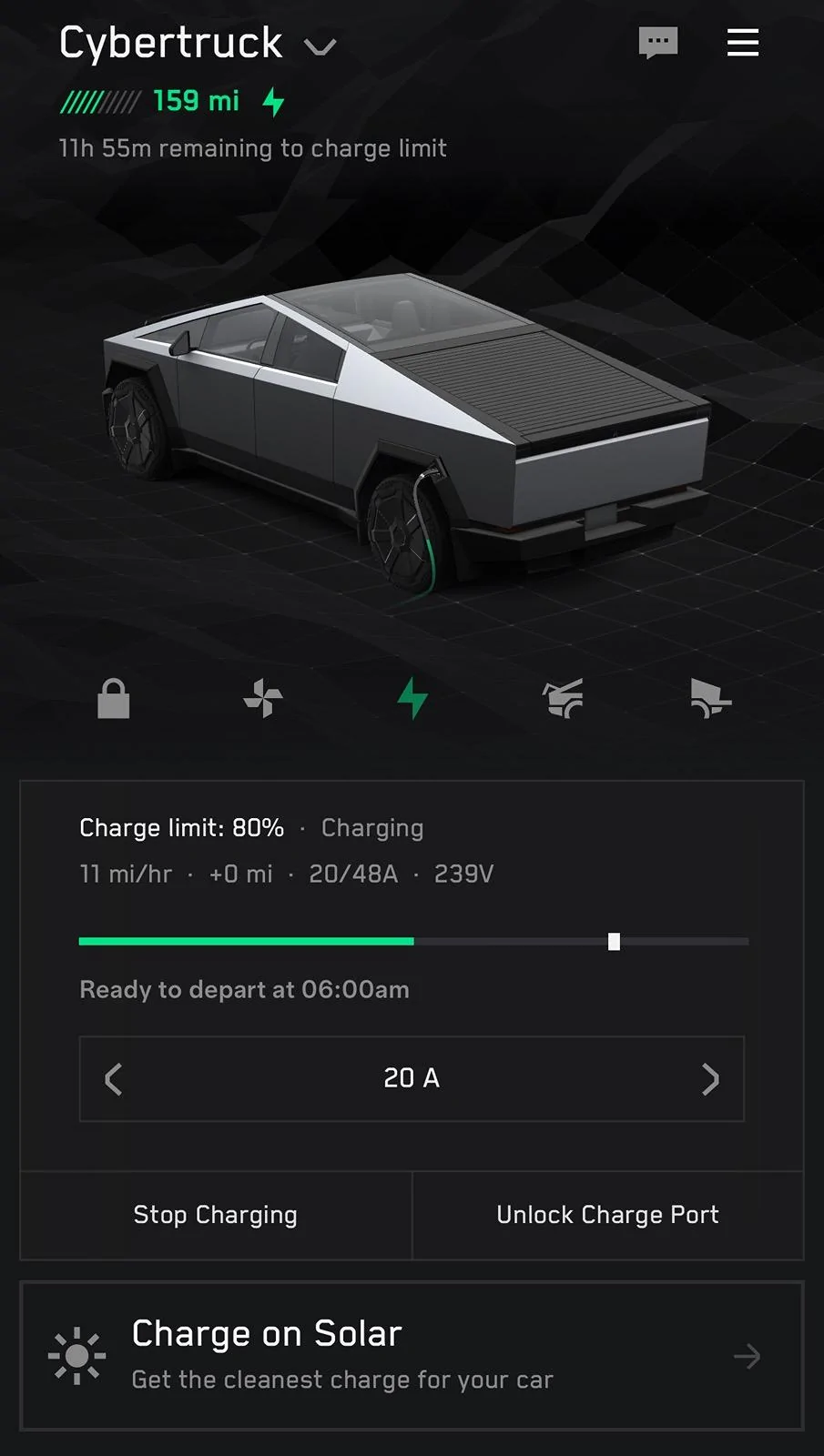
Hopefully charge on sunshine also appears soon for the CT. I like this feature on my TM3. And hoped to do the same with excess solar generation to the CT.


Daryoon

Well-known member
First Name
David
Joined
Jan 22, 2024
Threads
0
Messages
54
Reaction score
83
Location
San Diego
Vehicles
Cybertruck, Model X, Model 3, Lexus IS-C
Country flag
Funny, after I posted. I plugged in and finally see option show up for Charge on Solar for CT.
Tesla Cybertruck PowerShare Rolling Out! (Updated Images) IMG_3285
 

Chaetagnath

Well-known member
First Name
Nick
Joined
Jan 11, 2024
Threads
1
Messages
50
Reaction score
88
Location
Naples
Vehicles
Model 3, Cybertruck ordered
Country flag
Awesome!

Looks like the background graphic on the CT screen changes when PowerShare is active? (Top picture).

Does your My Home screen look like this and are those the only two pages? I keep wondering if I should be seeing the universal wall connector or gateway on another screen. The only products I have listed are the CT and My Home.

1717086212068-4x.webp
I have a separate page for the gateway and the charger. Charger needs to connect to wifi. In the app tap the top right three bar thing, then my products, then add product, add charger and it should walk you through.

The graphic changes color to
Purple and shows a purple surge going into the house from the truck instead of green from house to truck.
 

Daryoon

Well-known member
First Name
David
Joined
Jan 22, 2024
Threads
0
Messages
54
Reaction score
83
Location
San Diego
Vehicles
Cybertruck, Model X, Model 3, Lexus IS-C
Country flag
Do have solar already set up?
Yes, I have Tesla solar and 2x Powerwalls and a gen2 HPWC. Interestingly, the gen2 is 80A and can charge my X at 72A. It's funny that the CT has a larger battery but limited the charge rate @48A like my Model3. I assume it's because Tesla standardize on that to be consistent across all their vehicles and also less risky when charging at a lower ampreage.
 
Last edited:

jefflawless

Active member
First Name
Jeff
Joined
Jan 26, 2024
Threads
0
Messages
42
Reaction score
22
Location
Fontana, CA
Vehicles
S, 3, 3, X
Occupation
IT
Country flag
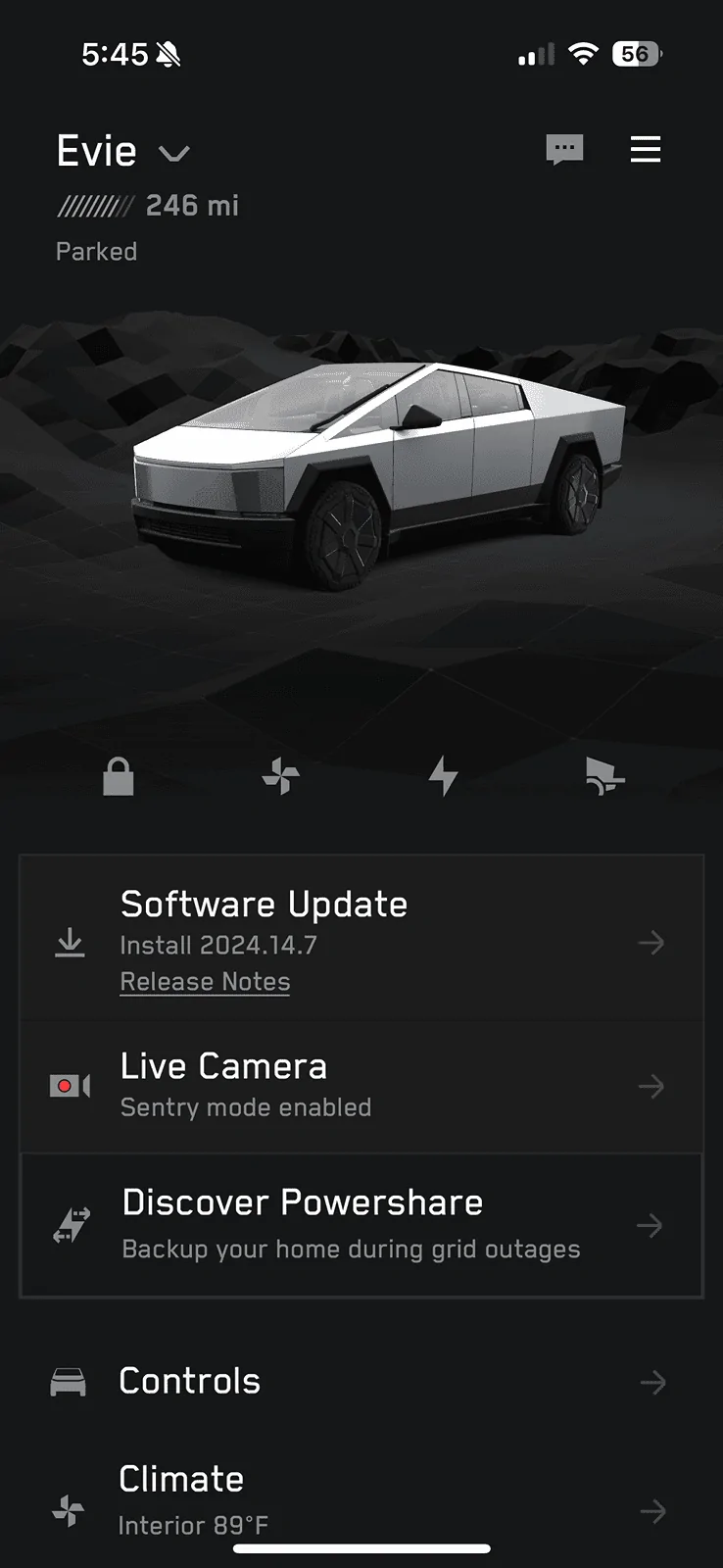
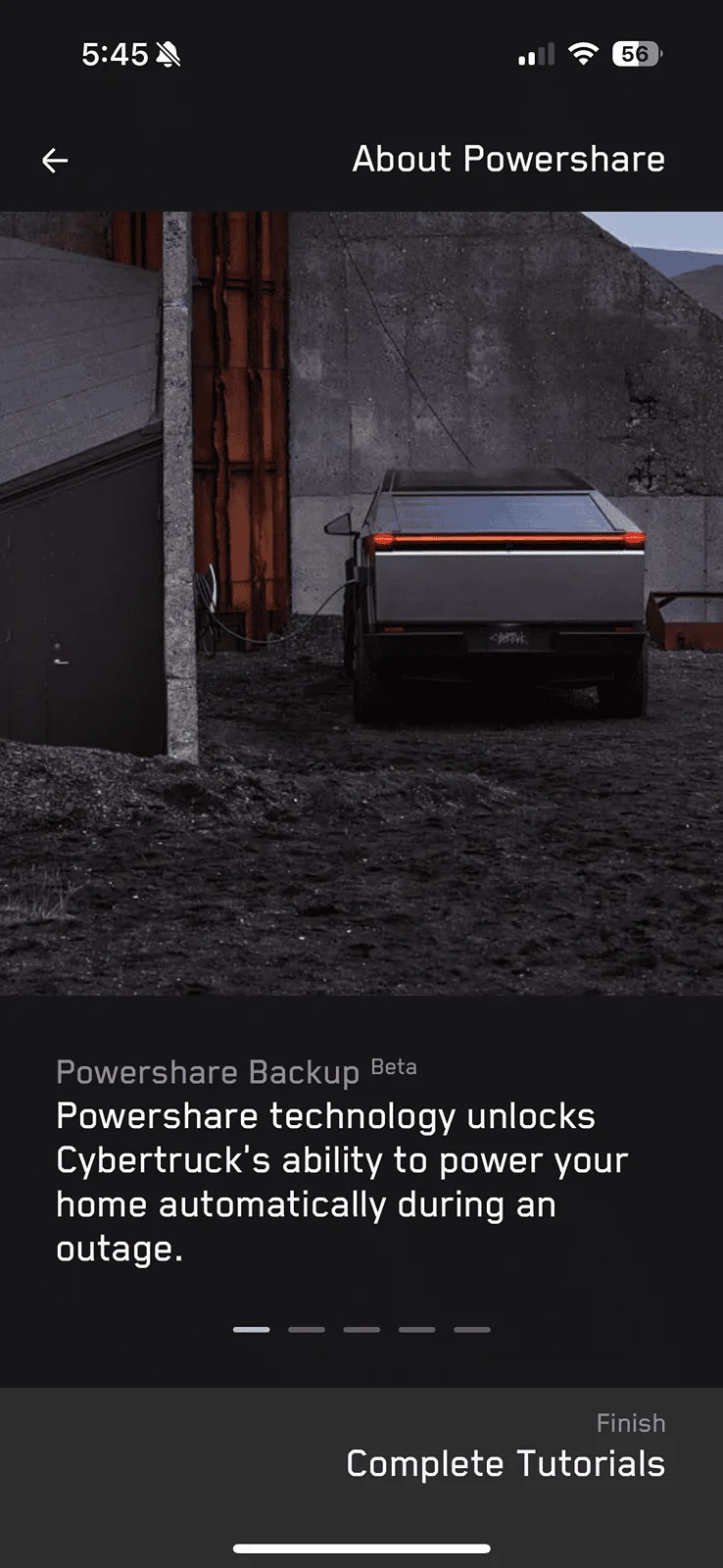
The Tesla app sent me a notification that the truck had an update pending 2024.14.7. It says minor changes, but this all appeared in the app (before I started the update).

I’ll check if the update changes anything…

IMG_8688.png
IMG_8689.png
IMG_8690.png
IMG_8691.png
IMG_8692.png
IMG_8693.png
IMG_8694.png
The Tesla app sent me a notification that the truck had an update pending 2024.14.7. It says minor changes, but this all appeared in the app (before I started the update).

I’ll check if the update changes anything…

IMG_8688.png
IMG_8689.png
IMG_8690.png
IMG_8691.png
IMG_8692.png
IMG_8693.png
IMG_8694.png
What version is your gateway software? I have 2024.14.11, power wall, solar and a v3 charger, I have Charge on Solar, yet I still don't have Powershare. Just wondering what versions of software the devices need to make this happen.

Do you have a universal wall connector or just a regular v3 wall connector?


SpykeDaddy

Well-known member
First Name
Michael
Joined
Jan 10, 2024
Threads
2
Messages
142
Reaction score
229
Location
Marine on St. Croix
Vehicles
2010 Roadster, 2018 Model S, 2024 CyberTruck
Country flag
Count me in as waiting, too.

I added the Universal Wall Charger and PowerShare to my app and everything shows power running through and functioning, but there is no option under the Cybertruck "Controls" setting to turn on PowerShare.

My installer said I was on the right version of software to have the feature enabled. I looked at his installer app and everything was green and working with no software updates needed.

We're at the point where I'm just waiting for Tesla to do something on their end. I may submit a ticket if I don't see something in a day or two. He literally activated my PowerShare an hour ago and I'm suspicious that someone on the Tesla side needs to "release it" to me for use.
 

cybercoffee

Well-known member
Joined
Nov 6, 2023
Threads
11
Messages
400
Reaction score
400
Location
Los Angeles
Vehicles
MYLR
Country flag
What version is your gateway software? I have 2024.14.11, power wall, solar and a v3 charger, I have Charge on Solar, yet I still don't have Powershare. Just wondering what versions of software the devices need to make this happen.

Do you have a universal wall connector or just a regular v3 wall connector?
nothing for me either. I have powerwalls and a gen 3 (not universal) wall connector. truck is on 2024.14.11. gateway is on 23.44.0. can other people chime in with data points so we can figure out if the wall connector is the issue (unlikely...at one point they said a regular wall connector would work) or if it really is just that they're delaying the rollout to existing powerwall/gateway customers?

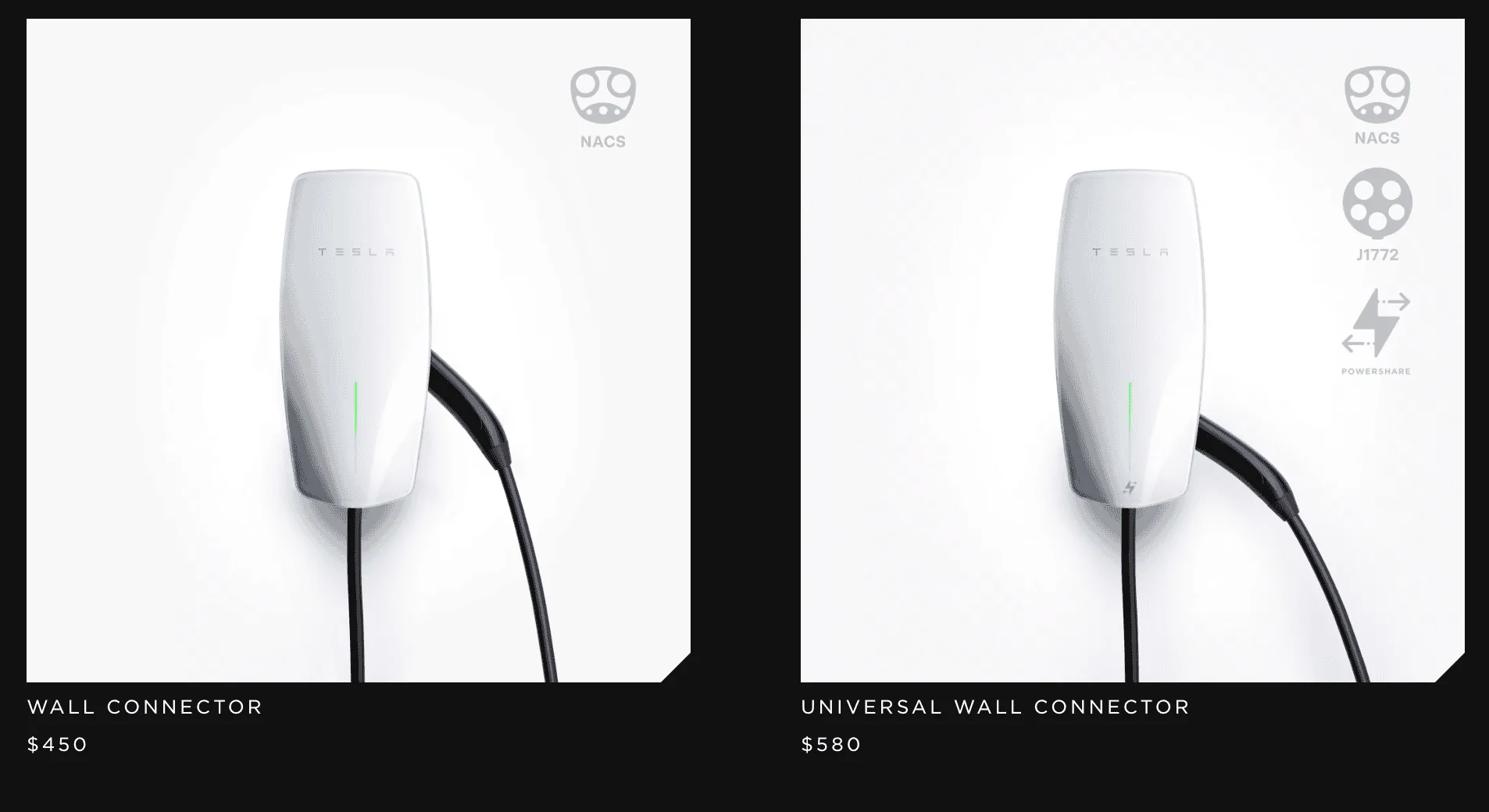
P.S. if you look at the Tesla shop page, only the universal wall connector has the PowerShare icon
Tesla Cybertruck PowerShare Rolling Out! (Updated Images) 1717439404488-7r


P.P.S. If you look at the Tesla PowerShare webpage https://www.tesla.com/powershare about three panels or so down, the third option is "Installation with Powerwall" and it suggests that a regular wall connector is fine
 

jpend

Well-known member
First Name
Jeff
Joined
Jan 15, 2024
Threads
8
Messages
67
Reaction score
105
Location
Georgia
Vehicles
CT
Country flag
Still waiting….

I can’t determine if maybe I don’t have something setup correctly. Both the Gateway and Universal Wall Connector show up in My Home, both are on WiFi, however the Gateway version is not showing. I’ve tried to re-add both and they just say already registered in the location. Others have said they have pages for each, but mine are associated with My Home and don’t show individually. Not sure how this all should look.

Tesla Cybertruck PowerShare Rolling Out! (Updated Images) IMG_2997

Tesla Cybertruck PowerShare Rolling Out! (Updated Images) IMG_2997
 

jefflawless

Active member
First Name
Jeff
Joined
Jan 26, 2024
Threads
0
Messages
42
Reaction score
22
Location
Fontana, CA
Vehicles
S, 3, 3, X
Occupation
IT
Country flag
nothing for me either. I have powerwalls and a gen 3 (not universal) wall connector. truck is on 2024.14.11. gateway is on 23.44.0. can other people chime in with data points so we can figure out if the wall connector is the issue (unlikely...at one point they said a regular wall connector would work) or if it really is just that they're delaying the rollout to existing powerwall/gateway customers?

P.S. if you look at the Tesla shop page, only the universal wall connector has the PowerShare icon
1717439404488-7r.png


P.P.S. If you look at the Tesla PowerShare webpage https://www.tesla.com/powershare about three panels or so down, the third option is "Installation with Powerwall" and it suggests that a regular wall connector is fine
Thanks, my gateway is on 23.12.11. It must be 23.44.0 is required for Powershare to work. Time to wait in anticipation of the gateway update.

Thanks for the information
Sponsored


Top